Quick Answer
If you want the longest time between charges, a battery-powered mouse like the TECKNET Bluetooth Mouse with a 2-year battery life wins. If you prefer not to buy or replace batteries, a rechargeable model like the TECKNET Wireless Mouse with a 3-month battery life is more convenient.
Battery Life: 2 Years vs 3 Months
The most obvious difference is how often you need to think about power. A battery-powered mouse can run for up to 2 years on a single set of batteries, while a rechargeable mouse typically lasts up to 3 months on a full charge. That means the battery-powered option requires far less frequent attention.
But longer battery life isn't the only factor. Consider how you use your mouse daily and whether you're comfortable with a charging routine.
Convenience and Maintenance
Rechargeable mice eliminate the need to keep spare batteries around. You charge the mouse for 1.5–2 hours and get up to 3 months of use. A low battery warning reminds you when it's time to plug in, so you won't be caught off guard.
Battery-powered mice require you to have batteries on hand, but you'll rarely need to change them. If you're someone who forgets to charge devices, a 2-year battery life can be a real advantage.
Environmental and Cost Considerations
Rechargeable mice can reduce battery waste over time, but they do have a built-in battery that will eventually degrade. Battery-powered mice use disposable batteries, which you'll need to replace—though only every couple of years.
There's no clear winner here; it depends on your priorities. If you value low maintenance and don't mind occasional charging, go rechargeable. If you want to set it and forget it, choose battery-powered.
Trade-Offs at a Glance
- Rechargeable Mouse: Choose this if you prefer not to buy or replace batteries. Expect to charge every few months. Keep the charging cable handy and plug in when the low battery warning appears.
- Battery-Powered Mouse: Choose this if you want the longest time between power interventions. You'll need to have batteries available, but only every couple of years. Keep a spare set of batteries in your desk drawer so you're never without a working mouse.
- Both Options: Both mice offer 6 adjustable DPI levels (800–4800) and 6 buttons, so your choice comes down to power preference, not features. Focus on your charging habits rather than specs when deciding.
Product Facts
-
TECKNET Wireless Mouse (BT5.0/3.0 & 2.4G) Rechargeable 4800 DPI Silent USB A & Bluetooth Mouse 6 Buttons, Wide Compatibility - Blue: Rechargeable in 1.5–2 hours for up to 3 months of typical use, with a low battery warning. You get months of use from a quick charge, and the warning helps you avoid sudden shutdowns.
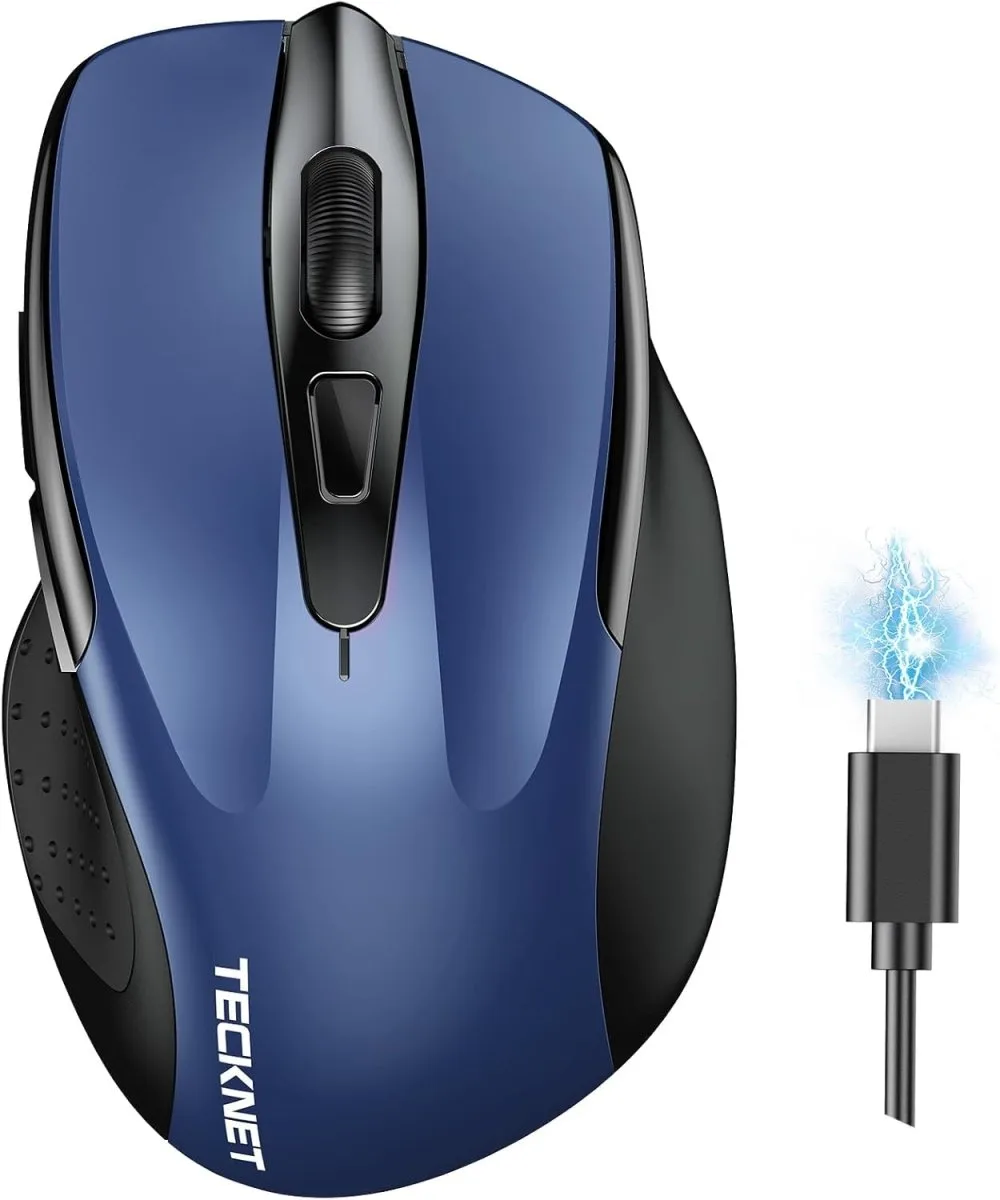
TECKNET Wireless Mouse (BT5.0/3.0 & 2.4G) Rechargeable 4800 DPI Silent USB A & Bluetooth Mouse 6 Buttons, Wide Compatibility - Blue
-
TECKNET Bluetooth Mouse, 4800 DPI Wireless Mouse, 2-Year Battery 6 Adjustable DPI, 6 Buttons Compatible with Laptop/Windows/Computer - Pink: Up to 2-year battery life on a single set of batteries (batteries not included). This means you rarely need to think about power, making it ideal for low-maintenance users.
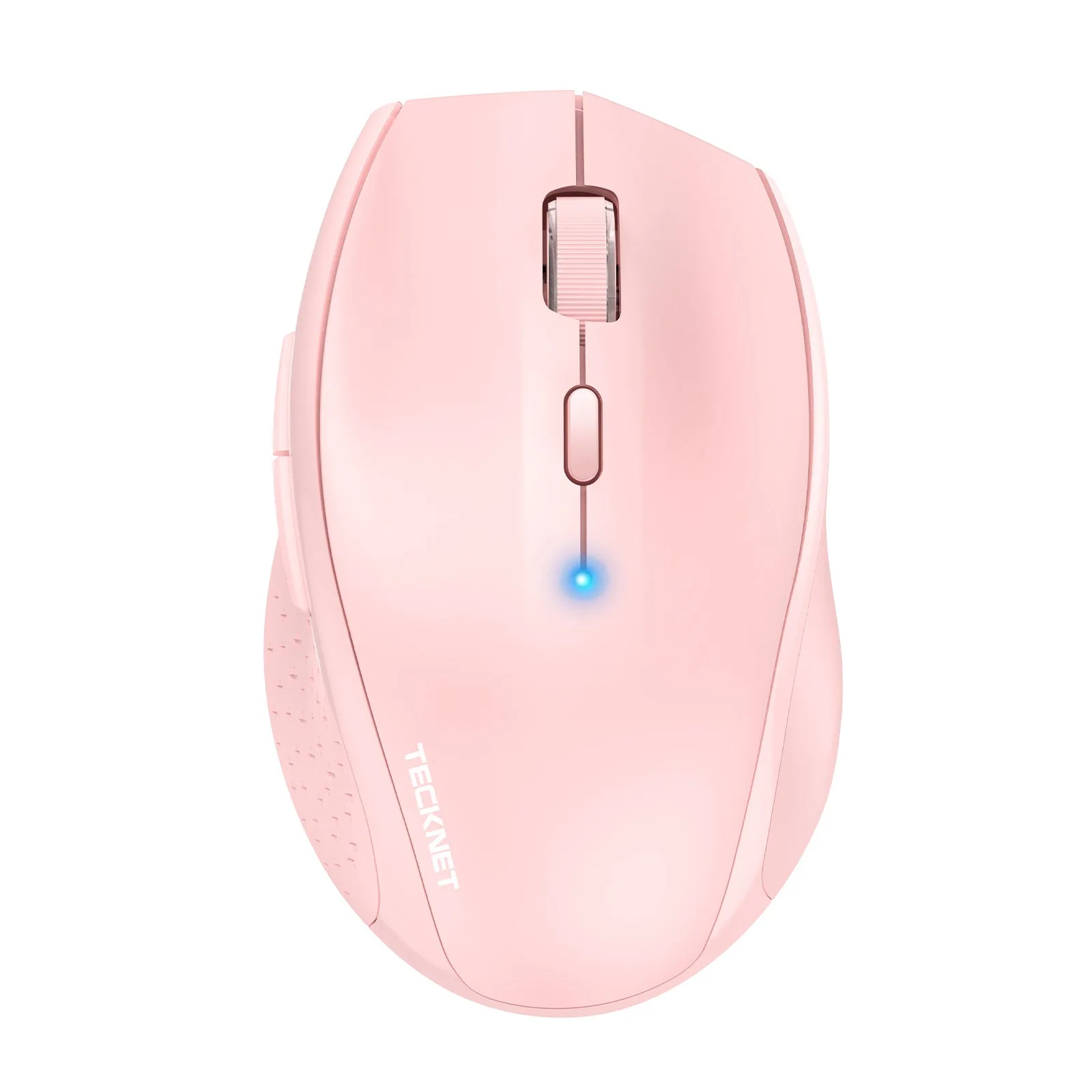
TECKNET Bluetooth Mouse, 4800 DPI Wireless Mouse, 2-Year Battery 6 Adjustable DPI, 6 Buttons Compatible with Laptop/Windows/Computer - Pink
Which Should You Choose?
Best for
- Users who want minimal maintenance and are fine with battery replacement every couple of years
- People who often forget to charge devices and prefer a set-and-forget solution
Not for
- Users who want to avoid disposable batteries and prefer a rechargeable, cable-included solution
- Those who need a mouse that can be quickly topped up without hunting for batteries