Quick answer
To clean vinyl records without damage, use a carbon fiber or anti-static record brush before every play. Hold the brush lightly on the spinning record, let it lift dust, then pull it outward in one smooth motion. Never press hard or use circular scrubbing, which can grind particles into the groove.
Why brush choice and technique matter
A record brush does two jobs: it removes loose dust and it reduces static that attracts more dust. Carbon fiber brushes are conductive and help drain static as you sweep. Anti-static brushes often combine carbon fibers with a grounded handle or a velvet pad. The key is to let the bristles do the work without adding pressure. Pressing down bends fibers, reduces their reach into the groove, and can push debris deeper. For turntable record maintenance, a light touch is always better than a heavy hand.
Step-by-step record brush technique
Follow this order every time you play a record. It takes about 10 seconds and prevents most surface noise.
1. Ground yourself. Touch a metal object or the turntable platter to discharge static from your body. This stops you from recharging the record as you brush.
2. Place the record on the platter and start it spinning at normal play speed. Brushing while stationary does not lift dust as effectively.
3. Hold the brush by its handle or edge. Lower the bristles onto the record near the outer edge, letting them rest lightly. Do not push down.
4. Leave the brush in place for one or two revolutions. The fibers will pick up dust and the conductive path will reduce static.
5. Pull the brush smoothly toward you and off the record in one motion. This carries dust away instead of redepositing it.
6. Inspect the bristles. If they are dirty, clean the brush according to its instructions before the next use. A dirty brush just moves grime around.
Common mistakes that cause damage
The most common mistake is pressing the brush into the groove. That can bend the cantilever or force grit against the vinyl. Another is brushing in circles, which can trap particles and create tiny scratches. Some people brush a dry record with a wet brush or use household cloths that shed fibers. Those fibers wrap around the stylus and cause mistracking. Finally, skipping the brush because the record looks clean still leaves microscopic dust that wears both record and stylus. A quick dry brush before each play is the simplest vinyl cleaning without damage habit you can build.
When to deep clean and when to brush
A dry brush handles surface dust and static for most plays. But if you hear crackle that brushing does not fix, the record likely has deeper contamination from fingerprints, smoke, or mold release. That calls for a wet cleaning with a record cleaning solution and a microfiber or velvet applicator, followed by a rinse and dry. Do not wet-clean every time, because excess moisture can damage labels and inner sleeves. For routine turntable record maintenance, dry brushing is enough. For older or heavily soiled records, a wet clean every few months is reasonable.
Your 6-step record brushing routine
- Discharge static from your body: Touch a metal ground or the turntable platter before you touch the record. This prevents you from adding static that attracts dust. Checkpoint: if you feel a small spark, you were charged. Repeat until no spark.
- Start the platter and lower the brush: With the record spinning at play speed, rest the brush bristles lightly on the outer edge. Let the fibers touch the groove, not press into it. Mistake to avoid: pushing down. The brush should glide, not scrub.
- Let it spin one or two turns: Allow the record to rotate once or twice under the brush. This gives the fibers time to lift dust and drain static. Checkpoint: you should see dust collecting on the bristles, not on the record.
- Sweep the brush outward and off: Pull the brush smoothly toward you and off the record in one continuous motion. This carries dust away instead of leaving it on the surface. Mistake to avoid: circular scrubbing, which can trap particles and scratch vinyl.
- Clean or tap out the brush: After each use, tap the brush against a hard surface or follow the maker's cleaning instructions. Never use water on a carbon fiber brush unless specified. Checkpoint: a dirty brush spreads grime. Keep it dry and debris-free.
- Store the brush properly: Keep the brush in its case or a clean, dust-free spot. Do not leave it on the turntable where it can pick up oil or dust. Next step: if crackle persists after brushing, plan a wet clean with a record cleaning solution.
Product facts that support record care
- CleanScreen Bright Wipes: CleanScreen Bright Wipes are non-toxic tissues free from alcohol, ammonia, and other potentially harmful solvents, and are safe for delicate surfaces including glasses. You can safely use these wipes on dusty record sleeves, turntable dust covers, and even your eyeglasses while handling vinyl, without risking chemical damage to nearby plastics or coatings.
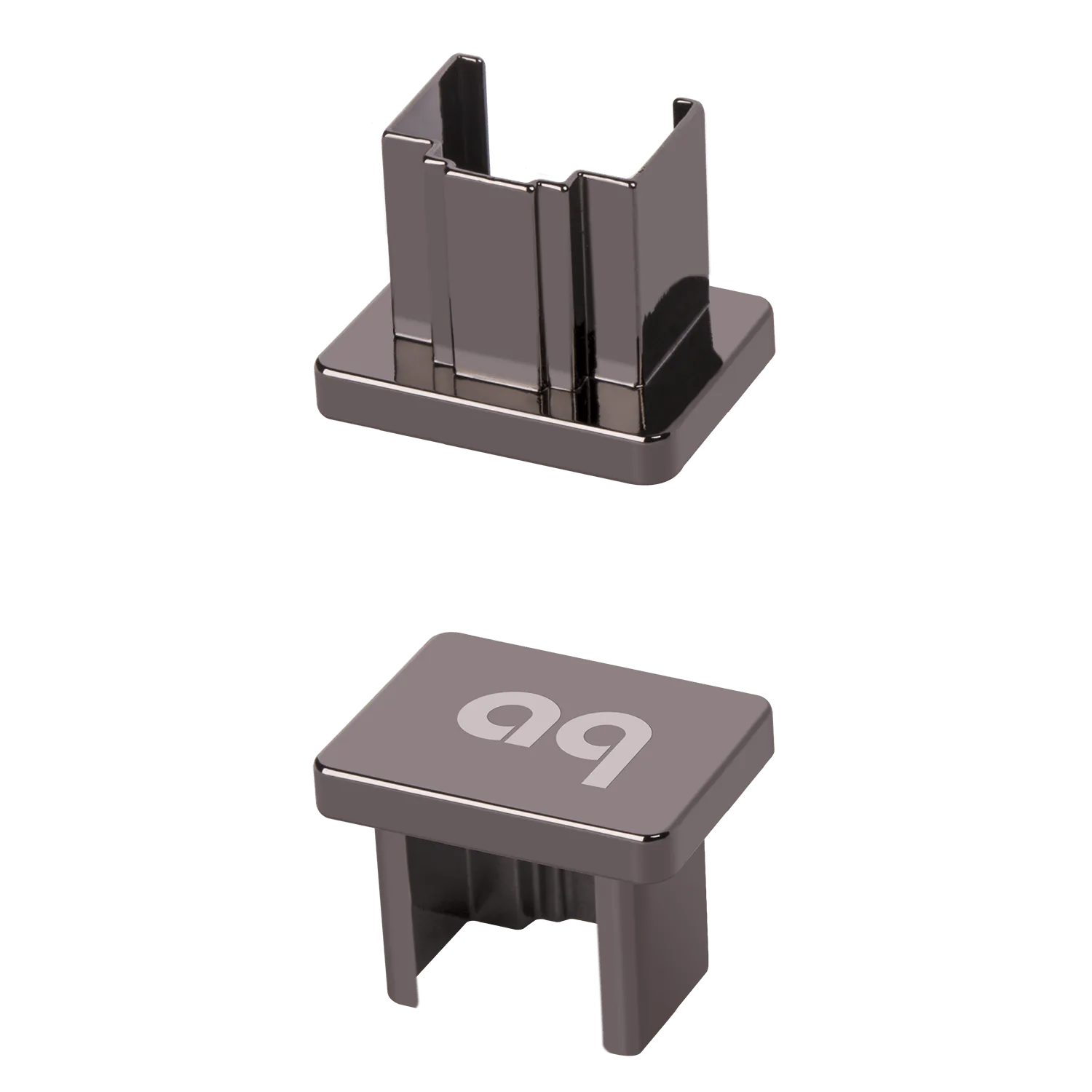
- RJ45 Noise-Stopper: The AudioQuest RJ45 Noise-Stopper is an Ethernet accessory designed for noise dissipation in network connections. If your turntable or streaming setup shares a network rack, reducing noise on Ethernet lines can lower the overall noise floor, making record surface noise easier to hear and address with proper brushing.