Quick Answer
To install the Redcat RER15164 mirror assembly, align the mirror base with the mounting hole on your '79 Monte Carlo body, insert the screw from the inside, and tighten until snug—don't overtighten to avoid cracking the body.
Why Proper Installation Matters
The RER15164 is a spare part for the Redcat '79 Monte Carlo body. A loose mirror can vibrate loose during runs, and a cracked body is a common result of overtightening. Taking a few extra minutes to install it correctly keeps your RC looking sharp and avoids damage.
Step-by-Step Installation
- Gather Tools and Parts: You'll need the RER15164 mirror set, a small Phillips screwdriver, and optionally a drop of thread-locker. Check that the mirror base matches the mounting hole on your body. Confirm the mirror is the correct part for your '79 Monte Carlo before starting.
- Position the Mirror: Place the mirror on the outside of the body, aligning the screw hole with the body's mounting hole. Hold it firmly in place. Ensure the mirror sits flush against the body to prevent a crooked fit.
- Insert and Tighten the Screw: From the inside, insert the screw through the body and into the mirror base. Tighten until snug—do not overtighten, as this can crack the body or strip the threads. Stop as soon as you feel resistance; the mirror should not spin freely but the body should not flex.
- Repeat for the Second Mirror: Repeat the process for the other mirror. Double-check that both mirrors are aligned and secure before running your RC. A final check prevents one mirror from loosening during operation.
Product Facts
-
RER15164: The RER15164 is a '79 Monte Carlo Mirror Assembly in purple, supplied as a one-pair set. You get both mirrors in one package, so you can replace both sides for a uniform look.
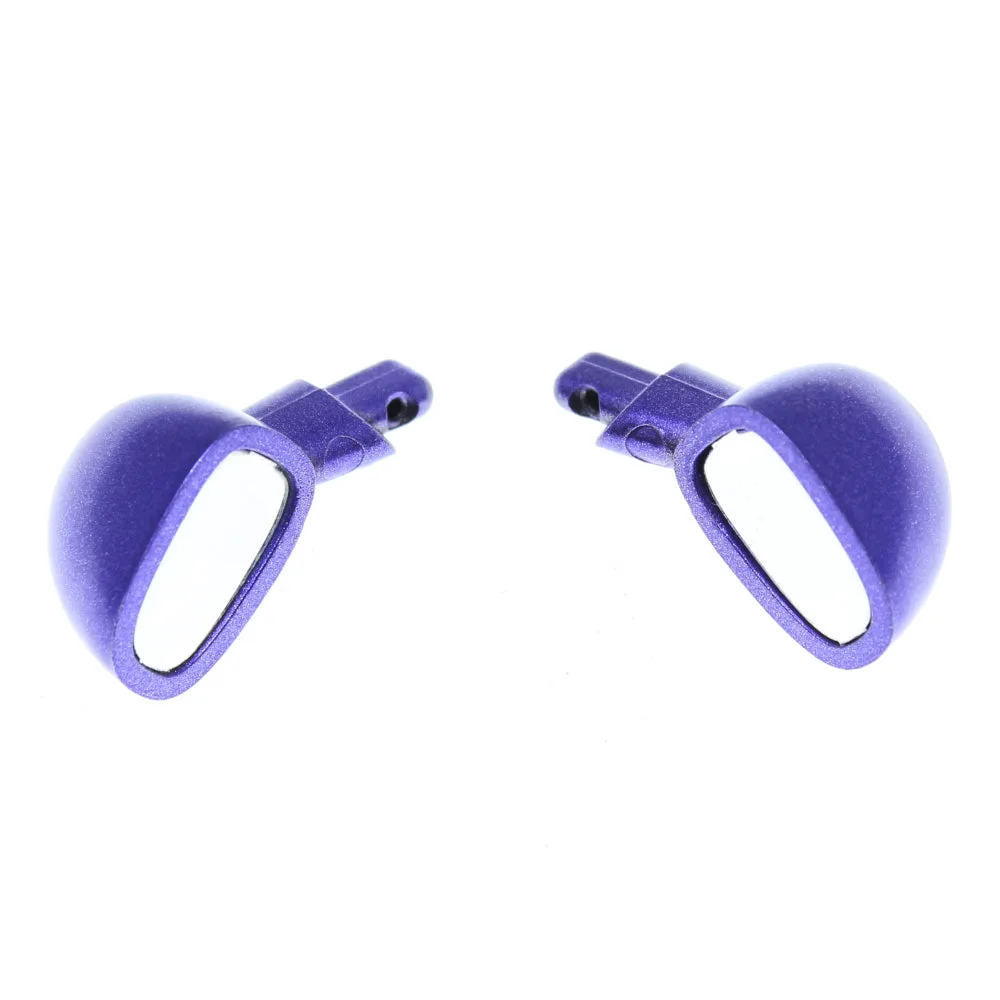
RER15164