First, separate normal drain from a real problem
A Switch that loses charge quickly is not automatically a bad refurbishment. The console runs in three different modes — TV, tabletop and handheld — and each draws power differently. Brightness, volume, wireless features and the game itself all change how long a charge lasts. Before you treat fast drain as a fault, establish a baseline: play the same game at the same brightness for a set period in handheld mode and note the percentage drop. Compare that with a second session under identical conditions. A consistent result tells you more than a single bad afternoon.
The Neon refurbished listing supplied here confirms the hardware you are working with: a 6.2-inch LCD touch screen at 1280 x 720, an NVIDIA Custom Tegra processor, detachable Joy-Con controllers, and three play modes. Those are the parts that determine power draw. The listing does not include a battery capacity figure or a rated battery life, so any specific hour estimate you see elsewhere is not confirmed by this record. Use your own measured baseline instead of a number from a forum.
What the Neon refurbished listing confirms
-
Nintendo Switch – Neon – Refurbished C: Display: 6.2-inch LCD touch screen (1280 x 720 resolution, 237 ppi) Screen brightness is one of the biggest variables in handheld drain. Knowing the exact panel helps you set a repeatable baseline rather than guessing.
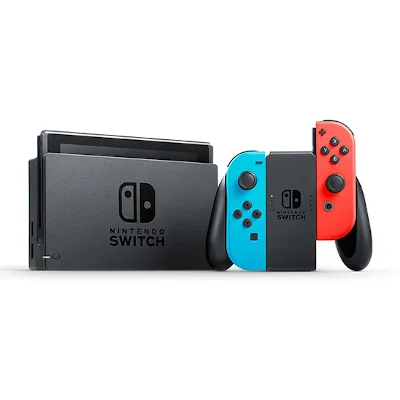
Nintendo Switch – Neon – Refurbished C
-
Nintendo Switch – Neon – Refurbished C: Modes: TV mode, Tabletop mode, Handheld mode Drain in TV mode is not comparable to handheld drain. Always note which mode you were using before calling the battery faulty.
-
Nintendo Switch – Neon – Refurbished C: Controllers: Detachable Joy-Con controllers with HD Rumble and IR Motion Camera Joy-Con have their own power draw and charging behaviour. If the controllers are attached, they pull from the console, which affects how quickly the whole system drops.
-
Nintendo Switch – Neon – Refurbished C: Storage: 32GB internal (expandable via microSDXC up to 2TB) A microSDXC card is supported, but the listing does not specify a brand or speed requirement. If you add one, choose a reputable card and format it through the console rather than assuming any card will behave identically.
Checks to run before you blame the battery
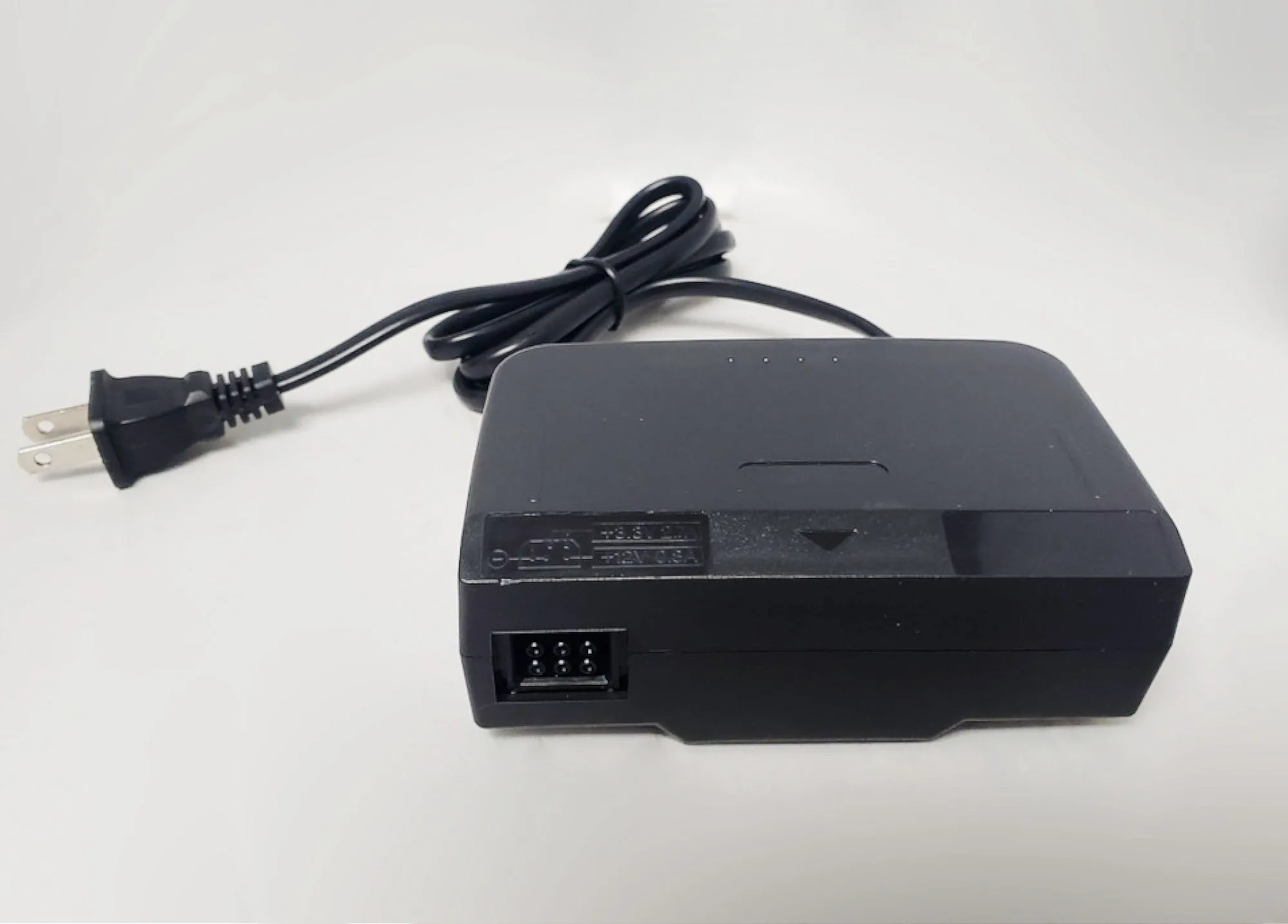
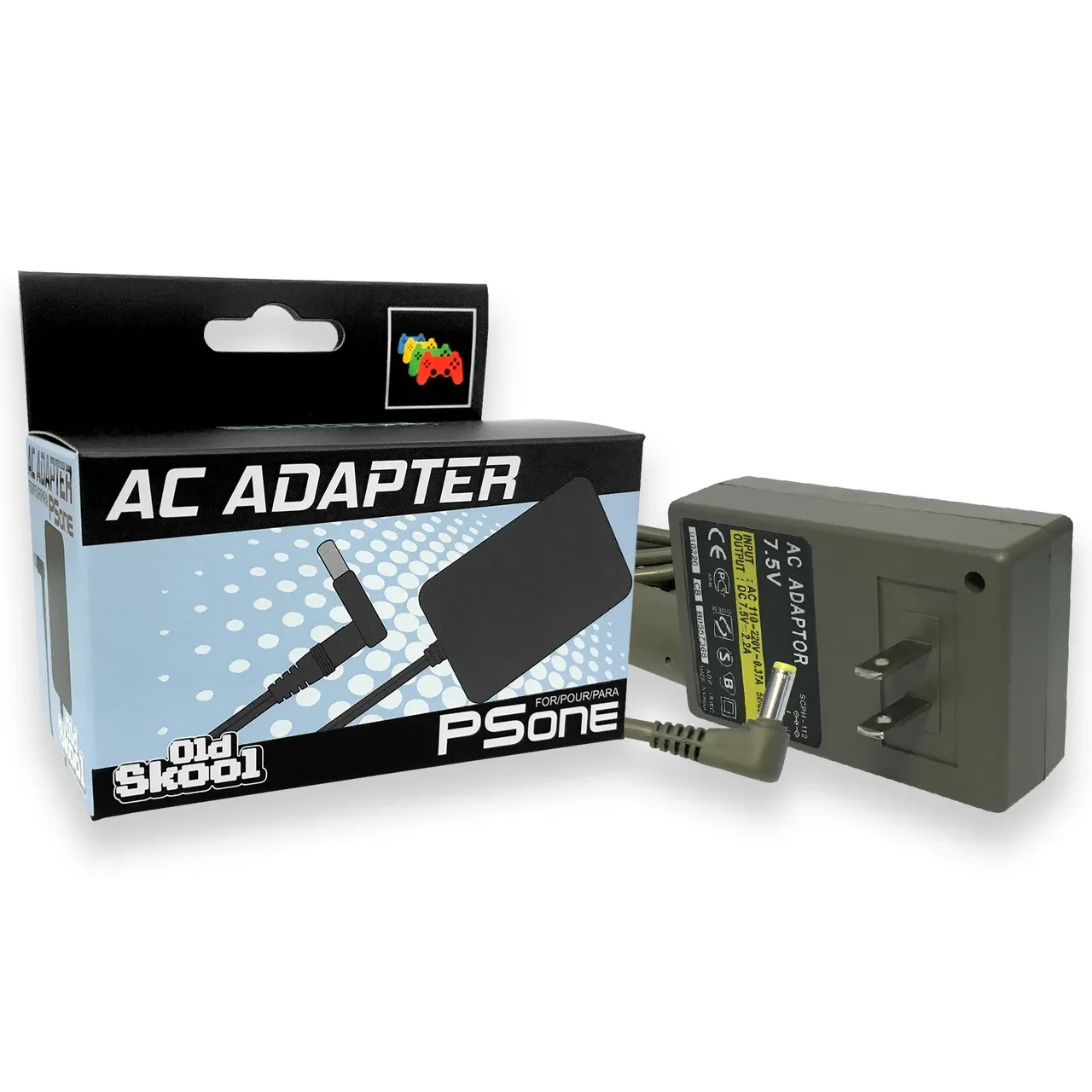
- Confirm the charger and cable: Use the supplied AC adapter and HDMI cable from the box. The listing confirms an AC adapter is included, but it does not state wattage or charging time. If you substitute a third-party charger, you cannot assume the same charging behaviour. Test with the original first.
- Note the software state: The listing says the console ships with the latest Nintendo Switch system software. System updates can change background behaviour, so check for pending updates before a test session. Do not assume an update will fix drain — just rule it out as a variable.
- Test with Joy-Con detached: Run one session with the Joy-Con removed and one with them attached. If drain is noticeably faster with controllers attached, the issue may be controller charging rather than the console battery. The listing confirms the Joy-Con are detachable, so this is a clean comparison.
- Check sleep and screen settings: Auto-sleep and brightness are user settings, not hardware faults. Set a fixed brightness and a short auto-sleep interval for your test. The listing does not supply recommended values, so pick settings you can repeat exactly.
- Watch for heat and swelling: Stop using the console if the rear casing feels unusually hot during charging or if the body appears to bulge. The supplied record contains no safety or care instructions, so treat these as general red flags and seek proper assessment rather than continuing to charge.
Charging habits that keep a refurbished battery predictable
The listing does not include manufacturer charging instructions, so this is practical guidance rather than a rulebook. Keep the console out of very hot or very cold environments while charging, avoid leaving it plugged in for days on end, and charge it before long storage rather than after. If you mainly play in TV mode, the console is effectively charging while docked; that is normal, but it means your handheld drain test should start from a known charge level, not from a dock that has been powered for a week.
A refurbished Grade C console may show cosmetic wear, but the grade describes appearance, not battery health. The supplied record does not include a battery health percentage or cycle count. If drain remains severe after repeatable testing with the original charger and consistent settings, contact the seller with your measured results rather than trying a DIY battery replacement, which the listing does not authorise or describe.
What the listing does not settle
The supplied record confirms the screen, processor, controllers, modes, storage, audio and box contents. It does not confirm battery capacity, rated runtime, charging time, or a battery health figure. That absence matters: it means you cannot verify a drain complaint against a published specification from this listing alone. Your best evidence is a controlled test you can repeat and describe clearly. If you are still shopping, ask the seller for battery-specific information before buying — the Neon refurbished listing is a strong starting point for the console itself, but battery condition is a question worth raising directly.