Quick answer
Turn off the fan at the breaker, remove the old blades, align the new Sofucor blades with the motor brackets, and tighten screws evenly. Use a torque screwdriver to avoid stripping.
Why blade alignment matters
Even a small misalignment can cause wobble or noise. Sofucor KBS fans use a direct-mount system, so the blade arm holes must line up exactly with the motor bracket. If you force a screw, you risk stripping the threads.
What you need before starting
You will need a Phillips-head screwdriver (or a drill with a clutch set to low torque), a soft cloth to protect the blade finish, and the correct replacement set. Sofucor blades are sold per model: KBS-52245 uses walnut blades, KBS-52143-SX uses 100% solid wood, and 6005-1-HTM uses standard blades. Confirm your fan model before ordering.
Step-by-step replacement process
- 1. Cut power and prepare the work area: Turn off the ceiling fan at the circuit breaker, not just the wall switch. Place a drop cloth or towel under the fan to catch dropped screws. Common mistake: relying on the wall switch alone. Always use the breaker.
- 2. Remove the old blades: Unscrew the screws holding each blade to the motor bracket. Keep the screws in a small container. If the blade is stuck, gently rock it side to side – do not pry with a tool. Checkpoint: note which screw goes into which hole; screws may be different lengths.
- 3. Align the new blade with the bracket: Hold the new blade so the mounting holes line up with the bracket holes. Insert the screws finger-tight first, then tighten in a star pattern using a screwdriver. Stop when snug – overtightening can crack the wood or strip the bracket. Common mistake: tightening one screw fully before the others, causing the blade to sit crooked.
- 4. Repeat for remaining blades: Install each blade one at a time. After all blades are attached, spin the fan by hand to check for clearance. If any blade hits the motor housing, loosen and reposition it. Checkpoint: if the fan wobbles after power-on, re-check all screws are evenly tightened.
- 5. Restore power and test: Turn the breaker back on. Run the fan at low speed first, then medium and high. Listen for unusual noise and watch for wobble. If wobble persists, use a blade balancing kit or swap two adjacent blades. Common mistake: skipping the low-speed test. Wobble is easier to spot at low speed.
Replacement blade options
-
Blades for KBS-52245: Walnut blades for the Sofucor KBS-52245 ceiling fan. These are a direct fit for the KBS-52245 model; using a different set would require drilling new holes.
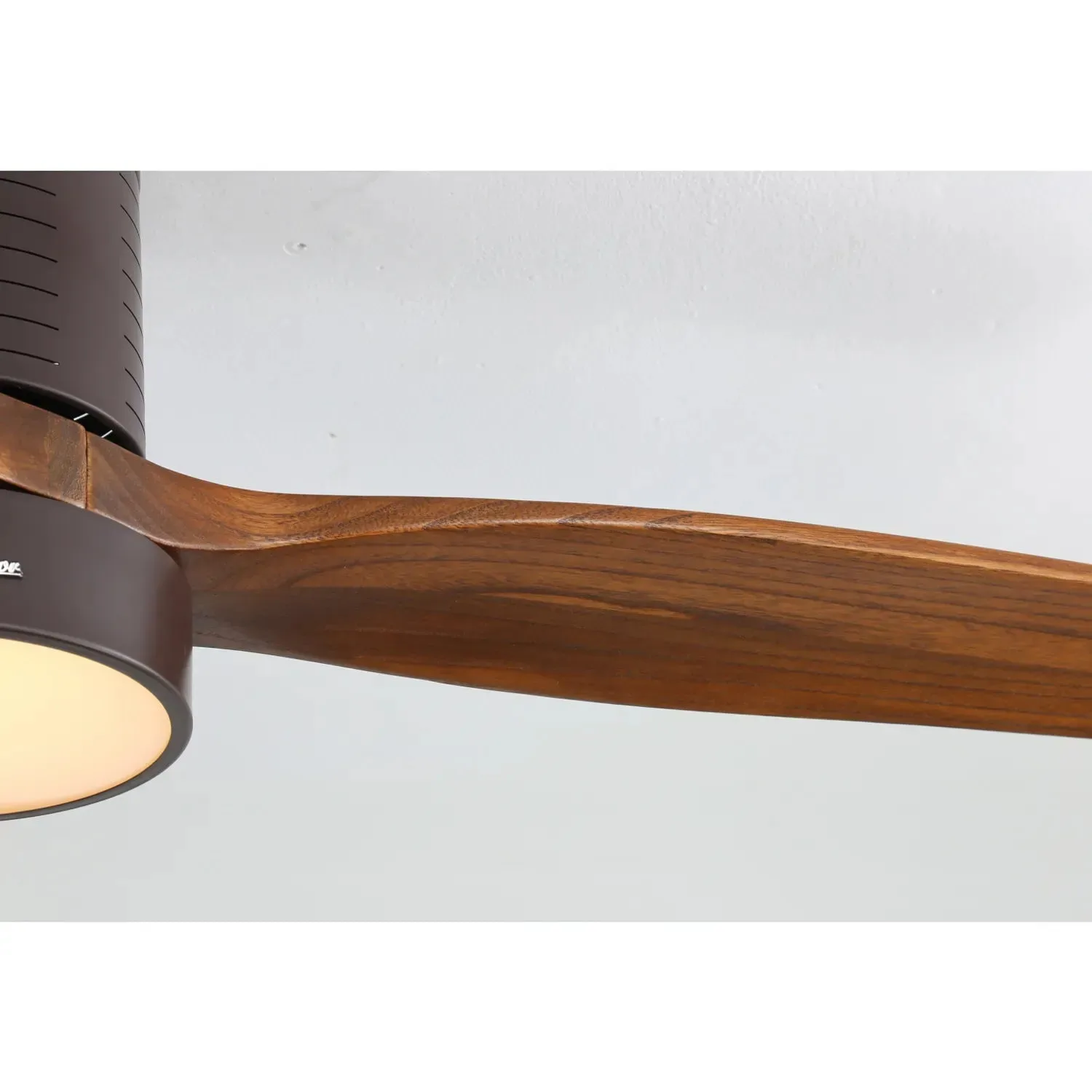
Blades for KBS-52245
-
Blades For KBS-52143-SX: Replacement blades for the Sofucor KBS-52143-SX ceiling fan, made from 100% solid wood. Solid wood offers a natural look but may expand slightly with humidity; ensure screws are not overtightened.

Blades For KBS-52143-SX
-
Blades For 6005-1-HTM: Replacement blades for the Sofucor 6005-1-HTM ceiling fan, sold as a blade set. The 6005-1-HTM uses a standard mount; confirm your fan model matches before ordering.
