What Spare Parts Are Available for the Superfish Scaper Tank
The Superfish Scaper Tank range has a small set of replaceable components: the LED light unit and the power supply. These are the parts most likely to need swapping during the tank's life, whether you are upgrading your light intensity or replacing a failed adapter.
The available LED lights are the Scaper Tank LED Light 45 (24W), the Scaper Tank LED Light 60 (28W), and the Scaper Tank LED Light 90 (32W). Each matches the corresponding tank size. The power supplies come in two variants: one for the 45 model with a UK plug, and a combined unit for the 60 and 90 models, also with a UK plug.
Identifying Your Correct Spare Part
-
Superfish Spare Parts - Scaper Tank: Superfish Scaper Tank Spare Parts include: Scaper Tank LED Light 45 (24W), Scaper Tank LED Light 60 (28 W), Scaper Tank LED Light 90 (32W), Power Supply Scaper Tank 45 (UK Plug), Power Supply Scaper Tank 60/90 (UK Plug). Knowing exactly which part your tank uses is essential before ordering. The LED lights are size-specific, and the power supplies differ between the 45 and the 60/90 models.
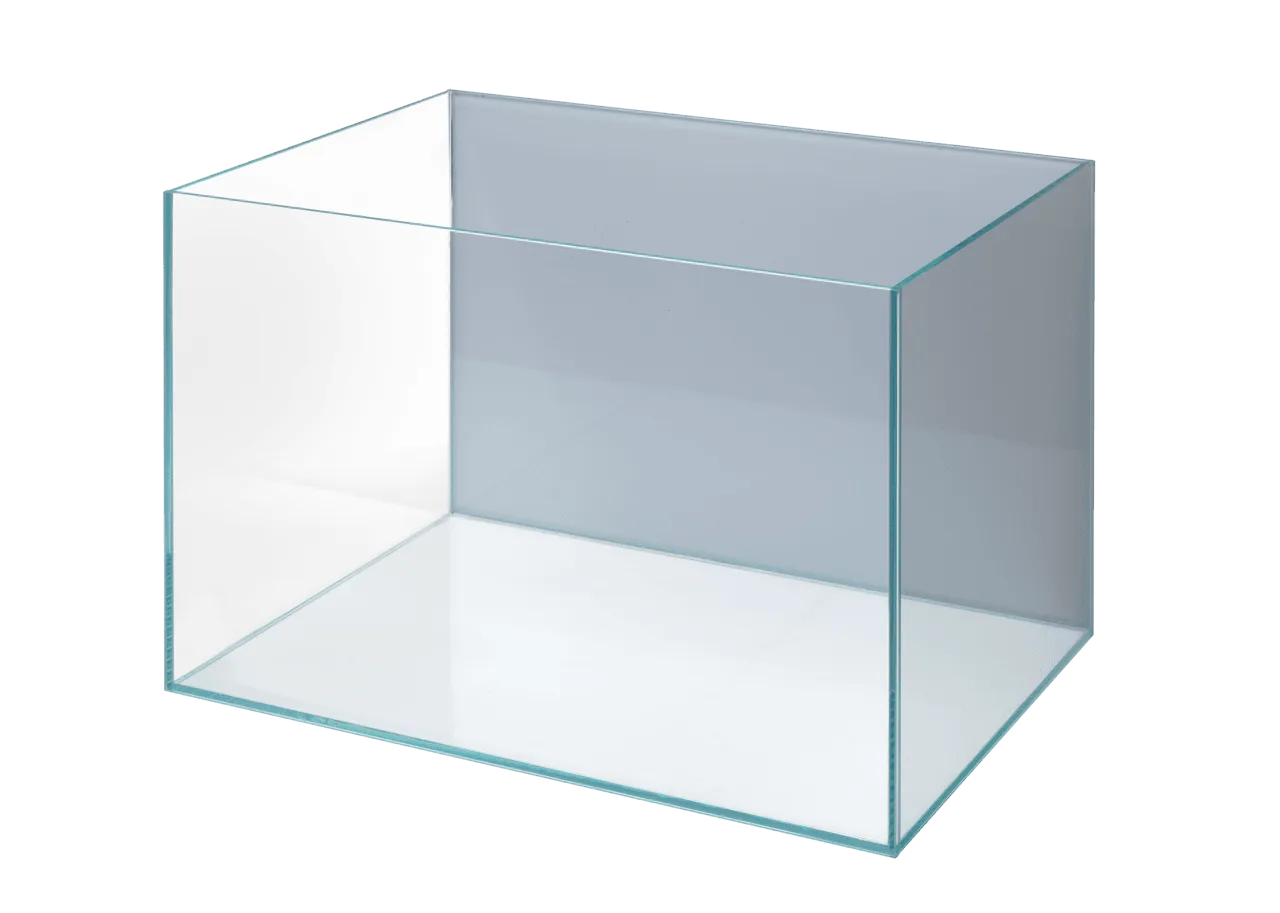
Superfish Spare Parts - Scaper Tank
How to Replace a Scaper Tank LED Light
Replacing the LED light on a Scaper Tank is a straightforward swap. No special tools are needed, but you should work over a soft surface to avoid scratching the glass.
Follow these steps:
- Disconnect the power: Unplug the tank from the mains supply. This is a basic safety step before handling any electrical component near water.
- Remove the old light unit: The LED light sits on top of the tank. Lift it off carefully. If it is clipped into a bracket, release the clips before lifting.
- Install the new LED light: Place the replacement unit onto the tank rim or bracket. Ensure it sits evenly and does not wobble.
- Reconnect and test: Plug the power supply back in and switch on. The light should come on immediately. If it does not, check the connection at the light unit and the power supply.
How to Replace the Power Supply
The power supply is the external adapter that connects the LED light to the mains. If it stops working, the LED light will not turn on. Replacing it is simple.
- Unplug everything: Disconnect the power supply from the wall outlet and from the LED light unit.
- Check the model number: Look at the label on the old power supply. It will say either 'Scaper Tank 45 Power Supply' or 'Scaper Tank 60/90 Power Supply'. Order the correct replacement.
- Connect the new power supply: Plug the new adapter into the LED light unit first, then into the wall outlet. Switch on and confirm the light operates.
Ordering and Delivery Notes
Superfish Scaper Tank spare parts are not held in stock at the local warehouse. They are ordered from the UK distributor specifically for you. If the part is available, delivery usually takes 5–12 business days. This means it is worth ordering a spare power supply or LED light ahead of time if you rely on the tank for a display or breeding setup.
The supplied information confirms only the parts listed above. There are no other replaceable components documented for the Scaper Tank range, so if you need a different spare, it is best to contact the manufacturer directly.