Quick answer
If your clipper lever drifts mid-cut, won't hold a click position, or feels loose, a replacement lever is usually the fix—provided the clipper body and blade are otherwise sound. Match the lever to your exact model before ordering.
Why levers wear out before the clipper does
The taper lever is a high-touch part: you move it constantly during fades and blends, and it takes the brunt of thumb pressure. Over time, the detent mechanism or the lever's pivot point can wear, so it no longer holds a setting or clicks cleanly. That's normal wear, not a sign the motor or blade is failing.
Because the lever is a small, replaceable component, swapping it is far cheaper than replacing the whole clipper. The key is to confirm the rest of the tool is healthy—if the blade still cuts smoothly and the motor runs steadily, a new lever can restore precise control.
Floating vs click levers: which replacement to choose
Replacement levers come in two main styles: floating and click. A floating lever moves smoothly through a continuous range, which suits barbers who adjust length by feel. A click lever locks into defined positions, giving repeatable settings for consistent fades.
Neither is inherently better—pick the style that matches how you cut. If you rely on numbered positions, a click lever removes guesswork. If you prefer seamless blending, a floating lever feels more natural. Some replacements, like the Stylecraft Replacement Part Clipper Lever for Apex/Mythic/Saber, let you choose between floating and click, so you can keep your preferred feel.
When a replacement lever won't solve the problem
If the lever feels loose because the clipper housing is cracked or the pivot screw is stripped, a new lever alone may not fix it. Similarly, if the blade won't stay aligned or the motor hesitates, the issue is beyond the lever. In those cases, inspect the housing and blade assembly before spending on a lever.
Also check compatibility carefully. Levers are model-specific: a lever for Apex, Mythic, or Saber won't fit Absolute Alpha, Protégé, or Ergo clippers, and vice versa. Ordering the wrong fit wastes time and return shipping.
Diagnose your lever: symptom, cause, and action
- Lever drifts during a cut: The lever slowly moves out of position while you cut, forcing you to readjust mid-fade. This usually means the detent or friction mechanism inside the lever has worn. Replace the lever with the same style (floating or click) as your original. If a new lever still drifts, check that the lever screw is snug and the housing isn't cracked.
- No click or mushy click: The lever no longer gives a crisp click at each position, or clicks feel soft. This points to a worn click mechanism. A replacement click lever restores defined positions. For Apex/Mythic/Saber, choose the click option; for Absolute Alpha/Protégé/Ergo, the 3-pack click levers fit. If the click is fine but the blade won't hold, the problem is likely the blade or housing, not the lever.
- Lever feels loose or wobbly: Some play is normal, but excessive wobble often means the lever's pivot hole has worn or the screw is loose. First tighten the screw gently; if wobble remains, replace the lever. If the screw won't tighten or the hole is stripped, stop—the housing may need service. Never overtighten the lever screw; it can crack the housing.
- Lever won't stay in position at all: If the lever flops freely and won't hold any setting, the internal spring or detent is likely broken. A replacement lever is the fix—unless the lever mounting post on the clipper is broken. Inspect the post: if it's intact, swap the lever; if not, the clipper needs repair. Order the lever only after confirming the mounting post is undamaged.
Product facts
-
Replacement Part Clipper Lever Compatible with Apex/ Mythic / Saber Clipper Models: Compatible with Apex, Mythic, and Saber clippers, and available in floating or click styles plus Gold, Black, and Blue colors. You can match both the adjustment feel and the look of your existing clipper without buying a new tool.
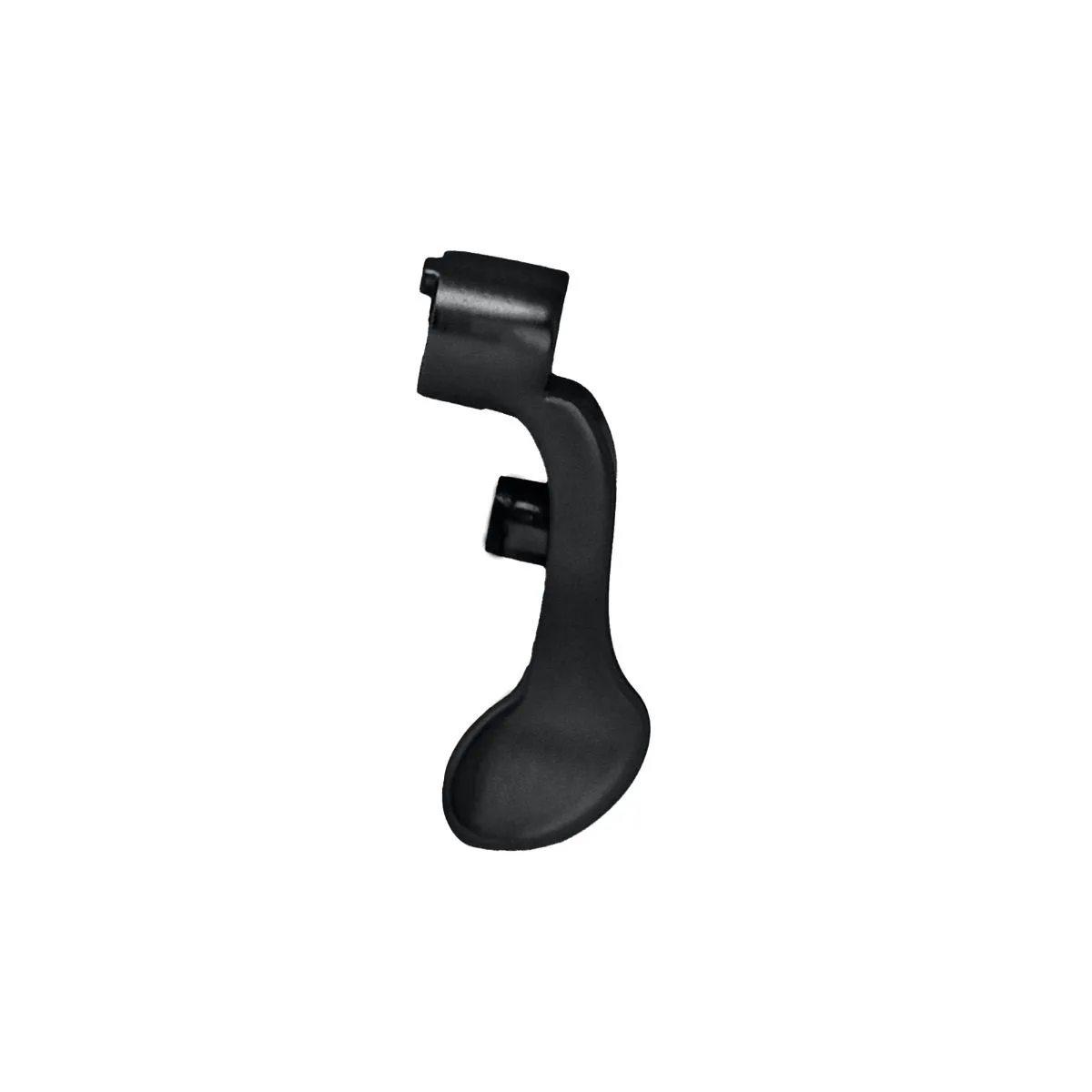
Replacement Part Clipper Lever Compatible with Apex/ Mythic / Saber Clipper Models
-
Replacement Clipper Click Lever 3 Pack - Metallic Pink, Metallic Blue, Matte Black: A 3-pack of click levers for Absolute Alpha, Protégé, and Ergo models, in metallic pink, metallic blue, and matte black. If you own multiple compatible clippers or want spares on hand, a multi-pack keeps you covered and lets you color-code tools.
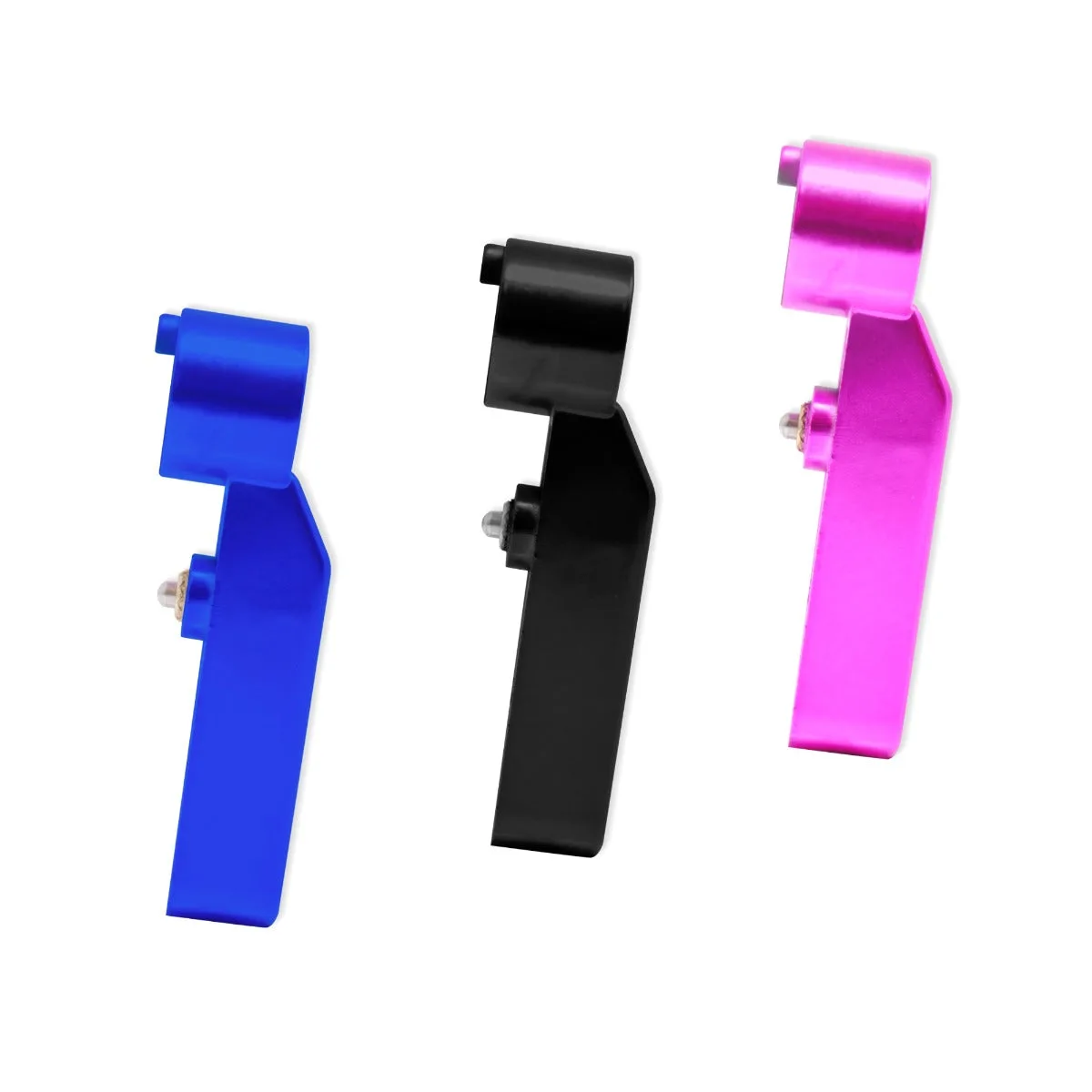
Replacement Clipper Click Lever 3 Pack - Metallic Pink, Metallic Blue, Matte Black