Choosing the Right Replacement USB Cable for Your ElectraStim Stimulator
If you've misplaced the charging cable for your electro stimulator or want a spare for travel, a replacement USB cable from ElectraStim is a straightforward solution. The key is picking the correct connector type for your device. ElectraStim offers three options: USB-C, Micro USB, and Mini USB. Each is built for reliable charging and, in some cases, data transfer for firmware updates.
ElectraStim Replacement USB Cable Options
-
Replacement USB Charging Cables: Available in USB-C, Micro USB, and Mini USB formats, each cable is built to support the charging requirements of different ElectraStim devices. Choosing the wrong connector type means the cable won't fit your stimulator. Check your device's port before ordering.
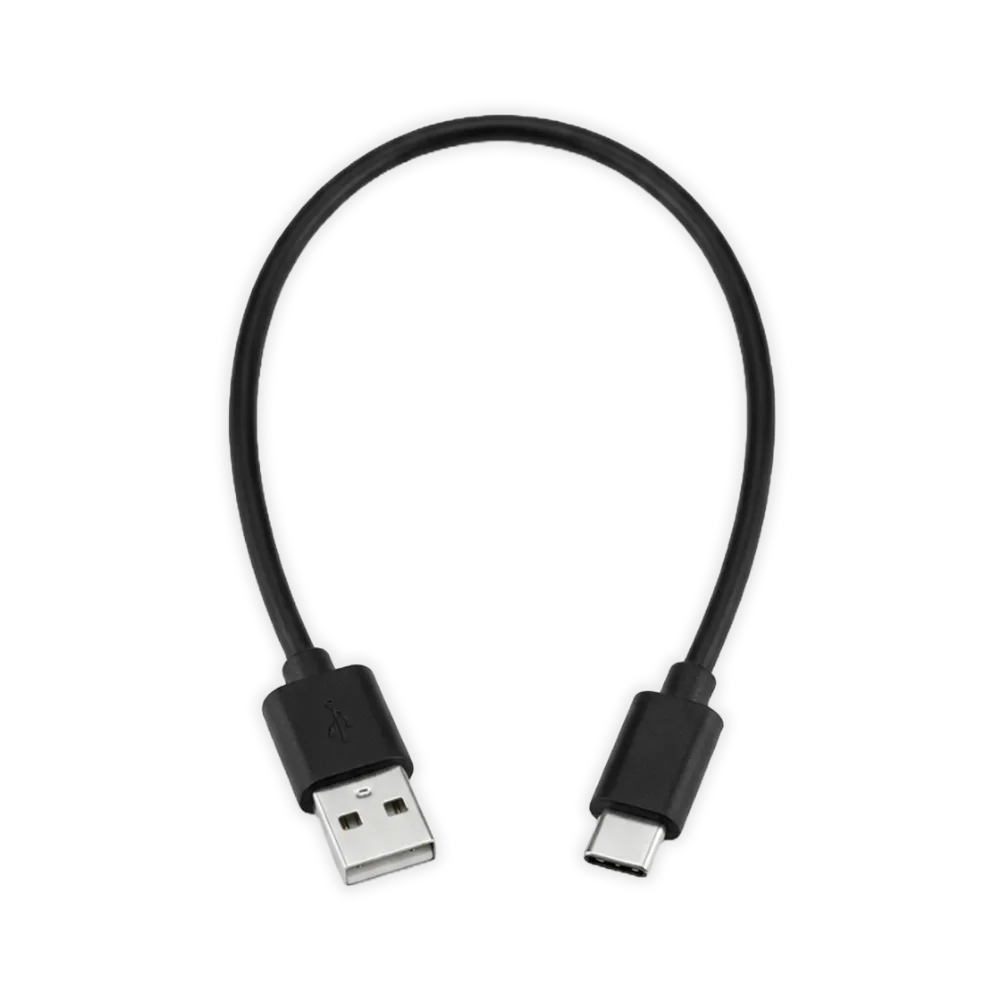
Replacement USB Charging Cables
-
Replacement USB Charging Cables: The USB-C cable also supports data transfer, allowing compatible stimulators to connect to a computer for firmware updates. If your stimulator supports firmware updates, the USB-C cable does double duty—charging and data sync in one.
-
Replacement USB Charging Cables: Each cable measures 12 inches (30 cm) in length, making it ideal for convenient charging setups without excess cable clutter. The short length keeps your charging area tidy, but you may need an extension or different placement if your outlet is far from your device.
How to Identify Your Connector Type
Before buying a replacement, look at the charging port on your ElectraStim stimulator. The shape and size tell you which cable you need.
- USB-C: A small, oval, reversible connector. Often used on newer stimulators. Supports both charging and data transfer.
- Micro USB: A small, rectangular connector with one slightly tapered side. Common on many older and current ElectraStim devices.
- Mini USB: A slightly larger, trapezoid-shaped connector. Found on selected legacy ElectraStim devices.
Setting Up Your Replacement Cable for Charging
Once you have the correct cable, follow these simple steps to charge your stimulator.
- Connect the cable to your stimulator: Insert the appropriate end (USB-C, Micro USB, or Mini USB) firmly into the charging port of your device.
- Plug the USB end into a power source: Use a standard USB wall adapter, a computer USB port, or a powered USB hub. The cable is not a power adapter itself.
- Check for charging indication: Most ElectraStim stimulators show a light or other indicator while charging. Refer to your device's manual for specific signals.
A Note on Compatibility and Data Transfer
Not all ElectraStim stimulators support data transfer. The USB-C cable is the only one confirmed for both charging and data transfer, enabling firmware updates on compatible devices. The Micro USB and Mini USB cables are for charging only, unless your device's manual states otherwise. If you're unsure which cable your stimulator uses, check the product listing or contact ElectraStim support.