Quick answer
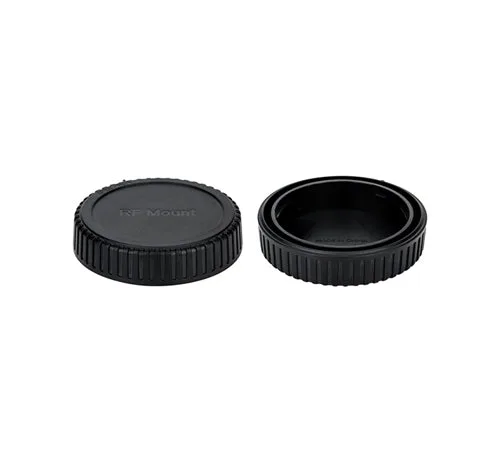
If your Canon RF rear lens cap is lost or damaged, the most direct fix is to buy a compatible replacement like the Fotodiox Designer Rear Lens Cap, which fits Canon RF mount lenses and adapter mounts and replaces the Canon 2962C001 dust cap.
Why fit matters for a rear lens cap
A rear lens cap does more than keep dust off the glass. It protects the electronic contacts and the precision mount surfaces that align your lens with the camera body. A cap that fits loosely can let in debris or, worse, fall off inside your bag and expose the mount to scratches.
The Fotodiox Designer Rear Lens Cap is made from high-impact plastic with enhanced craftsmanship and high-tolerance construction. That means it should click on firmly without play, gap, or wiggling—exactly what you want for a part that stays on between lens changes.
What about the Canon 2962C001?
The Canon 2962C001 is the official dust cap for RF lenses. It works perfectly, but it can be hard to find as a single spare or may cost more than a third-party alternative. The Fotodiox cap is designed as a direct replacement, so you get the same protection at a lower price point.
Diagnosis: Is your rear lens cap really lost or damaged?
- Symptom: You cannot find the rear cap that came with your RF lens, or the cap you have is cracked, warped, or no longer snaps on securely.
- Likely cause: The cap was misplaced during a shoot, left on a table, or damaged by impact or heat. RF caps are small and easy to lose in a camera bag or pocket.
- Corrective action: Purchase a compatible replacement such as the Fotodiox Designer Rear Lens Cap. It replaces the Canon 2962C001 and fits all Canon RF mount lenses and adapter mounts. Check that the cap clicks into place with no wobble before storing the lens. If the cap does not click firmly, stop using it and exchange for another unit. A loose cap can fall off and expose the lens mount to damage.
- When to stop or choose another option: If the lens mount itself is bent or the contacts are damaged, a new cap will not solve the problem. In that case, have the lens inspected by a repair professional.
Product facts
-
Fotodiox Designer Rear Lens Cap - Compatible with Canon RF Mount Lenses and Adapter Mounts (Replaces Canon 2962C001 Dust Lens Cap RF): Rear lens cap for Canon RF mount lenses, protects the rear element and mount. Enhanced craftsmanship and high-tolerance construction for demanding professionals. Precise fit and solid connection; no play, gap or wiggling when mounted. A precise fit prevents dust and debris from reaching the lens mount and electronic contacts, and the cap stays securely in place during transport.
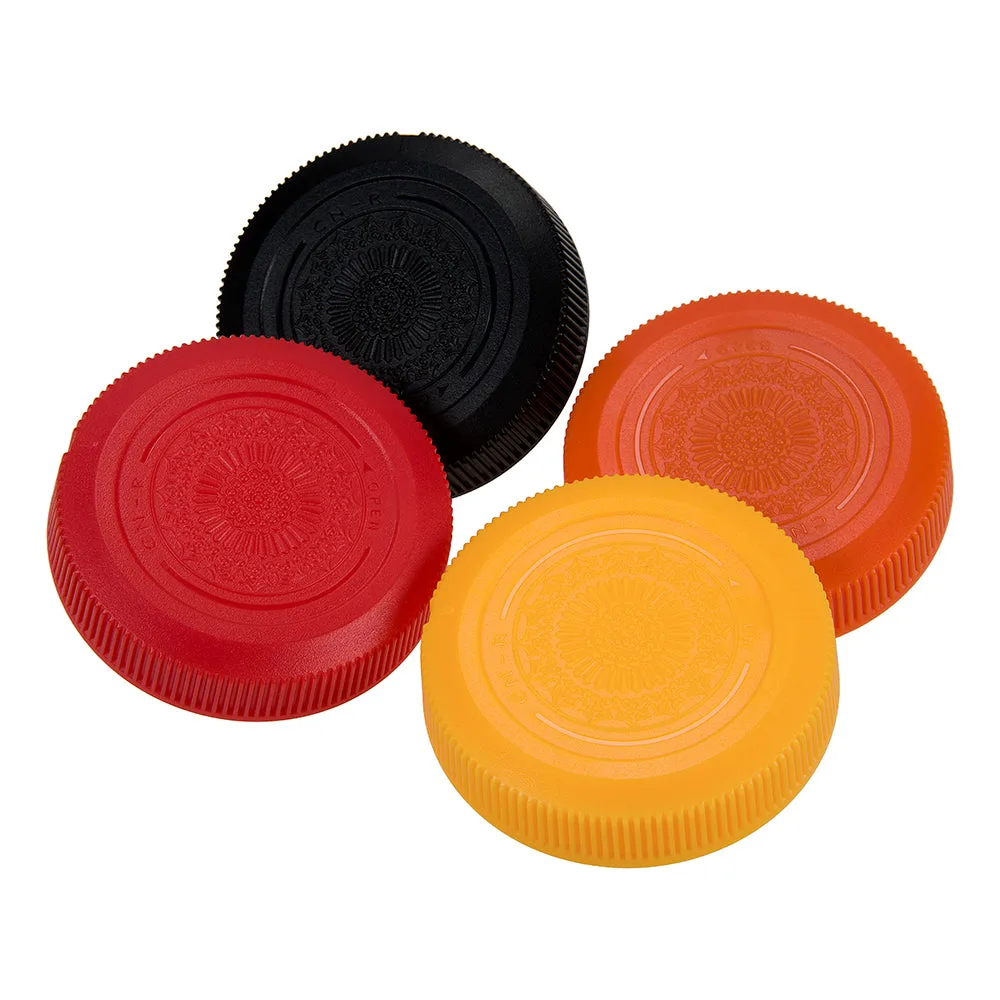
Fotodiox Designer Rear Lens Cap - Compatible with Canon RF Mount Lenses and Adapter Mounts (Replaces Canon 2962C001 Dust Lens Cap RF)