USB-C has become the universal standard for charging and data transfer across smartphones, laptops, tablets, and accessories. But with so many cable options on the market, choosing the right one can be overwhelming. One of the biggest decisions you'll face is whether to go with a retractable cable or a standard cable. Each has its own set of advantages and trade-offs, and the best choice depends on your lifestyle, devices, and priorities.
In this buying guide, we'll break down the key differences between retractable and standard USB-C cables, covering durability, portability, charging speed, and more. We'll also share practical tips to help you pick a cable that lasts, whether you're looking for a 240W cable for your laptop or a compact retractable option for travel.
Understanding USB-C Cables: Key Features
Before diving into the retractable vs. standard debate, it's important to understand what makes a quality USB-C cable. The most critical factors are charging speed, data transfer rate, and durability. Charging speed is determined by the cable's wattage rating—higher wattage supports faster charging for power-hungry devices like laptops. Data transfer rate affects how quickly you can move files between devices, with USB 3.1 and USB 3.2 offering faster speeds than older standards.
Durability is equally important. A cable that frays or breaks after a few months is not only frustrating but also a safety hazard. Look for cables with reinforced connectors, braided nylon or aramid fiber exteriors, and robust strain relief. These features ensure your cable can withstand daily bending, pulling, and travel.
- Charging speed: Look for cables rated for at least 60W for phones and 100W or more for laptops.
- Data transfer: USB 3.1 or higher supports fast file transfers.
- Durability: Braided or aramid fiber cables last longer than standard PVC.
Retractable USB-C Cables: Pros and Cons
Retractable cables are designed for portability. They coil neatly into a compact case, making them ideal for travelers, commuters, or anyone who hates tangled cords. Many retractable cables are also built with flexible materials that withstand repeated coiling and uncoiling. However, their compact design often means shorter cable lengths—typically 1 to 2 feet when extended—which may not be convenient for all situations.
One downside of retractable cables is that the internal mechanism can wear out over time, leading to coiling issues. Additionally, some retractable cables may not support the highest wattage ratings due to their thin internal wires. If you need a 240W cable for a high-performance laptop, a retractable option might not meet your needs.
- Pros: Compact, tangle-free, great for travel.
- Cons: Shorter length, potential mechanism wear, may not support high wattage.
Standard USB-C Cables: Pros and Cons
Standard USB-C cables are the most common type, offering a wide range of lengths—from 0.5 meters to 3 meters or more. They are typically more affordable and come in various materials, including braided nylon and aramid fiber for enhanced durability. Standard cables also support higher wattages, making them suitable for charging laptops, tablets, and even gaming consoles.
The main drawback of standard cables is their tendency to tangle and their bulkiness when carrying them around. However, many modern standard cables feature flat or braided designs that reduce tangling. For most users, a standard cable offers the best balance of performance, durability, and value.
- Pros: Longer lengths, higher wattage support, more durable options.
- Cons: Can tangle, less portable.
Choosing the Right Cable for Your Needs
When deciding between retractable and standard USB-C cables, consider your daily routine. If you're always on the go and need a cable for quick top-ups, a retractable cable is a convenient choice. However, if you need to charge your laptop or transfer large files, a standard cable with high wattage and data transfer support is essential.
For most people, having both types is the best solution. Keep a durable standard cable at your desk or nightstand, and carry a retractable one in your bag for emergencies. This way, you're prepared for any situation without compromising on performance.
- For travel: retractable cable.
- For home/office: standard cable with long length.
- For laptop charging: standard cable rated 100W or higher.
Top Features to Look for in a USB-C Cable
Regardless of type, there are certain features that elevate a USB-C cable from mediocre to excellent. First, look for a cable that supports USB Power Delivery (PD) for fast charging. Second, ensure it has a high wattage rating—ideally 100W or more—to future-proof your charging needs. Third, check the data transfer speed; USB 3.1 or higher is recommended for quick file transfers.
Durability is non-negotiable. Cables with braided nylon or aramid fiber exteriors are more resistant to fraying and bending. Additionally, cables with reinforced connectors and strain relief last longer. Some premium cables also come with a warranty, giving you peace of mind.
- USB PD support for fast charging.
- High wattage rating (100W+).
- Braided or aramid fiber exterior.
- Reinforced connectors and strain relief.
Our Top Pick: Super Thin Cases and Cables
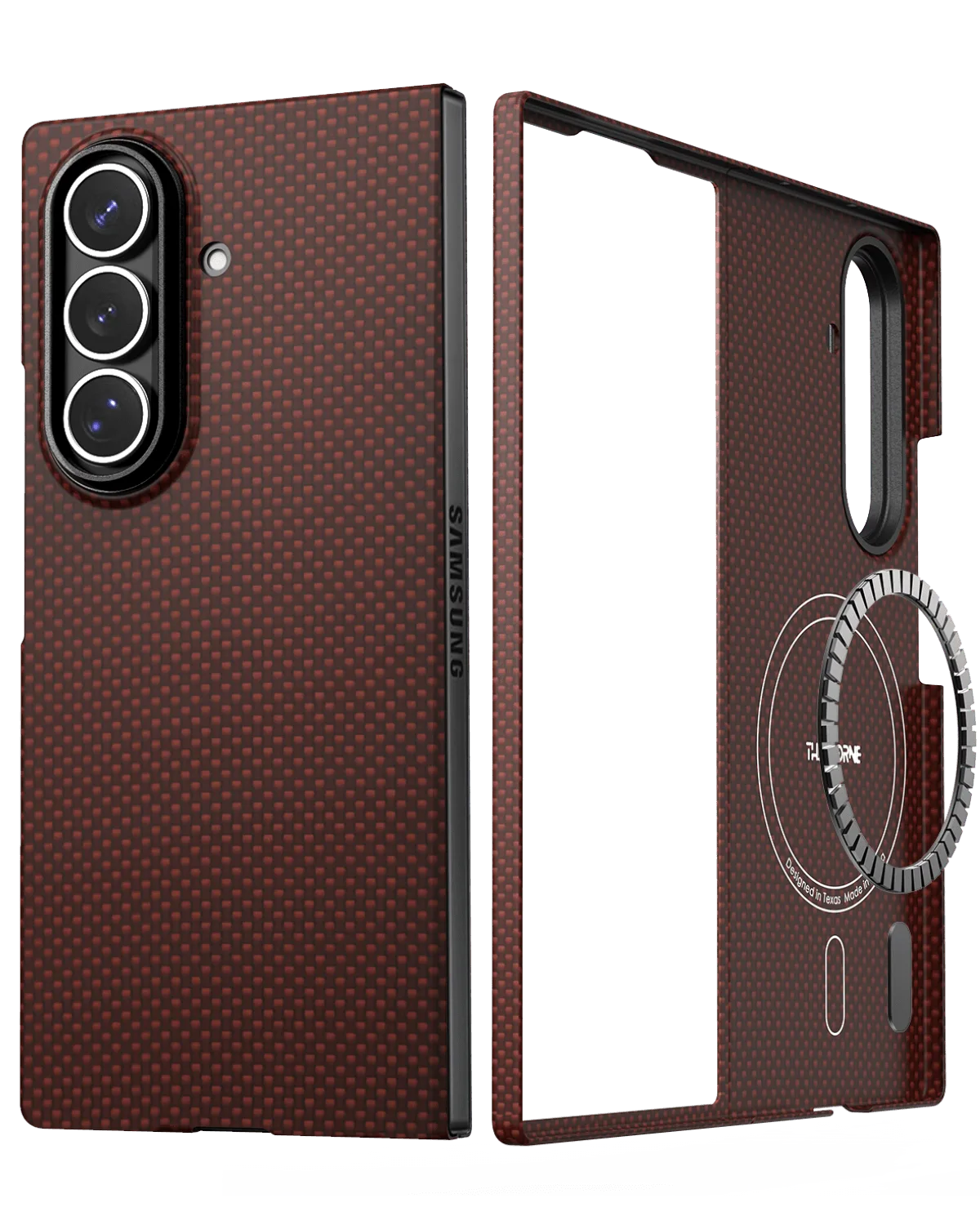
At Thinborne, we understand the importance of quality accessories. While we specialize in super thin cases for smartphones, we also appreciate the need for reliable cables. Our customers often pair their https://peacefulnestyai.shop/products/iphone-17-pro-max-case-301736iPhone 17 Pro Max Case with a high-quality USB-C cable for fast charging. The same goes for our Super Thin Galaxy Z Fold 7 Case, which supports wireless charging but still benefits from a good cable for quick top-ups.
When you choose a cable, remember that it's an investment in your device's longevity. A good cable can prevent charging issues and data corruption. So, take your time, compare options, and pick a cable that meets your needs.
- Pair your cable with a durable case for complete protection.
- Consider a 240W cable for future-proofing.
- Look for USB-C to USB-C cables for universal compatibility.
Whether you choose a retractable or standard USB-C cable, the key is to prioritize quality and compatibility. Assess your daily habits, device requirements, and budget to make the right choice. For more premium accessories, explore our collection of super thin cases and cables to find the perfect match for your devices.