Quick answer
Mushy buttons on a retro handheld almost always come from one of three things: a worn or torn silicone membrane, dirt and grit trapped around the button posts, or a shell that has loosened over time. Start by cleaning and reseating the existing pads. If the rubber is torn, stretched, or has lost its snap, replacing the button membrane or the whole handheld is the practical fix.
Symptom: the button sinks but does not click
A mushy button usually feels soft all the way down with no distinct tactile bump. On a healthy retro handheld, the silicone dome under each button collapses and springs back with a small, audible snap. When that snap disappears, the dome has either flattened, hardened, or is no longer seated correctly against the contact pad on the board. This is different from a button that is completely dead. A dead button often points to a broken trace or a failed contact, while a mushy button still registers input, just without feedback.
Likely cause: worn silicone and trapped debris
The most common culprit is the silicone membrane itself. Rubber domes fatigue with use, and heat accelerates the process. If you have ever noticed your handheld running warm during long sessions, that heat can slowly harden the pads and reduce their rebound. The second cause is debris. Dust, pocket lint, and dried sweat work their way under the button caps and sit on the silicone or the carbon contact pad. That layer prevents the dome from making clean contact and makes the press feel vague. A third, less obvious cause is a loose shell. If the screws around the button area have backed out, the front plate lifts slightly and the button has more travel before it meets the pad.
Corrective action: clean, reseat, then replace
Before buying anything, open the shell and inspect the silicone pads. Use isopropyl alcohol and a cotton swab to clean the carbon contacts on the board and the conductive pads on the rubber. Do not use water, and do not scrub hard enough to remove the carbon layer. While the shell is open, check that each silicone pad sits flat in its channel. A pad that is twisted or folded will feel mushy even if it is not worn out. Reassemble and tighten the screws in a cross pattern, snug but not forced. If the buttons still feel soft after cleaning and reseating, the silicone has lost its shape and replacement is the next step.
When to stop and choose another option
Stop the repair if the silicone is torn through, if the carbon contact pads on the board are worn shiny, or if the button posts on the shell are cracked. Torn silicone cannot be restored with cleaning, and worn carbon pads usually require a new board rather than a new membrane. At that point, compare the cost of a replacement membrane kit against the price of a current handheld. If the console is several years old and parts are hard to find, putting that money toward a newer model with a fresh button feel is often the better decision.
Button diagnosis checklist
- Soft press with no click: The silicone dome has likely flattened or hardened. Clean the contacts and reseat the pad first. If the snap returns after cleaning, the membrane is still usable.
- Button sticks down or feels gritty: Debris is trapped around the button post or the silicone edge. Remove the cap and clean the channel with isopropyl alcohol. If grit remains under the cap, the button will keep sticking.
- Mushy after cleaning and reseating: The silicone has lost its rebound or the carbon pads are worn. Replacement is the only reliable fix. Compare a replacement membrane kit against the price of a newer handheld before ordering parts.
Button feel on current handhelds
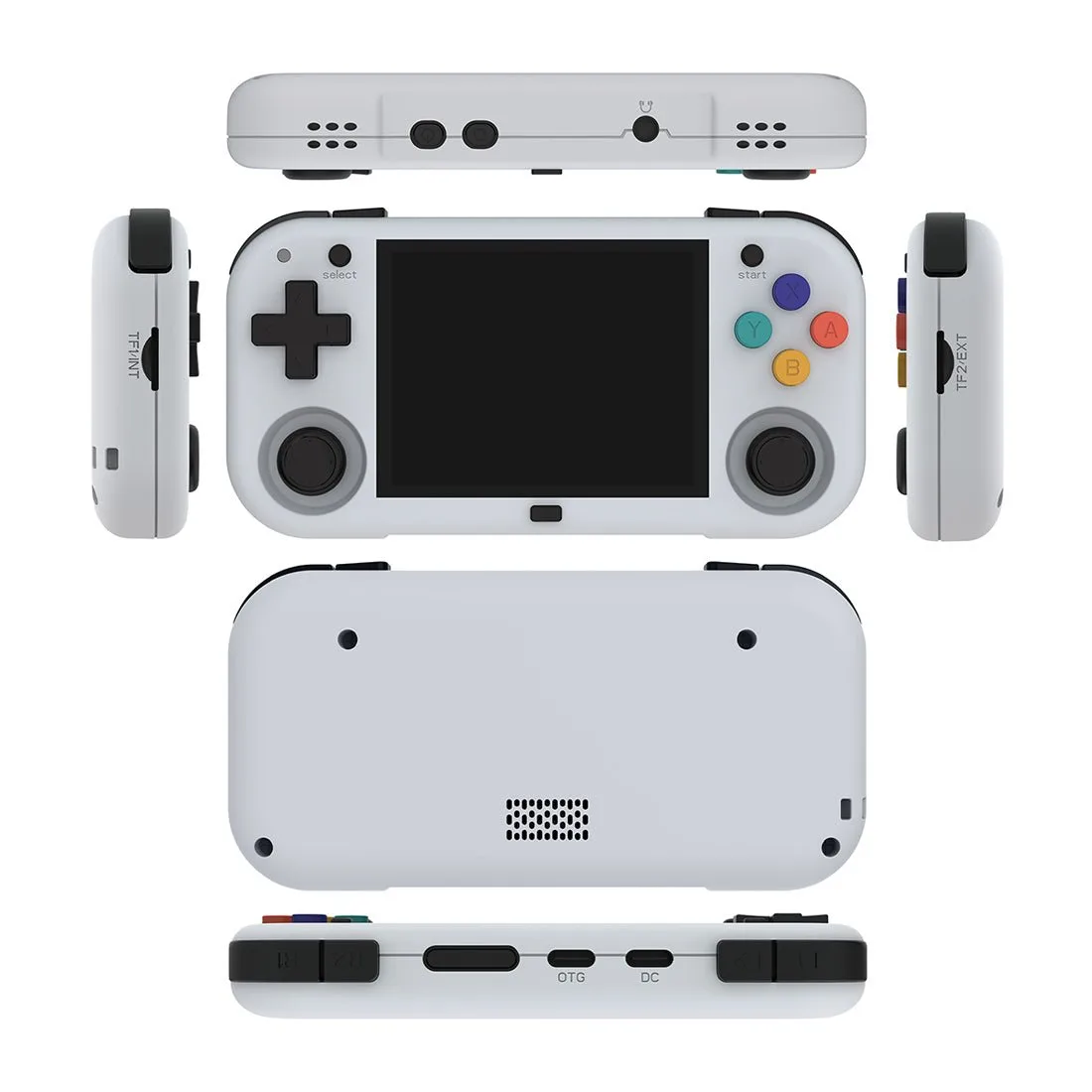
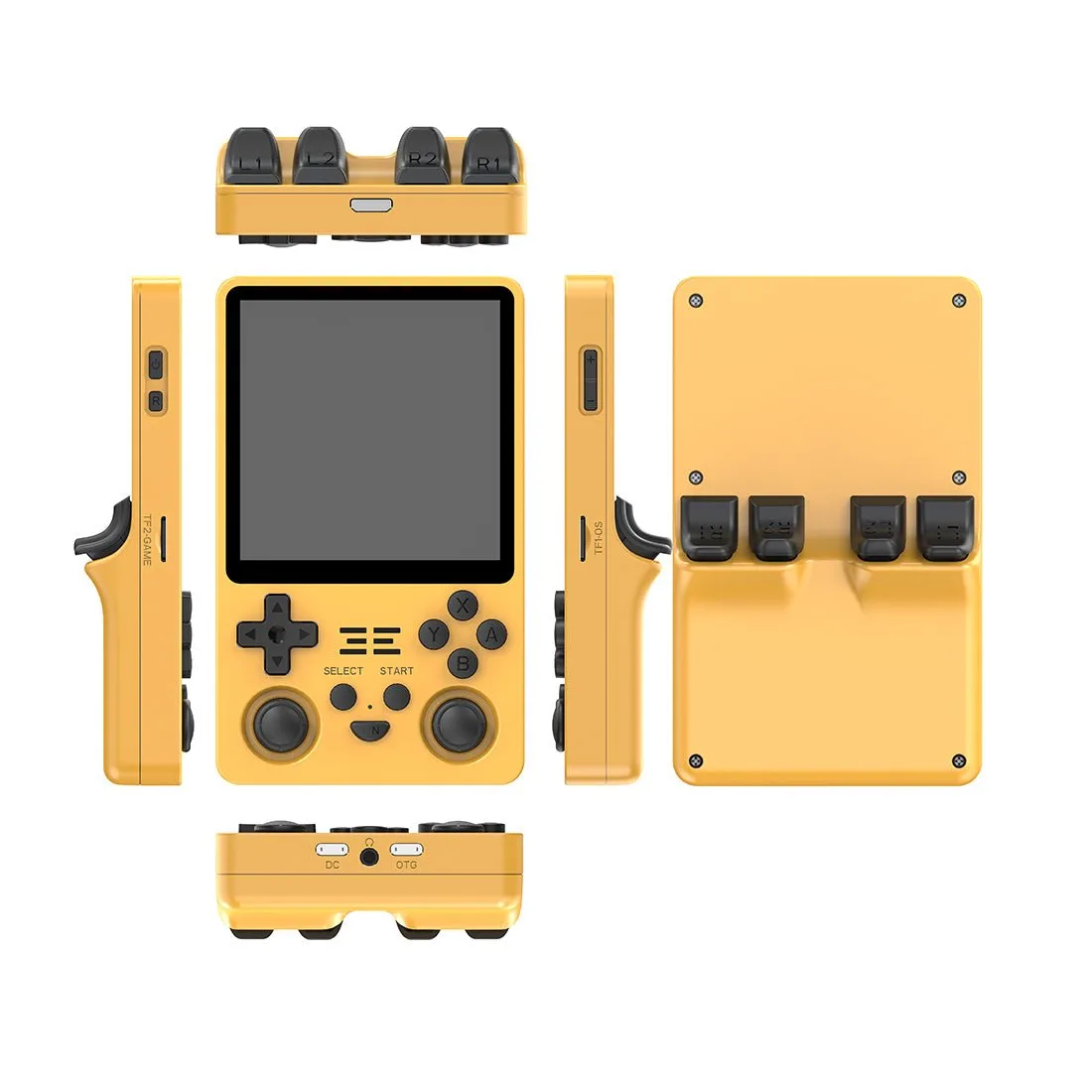
- MagicX XU Mini M Retro Handheld Game Console: The MagicX XU Mini M uses a 2.8-inch IPS full-view screen with a Cortex-A53 4-core 1.8GHz processor and supports automatic save and load. If you are replacing a handheld with mushy buttons, this model gives you a compact screen and save states, so you can pick up where you left off without relying on worn hardware.
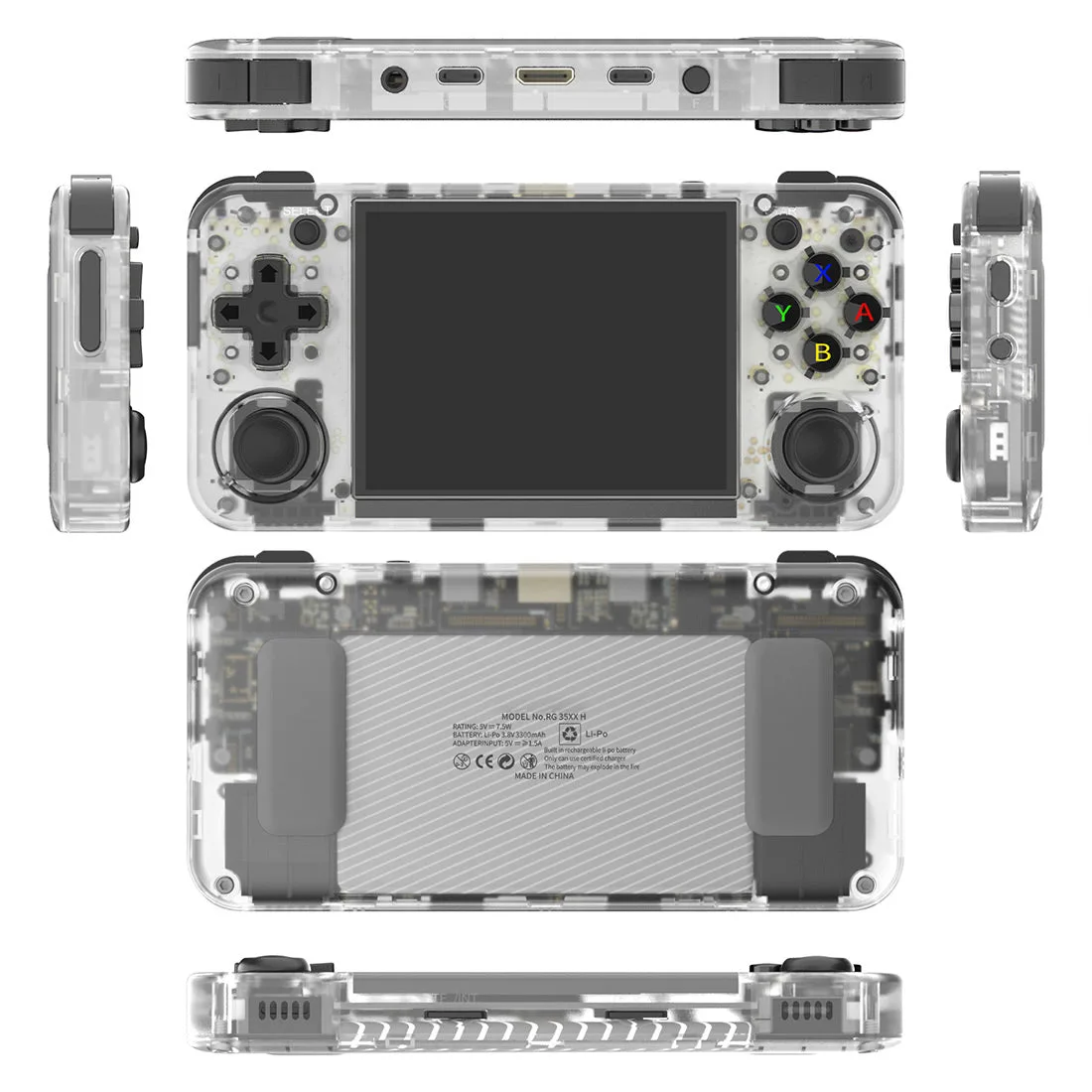
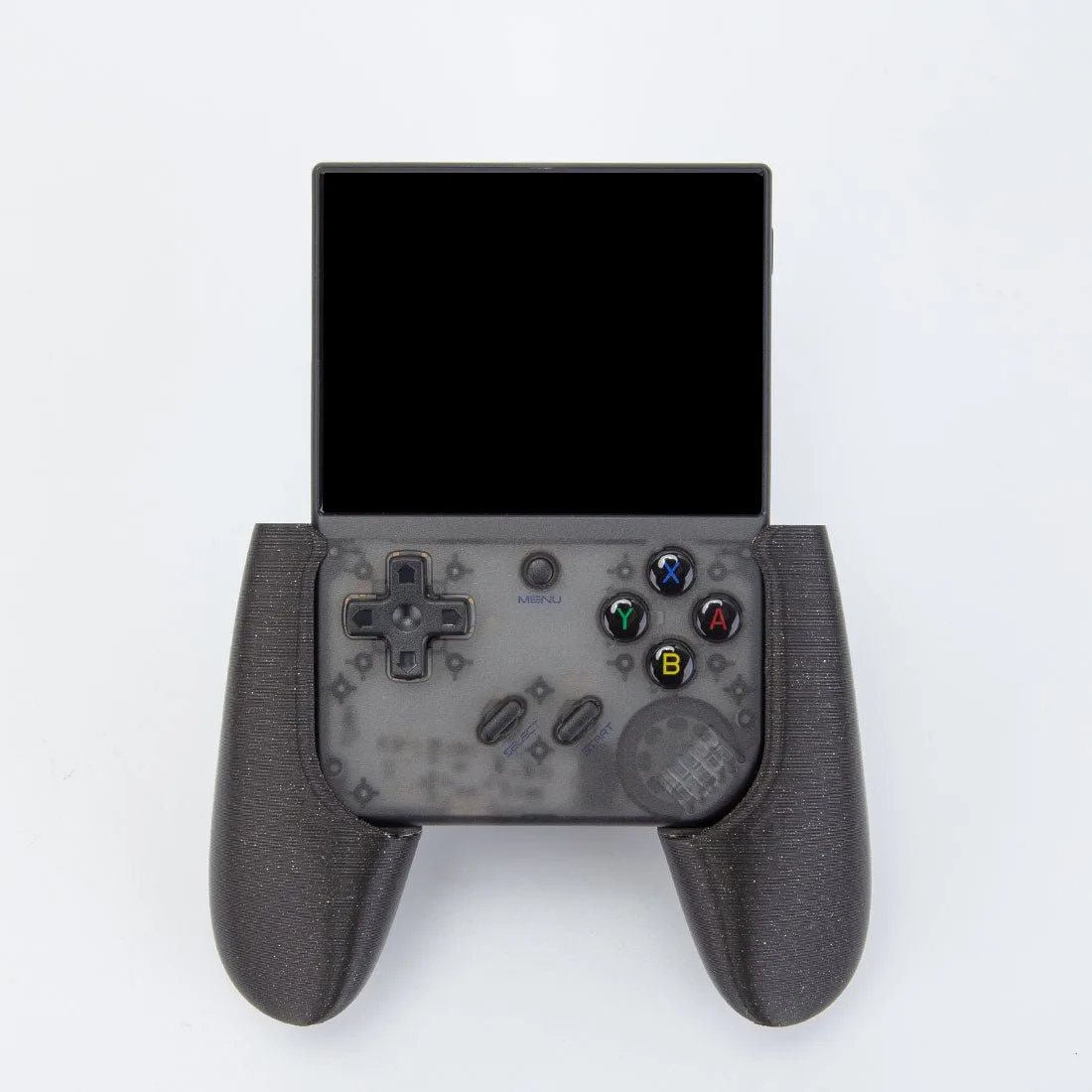
- Anbernic RG35XX H Retro Portable Handheld Game Console: The Anbernic RG35XX H has a 3.5-inch IPS full-view OCA laminated 640x480 screen, supports multiple emulators, and works with 2.4G wireless and wired controllers plus Bluetooth controller connection. External controller support is useful when built-in buttons feel soft: you can keep playing on the handheld screen while using a separate controller with a firmer feel.