Quick answer
Charge the handheld from a known-good USB port for at least 30 minutes before judging it, then confirm the power switch actually moved to On and the screen brightness isn't set near zero. If a full charge still produces a blank screen or no response, the battery or charging circuit is the likely fault, and a replacement unit is usually the practical fix.
Start with the charge, not the game
A handheld that has sat unused for weeks often behaves exactly like a dead one. Plug it into a wall adapter or computer USB port you have used successfully with another device, leave it for half an hour, then press power while it is still connected. If it wakes up only while plugged in, the battery is holding little or no charge and the unit needs a longer session or a replacement cell.
Avoid fast-charge bricks that negotiate unusual voltages. A standard 5V USB source is the safest choice for these small arcade handhelds, and it removes the charger as a variable.
Check the switch and the screen before opening anything
Some units use a slide switch with a firm detent, and a partial slide can leave the device in a standby state that looks identical to off. Slide it fully to On and hold for a second. Then look at the screen from an angle in a dim room: a backlight that is on but showing no image points to a display or firmware issue rather than a power problem.
If the screen is blank but you can hear game audio, stop treating it as a power fault. That is a display symptom, and the fix path is different from a unit that is completely silent.
Rule out the cable and the port
Swap the charging cable for one you know carries data, not just power, and try a different port on the same computer. Charge-only cables are common and will not always deliver enough current for a deeply drained battery. If the device has a charge indicator, watch whether it lights at all; no light after several cables and ports is a strong signal the charging port or battery has failed.
Clean the charging port gently with a dry brush. Lint and pocket debris cause more no-power complaints than most people expect.
When to stop troubleshooting and replace
If the unit is silent, shows no charge light on multiple cables and ports, and has been on a charger for an hour, further steps risk damaging a sealed shell for little gain. At that point compare the cost of a replacement against the effort of a repair, especially on budget handhelds where the battery is not user-serviceable.
Replacement is also the better call when the fault is intermittent: a device that powers on only when the cable is wiggled will keep failing at the worst moment.
Symptom-to-cause diagnosis
- No light, no sound, no screen after charging: The charge indicator never lights on two known-good cables and a wall adapter, and the unit stays silent after an hour connected. Likely battery or charging port failure. Stop here and replace the handheld.
- Powers on only while plugged in: The screen and audio work when connected but the unit dies the moment you unplug it. The battery is not holding charge. Try a longer charge session once, then replace if it repeats.
- Backlight on, no image: You can see the display glow or hear game audio, but no picture appears. This is a display fault, not a power fault. Do not keep charging it as a fix.
- Works after wiggling the cable: Power cuts in and out depending on cable position or slight pressure on the port. A worn port or loose internal connection. Intermittent faults get worse, so plan a replacement.
- Dead only after long storage: The handheld sat unused for months and now shows nothing at all. Give it a full charge cycle before any other step. This is the most common false alarm.
What the current lineup tells you
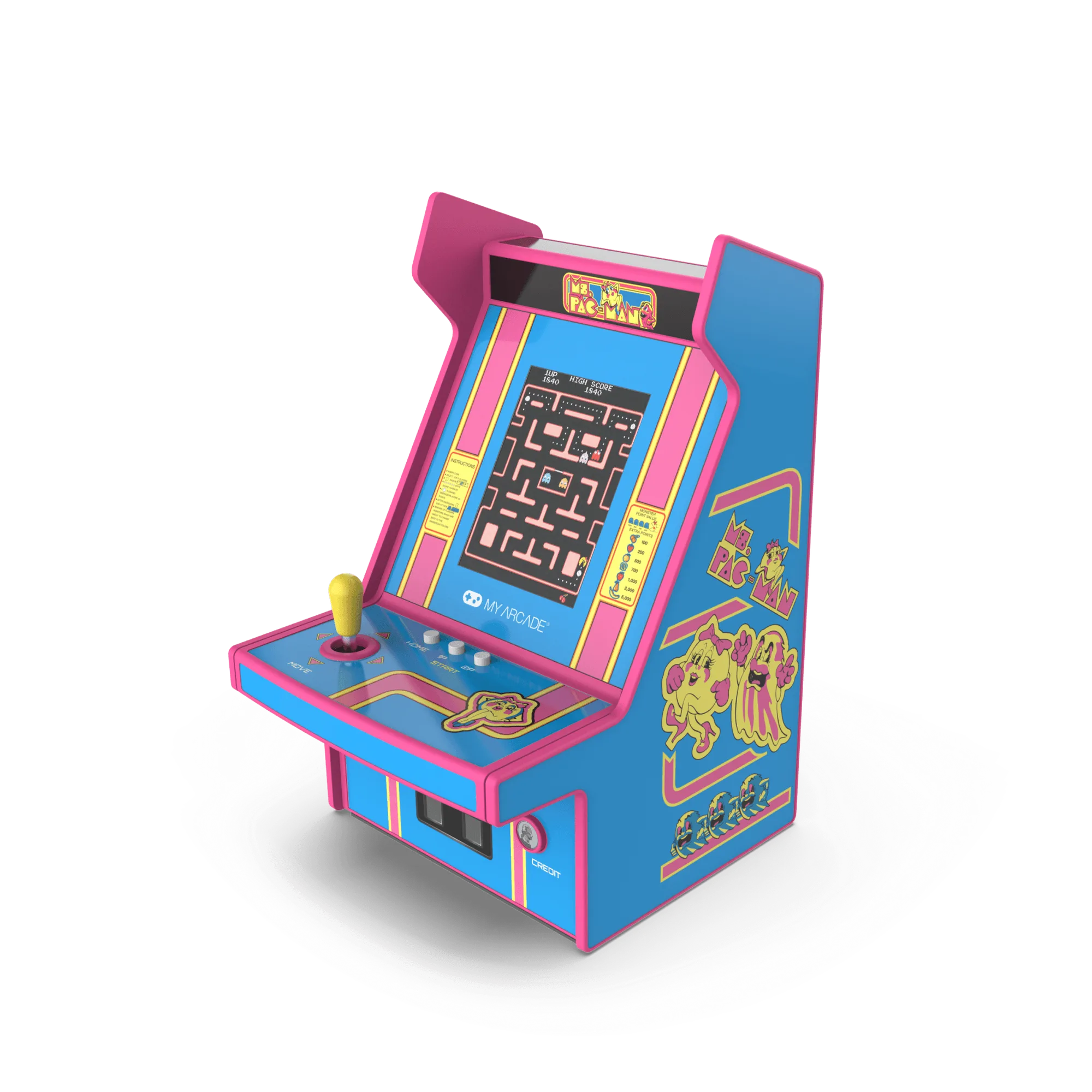
- Ms.PAC-MAN Micro Player Pro: Ms.PAC-MAN Micro Player Pro is a compact arcade handheld built around the 1982 maze-chase game. Its small shell means the battery and port are tightly packed, so a unit that shows no charge light is usually a replace-rather-than-repair decision.
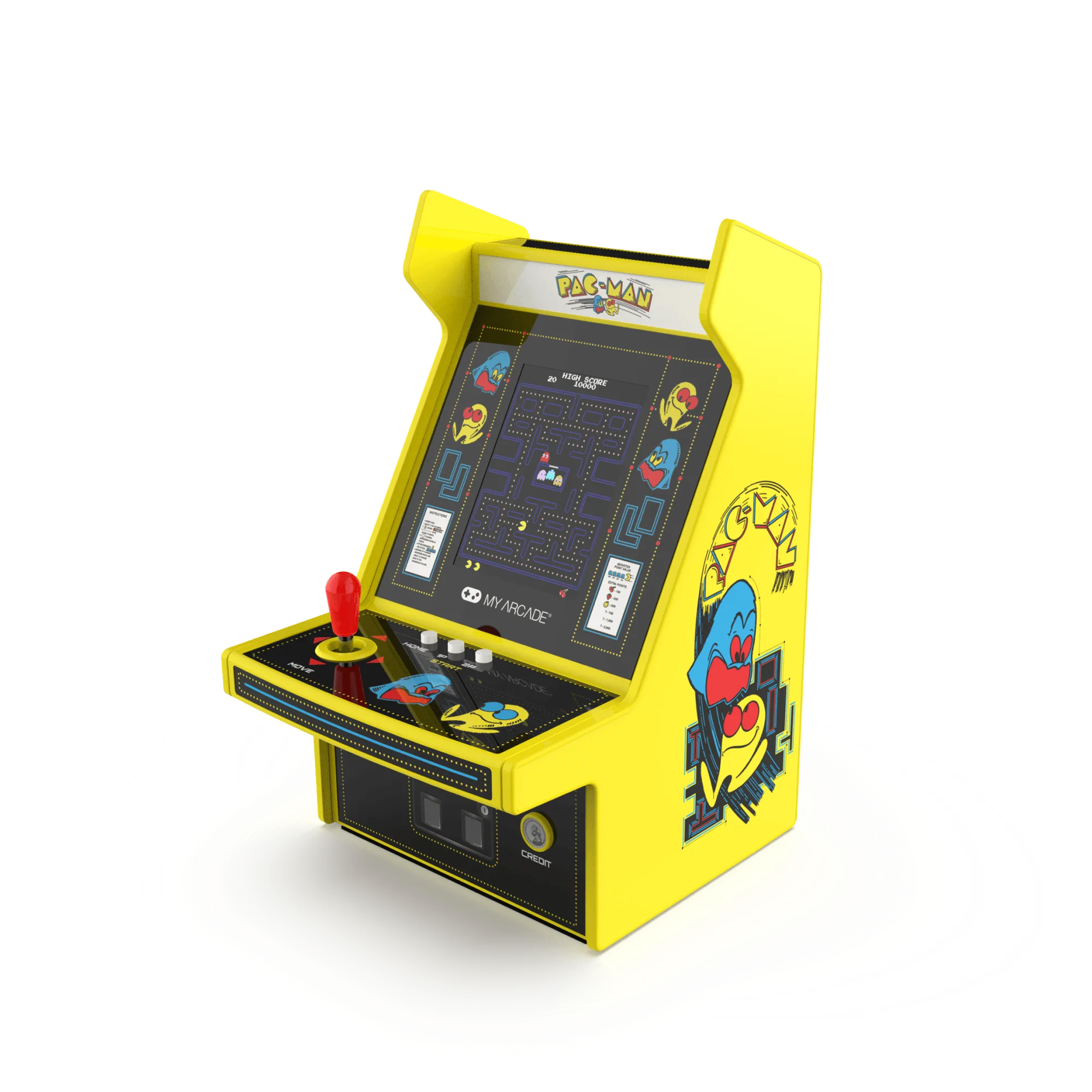
PAC-MAN Micro Player Pro
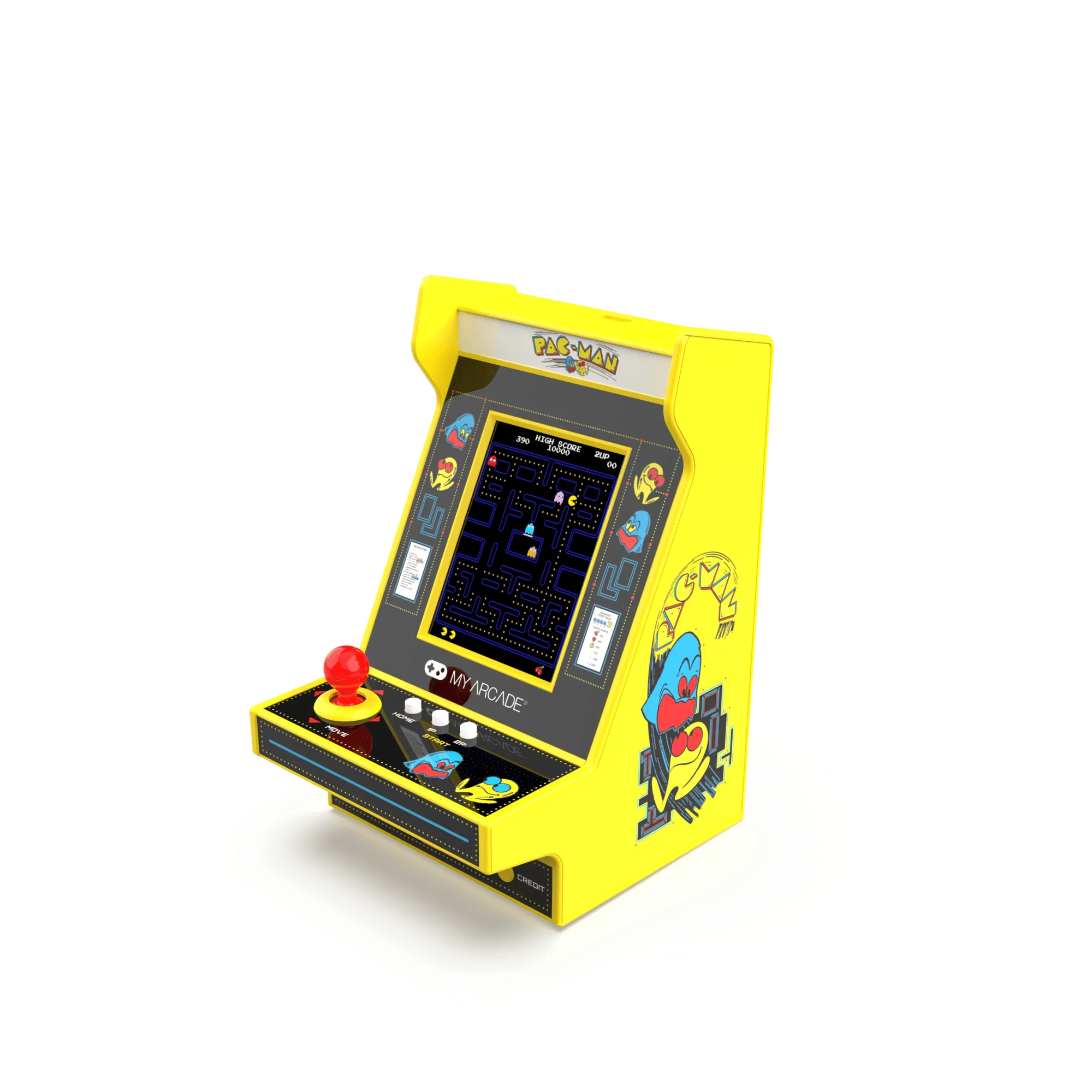
- PAC-MAN Nano Player Pro: PAC-MAN Nano Player Pro is the smallest format in the range, with simple maze gameplay that is easy to learn but difficult to master. On a Nano-sized handheld, a blank screen after charging is more often a battery or board fault than a settings problem, since there are few controls to misconfigure.
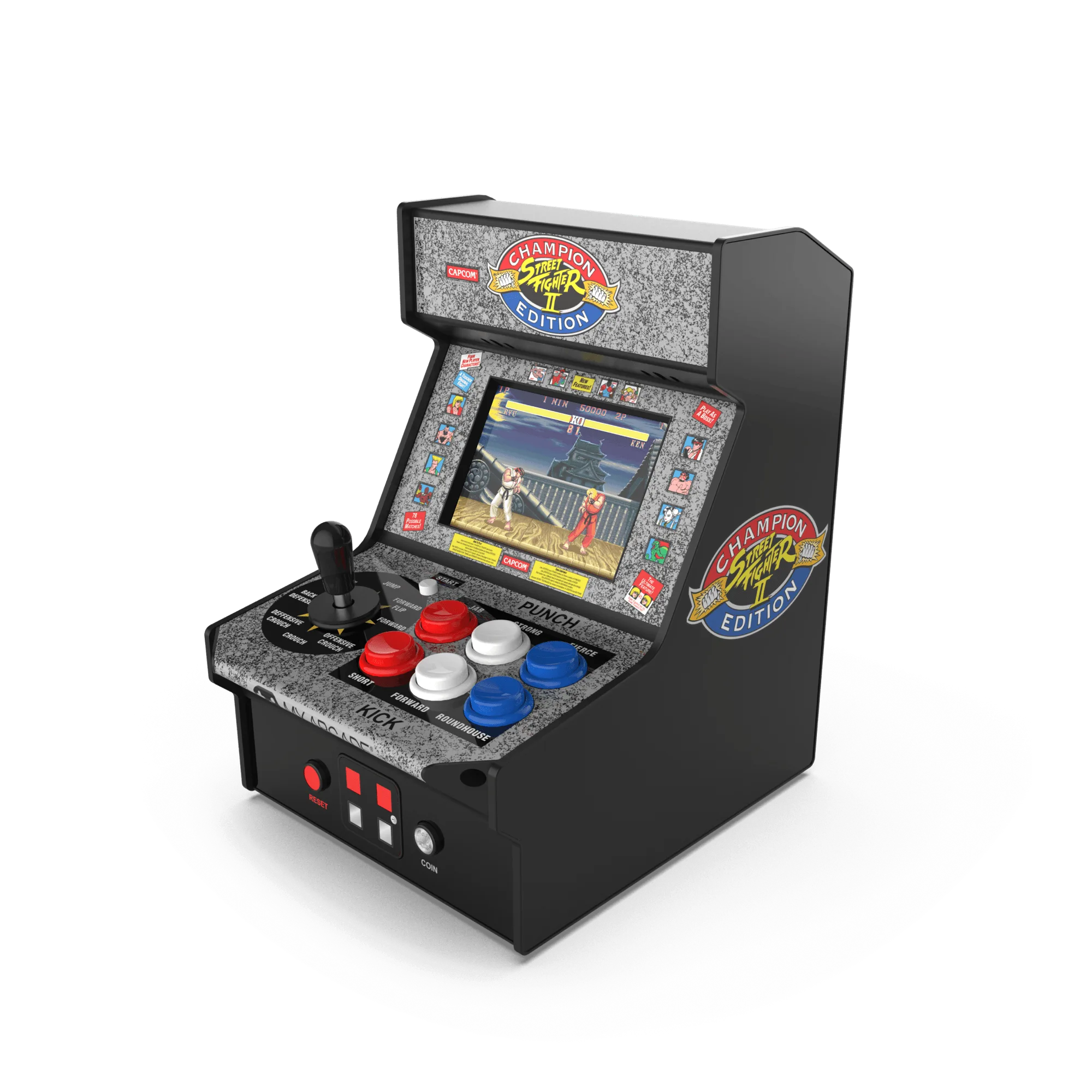
- Street Fighter 2 Champion Edition Micro Player: Street Fighter 2 Champion Edition Micro Player carries the 1992 Capcom classic with multi-button combinations and head-to-head play. Heavy button use on a fighting-game handheld makes switch and contact wear a realistic cause of no-power symptoms, so test the power switch travel carefully before assuming the battery is dead.