Quick answer
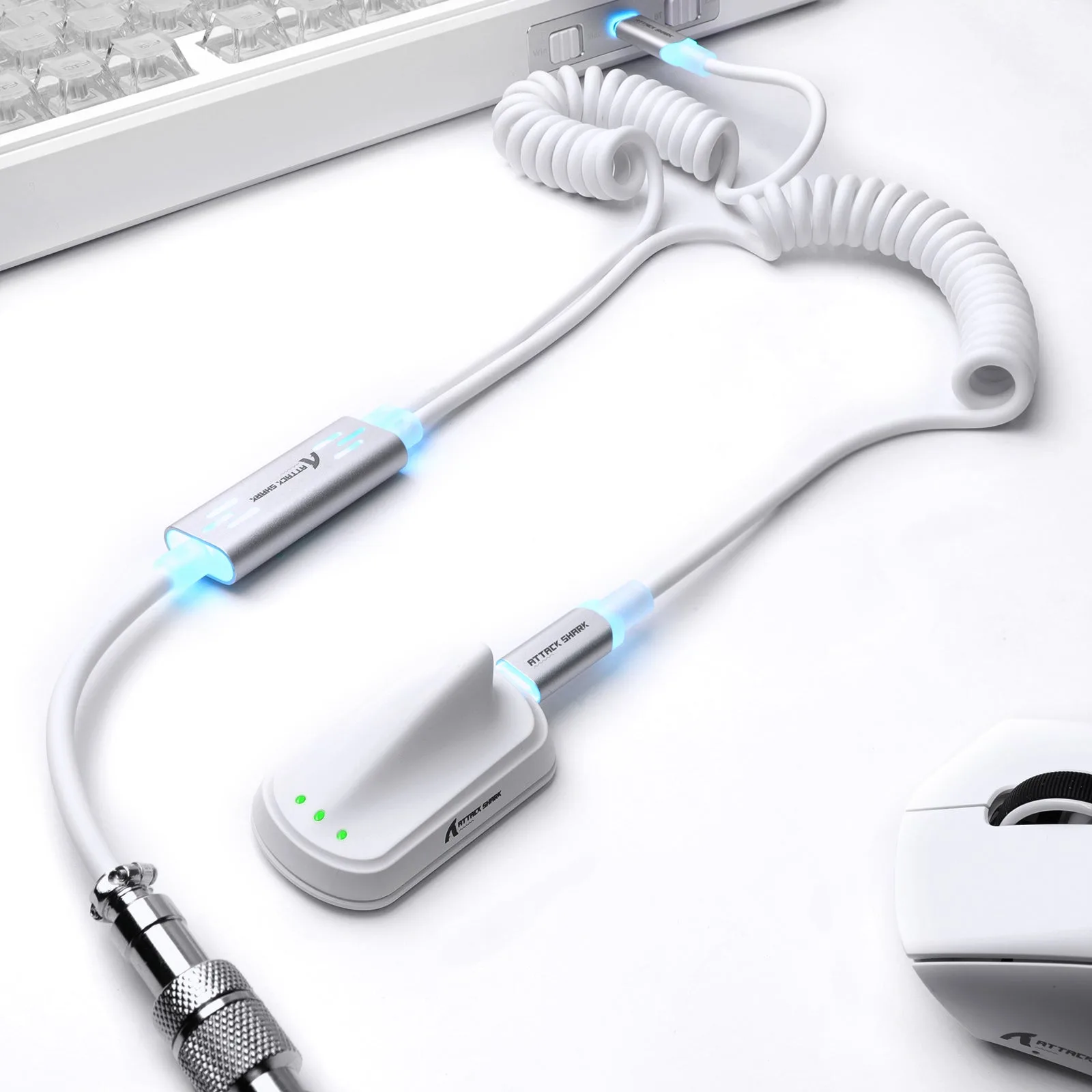
It is for people running two compatible keyboards from one desk setup who want a single cable to carry an 8KHz signal to both, and who like the black-and-red polka dot look. If you only use one keyboard, a standard single-head cable is simpler and likely cheaper.
Why the 1-to-2 design matters for a dual keyboard cable setup
A 1-to-2 cable splits one host connection into two keyboard ends. That is useful when you keep two boards on the desk—for example, a fast-trigger HE board for gaming and a mechanical board for typing—and want to avoid swapping cables or using a separate hub. The trade-off is that both keyboards share the same host port, so you cannot use them as independent devices at the same time unless your setup supports switching between them.
Does an 8KHz RGB cable actually help beyond the glow?
The 8KHz label refers to the cable being built for high polling-rate keyboards, including HE magnetic models with fast-trigger or rapid-trigger features. If your keyboard runs at a lower polling rate, the cable will still work, but you will not gain extra responsiveness from it. The RGB glow is cosmetic and does not affect signal quality.
What about RGB cable power draw?
The cable itself does not add meaningful power draw; the LEDs in your keyboards and the cable’s own lighting are the load. A dual keyboard setup can draw more power than a single board, especially with RGB active on both. If you notice flickering or dropouts, check whether your USB port or hub can supply enough current for both keyboards before blaming the cable.
Common questions about the RGB Glow 1-to-2 cable
Can I use both keyboards at the same time?
Both ends are connected, but the host sees them through one cable. Whether you can type on both simultaneously depends on your keyboard firmware and whether your setup supports multiple input devices on one port. Test with your own boards before relying on it for a two-person setup.
Is the polka dot pattern just cosmetic?
Yes. The black-and-red polka dot sleeve is a style choice. It does not change signal performance. Choose it if you want the cable to be part of the desk look; skip it if you prefer a plain black cable.
Will this cable work with my non-8KHz keyboard?
It should work as a standard USB keyboard cable, but you will not get any 8KHz-specific benefit. The dual-head design still lets you connect two compatible keyboards, which may be useful even on slower boards.
Do I need a special hub or power source?
No special hub is required, but if you run RGB on both keyboards, use a powered USB port or a hub with its own power supply. Unpowered hubs may not deliver enough current for two lit keyboards. Check your hub’s power rating before adding a second RGB keyboard.
Product facts
-
8KHz RGB Glow 1-to-2 Keyboard Cable — Black & Red Polka Dot Copper: Dual-head 1-to-2 RGB design with a fourth-generation hub chip for a steady connection. The hub chip is the part that keeps signal stable when two keyboards share one cable, which is the main reason to choose this over a plain splitter.
8KHz RGB Glow 1-to-2 Keyboard Cable — Black & Red Polka Dot Copper
8KHz RGB Glow 1-to-2 Keyboard Cable — Black & Red Polka Dot Copper
-
8KHz RGB Glow 1-to-2 Keyboard Cable — Black & Red Polka Dot Copper: Built for responsive 8KHz keyboard setups and compatible HE magnetic keyboards with fast-trigger and rapid-trigger builds. If you are already running an 8KHz HE board, this cable is matched to that use case; if not, the 8KHz rating is not a benefit you will feel.