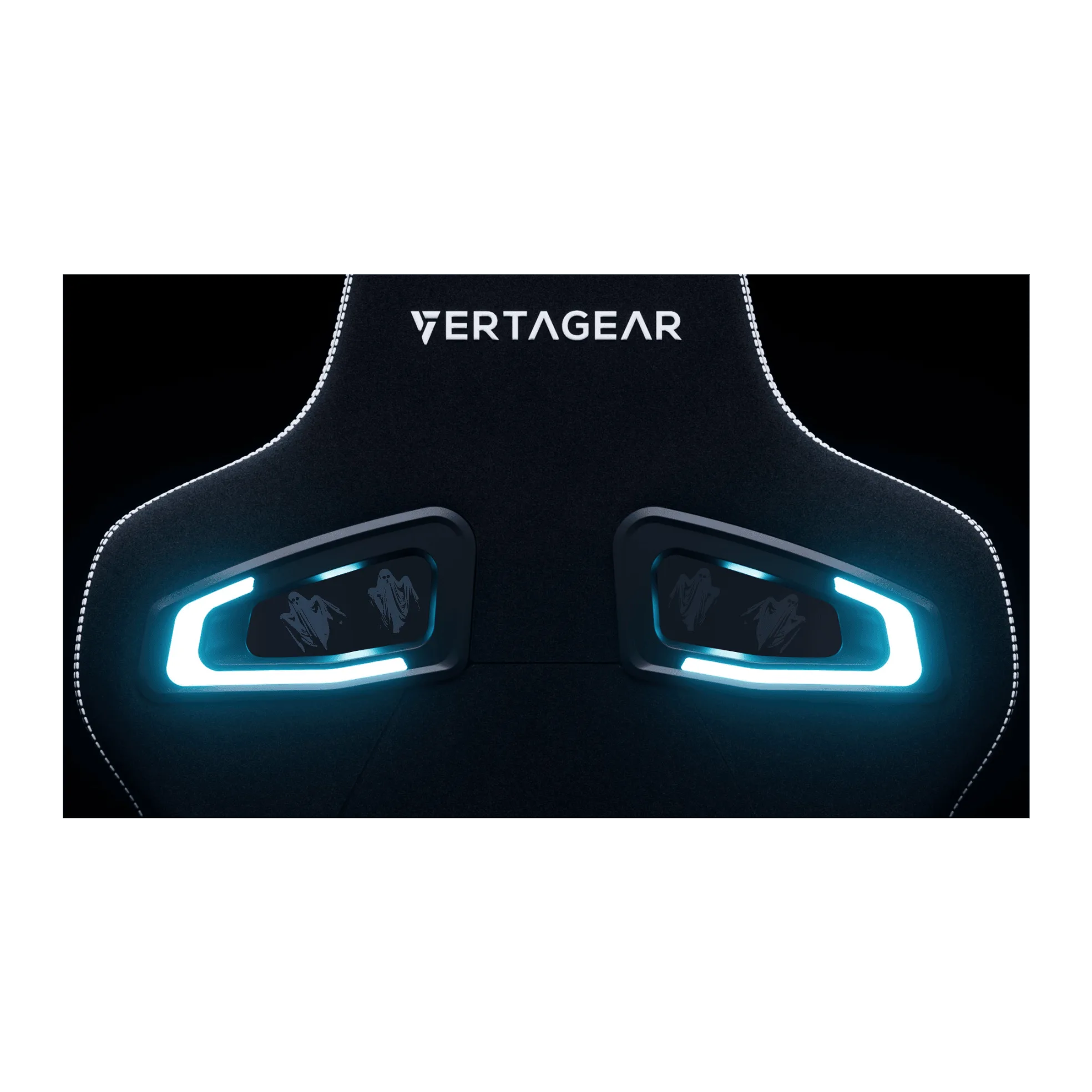
What the Bottom Kit actually is
The RGB LED Bottom Kit is a lighting add-on for the Vertagear PL4500 and PL4800 gaming chairs. The listing describes it as the world's first wirelessly operated RGB gaming chair kit, with smart interactive effects and customizable illumination for streams or gaming sessions. The kit includes one back LED, two front LEDs, two acrylic panes, four 18650 batteries, a magnetic charger, an RF USB receiver, eight M3-6 screws, a Torx screwdriver, and a microfiber cleaning cloth.
Care for this kit is mostly about two things: keeping the LED surfaces and acrylic panes clean, and treating the batteries and charger sensibly so the wireless lighting keeps working. The supplied information does not include a formal maintenance schedule, so use the checks below as practical habits rather than a manufacturer-mandated routine.
Kit contents that shape your care routine
-
RGB LED Bottom Kit: Kit includes (1) Magnetic Charger, (4) 18650 Batteries, (1) Back LED, (2) Front LED, (2) Acrylic Panes, (1) Microfiber Cleaning Cloth, (1) RF USB, (8) M3-6 Screws, and (1) Torx Screwdriver. The cloth is supplied for cleaning, and the batteries and charger are the parts most likely to need routine attention for wireless operation.
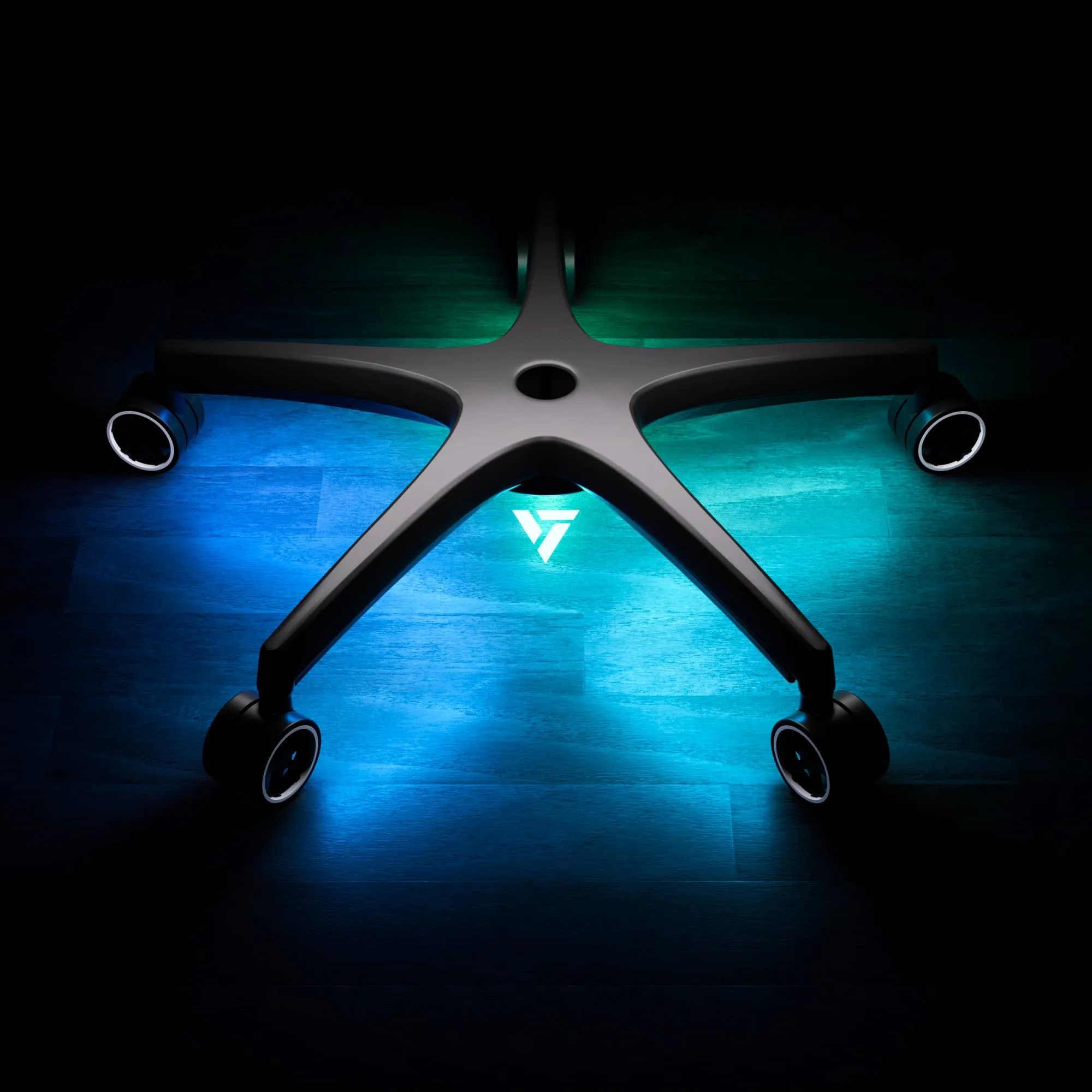
RGB LED Bottom Kit
-
RGB LED Bottom Kit: The kit is designed for the Vertagear PL4500/PL4800 gaming chair and is described as the world's first wirelessly operated RGB gaming chair. Compatibility is limited to those chair models, so care advice should start from confirming the kit is on the right chair before troubleshooting.
A simple cleaning routine for the LEDs and acrylic panes
Dust and fingerprints dull under-seat lighting more than most owners expect. The kit ships with a microfiber cloth, which is the safest tool mentioned in the supplied information for wiping these surfaces.
- Power down first: Turn off the lighting before you touch the LEDs or panes. The supplied information does not describe a specific power-off procedure, so use the normal off state you already use for the kit.
- Wipe the acrylic panes with the microfiber cloth: Use the included cloth dry or lightly dampened, and avoid abrasive pads or paper towels that can scratch acrylic. The supplied information does not name a cleaning solution, so stick to the cloth and avoid harsh chemicals.
- Dust the LED housings gently: A dry microfiber cloth is enough for surface dust on the front and back LED units. Do not spray liquid directly onto the LEDs or into the battery area.
- Check the mounting screws: The kit includes eight M3-6 screws and a Torx screwdriver. While cleaning, confirm the LED units and panes are still firmly attached. The supplied information does not specify a torque value, so tighten only enough to remove play.
Battery and charger habits for wireless underglow
The kit runs on four 18650 batteries and includes a magnetic charger. The supplied information does not list charging times, battery life, or a charging procedure, so the advice below is about sensible handling rather than a prescribed cycle.
- Keep the batteries matched: Use the four 18650 batteries as a set. Mixing old and new cells in a multi-battery kit can cause uneven performance, and the supplied information does not recommend mixing.
- Store spares away from heat: Keep spare 18650 cells in a cool, dry place and away from metal objects that could bridge the terminals. The supplied information does not include a storage specification, so this is general battery hygiene.
- Use the magnetic charger as intended: The kit includes a magnetic charger for the batteries. The supplied information does not describe charging indicators or timing, so avoid leaving the charger unattended for very long periods if you are unsure of its behavior.
- Watch for physical damage: If a battery wrapper is torn, the cell is dented, or the charger cable is frayed, stop using that part. The supplied information does not cover replacement parts, so contact Vertagear support for guidance.
Troubleshooting checkpoints when the underglow misbehaves
The supplied information does not include a troubleshooting guide, so these are logical first checks based on the kit's parts. Work through them in order before assuming a component has failed.
- Confirm the chair model: The kit is listed for the PL4500 and PL4800. If you are using it on another chair, compatibility is not confirmed by the supplied information.
- Check the RF USB receiver: The kit includes an RF USB receiver for wireless operation. Make sure it is firmly seated in the port you use. The supplied information does not specify which port or device, so use the setup that worked previously.
- Recharge or reseat the batteries: If the lights dim or stop responding, charge the four 18650 batteries with the magnetic charger and reinstall them. The supplied information does not define a low-battery indicator, so dimming is a reasonable cue to recharge.
- Inspect the LED connections: Check that the front and back LED units are still plugged in as installed. The supplied information does not describe the connectors, so do not force anything; if a connector looks loose, reseat it gently.
- Test one change at a time: Change only one thing per test, such as a fresh charge or a reseated receiver, so you can tell what fixed the issue.
What the supplied information does not cover
There is no care schedule, cleaning solution recommendation, charging time, battery lifespan, or waterproofing claim in the supplied information for the RGB LED Bottom Kit. Treat any specific interval or product as your own choice rather than a manufacturer instruction. If a problem persists after the basic checks above, contact Vertagear support rather than disassembling the kit further.