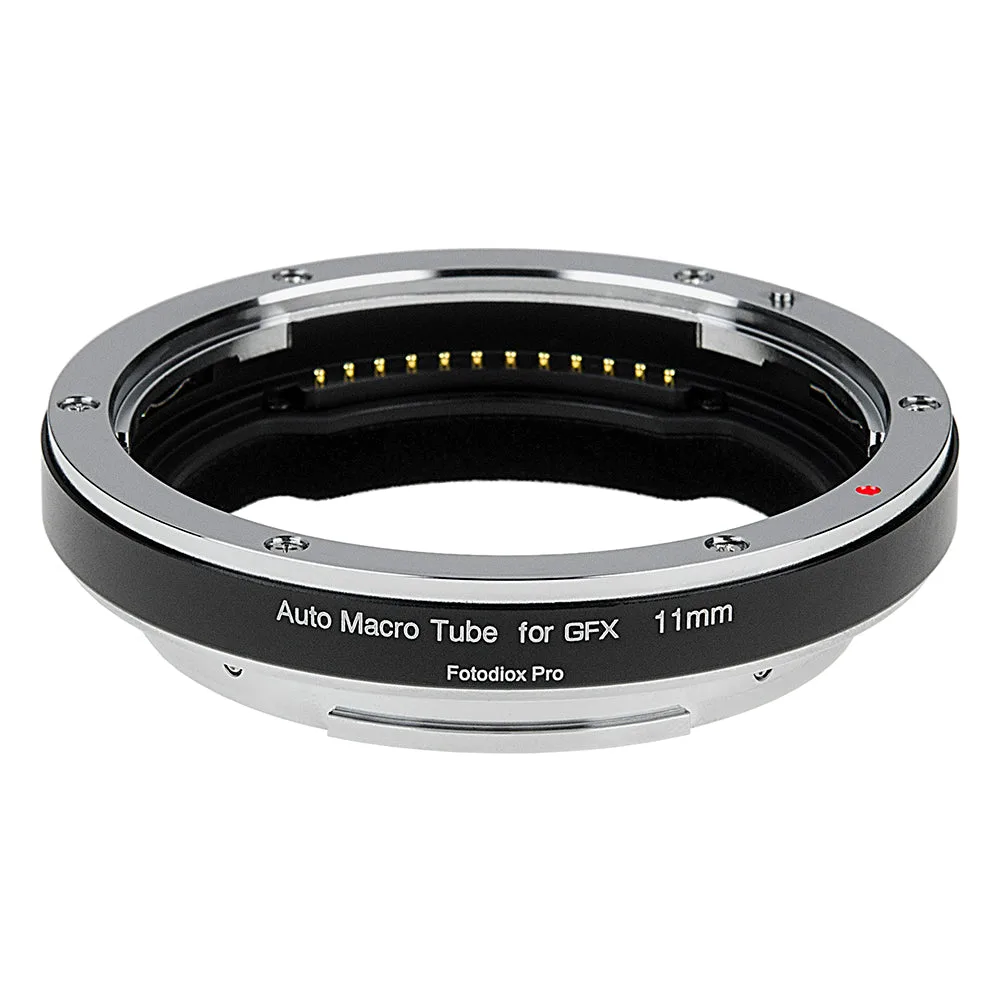
How the RhinoCam Vertex Works
What exactly does the RhinoCam Vertex do?
It is a rotating stitching adapter that connects Pentax 645 (P645) mount SLR lenses to Fujifilm G-mount (GFX) mirrorless cameras. The lens stays fixed while a moving platform shifts the camera sensor through multiple precisely positioned exposures. Those exposures form a linear array that you later merge into one larger image.
Why is a linear array better than a normal panorama?
The RhinoCam Vertex captures a linear array of exposures, which is designed for flat stitching. Flat stitching avoids the perspective errors and curvilinear distortion that can appear with spherical stitching, where the camera and lens both move. This makes it a better fit for landscape, commercial and architectural work where straight lines need to stay straight.
Do I need special software to stitch the images?
No proprietary software is required by the adapter itself. The supplied information notes that the multiple exposures can be merged in seconds using automated stitching features built into Adobe Photoshop and other software offerings. Check that your chosen software supports flat stitching before you rely on it.
Mount and Build Details
-
RhinoCam Vertex Rotating Stitching Adapter, Compatible with Pentax 645 (P645) Mount SLR Lens to Fujifilm G-Mount (GFX) Mirrorless Cameras: Lens mount: Pentax 645 (P645) SLR lenses. Camera mount: Fujifilm G-Mount (GFX) mirrorless cameras. This is the core compatibility check: the adapter is made for this specific lens-and-camera pairing, not a universal fit.
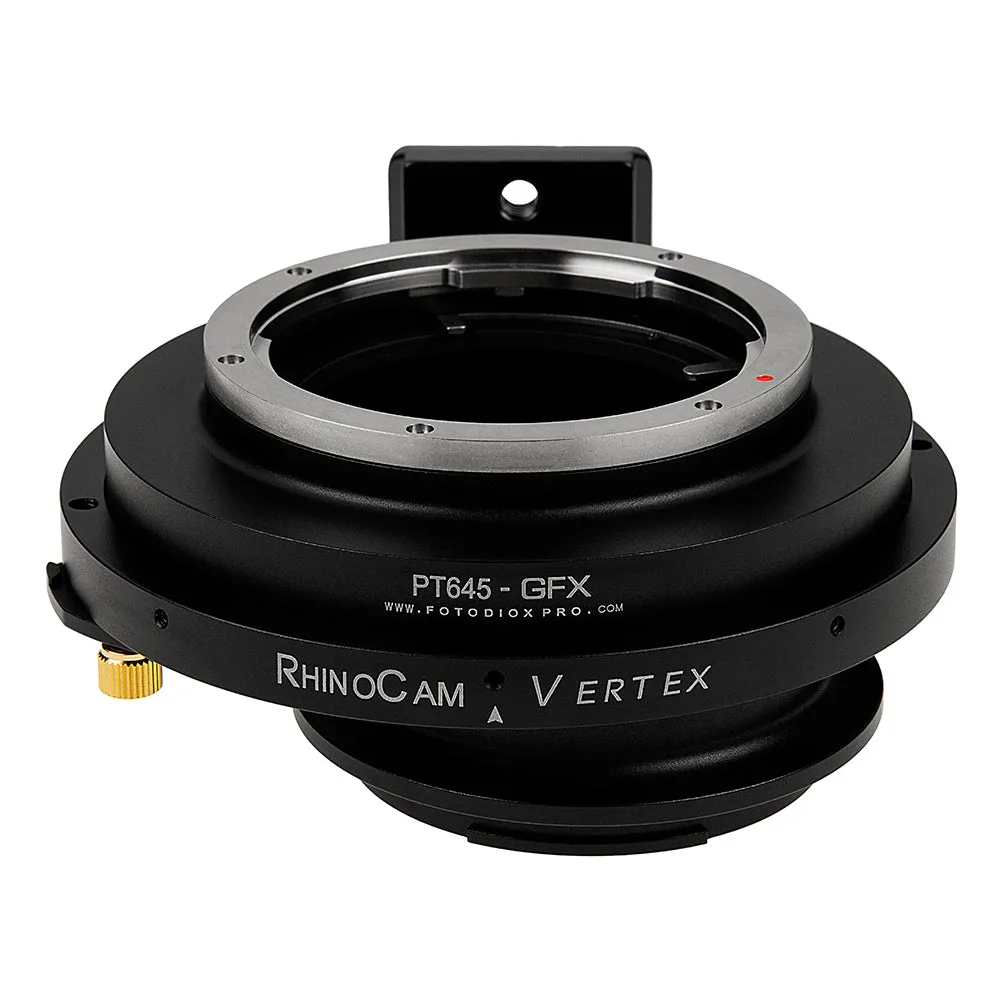
RhinoCam Vertex Rotating Stitching Adapter, Compatible with Pentax 645 (P645) Mount SLR Lens to Fujifilm G-Mount (GFX) Mirrorless Cameras
-
RhinoCam Vertex Rotating Stitching Adapter, Compatible with Pentax 645 (P645) Mount SLR Lens to Fujifilm G-Mount (GFX) Mirrorless Cameras: All-metal anodized aluminum construction with chrome-plated brass mounts, plus a rotating camera mount and built-in 1/4"-20 tripod mount. The metal build is intended to keep the lens-to-camera connection secure over time, and the tripod mount lets you support the rig directly.
-
RhinoCam Vertex Rotating Stitching Adapter, Compatible with Pentax 645 (P645) Mount SLR Lens to Fujifilm G-Mount (GFX) Mirrorless Cameras: Product dimensions: 4.7 x 5 x 2.2 in (12 x 12.6 x 5.5 cm); weight 0.8 lb (12.3 oz). These are the adapter's own dimensions and weight, useful for planning tripod support and packing, but they do not include the lens or camera.
Lens and Camera Compatibility Questions
Will my Pentax 645 lens autofocus or control aperture through the adapter?
The supplied information does not confirm electronic communication between lens and camera. It does warn that if your lens has no manual aperture control ring, the aperture will revert to its default position, which depends on the lens and may be fully open or fully stopped down. Lenses with a manual aperture ring give you direct control.
Can I use a focus-by-wire lens on this adapter?
Focus-by-wire lenses, such as Canon STM or Nikon AF-P types, need power to engage their manual focus rings. Manual lens mount adapters do not power the lens, so those lenses will not be able to focus. Use a lens with a mechanical manual focus ring instead.
What if my camera shows an 'Error Lens Not Attached' message?
Some cameras need to be set a certain way to work with adapters, and without that setting you may see a message such as 'Error Lens Not Attached - Check lens'. The supplied information does not list the exact menu setting for each GFX model, so check your camera's manual for its option to release the shutter without a lens attached.
How do I work out the equivalent focal length on GFX?
The crop factor or equivalent focal length depends on the specific lens and camera combination. The supplied information points to the Fotodiox Knowledge Base article for this calculation rather than giving a single number, so use that reference before you plan a shot around a particular field of view.
Handling and Support
How should I support the adapter and lens?
The adapter has a built-in 1/4"-20 tripod mount and a rotating camera mount. The supplied information does not include a step-by-step mounting procedure or a recommended tripod class, so follow your tripod and camera manufacturer's guidance for the combined weight of your lens, adapter and body.
Is the RhinoCam Vertex a replacement for a full medium format back?
It is presented as a cost-effective alternative. The supplied information describes it as putting the power of a full-size 6x6 medium format back into the hands of virtually any photographer, using a lower-cost mirrorless camera sensor with classic lenses. It is not described as matching a dedicated medium format back in every respect.
What warranty comes with it?
The RhinoCam Vertex carries a limited 24-month Fotodiox manufacturer warranty.