Why Your Printed USB Drive Needs Different Care
A printed USB flash drive adds personality to everyday file storage, but the surface design needs a gentler cleaning routine than a plain plastic or metal drive. The Centon Pro2 Rose Gold Leopard USB drive uses a lightweight polymer casing with a printed pattern, which can wear if scrubbed with harsh cleaners or rough materials.
This guide covers practical care and cleaning steps that help preserve both the print and the drive's function. The advice is based on the supplied product information for the Centon Pro2 Prints series and general safe handling for USB drives.
How to Clean the Rose Gold Leopard USB Drive
Follow these steps to clean the printed surface without damaging the finish or the drive's electronics.
- Unplug and inspect: Remove the drive from any computer or charger. Check the casing for visible dust, smudges, or sticky residue. Do not use the drive while cleaning.
- Wipe with a soft, dry cloth: Use a microfiber or lint-free cloth to gently wipe the printed surface. Avoid paper towels, tissues, or abrasive sponges that may scratch the leopard print design.
- For stubborn marks, use minimal moisture: Dampen the cloth with a small amount of water (not wet). Wipe the affected area gently, then immediately dry with a separate soft cloth. Do not let moisture enter the USB connector or any openings.
- Clean the USB connector carefully: If the metal connector needs cleaning, use a dry cotton swab to remove dust. Do not insert any liquid or wet swab into the connector. The supplied information does not specify a cleaning method for the connector, so gentle dry cleaning is the safest approach.
Daily Handling Habits That Protect the Print
The Centon Pro2 Rose Gold Leopard drive has a keychain extrusion for portability, which means it may rub against keys, coins, or other items in a bag. To keep the print intact, consider storing the drive in a separate pocket or a small case when not in use. Avoid exposing the drive to direct sunlight for long periods, as UV rays can fade printed surfaces over time.
The drive's durable polymer casing is built for daily wear, but printed patterns are more vulnerable to abrasion than solid colors. Treat the printed side as the decorative surface it is.
What the Product Record Confirms About Durability
-
USB Flash Drive, Pro2 Prints, Rose Gold Leopard: The OTM Essentials USB Pro2 has a lightweight, colorful, and durable polymer housing built to withstand daily wear and tear. The casing is designed for regular use, but the printed surface is not separately tested for scratch resistance. Gentle cleaning and careful storage help maintain the design.
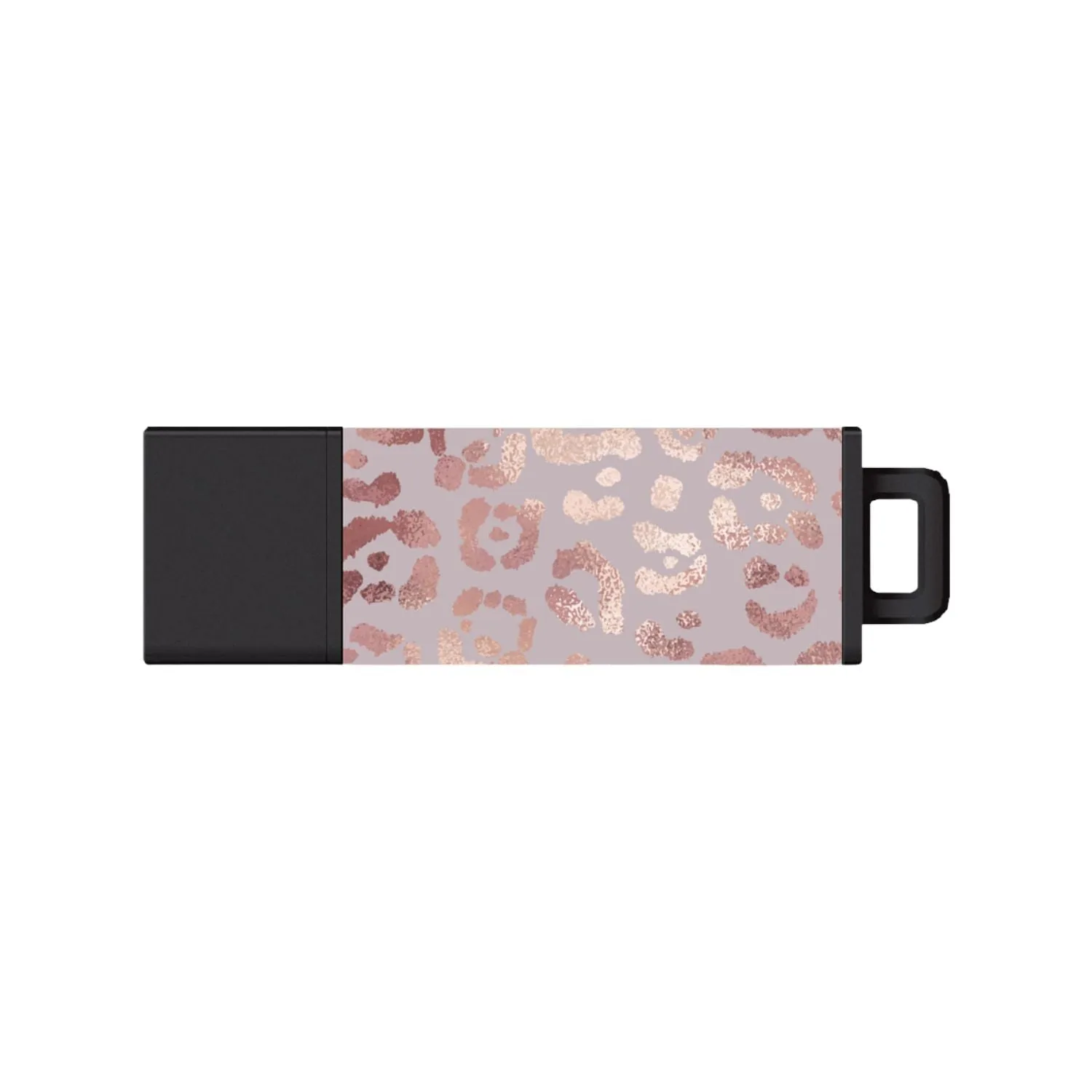
USB Flash Drive, Pro2 Prints, Rose Gold Leopard
-
USB Flash Drive, Pro2 Prints, Rose Gold Leopard: The drive comes with a 5-year manufacturer limited warranty. The warranty covers manufacturing defects, not cosmetic wear from cleaning or handling. Following the care steps above helps you avoid accidental damage that isn't covered.
What Not to Use on a Printed USB Drive
The supplied information does not list prohibited cleaning agents, but general best practice for printed electronics is to avoid alcohol, acetone, bleach, ammonia, or any solvent-based cleaner. These can dissolve or fade the print and may damage the polymer casing. Stick to dry or barely damp cloth cleaning.
If you are unsure about a substance, test it on an inconspicuous area of the casing (such as the edge near the keychain loop) before cleaning the main printed surface.
When to Replace Instead of Clean
If the printed surface begins to peel, flake, or fade significantly, cleaning will not restore the design. At that point, the drive still functions as a storage device, but the cosmetic wear is permanent. The supplied information does not specify a method to repair or recoat the print. Consider replacing the drive if the appearance matters for your use.
The Centon Pro2 Rose Gold Leopard is available in capacities from 64GB to 1TB, so if you decide to upgrade, you can choose a size that better fits your current storage needs.