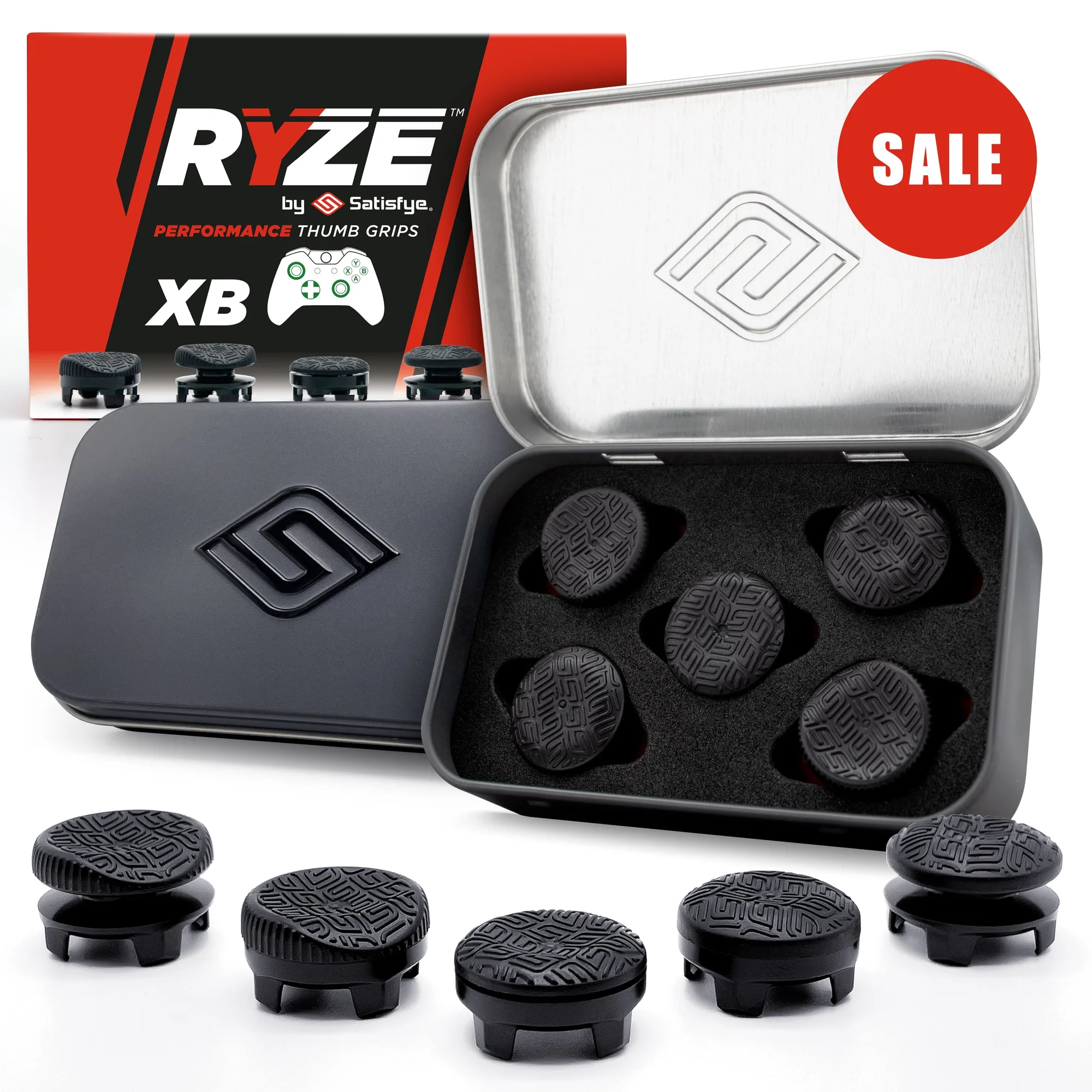
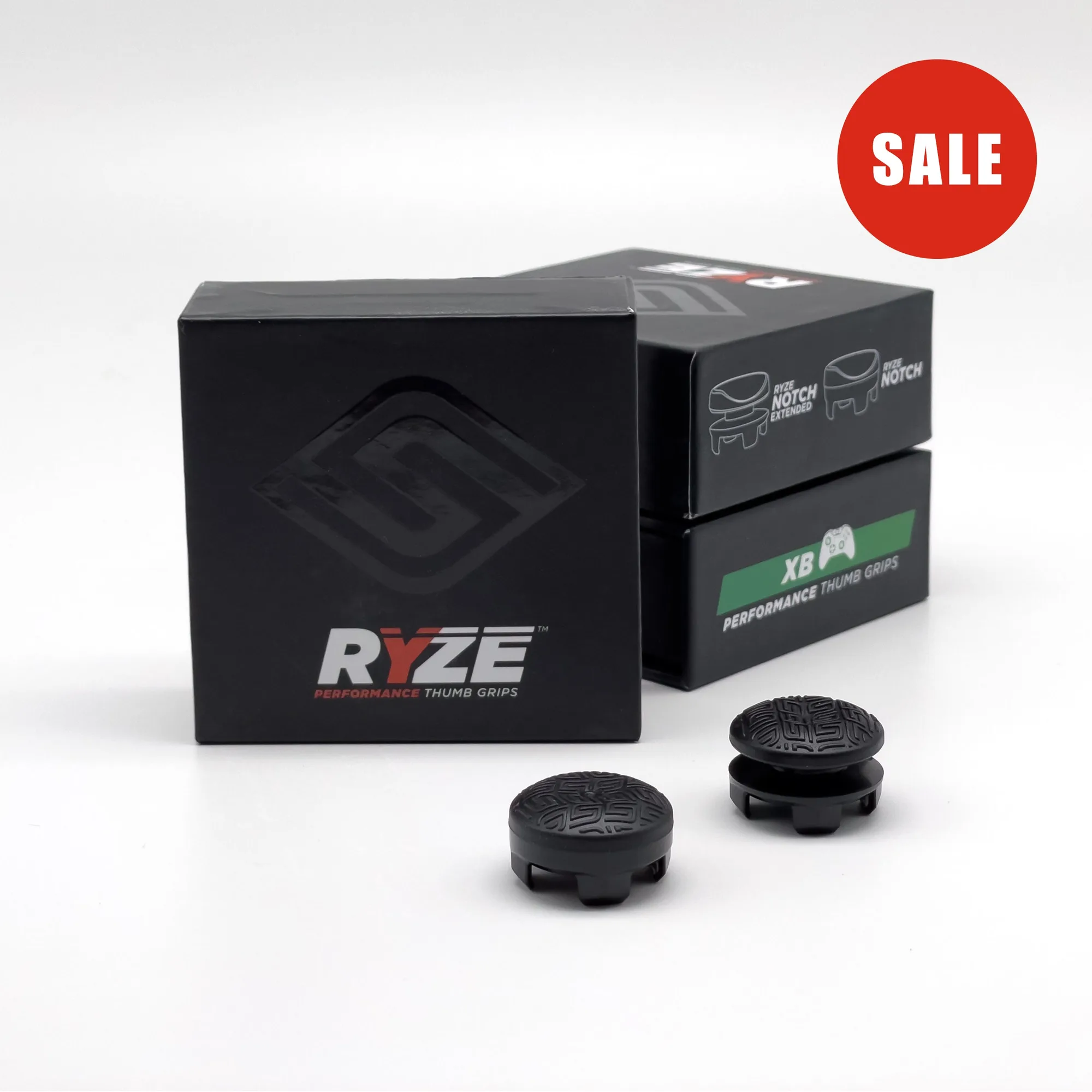
What the RYZEPADS Swivel Set Does
The RYZEPADS Swivel Set is designed to address a common gaming pain point: thumb fatigue from constant stick movement. The set includes two RYZE Swivel Pads that rotate freely as you move the thumbstick, eliminating the friction and resistance that can cause soreness during long sessions.
These thumbpads are compatible with Xbox One, Xbox Series X|S, and Steam Deck controllers. The unique concave and convex shape gives you a choice of thumb contact surface, letting you dial in the feel you prefer.
Key Product Details
-
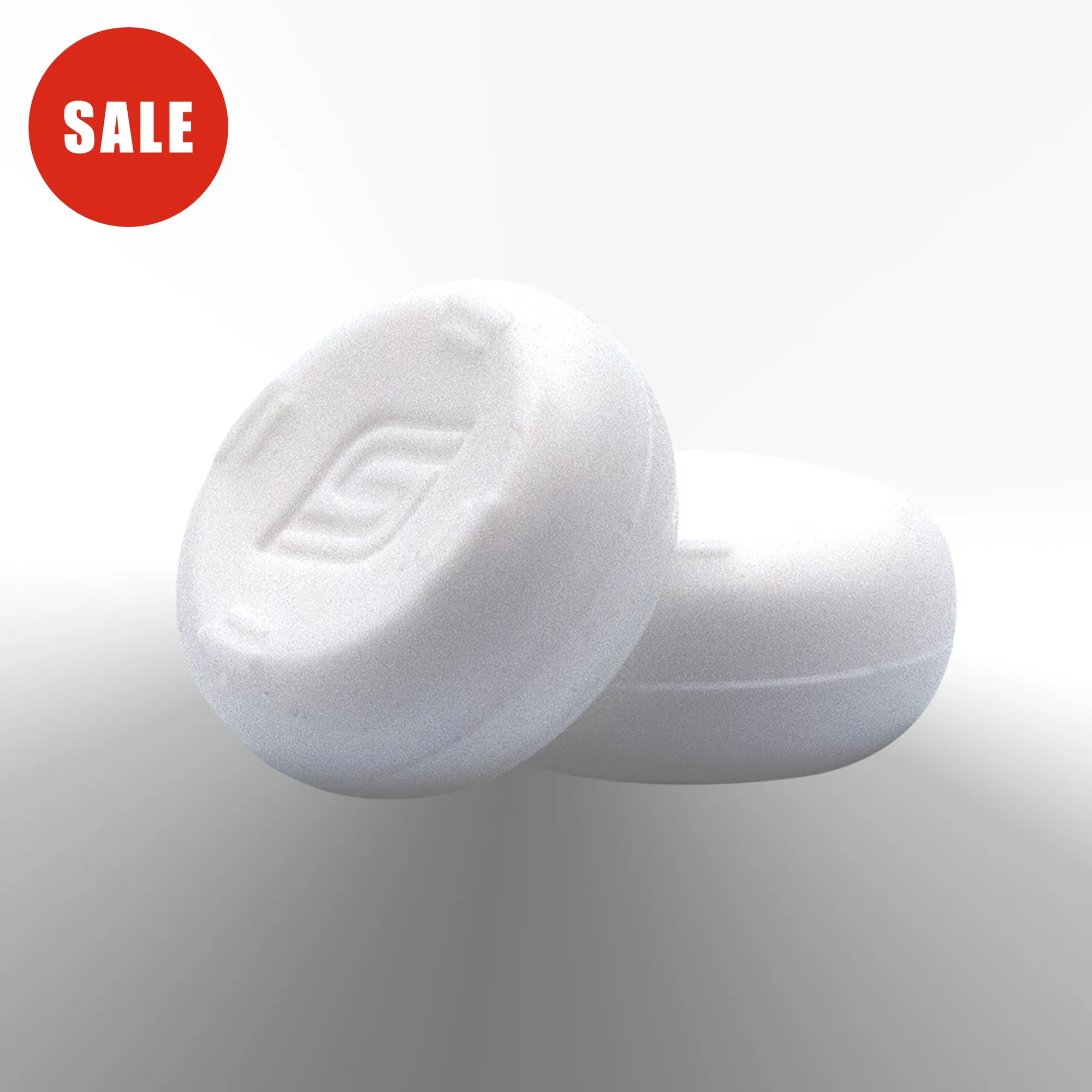
RYZEPADS (Xbox/SteamDeck) - Swivel Set: The RYZE Swivel Pad rotates freely, eliminating resistance against your thumb as you move the stick through its range of motion. Free rotation is the main feature that distinguishes these pads from static thumbstick caps. It reduces friction and can help prevent thumb strain during extended play.
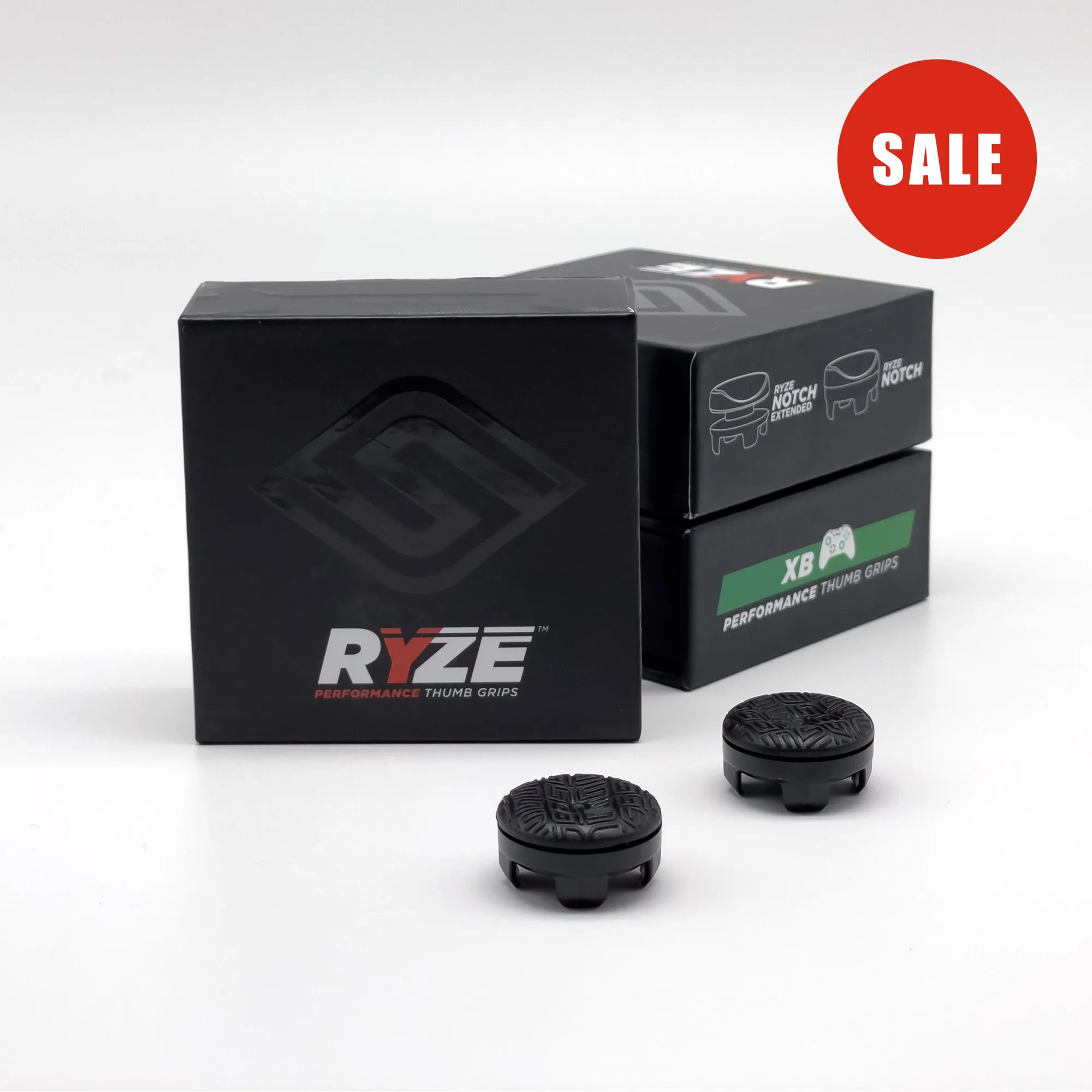
RYZEPADS (Xbox/SteamDeck) - Swivel Set
-
RYZEPADS (Xbox/SteamDeck) - Swivel Set: Standard and extended sizes for the Satisfye RYZE Notch and RYZE Wave Pads allow you to customize the controller for your hand size and style of play. While the Swivel Set itself comes in one variant, the sizing system from the broader RYZEPADS line means you can mix and match to find the best ergonomic fit for your hand.
Choosing Between the Swivel Set and Other RYZEPADS Options
The Swivel Set is the best choice if your main concern is thumb fatigue from repetitive stick movement. The free-rotating design actively reduces friction, which static pads do not address.
If you prioritize a fixed, high-friction grip for precision aiming, the RYZE Notch or Wave Pads with their concave/convex surfaces may suit you better. The Swivel Set complements those pads rather than replacing them—you can use both on different sticks or swap depending on the game.
For Steam Deck users, the Swivel Set works with the built-in thumbsticks. No additional adapter or modification is needed.
How to Install the RYZEPADS Swivel Set
Installation is straightforward and requires no tools. The pads fit over existing thumbsticks and stay in place during normal use.
- Prepare the controller: Ensure the thumbstick surface is clean and dry. Remove any existing caps or covers.
- Attach the Swivel Pad: Align the pad with the thumbstick and press down firmly until it snaps into place. The pad should rotate freely after installation.
- Test the rotation: Move the stick through its full range of motion. The pad should spin smoothly without catching or sticking.
What the Supplied Information Does Not Confirm
The catalog does not specify the exact pad height or diameter in millimeters. If you have very large or small hands, you may need to try the standard size to see if it feels comfortable.
There is also no mention of compatibility with third-party controllers or custom thumbstick heights. For best results, use the Swivel Set with the original Xbox or Steam Deck controllers.