What the SABRE v2 PRO tells us about wireless performance
The SABRE v2 PRO Carbon Fiber Wireless Gaming Mouse is built with an 8kHz hyper-polling rate and a 33K DPI sensor. These specs are designed for low-latency, high-precision input. If you're experiencing lag or dropout, the issue is often not the mouse hardware itself but how it interacts with your setup.
Key specs that affect wireless stability
-
SABRE v2 PRO CARBON FIBER WIRELESS Gaming Mouse – Black: Ultra-responsive 8kHz hyper-polling Hyper-polling reduces input delay, but it also requires a clean wireless channel and a compatible USB receiver to maintain that speed.
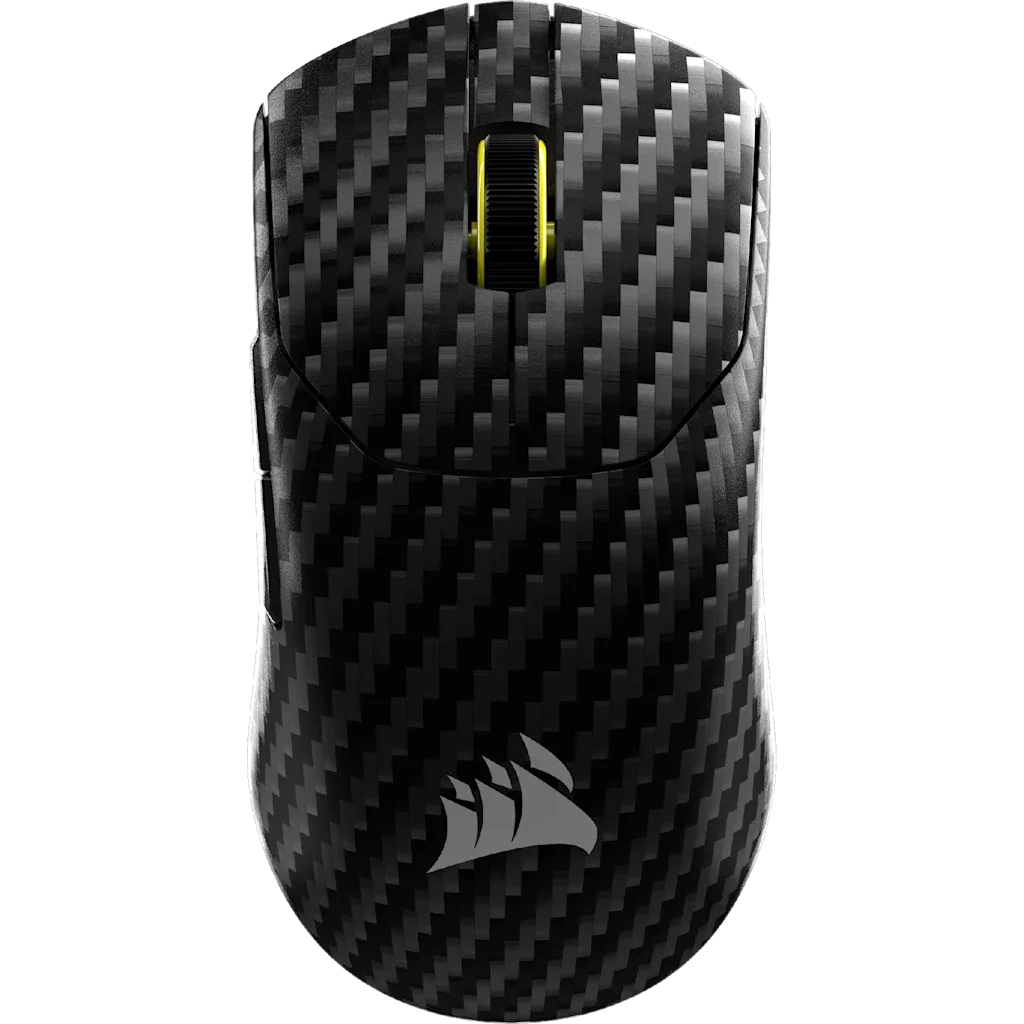
SABRE v2 PRO CARBON FIBER WIRELESS Gaming Mouse – Black
-
SABRE v2 PRO CARBON FIBER WIRELESS Gaming Mouse – Black: 33K DPI sensor for pro-level precision High DPI sensors can amplify small movements, but wireless interference may cause cursor jumps that feel like lag.
Diagnostic steps for wireless lag and dropout
These steps are based on common wireless mouse behavior, not on any specific manufacturer instructions. Start with the simplest check and work through the list.
- Check the wireless receiver placement: The receiver should be within direct line of sight of the mouse and away from metal objects, large USB hubs, or other wireless transmitters (like a router or Bluetooth speaker).
- Test with a different USB port: Try a port on the front of your PC case or a USB 2.0 port. Avoid using a USB hub or extension cable unless it is powered and high-quality.
- Reduce wireless interference: Turn off other 2.4 GHz devices near the mouse, such as a wireless keyboard, phone hotspot, or microwave. If possible, switch your router to 5 GHz band temporarily.
- Check battery level: Low battery can cause intermittent dropout. Replace or recharge the mouse battery and test again.
- Update mouse firmware if available: Use CORSAIR iCUE software to check for firmware updates. Updated firmware can improve wireless stability.
What the supplied information does not cover
The catalog does not specify a maximum wireless range, recommended USB port type, or exact battery life for the SABRE v2 PRO. If the steps above do not resolve the issue, the problem may be related to your specific PC hardware or software environment. In that case, contact CORSAIR support with details about your setup.