Quick answer
Choose the 128GB SanDisk Extreme PRO UHS-II if you shoot long 4K sessions or want fewer card swaps; choose the 64GB version if your shoots are short, you offload often, or you prefer to spread risk across smaller cards.
The speed is identical, so capacity is the only real variable
Both cards are rated at up to 275MB/s, so neither has a speed advantage for 4K recording or offloading. That makes this a straightforward capacity decision: the 128GB card holds roughly twice as much footage as the 64GB card, but it costs more and puts more eggs in one basket. If your camera or workflow already handles UHS-II speeds well, pick the capacity that matches how long you record before you can offload.
The trade-off: recording time versus risk and cost
A larger card means fewer interruptions during long takes, events, or travel days when you cannot offload. A smaller card limits the damage if a card is lost, stolen, or corrupted, and it forces regular backups. The 64GB option also lowers the entry price if you are buying multiple cards for several cameras or action cameras. There is no supplied recording-time specification, so estimate from your camera's bitrate rather than assuming a fixed number of minutes.
When the included reader changes the math
Both products include a USB 3.0 card reader, which matters if your computer lacks a UHS-II slot. The reader helps you offload footage faster, but it does not change the card's capacity. If you already own a fast reader, the bundled one is simply a spare; if you do not, it makes either card easier to live with on day one.
Key trade-offs at a glance
- Capacity vs. cost: The 128GB card stores roughly twice the footage of the 64GB card but costs more. If your shoots are short or you offload daily, the 64GB card keeps spending down. Estimate your typical shoot length before paying for capacity you will not fill.
- Fewer swaps vs. risk spreading: A single 128GB card reduces interruptions on long recording days. Two 64GB cards cost less per card and limit the loss if one fails, but require more swapping. If a lost card would ruin a paid shoot, carry two smaller cards instead of one large one.
- Bundled reader vs. existing workflow: Both include a USB 3.0 reader, so offload speed is similar out of the box. If you already have a fast UHS-II reader, the bundled one is a backup rather than an upgrade. Check your computer's card slot before assuming the bundled reader is the bottleneck.
Product facts
-
SanDisk 64GB Extreme PRO microSD 275MB/sec UHS-II Micro SDXC with USB 3.0 Card Reader Adapter: 64GB UHS-II microSDXC rated at up to 275MB/s and supplied with a USB 3.0 card reader. Lower capacity keeps initial cost down and limits how much footage is tied to a single card, while the bundled reader helps if your computer lacks a UHS-II slot.
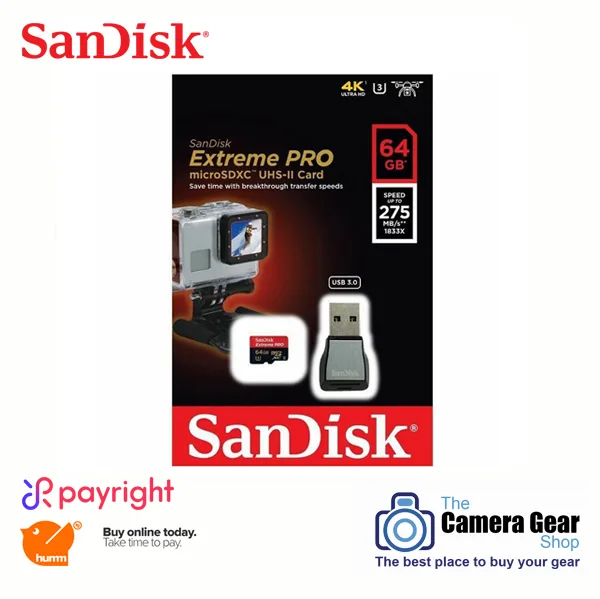
SanDisk 64GB Extreme PRO microSD 275MB/sec UHS-II Micro SDXC with USB 3.0 Card Reader Adapter
-
SanDisk 128GB Extreme PRO MicroSDXC UHS-II U3 Class 10 – 275MB/s Memory Card: 128GB UHS-II microSDXC rated at up to 275MB/s and supplied with a USB 3.0 card reader. Double the capacity of the 64GB card means fewer swaps during long 4K shoots, at a higher price and with more footage at risk if the card is lost.
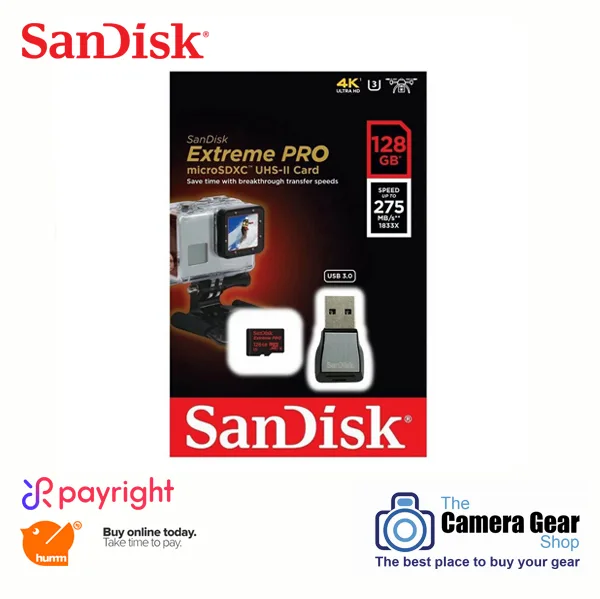
SanDisk 128GB Extreme PRO MicroSDXC UHS-II U3 Class 10 – 275MB/s Memory Card
Which card fits your shooting?
Best for
- Travel and event shooters who record long 4K sessions without offloading
- Action camera users who want fewer card changes on multi-day trips
- Buyers who prefer one high-capacity card over managing several smaller ones
Not for
- Shooters who offload after every session and do not need extra capacity
- Anyone buying for multiple cameras who needs to keep per-card cost low
- Users who want to spread risk across several smaller cards rather than one large one