Quick Answer
Yes, you can use a screen protector with a Galaxy Z Fold 7 case, but compatibility depends on the case's lip height and cutouts. For best results, install the screen protector first, let it cure, then attach the case. Choose a case with a slim profile to avoid lifting the protector's edges.
The Galaxy Z Fold 7's large, foldable display is impressive, but it also means more surface area to protect. Pairing a screen protector with a case is a smart move, but it's not always straightforward. You need to consider how the case's edges interact with the protector's edges, especially around the hinge and the front cover.
In this FAQ, we answer common questions about using a screen protector with a Galaxy Z Fold 7 case. We'll cover installation order, what to look for in a case, and how to avoid common issues like bubbling and peeling.
Will any screen protector work with any case?
Not necessarily. The main concern is the case's lip—the raised edge around the screen. If the lip is too aggressive, it can push against the screen protector and cause it to lift or bubble. This is especially true for foldable phones where the front cover is thin and close to the display.
For the Galaxy Z Fold 7, look for cases with a minimal lip on the front cover. Many cases designed for foldables are 'bumper-style' with a slim frame that leaves the screen edges exposed. These tend to be more compatible with screen protectors. Cases with a thick, raised lip might not work well with a glass protector, though they can still be fine with a film protector.
- Check the case's product images for a visible lip around the front screen.
- If in doubt, choose a case that is marketed as 'screen protector friendly'.
Should I install the screen protector before or after the case?
Always install the screen protector first, then the case. This allows you to align the protector perfectly without the case getting in the way. It also ensures the protector is fully adhered before the case adds any pressure on the edges.
After applying the protector, give it a few minutes to settle. Then, carefully snap on the case. If you notice the case is lifting the protector's edges, remove the case and check if the protector is properly centered. Sometimes a slight adjustment can solve the issue.
- Clean the screen thoroughly before applying the protector.
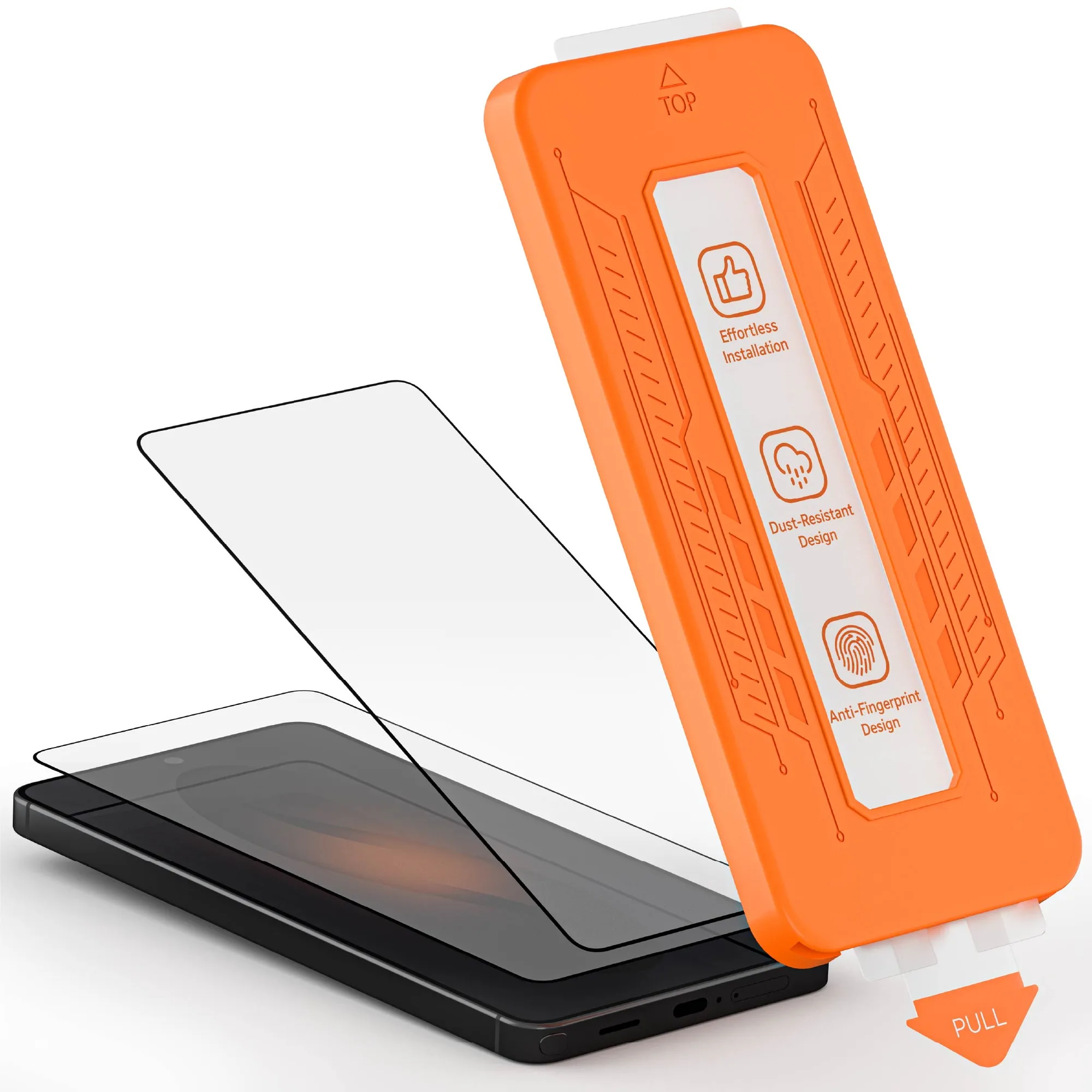
- Use the included alignment tools if available.
What about the inner display? Do I need a protector there?
The Galaxy Z Fold 7's inner display is delicate, and Samsung pre-installs a screen protector that is not meant to be removed. Adding an extra layer on the inner screen is generally not recommended, as it can interfere with the folding mechanism and cause bubbling or damage.
For the inner display, your best protection is a case with a hinge cover and careful handling. The outer cover display, however, is where a screen protector is most useful, as it's exposed to scratches and drops. Focus your protection efforts there.
- Do not remove the pre-installed inner screen protector.
- Use a protective case with a hinge cover for the inner screen.
Key Takeaways
Case lip height matters
A case with a high lip around the front screen can lift your screen protector. Look for a slim bumper-style case for best compatibility. Check the case's design before buying.
Install protector first
Apply the screen protector before the case to ensure proper alignment and adhesion. Let it cure for a few minutes before snapping on the case. This order prevents lifting and bubbling.
Inner display is delicate
Do not add an extra protector to the inner screen. Rely on the pre-installed one and a case with a hinge cover. Protect the outer screen only with a separate protector.
Related Products
- Galaxy S26 Series Tempered Glass Screen Protectors (2-Pack) — Screen Protection: Includes two tempered glass screen protectors for your Galaxy S26 Series device. Provides a tough, protective barrier to help safeguard your screen from daily wear and tear. While this is for the S26, it shows GHOSTEK's approach to screen protection. The 2-pack is handy if you're also protecting a secondary device or want a backup.
- iPhone 17 / Air Series Waterproof MagSafe Cases — NAUTICAL slim: Waterproof construction helps shield your phone from spills, splashes, and unexpected weather. Compatible with MagSafe, allowing for easy attachment of magnetic accessories and wireless charging. This case is designed for iPhone, but its slim profile is a good example of what to look for in a case that won't interfere with a screen protector.
Pairing a screen protector with your Galaxy Z Fold 7 case is possible with the right approach. Prioritize a slim case, install the protector first, and leave the inner display alone. This keeps your foldable safe without sacrificing usability.