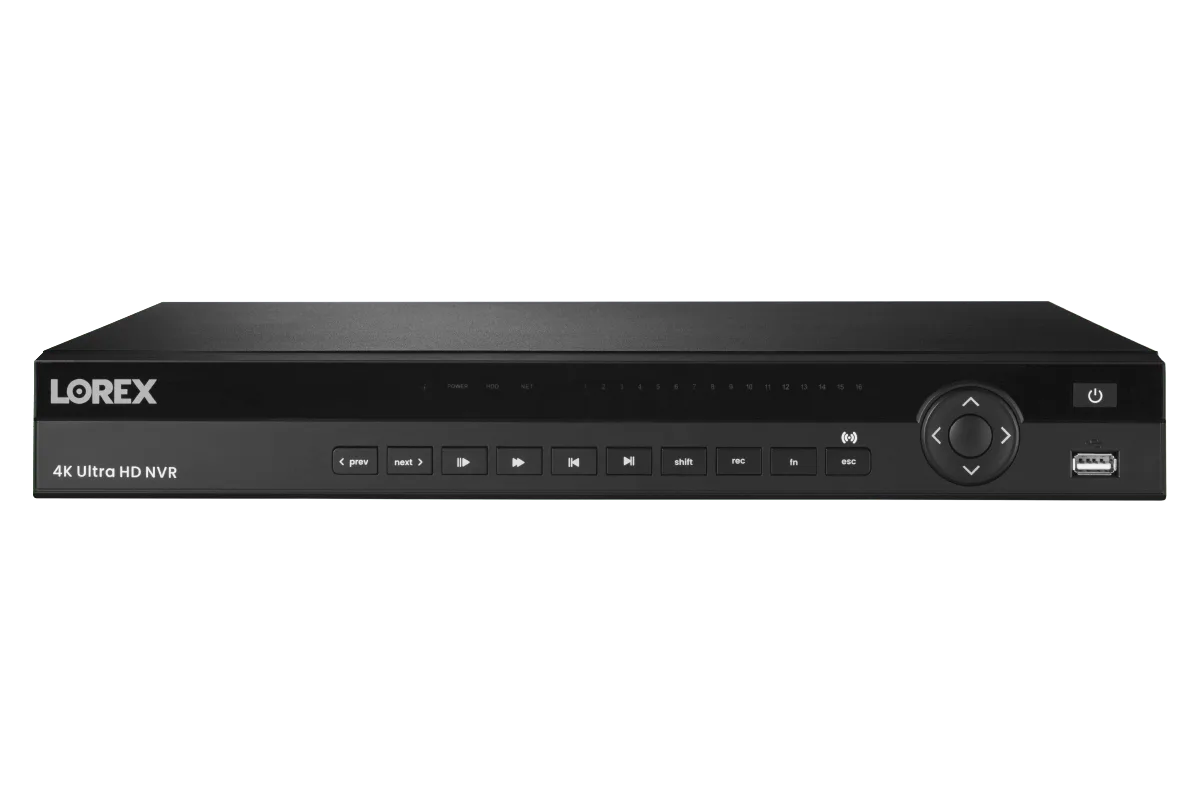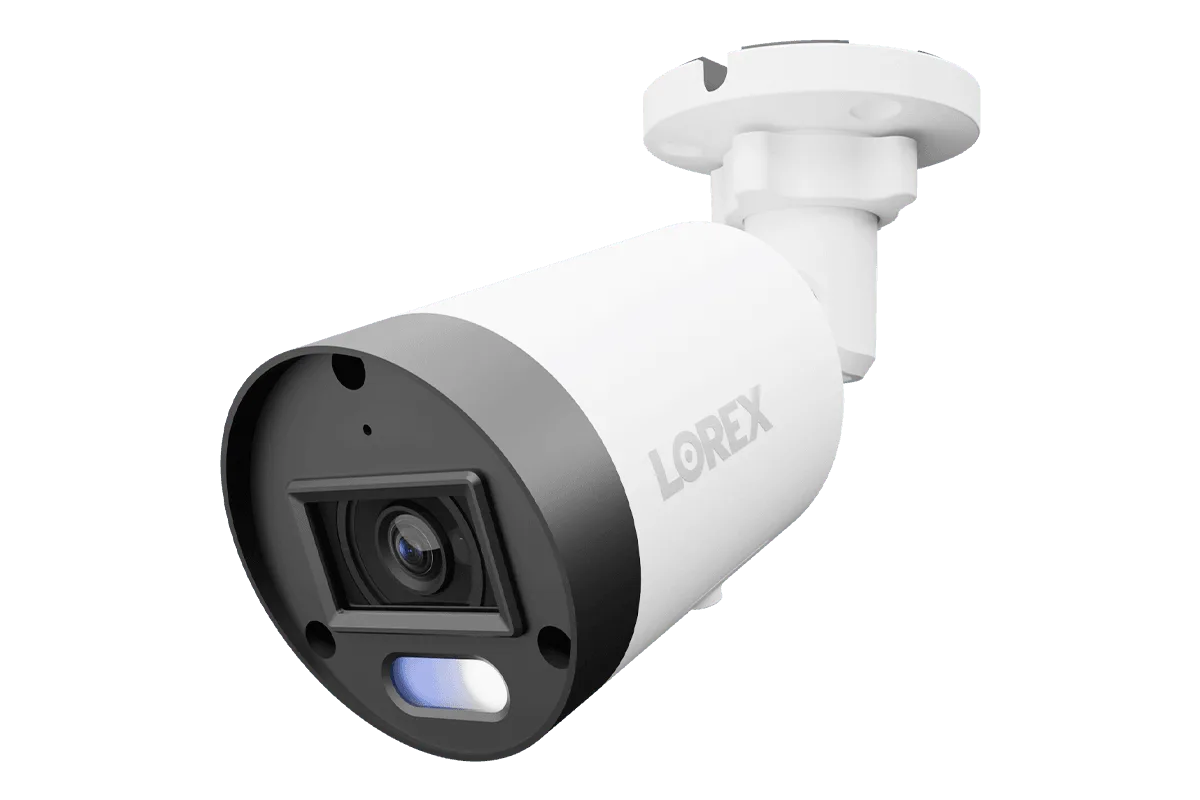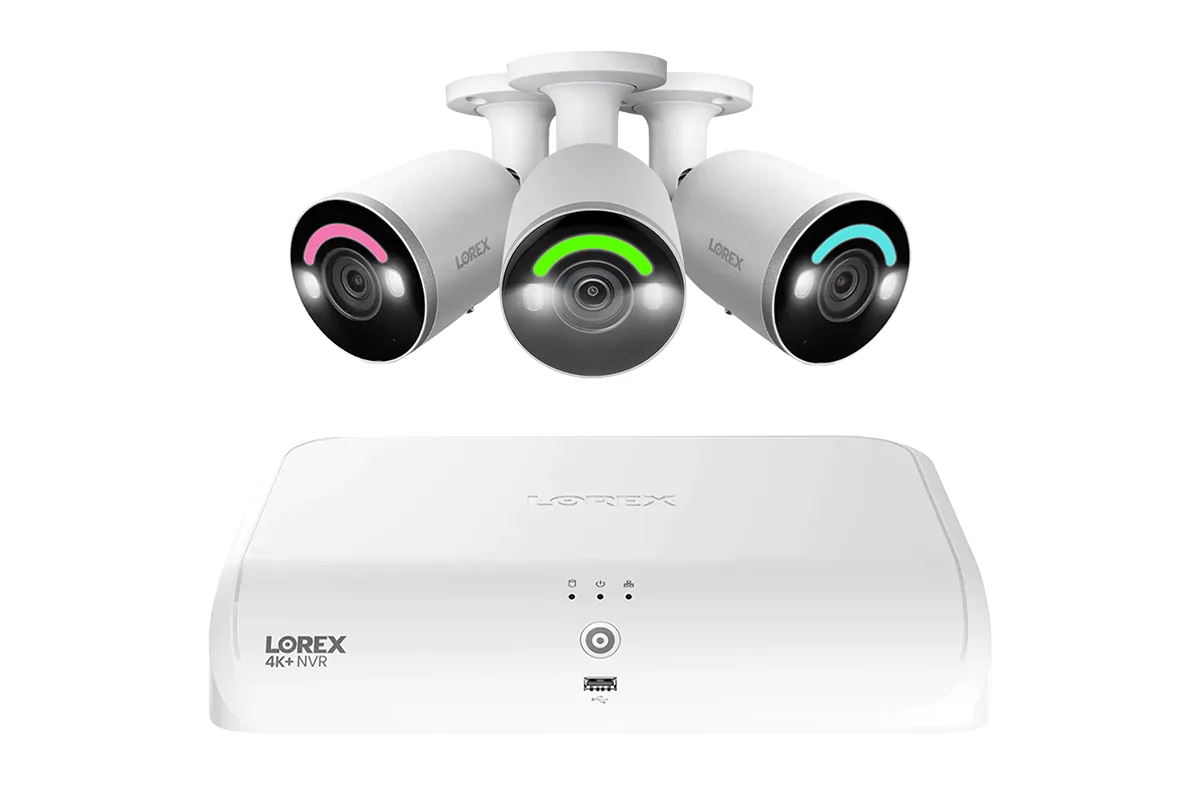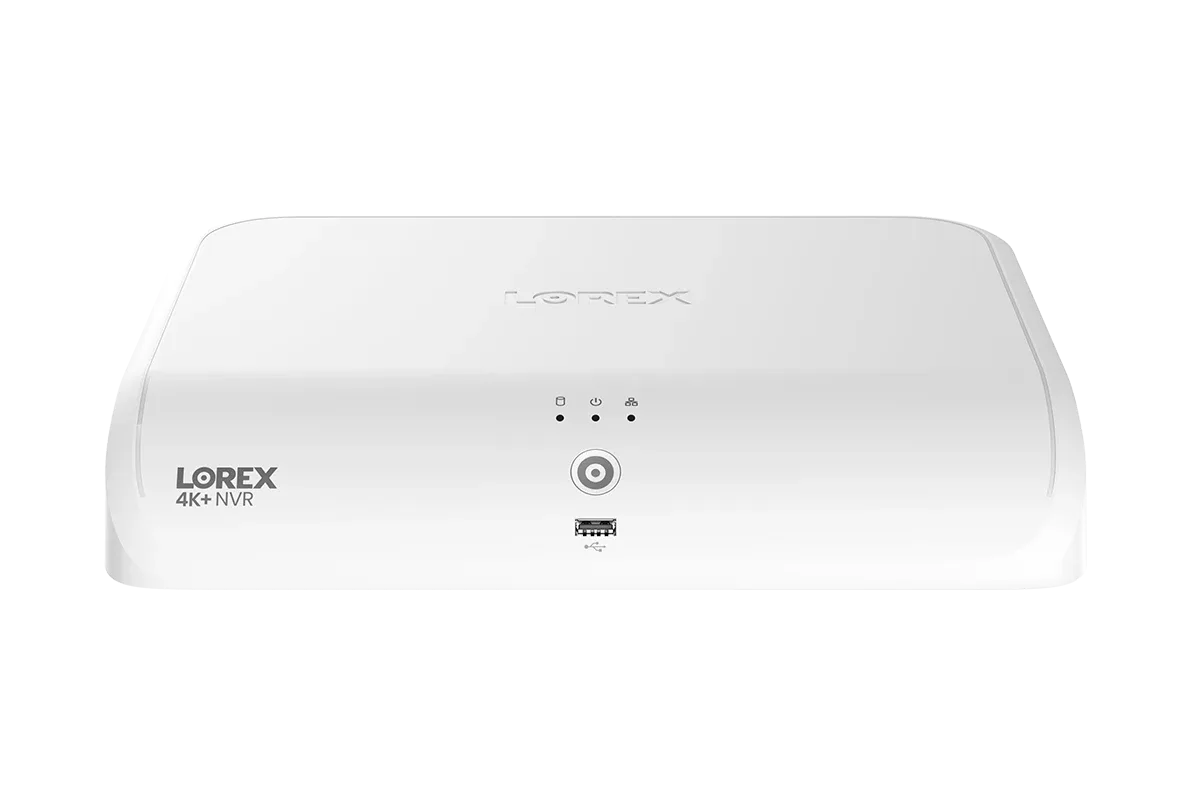
Your Lorex NVR is the brain of your security system, storing critical footage and controlling cameras around your property. Without proper protection, it can become a target for cybercriminals looking to spy on your home or disrupt your surveillance. Securing your NVR doesn't have to be complicated—a few deliberate steps can dramatically reduce the risk of unauthorized access. This guide covers password best practices, network hardening, and account safety measures specifically for Lorex systems.
Whether you're using a https://gadgetguardai.shop/products/lorex-4k-16-camera-capable-elite-series-4tb-nvr-218032Lorex 4K (16 Camera Capable) Elite Series 4TB NVR or a newer hybrid model, the fundamentals of security remain the same. By understanding where vulnerabilities lie and applying the tips below, you can enjoy peace of mind knowing your footage stays private and your system remains uncompromised.
Start with a Strong, Unique Password for Your NVR
The first line of defense is your administrator password. Many users skip changing the default password, leaving their system open to simple brute-force attacks. Always set a complex password that's at least 12 characters long, includes uppercase and lowercase letters, numbers, and symbols. Avoid using common words, birthdays, or patterns. For your Lorex NVR, access the system menu and update the admin password immediately after setup.
Never reuse passwords across different devices or accounts. If one password is compromised elsewhere, attackers may try it on your NVR. Consider using a password manager to generate and store unique passwords. For systems like the Lorex Fusion Series 4K 16 Camera Capable (Wired or Fusion Wi-Fi) 4TB Wired NVR System, the same password principles apply—treat your NVR as a critical device, not just an appliance.
- Change the default admin password during initial setup.
- Use a passphrase like 'H0me_S3cur!ty_2026!' for better memorability.
- Update your password every six months for ongoing protection.
Enable Two-Factor Authentication Where Available
Two-factor authentication (2FA) adds an extra layer of security beyond your password. With 2FA, even if someone steals your password, they still need a second code—usually sent to your phone or generated by an authenticator app—to log in. Some Lorex NVR systems and the Lorex Home app support 2FA for remote access accounts. Enabling this feature is one of the most effective ways to prevent unauthorized logins from unknown locations.
To activate 2FA, go to your Lorex account settings online or within the mobile app. You may need to link a phone number or email address. Once enabled, every login attempt from a new device will require the secondary code. This significantly reduces hacking risks, especially if you access your NVR from public Wi-Fi or multiple devices.
Harden Your Network Against External Threats
Your home network is the gateway to your NVR. To keep attackers out, start by securing your router. Change the default router admin credentials, disable WPS (Wi-Fi Protected Setup), and use WPA2 or WPA3 encryption for your Wi-Fi. For wired cameras and NVRs, consider placing them on a separate VLAN or subnet away from your main devices. This segmentation prevents a compromised computer or IoT gadget from reaching your NVR.
Be cautious with port forwarding. While remote viewing is convenient, opening ports like 80 or 554 on your router exposes your NVR to the internet. Instead, use a VPN (Virtual Private Network) to access your Lorex system remotely. A VPN creates an encrypted tunnel, so your NVR stays hidden from port scanners. If you must use port forwarding, change the default ports and restrict access to specific IP addresses wherever possible.
- Disable UPnP on your router to prevent automatic port forwarding.
- Use a VPN service or set up a dedicated VPN server for remote access.
- Regularly check your router logs for suspicious connection attempts.
Keep Your Lorex Firmware and Software Up to Date
Manufacturers regularly release firmware updates that patch security vulnerabilities. Running outdated firmware is like leaving your front door unlocked. Log into your Lorex NVR's web interface or use the Lorex Home app to check for updates monthly. Most systems, including the Lorex 4K (16 Camera Capable) Elite Series 4TB NVR, allow automatic update checking or manual firmware downloads from the official support site.
Also update the mobile app and any client software you use for remote viewing. Outdated apps can have security holes that attackers exploit. Set a reminder to check for updates every 30 days. If your NVR supports push notifications for updates, enable that option. Staying current with firmware is a simple yet powerful step in your overall lorex nvr security strategy.
Monitor Account Activity and Disable Unused Features
Regularly review the user accounts on your NVR. Remove any old or unused accounts, and ensure each user has only the permissions they need. For example, a family member might only need live view access, not system settings. By applying the principle of least privilege, you minimize what an attacker can do if a secondary account is compromised.
Disable features you don't use, such as Telnet, SSH, or FTP. These older protocols often lack encryption and can serve as backdoors. On your Lorex NVR, navigate to network settings and turn off any services not required for daily operation. Also, enable notification alerts for login failures or new device connections. This way you'll know immediately if someone is trying to brute-force your system.
- Audit user accounts every three months and delete inactive ones.
- Turn off remote access if you don’t need it for extended periods.
- Enable email or push alerts for failed login attempts on your NVR.
Protecting your Lorex NVR from unauthorized access is a continuous process that combines strong passwords, network hardening, firmware updates, and vigilant monitoring. By applying these tips, you greatly reduce the risk of your security footage being viewed or tampered with by strangers. Take the first step today by reviewing your system’s current security settings. If you're planning an upgrade or a fresh installation, explore the reliable Lorex 4K (16 Camera Capable) Elite Series 4TB NVR as a solid foundation for a secure and future-proof home security setup.