Quick Answer
For Sega Saturn VA1+ consoles, installing a region free BIOS chip is the most reliable way to play import games without a modchip. The process involves opening the console, replacing the BIOS chip, and verifying the boot animation.
Why a region free BIOS beats a modchip for VA1+ Saturns
A region free BIOS replaces the console's original BIOS chip, removing the region lock at the firmware level. This means the system treats all discs as valid, regardless of their region code.
Unlike a modchip, which only bypasses the disc check, a region free BIOS also lets you choose your boot animation. Options include USA/EU, Japanese, V-Saturn, Samsung, and more, so you can personalize the startup screen.
One trade-off: the install requires basic soldering because the BIOS chip is surface-mounted on the motherboard. If you're not comfortable with soldering, consider a send-in service instead of attempting the mod yourself.
Installation Steps
- Confirm your motherboard revision: Open the console and check the motherboard for the 'VA1' or 'VA1.5' label. The region free BIOS chip is only compatible with SMD VA1+ revisions; VA0 and VA1 (non-SMD) boards are not supported. If you're unsure, take a photo of the motherboard and compare it with online reference images before ordering.
- Gather tools and prepare the workspace: You'll need a soldering iron with a fine tip, flux, desoldering wick, a small Phillips screwdriver, and an anti-static mat. Unplug the console and ground yourself to avoid static discharge. Use a magnifying lamp to inspect solder joints; the BIOS pins are tiny and easy to bridge.
- Remove the original BIOS chip: Locate the BIOS chip (usually labeled '315-5546' or similar) on the motherboard. Apply flux and heat each pin gently while lifting the chip with tweezers. Avoid prying forcefully, as this can lift the PCB traces. If the chip doesn't lift easily, add more flux and heat; don't rush or you'll damage the board.
- Clean the solder pads: Use desoldering wick to remove excess solder from the pads. Ensure all pads are flat and free of bridges. A clean surface is critical for a reliable connection. Check each pad under magnification; leftover solder can cause shorts after the new chip is installed.
- Install the region free BIOS chip: Align the chip's pin 1 marker with the pad's pin 1 indicator. Place the chip, solder a few corner pins to hold it in place, then solder the remaining pins. Double-check for bridges between pins. Use a multimeter in continuity mode to verify no adjacent pins are shorted.
- Reassemble and test: Reconnect the power supply, reassemble the console, and power it on. The selected boot animation should appear. Insert an import game to confirm region-free playback. If the console doesn't boot, recheck solder joints and chip orientation before assuming the chip is faulty.
Product Facts
-
Sega Saturn Region Free Bios (SMD VA1+): Compatible with Sega Saturn consoles featuring SMD VA1+ motherboard revisions. You must verify your console's motherboard revision before purchase; the chip won't fit VA0 or VA1 boards without SMD.
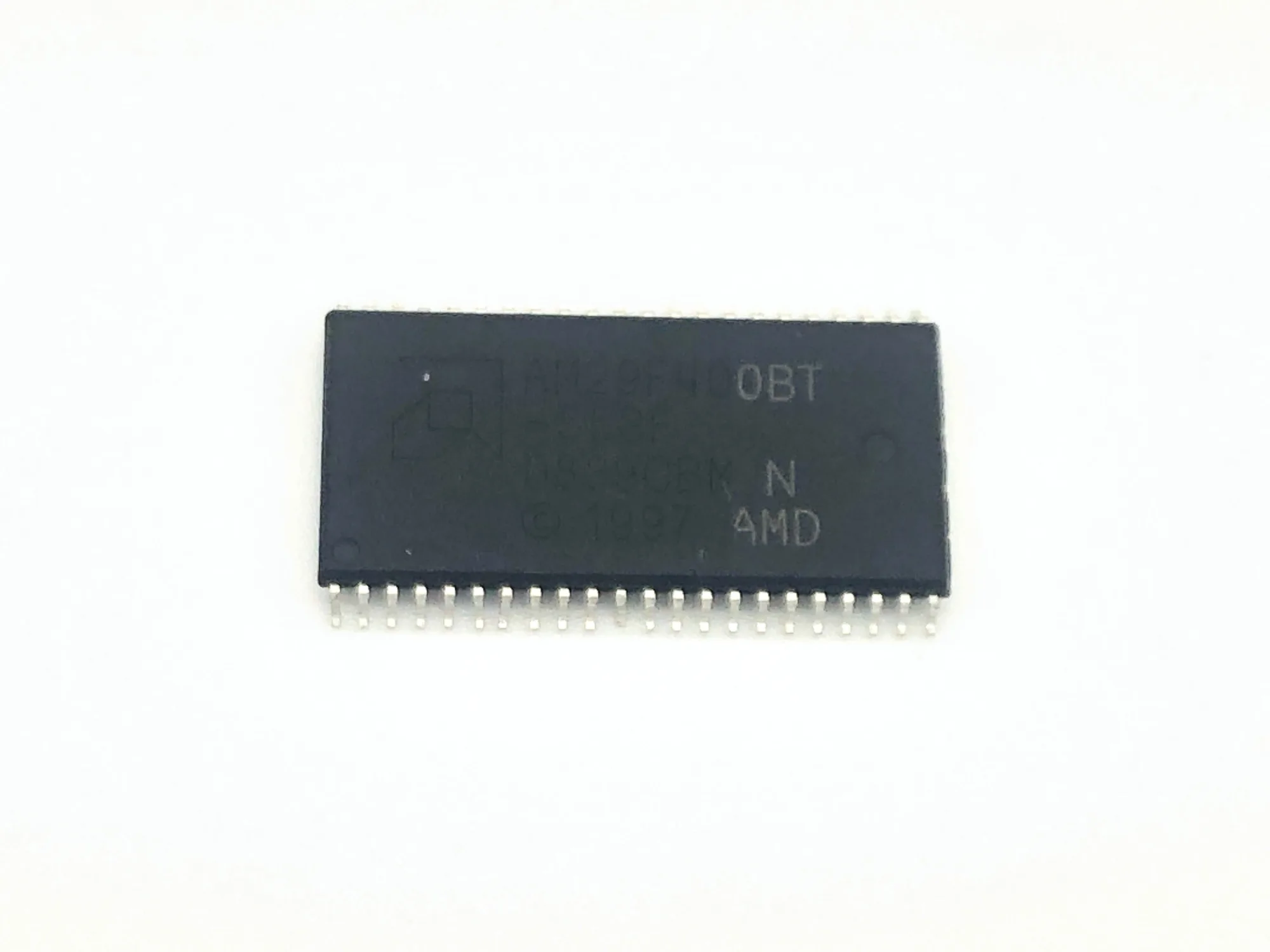
Sega Saturn Region Free Bios (SMD VA1+)
-
Sega Saturn Region Free Bios (SMD VA1+): Choose your preferred BIOS bootup animation from options including USA/EU, Japanese, V-Saturn, Samsung, or others. The boot animation selection is made at purchase, so decide your preferred region style before ordering to avoid re-flashing later.