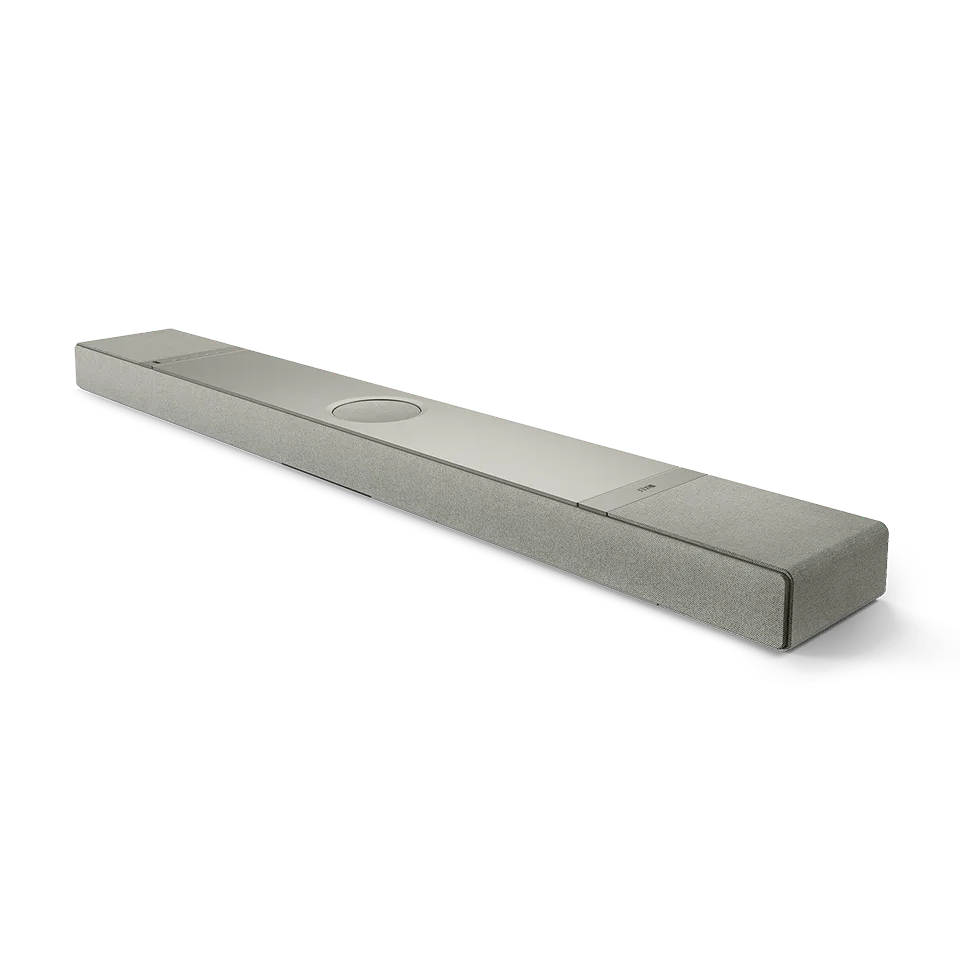
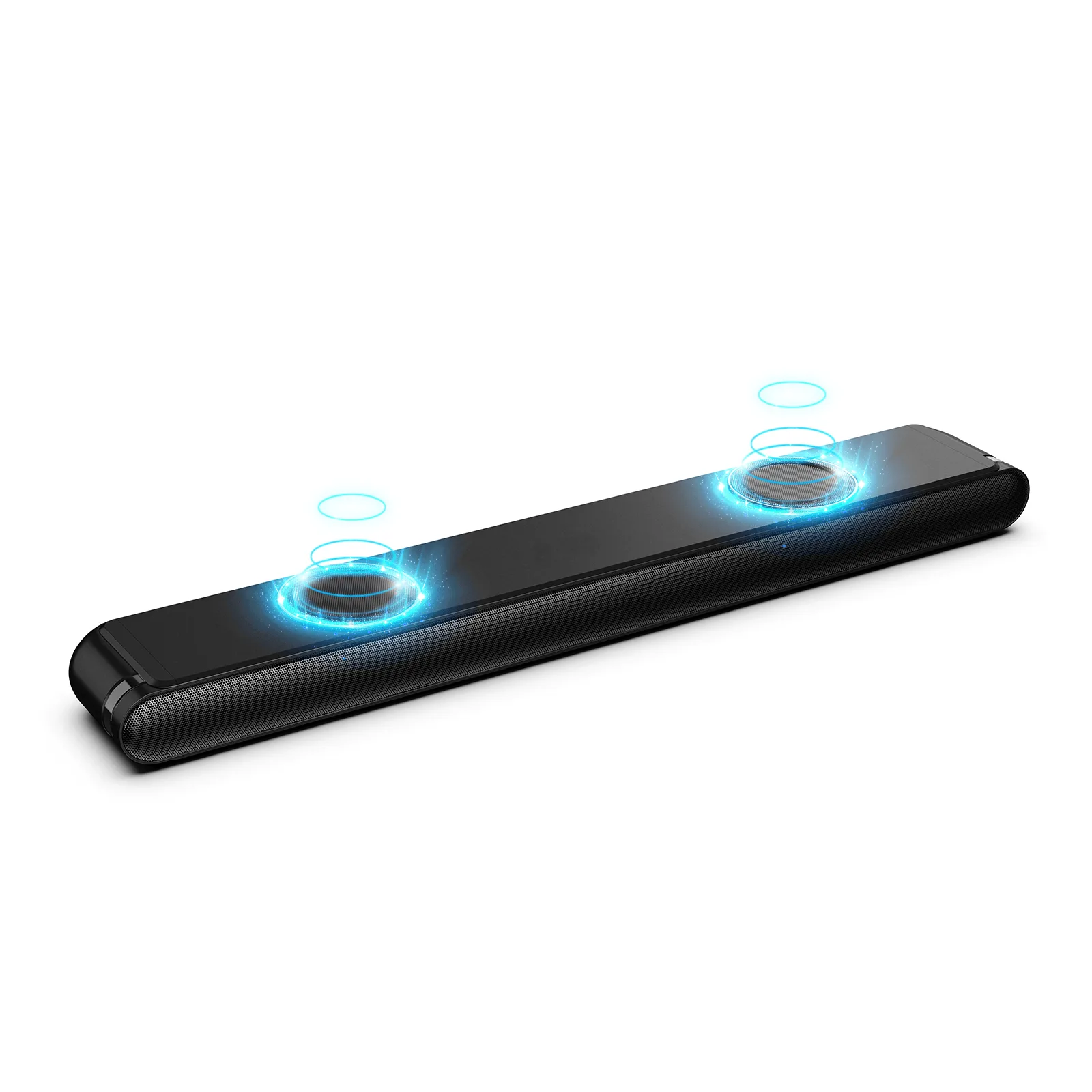
What to Expect from the Ambeo Soundbar Mini
The Sennheiser Ambeo Soundbar Mini delivers cinema-grade 3D sound from a single compact unit. Developed with the Fraunhofer IIS Institute, its virtualisation technology creates a convincing surround experience without rear speakers. The soundbar includes four high-end drivers and built-in dual subwoofers for deep bass down to 43 Hz, and supports Dolby Atmos, DTS:X, 360 Reality Audio, and MPEG-H. Follow the supplied product instructions for setup and placement.
Setup is designed to be straightforward, with self-calibration that adapts to your room's acoustics. This guide walks you through placement, initial connection, and using the app to fine-tune the sound.
Step-by-Step Setup
- Choose the Right Placement: Place the Ambeo Soundbar Mini directly in front of your TV, centered and at ear level. Keep it on a stable surface with at least a few inches of clearance around the sides and top for ventilation. Avoid placing it inside an enclosed cabinet that could block the upward-firing drivers and limit bass response.
- Connect to Power and Your TV: Use the supplied power cable and connect the soundbar to a wall outlet. Connect the soundbar to your TV via HDMI eARC (or optical if eARC is not available). For best audio quality, enable HDMI eARC in your TV's audio settings.
- Run the Self-Calibration: Once powered on, the soundbar will automatically begin its self-calibration routine. It measures the room's acoustics and adjusts virtual speaker positions for optimal 3D immersion. Make sure the room is quiet during this process. The calibration takes about a minute and requires no user input.
- Configure via the Ambeo App: Download the Sennheiser Ambeo app on your smartphone. The app lets you adjust the equaliser, voice clarity, and other audio settings. You can also update firmware and manage streaming services through the app.
- Connect to Streaming Services: The soundbar supports Wi-Fi and Bluetooth, giving you access to all major audio streaming services. Use the app to link your accounts and stream music directly without needing a separate source.
Key Specifications
-
Sennheiser Ambeo Soundbar Mini: Powerful sound from 4 high-end drivers including built-in 4" dual subwoofers for deep bass (~ 43 Hz). The dual subwoofers deliver impactful bass without a separate sub, making the Mini suitable for both movies and music in smaller to medium rooms.
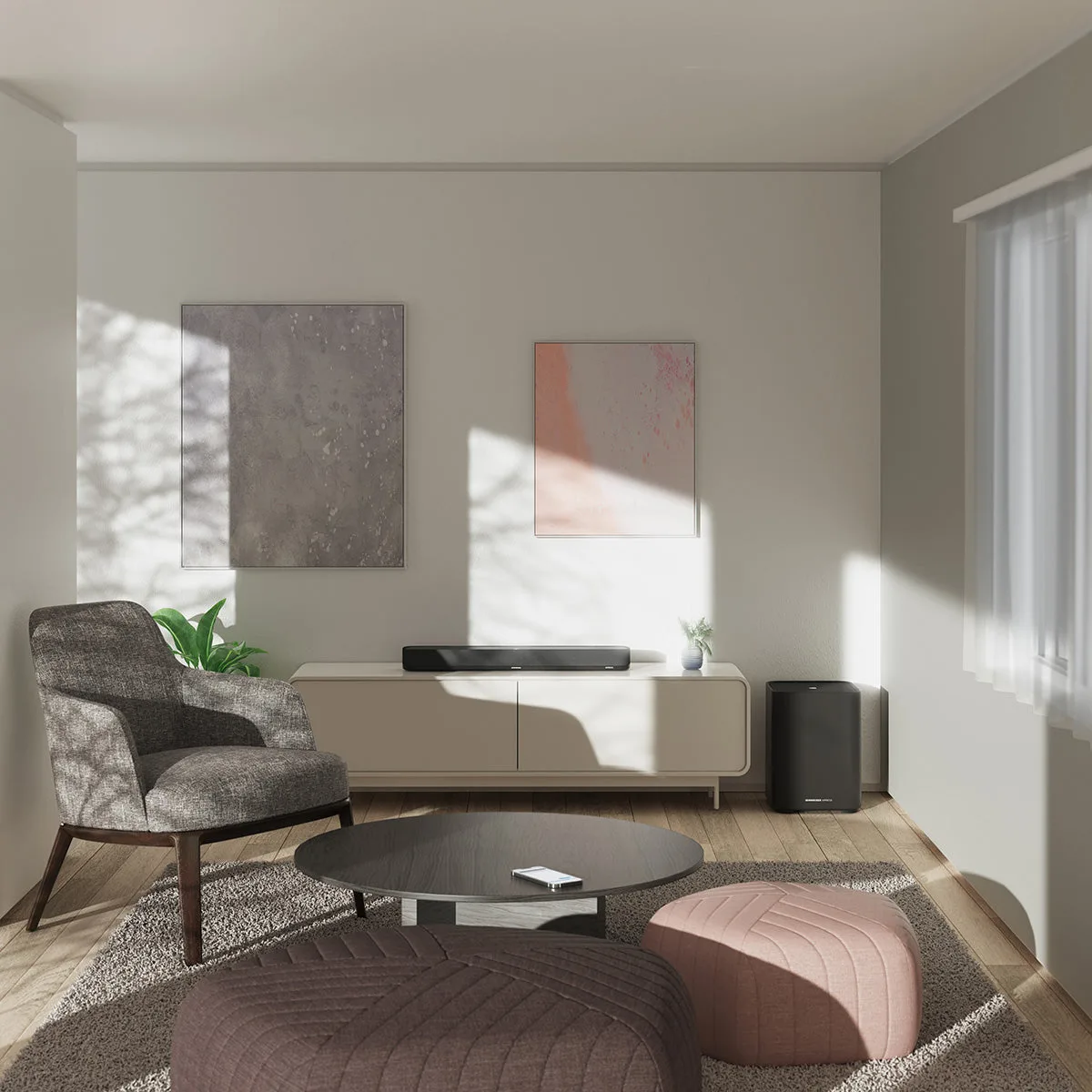
Sennheiser Ambeo Soundbar Mini
-
Sennheiser Ambeo Soundbar Mini: Advanced connectivity and compatible with all major audio streaming services. You can stream music directly from services like Spotify, Tidal, or Apple Music without extra hardware, keeping your setup clean.
Placement Tips for Best Sound
For the most immersive 3D experience, place the Ambeo Soundbar Mini at the front edge of your TV stand, not pushed back against the wall. This allows the upward-firing virtualisation to reflect off the ceiling properly. If your room has reflective surfaces (glass, bare walls), consider adding soft furnishings to reduce echo. The self-calibration will compensate for many room issues, but good placement gives it a better starting point.
The soundbar is designed to be compact and cable-free, so you can place it between TV stands without clutter. Avoid placing objects directly on top of the soundbar that could block the drivers.
Using the Ambeo App for Fine-Tuning
After initial setup, the Ambeo app gives you control over the sound signature. You can adjust the equaliser to emphasise dialogue, boost bass, or create a more neutral profile. The voice comprehension setting is particularly useful for TV shows and movies with complex audio mixes. The app also lets you switch between sound modes (e.g., movie, music, voice) and control volume from your phone.