Quick Answer
To get clear audio from your Spy Labs Secret Voice Recorder, mount it securely on your wrist or upper arm, press and hold the record button until the LED blinks, and always use the correct keycard when playing back.
Why Audio Clarity Matters in a Secret Recorder
The Spy Labs Secret Voice Recorder is designed for covert use, but poor placement or forgotten keycards can ruin an otherwise perfect recording. Understanding how the device captures sound helps you avoid muffled or distorted audio.
Setup Steps for Clear Audio
- Mount the Recorder Correctly: Attach the device to your wrist or upper arm using the strap. Position the microphone opening (small hole on the case) facing outward, away from your body. Clothes or skin blocking the mic will muffle the recording. Check that no fabric or jewelry covers the microphone hole before you start recording.
- Start Recording the Right Way: Press and hold the record button until the LED indicator blinks once. Release immediately—holding too long may stop the recording. A steady LED means it's recording; a blinking LED means it's in standby. If the LED does not blink, the device may need fresh batteries. Replace them before your mission.
- Play Back with the Correct Keycard: Insert either keycard into the slot before pressing play. Without the keycard, audio will be distorted and unintelligible. Keep the keycard safe but separate from the recorder to avoid losing both. Always test playback with the keycard immediately after recording to confirm audio quality, not later.
Product Feature
-
Spy Labs: Secret Voice Recorder: The recorder attaches to your wrist or upper arm and requires one of two keycards to play back undistorted audio. Without the keycard, playback is distorted, so always store the keycard separately from the device to keep your recordings secure and clear.
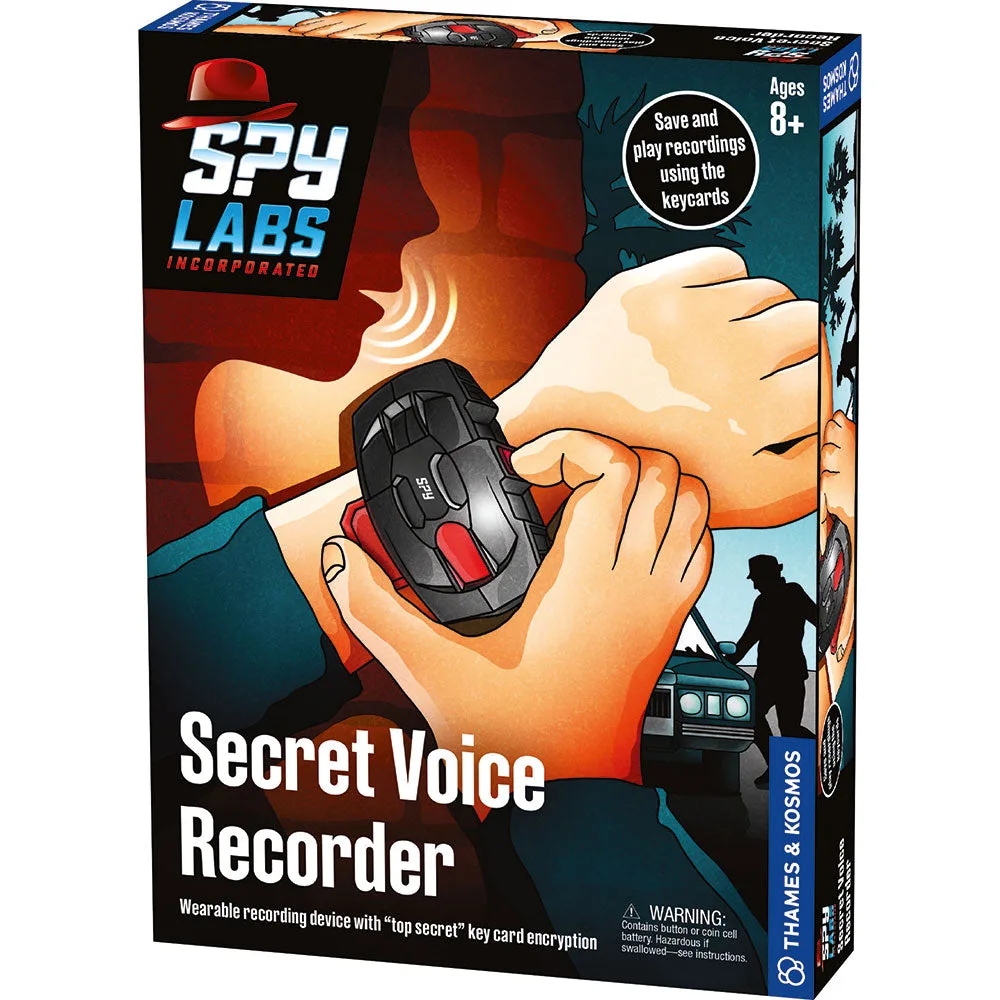
Spy Labs: Secret Voice Recorder