What the XL Mounting Board Does for Your Builds
The littleBits XL Mounting Board is designed to accommodate larger circuits, giving you a stable base when your project outgrows a standard mounting board. It works with Sphero littleBits electronic modules, making STEM learning accessible to kids 8 and up. This guide explains how to set it up and what to keep in mind for classroom use.
How to Set Up the XL Mounting Board
Follow these steps to attach your Bits securely and start building.
- Place the board on a flat, stable surface: Set the XL Mounting Board on a desk or table where it won't slide. The board's larger size gives you room to spread out components.
- Snap your littleBits modules onto the board: Press each Bit firmly onto the board's mounting holes. The magnetic connection should click into place. For larger circuits, start with the power Bit and build outward.
- Arrange components to avoid crowding: Since the board is XL, you can space out modules. Leave a little room between Bits to make it easier to troubleshoot or swap parts.
- Secure the board if needed for moving builds: If your project will be carried or tilted, consider using double-sided tape or a non-slip mat underneath to prevent the board from shifting.
XL Mounting Board at a Glance
-
littleBits XL Mounting Board: The XL mounting board accommodates larger circuits. This makes it ideal for projects that need more space, such as combining multiple sensors, motors, and output Bits.
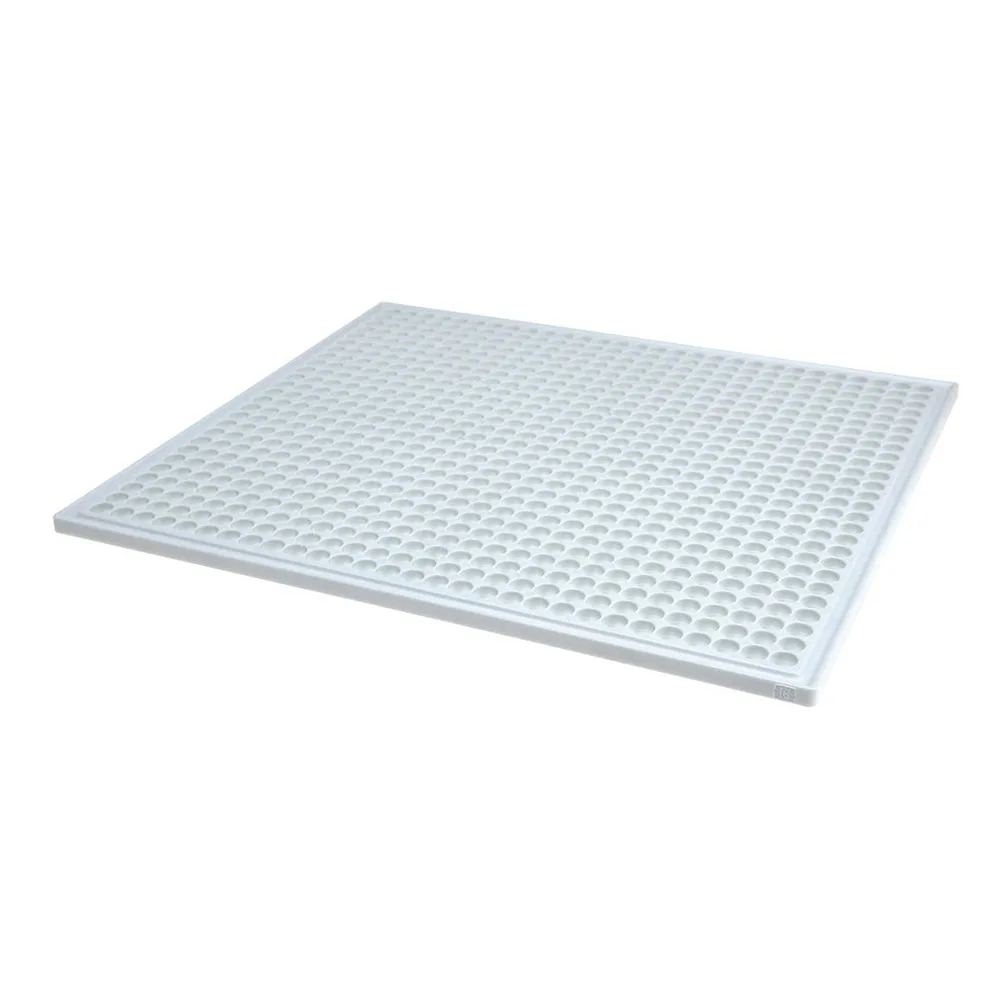
littleBits XL Mounting Board
-
littleBits XL Mounting Board: Sphero littleBits educational toys make STEM learning accessible to kids 8+. The board supports hands-on learning for upper elementary and middle school students, aligning with classroom STEM goals.
Practical Tips for Classroom Use
The XL Mounting Board works with any littleBits kit that includes standard Bits. It does not come with its own power source or Bits, so plan to use it alongside a littleBits kit or individual modules. For group work, the larger surface lets multiple students collaborate on one circuit without crowding. If you need to store projects between sessions, the board's flat shape stacks easily, but avoid placing heavy objects on top of assembled Bits.