Quick answer
Attach a shoulder pocket to your backpack’s shoulder strap to keep your phone, GPS, or snacks within easy reach without stopping or removing your pack.
Why use a shoulder pocket instead of a hip belt pocket
A shoulder pocket sits high on your chest, making it easier to access items without twisting or reaching behind you. Hip belt pockets work well for larger gear, but a shoulder pocket is ideal for items you need every few minutes, like a phone for navigation or a camera for quick shots.
Keep in mind that a shoulder pocket adds a small amount of weight and bulk to one strap. If your pack is very narrow or has a hydration tube port on that side, check that the pocket won’t interfere with your tube routing.
What to store in a shoulder pocket
Best items: phone, GPS device, compact camera, energy gels, lip balm, or a small map. Avoid heavy or bulky items like a water bottle or full-size camera, which can pull on the strap and make the pack feel unbalanced.
A common mistake is overstuffing the pocket. If it bulges too much, it can press against your arm and cause chafing over long miles.
Step-by-step: How to set up your shoulder pocket
- Attach the pocket to your shoulder strap: Slide the pocket’s attachment loops over the shoulder strap webbing, positioning it about 4–6 inches below the top of the strap. Center it so the pocket sits flat against the strap, not twisted. Make sure the pocket doesn’t block the sternum strap buckle or hydration tube clip.
- Load the pocket with priority items: Place your most-used item (like your phone) in the main compartment with the screen facing your body to reduce glare. Use the smaller front pocket for a GPS, lip balm, or a few energy gels. Avoid stacking items on top of each other—keep the profile slim to prevent arm chafing.
- Test the fit while wearing the pack: Put on the pack and adjust the shoulder straps. Reach across with your opposite hand to confirm you can open the pocket and retrieve items without straining. If the pocket feels too tight or loose, reposition it. If the pocket slides down during the test, tighten the loops or add a small piece of grip tape under the webbing.
Gear mentioned
-
Shoulder Pocket: The Shoulder Pocket is designed to integrate with Hyperlite’s shoulder strap system and many others, offering space for a phone, GPS, or compact camera. It attaches securely without extra straps or adapters, so you can trust it won’t bounce or shift on technical terrain.
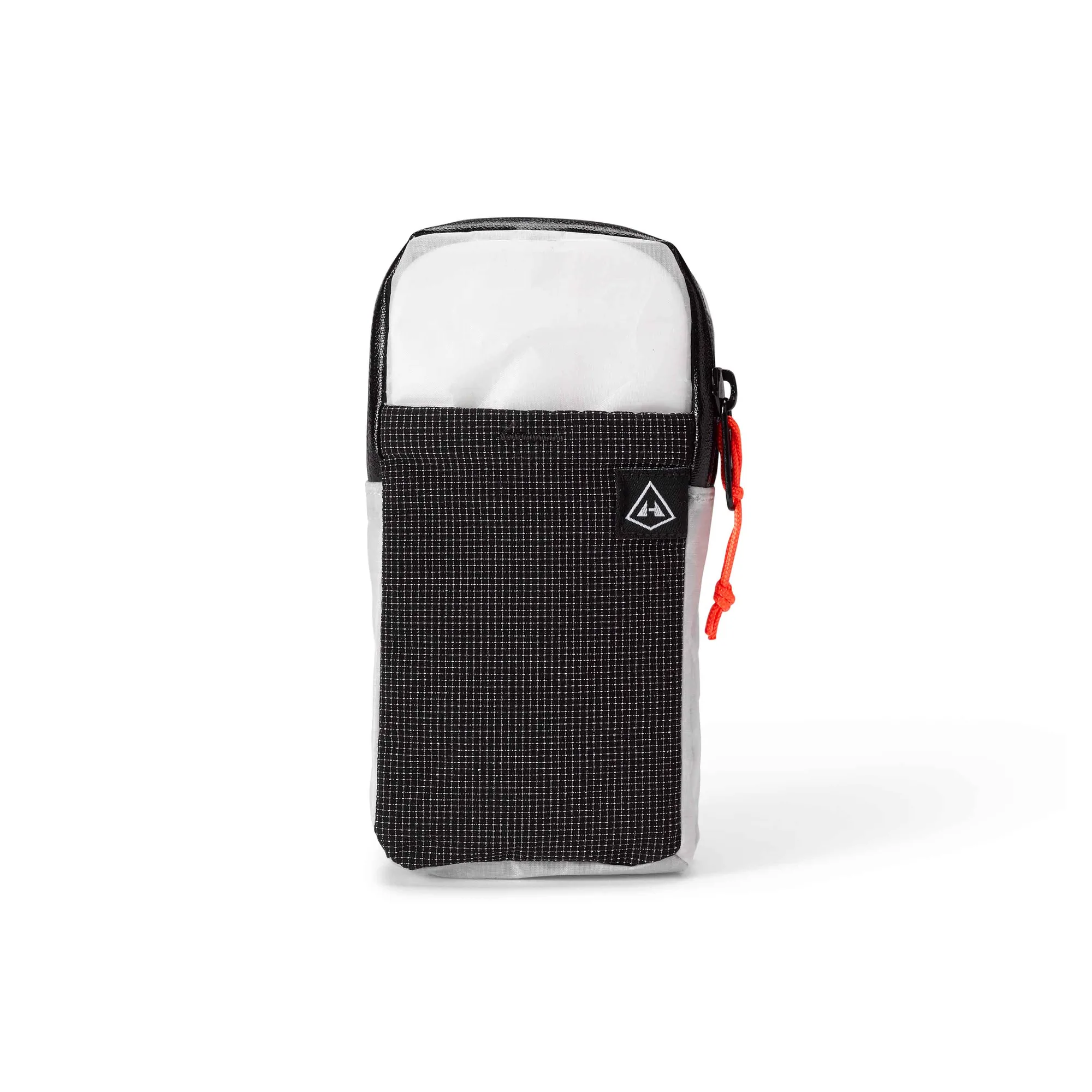
Shoulder Pocket