Quick answer
Replace the brush head first whenever the bristles look worn or the cleaning feels weaker, because that is the most common and cheapest fix. Replace the iO handle only when the problem follows the handle itself: it will not hold a charge, it stops mid-brush even after a full charge, it no longer powers on, or the vibration and sound have changed noticeably. If a fresh head does not restore normal performance, the handle is the part to replace.
Symptom or handle? Run this one-swap test first
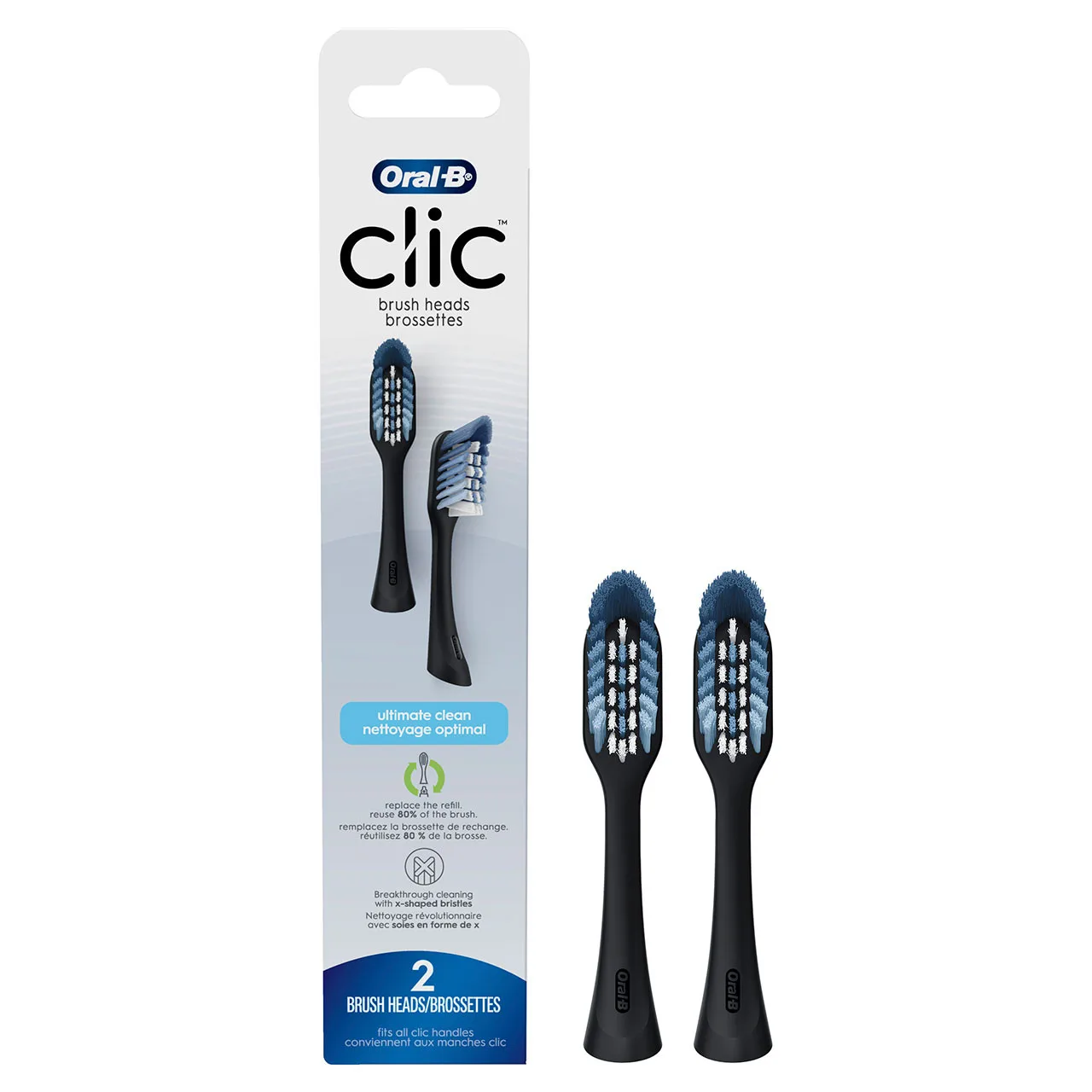
Before you spend money on a new handle, isolate the variable. Put a brand-new Oral-B iO Ultimate Clean Replacement Brush Head on the handle, charge the handle fully, and brush for two minutes. If the brushing feels normal again, the old head was the problem and the handle is fine. If the handle still cuts out, pulses weakly, or refuses to run for the full two minutes, the fault is in the handle, the charger, or the connection between them.
- Use a fresh head for the test, not one you have been using for weeks.
- Charge on the original stand or a known-working charger.
- Repeat the test twice on different days before deciding.
Battery wear: the slow decline you can measure
Rechargeable handles lose capacity over years of daily use, and the first sign is usually shorter runtime rather than a sudden death. Keep a simple log: note how many days you get per full charge now versus when the handle was new. If that number has dropped sharply and a full charge no longer covers your normal brushing routine, you are seeing oral-b io battery wear rather than a brush head issue.
A handle that only runs for a few seconds after a full charge, or that needs charging every day when it used to last a week, has reached the point where replacement makes more sense than another head.
Charging problems: rule out the stand before the handle
Oral-B iO charging problems are often caused by the charger, not the handle. Wipe the base of the handle and the charging stand dry, remove any toothpaste residue, and make sure the handle sits flat on the contacts. Try a different outlet and, if you have one, a different charger. If the handle still will not charge on a known-working stand, the internal battery or charging circuit is the likely cause.
Motor, vibration, and sound changes
A healthy iO handle runs with a steady, quiet micro-vibration. If the sound becomes grinding, rattling, or noticeably louder, or if the vibration feels weaker even with a new head, the motor or internal drive is wearing out. This is a handle-level fault, and no brush head will fix it.
When a new brush head is genuinely the answer
If your only complaint is that cleaning feels less effective, the head is the first suspect. The Oral-B Daily Clean replacement head uses soft bristles for a gentle clean that removes 100% more plaque, which makes it a sensible default when you want a straightforward refresh. For tender or inflamed gums, the Oral-B Sensitive & Gum X-Filament head uses ultrathin bristles for gentle cleaning and 2x healthier gums versus a manual toothbrush. Swapping to either is far cheaper than replacing a handle, so rule the head out first.
How to decide: repair, replace, or wait
If the handle is under warranty, contact Oral-B support before buying anything. If it is out of warranty and the fault is internal, replacement is usually the practical path because handles are not designed for user battery swaps. If the handle works but performance has faded, start with a new head and reassess after two weeks.
iO handle diagnosis: symptom, cause, action, stop point
- Runs for only seconds after a full charge: The battery is no longer holding meaningful capacity. This is internal battery wear, not a head issue. Replace the handle if it is out of warranty; a new head will not help.
- Will not charge on any stand: You have cleaned the contacts, tried another outlet, and tried a known-working charger. The charging circuit or battery has failed. Check warranty first; otherwise replace the handle.
- Grinding or rattling sound with a new head: The motor or drive mechanism is worn. This is a handle-level fault. Stop using it and replace the handle rather than buying more heads.
- Weak cleaning but normal runtime and sound: The brush head bristles are likely worn or splayed. Replace the head first and retest before considering a new handle.
- Handle works, but gums feel sore: Pressure or bristle stiffness may be the cause, not handle failure. Try a gentler head such as Sensitive & Gum before replacing the handle.
Products that help you test and maintain your iO
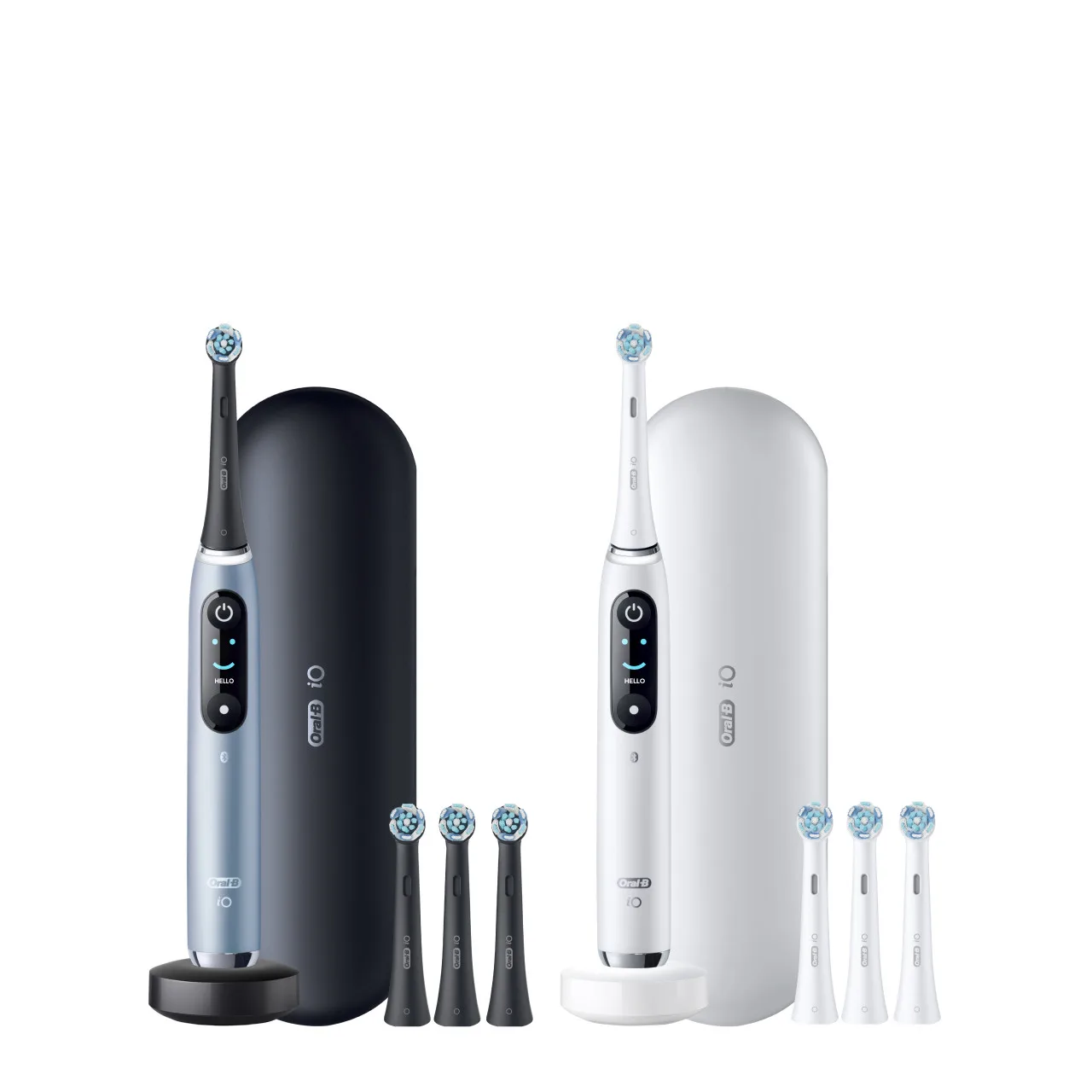
- Oral-B iO Ultimate Clean Replacement Brush Heads, 2-Count, Black: The Oral-B iO Series combines powerful, but gentle micro-vibrations with Oral-B's unique dentist-inspired round brush head design for a professional clean feeling every day. Ultimate Clean Replacement Brush Heads help remove plaque, leaving teeth feeling clean and bright. Use a fresh iO Ultimate Clean head as your control when testing whether the handle or the head is causing weak performance.
- Oral-B Daily Clean Electric Toothbrush Replacement Brush Heads, 8 Count: The Oral-B Daily Clean electric toothbrush replacement head features soft bristles for a gentle clean that removes 100% more plaque, ideal for cleaning around inflamed areas. A cost-effective head to keep on hand so you can rule out bristle wear before assuming the handle has failed.
- Oral-B Sensitive & Gum X-Filament Replacement Brush Head, 1 Count: The Oral-B Pro GumCare replacement brush head has ultrathin bristles for a gentle, superior cleaning and 2x healthier gums versus a manual toothbrush. If your gums feel irritated but the handle runs normally, switching to this gentler head may solve the problem without replacing the handle.