Quick Answer
If you need quiet typing in shared spaces, choose a silent keyboard like the TECKNET X315. If you prioritize tactile feedback and customization, a mechanical keyboard is the better fit.
Noise Level and Typing Experience
Silent keyboards use scissor-switch mechanisms and dampening to reduce noise, making them ideal for offices, libraries, or late-night work. Mechanical keyboards produce audible clicks or thocks, which some find satisfying but others find distracting.
Typing feel also differs: silent keyboards offer a softer, quieter keystroke, while mechanical keyboards provide tactile bumps or linear resistance that some typists prefer for accuracy and speed.
Portability and Setup
Silent keyboards are often slimmer and lighter, making them easy to carry between home and office. The TECKNET X315, for example, is compact at 11.5 x 4.9 inches and weighs only 10.4 ounces, with a 2.4GHz plug-and-play connection that requires no software setup.
Mechanical keyboards tend to be heavier and bulkier due to their switches and metal plates, and they may require wired connections or additional software for customization.
Durability and Maintenance
Mechanical keyboards are known for their long lifespan, often rated for tens of millions of keystrokes. Silent keyboards are generally less durable but still reliable for everyday use. Consider how often you type and whether you need a keyboard that can withstand heavy daily use.
Maintenance also differs: mechanical switches can be replaced individually, while silent keyboards are typically sealed and require full replacement if a key fails.
Trade-Offs at a Glance
- Silent Keyboard: Quiet and Portable: Choose a silent keyboard if you work in shared spaces, travel often, or prefer a low-profile, lightweight design. The TECKNET X315 offers plug-and-play 2.4GHz connectivity and a slim build. Consider the X315 if you need a quiet, portable keyboard for office or travel.
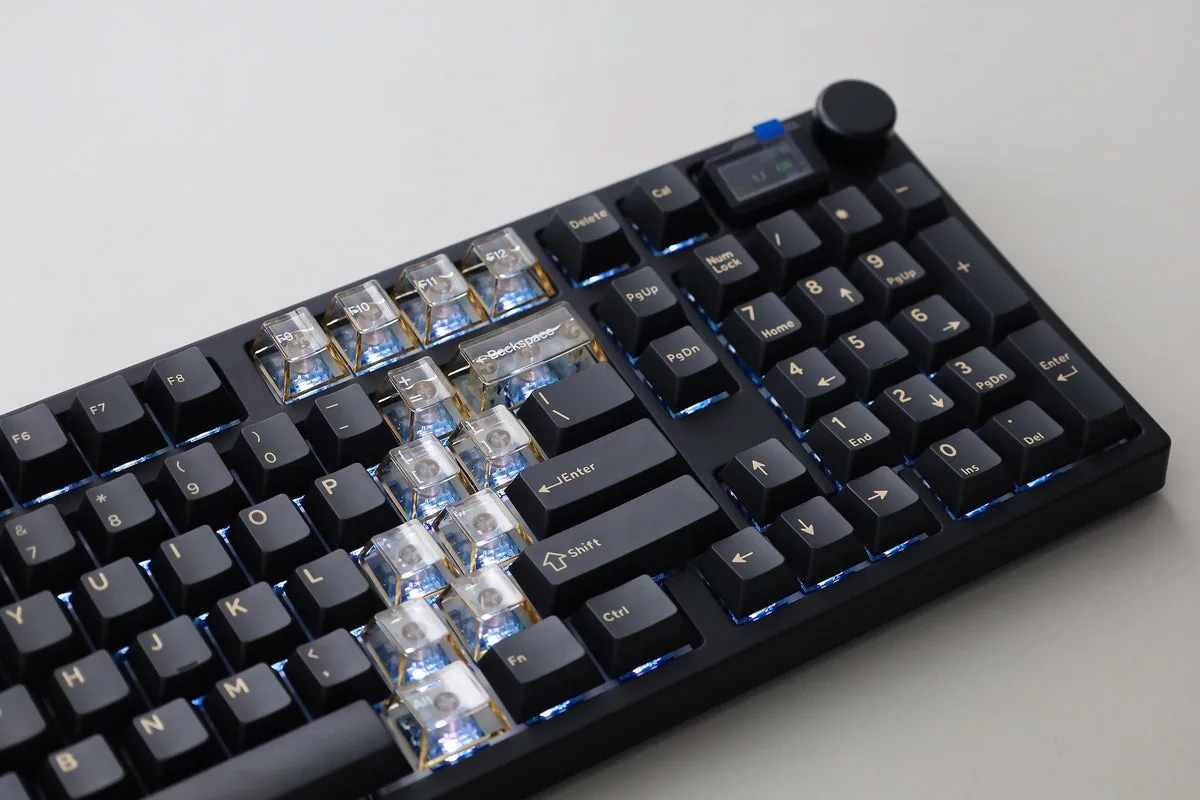
- Mechanical Keyboard: Tactile and Customizable: Choose a mechanical keyboard if you want tactile feedback, hot-swappable switches, and per-key RGB lighting. These features come with more noise and a heavier build. If you value customization and don't mind noise, mechanical is the way to go.
- Budget and Longevity: Silent keyboards are often more affordable upfront, while mechanical keyboards may cost more but can last longer. Weigh initial cost against expected lifespan and replacement frequency. If you type heavily, a mechanical keyboard may save money in the long run.
Product Facts
-
TECKNET 2.4G Slim Silent Wireless Keyboard,X315: The TECKNET X315 features a chocolate keycap layout with scissor-switch mechanism for smooth, quiet tapping and reduced finger fatigue. This makes it a practical choice for quiet typing during long sessions without disturbing others.
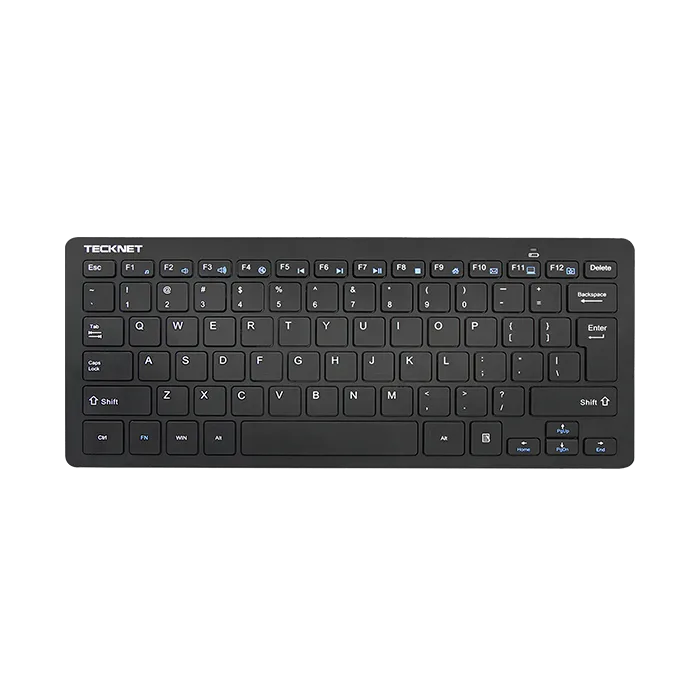
TECKNET 2.4G Slim Silent Wireless Keyboard,X315
Who Should Choose Which?
Best for
- Silent keyboard: office workers, students, and anyone in shared or quiet environments
- Silent keyboard: travelers and minimalists who want a lightweight, plug-and-play option
Not for
- Mechanical keyboard: gamers or typists who want tactile feedback and customization