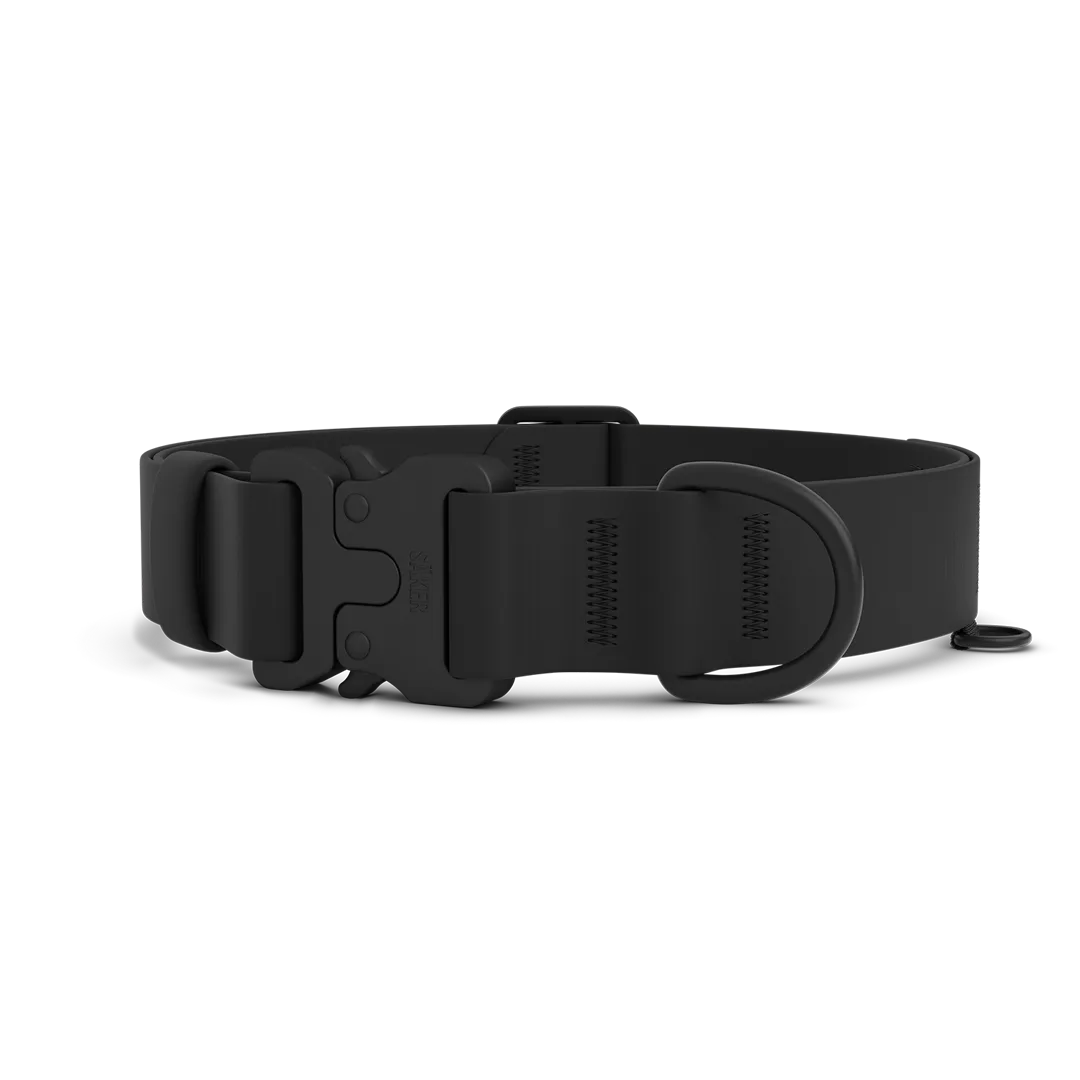
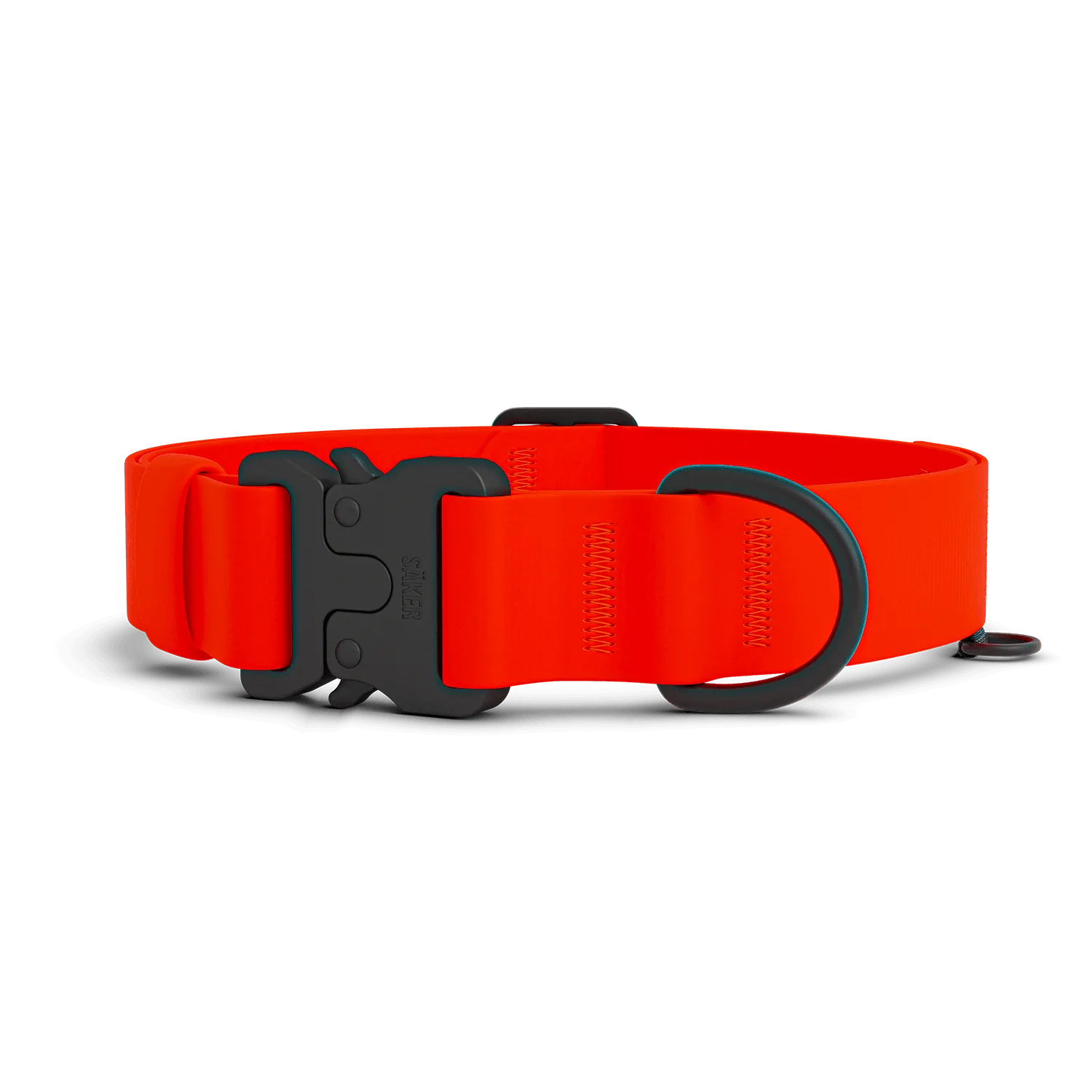
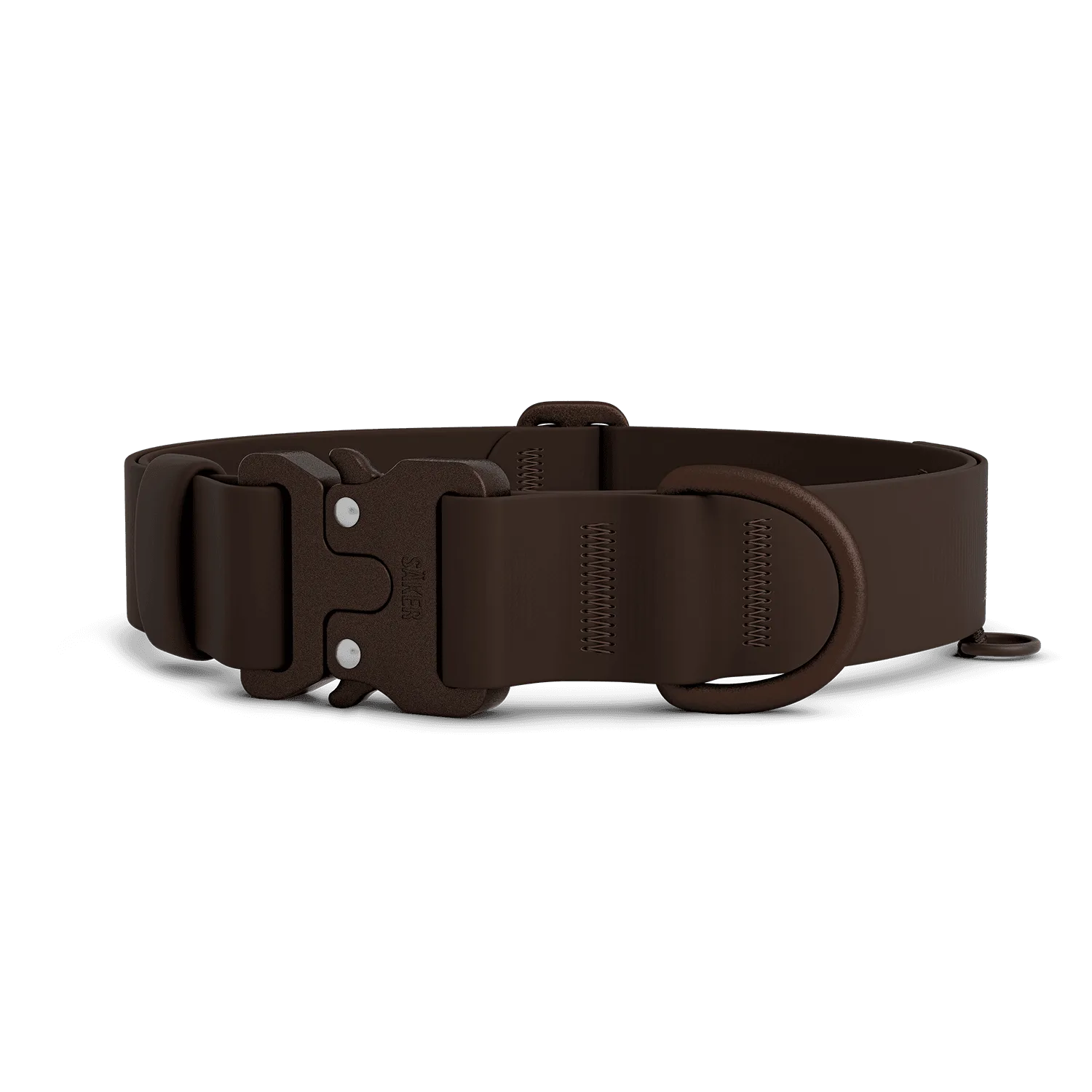
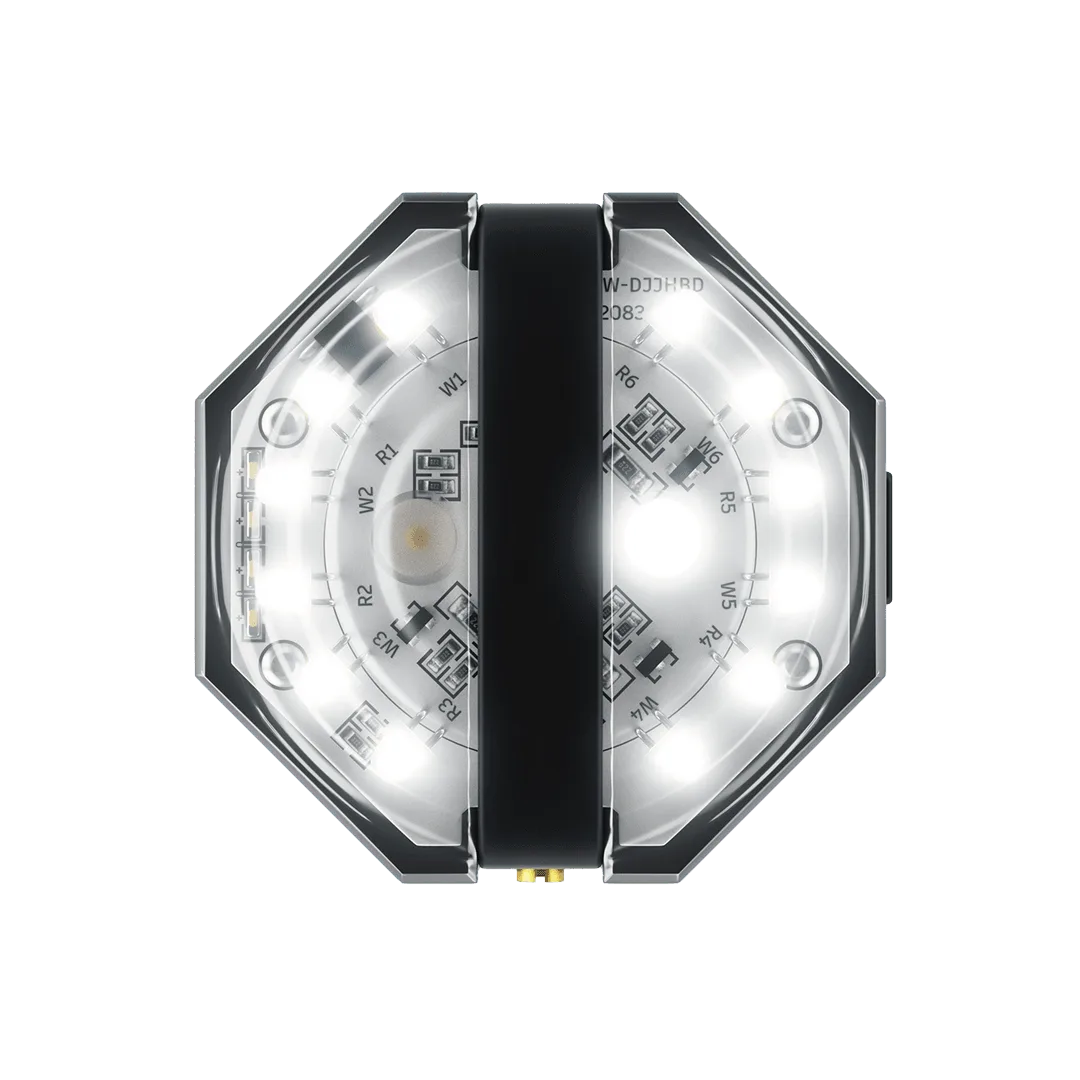
Fi Smart Collars are a fantastic way to keep tabs on your dog's location and activity, but the silicone bands that hold the tracker in place can wear out over time. Whether you've noticed cracks, stretching, or just want a fresh color, knowing how to replace the silicone bands for Fi Tracker is essential. In this guide, we'll walk you through everything you need to know, from choosing the right size to installing and caring for your new bands.
Replacing the band on your Fi tracker is a simple DIY task that takes only a few minutes. With the right approach, you can ensure a snug, secure fit that keeps your tracker safe during all your adventures. Let's dive into the details.
Why Replace Your Fi Tracker Bands?
The silicone band on your Fi tracker is designed to withstand daily wear, but it's not indestructible. Over time, exposure to sunlight, moisture, and rough play can cause the material to degrade. You might notice cracking, loss of elasticity, or even discoloration. A worn band not only looks bad but can also compromise the security of your tracker, leading to potential loss.
Regularly inspecting your tracker's band is a good habit. If you see any signs of wear, it's time to replace it. Fortunately, replacement bands are affordable and easy to find. Many owners also choose to swap bands for aesthetic reasons, matching their dog's collar or personality.
- Check for cracks, tears, or stretching every few weeks.
- If the band feels loose or doesn't snap back into shape, replace it.
- Consider having a spare band on hand for quick changes.
Choosing the Right Size and Style
Fi trackers come in different models, and bands are designed to fit specific versions. Before purchasing a replacement, confirm your tracker model (e.g., Fi Series 2 or Series 3). Most bands are labeled with compatible models, so double-check to avoid a mismatch.
Sizing is also crucial. The band should fit snugly around your dog's neck without being too tight. Measure your dog's neck circumference and compare it to the size chart provided by the band manufacturer. Keep in mind that some bands are adjustable, while others come in fixed sizes. When in doubt, choose a size that allows for a two-finger fit under the band.
- Measure your dog's neck with a flexible tape measure.
- Check the product description for compatible Fi models.
- If between sizes, opt for the larger size for comfort.
Step-by-Step Replacement Process
Replacing the silicone band on your Fi tracker is straightforward. First, remove the tracker from the current band. Most Fi trackers have a release mechanism—usually a small button or sliding clip—that allows you to detach the tracker easily. Consult your tracker's manual if you're unsure.
Next, take your new silicone band and align the tracker with the slot. Gently slide the tracker into place until it clicks securely. Ensure that the band is oriented correctly, with any logos or holes facing outward. Give it a gentle tug to confirm it's locked in.
Finally, place the collar around your dog's neck and adjust the fit. The band should sit comfortably without rotating or sliding. If your band has extra length, trim it carefully, leaving a bit of excess for adjustment.
- Work in a well-lit area to avoid losing small parts.
- If the band is tight, use a little soapy water to lubricate it during installation.
- Always test the fit before letting your dog run free.
Caring for Your Silicone Bands
To extend the life of your Fi tracker bands, clean them regularly. Use a mild soap and warm water, and gently scrub with a soft brush to remove dirt and grime. Avoid harsh chemicals or abrasive cleaners, as they can degrade the silicone.
When not in use, store the bands in a cool, dry place away from direct sunlight. Prolonged exposure to UV rays can cause the silicone to become brittle. Also, avoid leaving the tracker in hot cars or near heat sources, as extreme temperatures can warp the material.
By following these simple care tips, your silicone bands will stay flexible and durable for months to come.
- Clean bands weekly if your dog swims or plays in mud.
- Dry the band completely before reattaching the tracker.
- Rotate between two bands to even out wear.
Beyond the Band: Other Gear to Consider
While you're upgrading your Fi tracker band, it's a great time to evaluate your dog's overall gear. A well-fitted collar and harness are just as important as the tracker itself. For active dogs, a durable harness like the BomberTM harness provides excellent support and comfort, especially during walks or hikes.
Pairing your Fi tracker with the right accessories ensures your dog is safe and stylish. Consider adding a TrustTM Leash for reliable control during training sessions. A sturdy leash gives you peace of mind, knowing your dog is securely connected to you.
Don't forget about paw care. Regular use of a quality Dog Paw Balm can keep your dog's paws healthy, especially after long walks on rough terrain. It's a simple addition that makes a big difference.

Dog Paw Balm
- Check your dog's collar and harness for wear and tear regularly.
- Invest in a harness that distributes pressure evenly.
- Keep a paw balm handy for post-walk care.
Replacing the silicone bands on your Fi tracker is a quick and easy task that keeps your tracking device secure and functional. By choosing the right size, installing it correctly, and caring for it properly, you'll ensure your Fi tracker stays in top shape. While you're at it, consider upgrading other gear like a reliable harness or leash to enhance your dog's comfort and safety. Explore our range of high-quality accessories to find the perfect match for your furry friend.