Quick answer
Mount the SimXPro Mouse Tray to a 4040 profile or the SimXPro Keyboard Tray, set the angle for comfortable reach, and tighten it so the tray stays put during races.
Where the tray fits best on a sim rig
The tray is designed to attach to a 4040 profile or pair with the separately available SimXPro Keyboard Tray. That makes it a practical add-on for most aluminium-profile cockpits, but it is not a universal clamp-on tray for desks or tubular frames. If your rig uses different profile sizes, check that you have the right mounting hardware before you start.
Why angle and position matter more than you think
A mouse tray only helps if your hand can reach it without shifting your body out of driving position. The adjustable angle lets you tilt the surface toward your hand, but setting it too steep can make the mouse slide or feel unstable. Position the tray slightly below elbow height and within easy reach of your wheel hand so you can grab the mouse during a pit stop or menu screen without stretching.
Step-by-step installation
- Choose the mounting point: Pick a spot on a 4040 profile or on the SimXPro Keyboard Tray where your mouse hand naturally rests. Sit in your cockpit and reach for the spot before tightening anything. If you have to lean or stretch, move the tray closer before bolting it down.
- Attach the tray loosely: Fix the tray to the profile or keyboard tray using the supplied hardware, but leave the bolts snug rather than fully tight so you can still adjust the angle. Check that the tray sits flat and does not interfere with your wheel or shifter cables.
- Set the angle: Tilt the tray so the surface is comfortable for your wrist and the mouse does not slide off. A slight tilt toward you usually works, but adjust until your hand rests naturally. Place your mouse on the tray and move it through its full range to confirm it stays put.
- Tighten and test: Fully tighten the mounting bolts once you are happy with the position. Then grip the tray and press down firmly to check for flex or movement. If the tray shifts, add a washer or check that the profile bolts are tight before racing.
Product facts
-
SimXPro Mouse Tray: Compact tray with an adjustable angle for mouse control from a sim racing cockpit. The small footprint keeps your rig tidy, and the angle adjustment helps you find a comfortable wrist position.
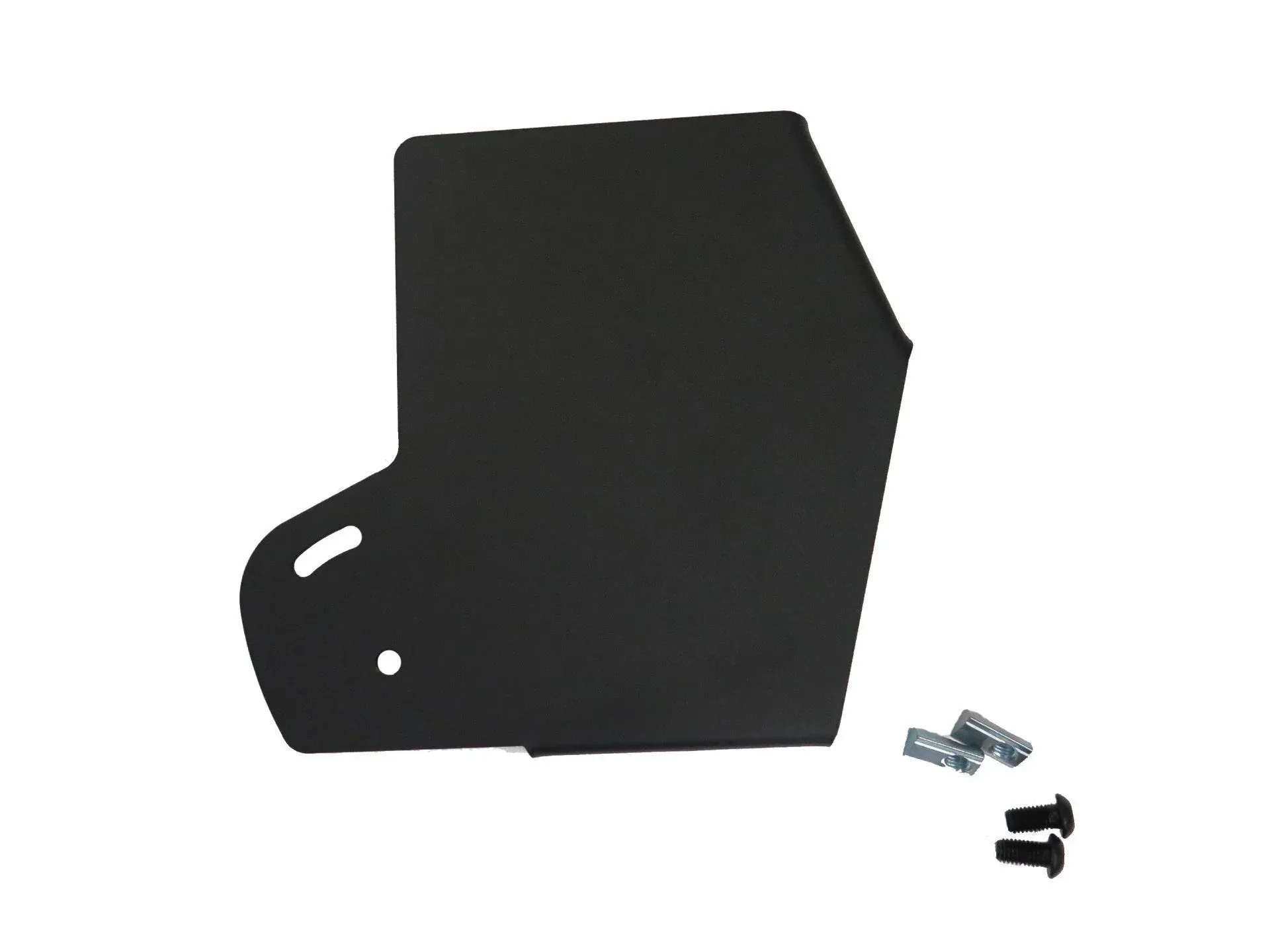
SimXPro Mouse Tray