Quick answer
Assemble your SimXPro R80 cockpit by first laying out all parts, then building the base frame, adding the pedal deck, attaching the wheel mount, and finally fitting the seat. Take your time with alignment to avoid wobbles.
Why proper assembly matters for the R80
The SimXPro R80 uses 40x80 aluminium profiles that are strong but require precise alignment during assembly. A small misalignment early on can cause the cockpit to feel unstable under heavy braking or force feedback. Taking extra care with the first few steps saves you from having to loosen and re-tighten bolts later.
The compact footprint of the R80 means every bolt and bracket needs to be in its correct position to maintain rigidity. Unlike larger rigs, there is less room for error in the profile channels.
Tools you will need
You only need a set of hex keys (included with the cockpit) and a torque wrench if you want to be precise. The bolts use metric sizes, typically 6mm and 8mm hex. No power tools are required, and in fact hand-tightening is recommended to avoid stripping threads in the aluminium profiles.
A soft mat or carpeted area helps protect the profiles from scratches during assembly. A second person is useful for holding larger sections while you bolt them together, especially when attaching the wheel mount.
Assembly steps for the SimXPro R80
- Step 1: Unpack and sort all parts: Lay out all aluminium profiles, brackets, bolts, T-nuts, and the seat slider. Identify each piece using the included manual. Group the bolts by size—mixing up M6 and M8 bolts is a common mistake that can strip threads. Double-check you have all parts before starting; missing a T-nut mid-build is frustrating.
- Step 2: Assemble the base frame: Connect the two side profiles to the front and rear cross members using the corner brackets. Hand-tighten the bolts only—do not fully tighten yet. This allows you to adjust the frame to be perfectly square. Use a carpenter’s square or measure diagonals to ensure the frame is rectangular. A common mistake is tightening bolts too early, making it impossible to square the frame later.
- Step 3: Install the pedal deck: Slide the pedal plate onto the bottom profiles and secure it with the provided brackets. Adjust the angle and distance to your preference, but leave the bolts snug rather than fully tight so you can shift it after mounting the pedals. Make sure the deck is level side-to-side. If the pedal deck is not level, your pedals will feel uneven under load.
- Step 4: Attach the wheel mount uprights: Bolt the two vertical upright profiles to the front of the base frame. Use a level to ensure they are plumb (vertical). Then attach the wheel plate bracket to the uprights at your desired height. Tighten these bolts fully now because the wheel mount takes the most force from steering inputs. A common mistake is mounting the wheel plate too low—sit in the seat first to find your natural arm reach.
- Step 5: Mount the seat and adjust final position: Attach the seat slider to the seat bottom, then slide it onto the seat brackets on the base frame. Tighten all remaining bolts once you have sat in the rig and confirmed your driving position. Re-check all bolts for tightness, especially the wheel mount and pedal deck. Sit in the rig before final tightening; a small adjustment now prevents discomfort during long sessions.
Product facts
-
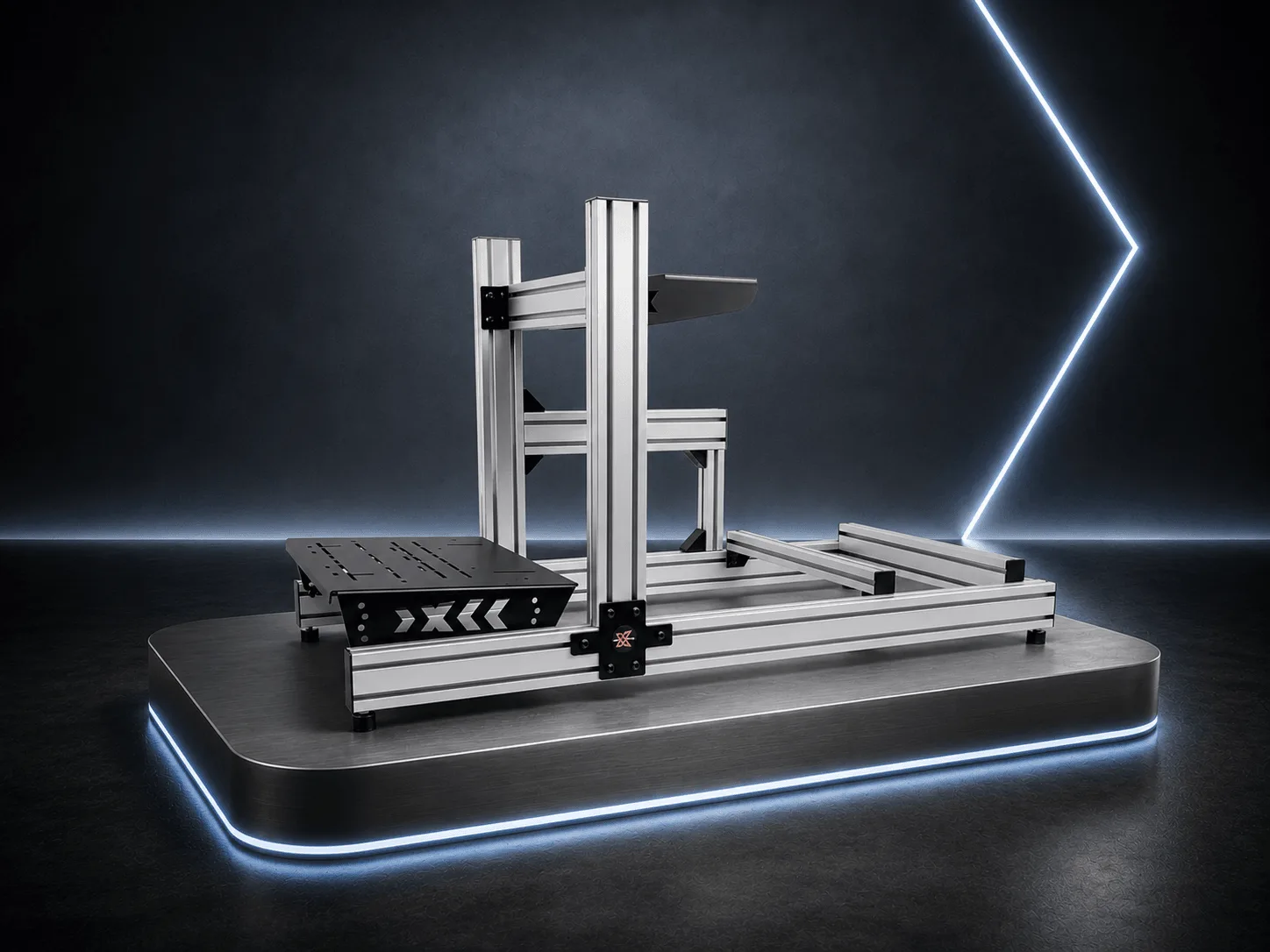
SimXPro R80 Sim Racing Cockpit Silver: The SimXPro R80 is built from high quality 40x80 aluminium profiles, designed for a compact footprint that fits home setups. The compact size means you need to be precise with bolt placement to keep the rig rigid, but it also saves space in your room.
SimXPro R80 Sim Racing Cockpit Silver