Quick Answer
Pick a fan that supports your preferred voice assistant—Alexa, Google Assistant, or Siri—and offers full power‑off memory. This ensures your speed, brightness, and color temperature return after a power outage, keeping comfort seamless.
Smart ceiling fans are becoming a central part of home automation, letting you cool rooms, set lighting, and control everything with voice or an app.
Below are the most asked questions, each answered in a short, actionable way so you can integrate a fan into your smart home without hassle.
How do I integrate a smart ceiling fan with Alexa?
Most Smafan models, like the Daisy 45 inch Google Assistant Smart Ceiling Fan, work with Alexa through the Carro Home App. After installing the fan and connecting it to your Wi‑Fi, enable the Alexa skill, discover devices, and assign the fan to a group or routine.
Make sure the fan’s firmware is up to date; older versions may not appear in the Alexa device list. Once linked, you can say, “Alexa, set the fan to medium” or “Alexa, dim the light to 50%.”
- Use the Carro Home App to name the fan clearly for voice commands.
What steps are required for a Wi‑Fi ceiling fan setup?
Start by mounting the fan according to the included instructions, then power it on. Open the Carro Home App, select “Add Device,” and follow the on‑screen prompts to connect the fan to your home Wi‑Fi network (2.4 GHz is recommended).
After the connection, you can control speed, lighting, and schedules from the app or link the fan to your preferred voice assistant.
- Keep the fan within 30 feet of the router during initial setup.
Is a Smafan smart hub needed for fan automation?
A dedicated hub is optional. Most fans communicate directly with your router, but using a Smafan hub can improve reliability in larger homes and enable local control when the internet is down.
If you already have a Carro smart hub for lights or switches, adding the fan to the same hub simplifies scene creation and automations.
FAQ Summary
Voice Control
Ensure the fan supports your chosen assistant and enable the corresponding skill in the app. Voice commands work instantly after linking.
Wi‑Fi Connection
Use the Carro Home App to connect the fan to a 2.4 GHz network; keep the router nearby during setup. A stable Wi‑Fi link prevents drop‑outs.
Power‑Off Memory
Choose models with full power‑off memory to retain speed and lighting settings. Comfort is preserved after power interruptions.
Product Highlights That Matter
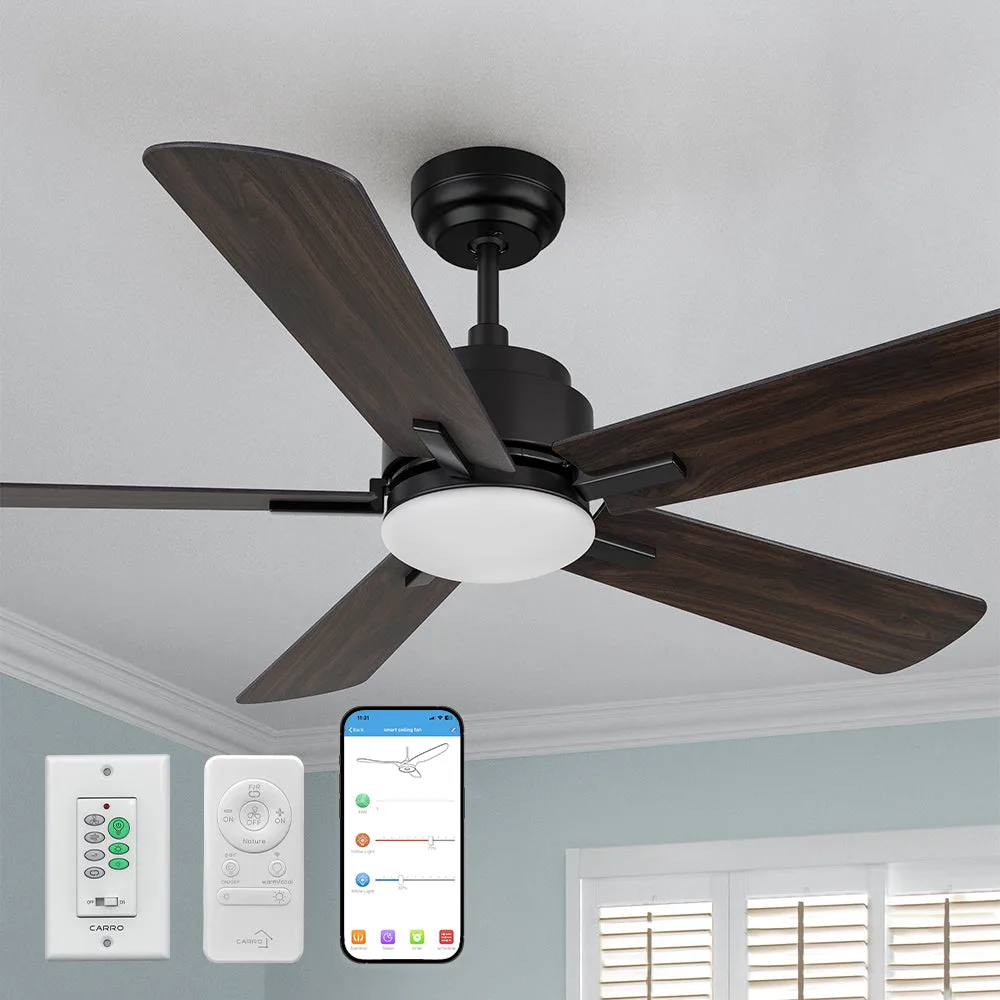
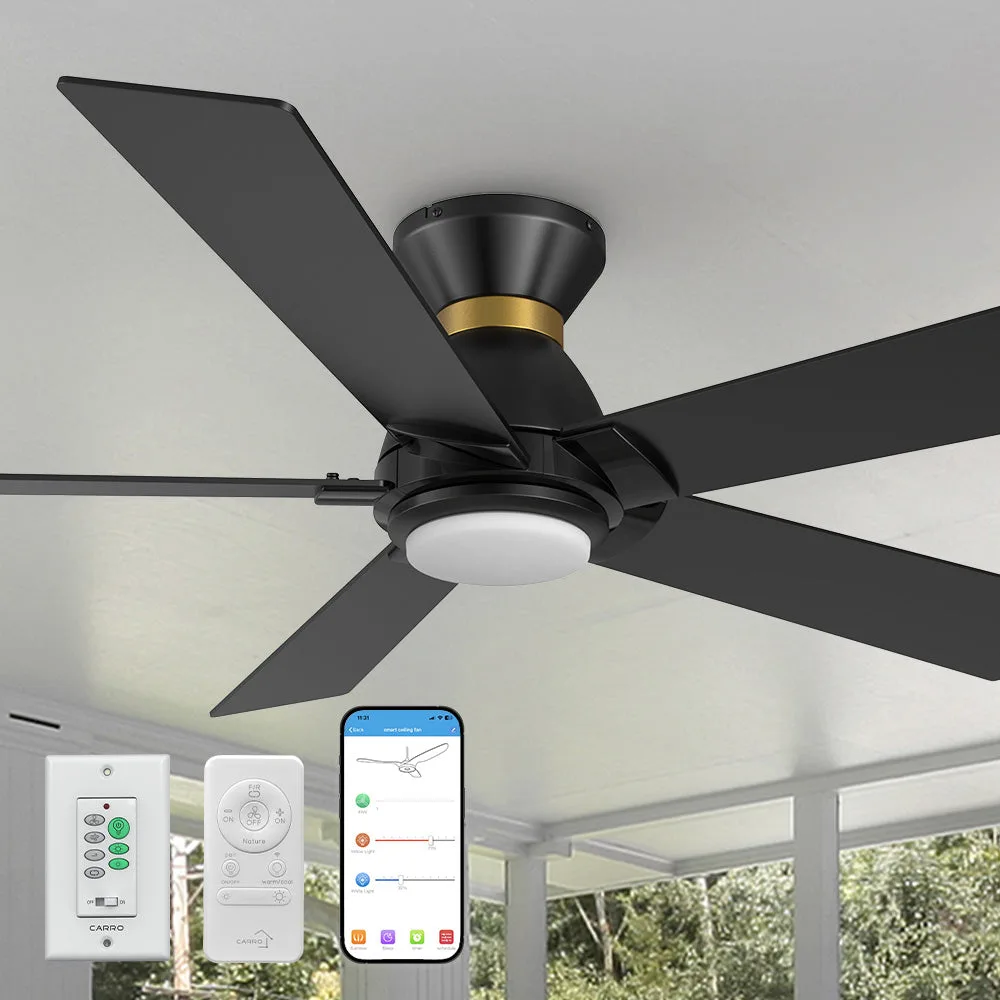
- Elgin Ⅱ Outdoor Ceiling Fan with Dimmable LED Light Remote-Smart 52 inch: FULL POWER-OFF MEMORY: Designed to remember your comfort. Delivers your last fan speed, brightness, and color temperature—every time power returns. Your preferred settings are automatically restored after a blackout, so you never have to readjust the fan or light.
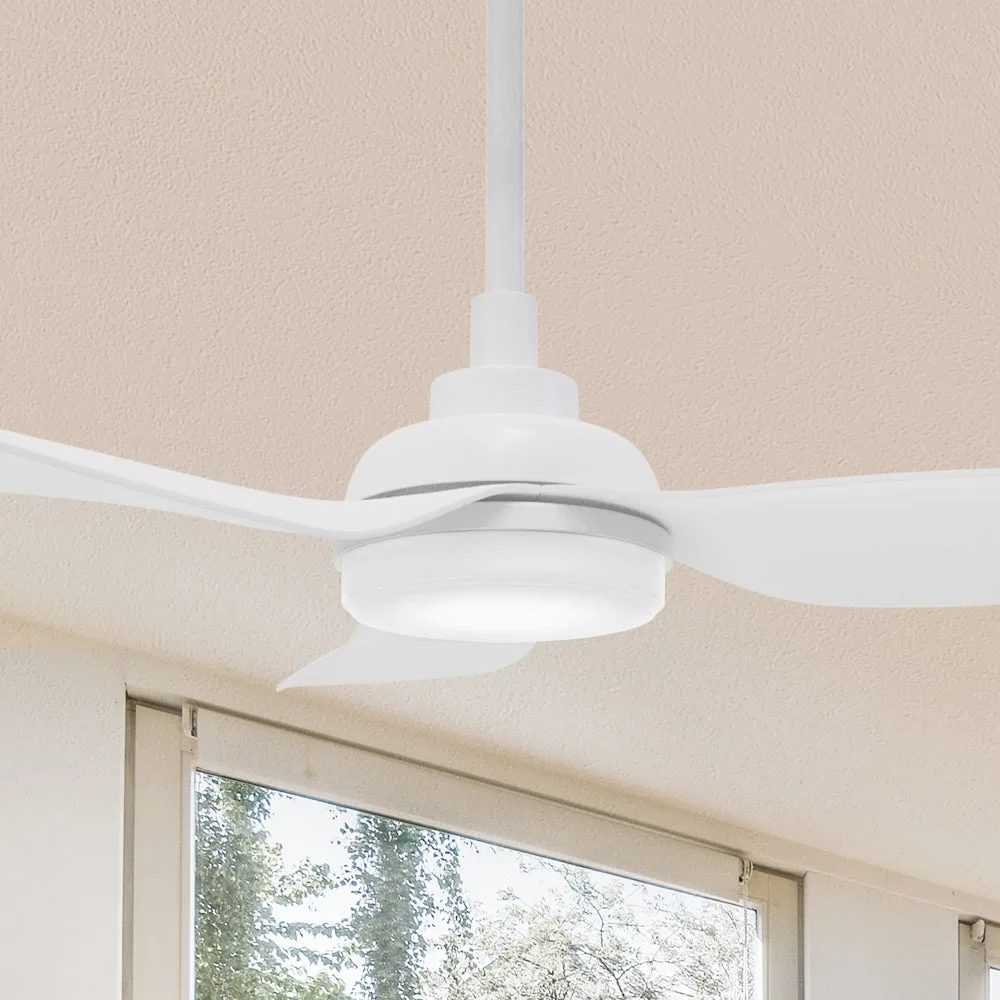
- Daisy 45 inch Google Assistant Smart Ceiling Fan with LED Light: SMART FEATURES: This SmaFan Daisy Wi‑Fi ceiling fan is compatible with Wi‑Fi apps and Voice commands via Google Assistant, Amazon Alexa, and Siri Shortcut. Broad voice‑assistant compatibility lets you choose the platform you already use, making integration painless.
Integrating a smart ceiling fan into your home automation system is straightforward when you pick a compatible model, follow the Wi‑Fi setup steps, and leverage voice‑assistant features. Enjoy consistent comfort and lighting with minimal effort.