Quick Verdict
Choose a fan with low wattage, high airflow (CFM), and dimmable LED lighting. Verify that its smart scheduling actually reduces runtime, and prioritize models that list both wattage and airflow so you can calculate true energy savings.
Energy‑saving smart fan claims flood the market, but not every specification translates into lower electricity bills. Understanding which numbers matter helps you cut through the hype and select a fan that truly reduces consumption.
The most relevant specs are the fan's power draw (watts), airflow output (CFM), LED light lumen rating, and the smart features that let you schedule or automate operation. By comparing these side‑by‑side, you can estimate real‑world savings.
Key Energy Specs to Examine
Start with the fan's wattage. A lower wattage motor uses less electricity, but you also need sufficient airflow to keep the space comfortable. Look for the CFM (cubic feet per minute) rating; a higher CFM means the fan can move more air at a given speed, allowing you to run it at lower speeds and save energy. Pair this with the LED light’s lumen output—more lumens with lower wattage indicate a more efficient light source.
If the manufacturer provides an Energy Efficiency Ratio (EER) or ENERGY STAR label, treat it as a reliable shortcut. When those ratings are missing, calculate an approximate efficiency by dividing CFM by wattage; a higher ratio signals better performance.
- Calculate CFM‑to‑Watt ratio: higher numbers mean more airflow per watt.
Smart Features vs Real Savings
Smart controls—Wi‑Fi, voice integration, and mobile apps—are only valuable if you use them to reduce runtime. Scheduling the fan to turn off when rooms are vacant or using occupancy sensors can cut hours of unnecessary operation. Dimmable LED lights let you lower brightness when full illumination isn’t needed, further trimming power use.
Beware of feature bloat. A fan with dozens of unused integrations can add cost without adding savings. Focus on the basics: remote control, app scheduling, and compatibility with your existing voice assistant.
- Enable auto‑off timers in the Carro app to ensure the fan isn’t running empty.
Balancing Comfort, Noise, and Cost
Higher airflow often comes with higher motor speed, which can increase noise. Look for fans that advertise high CFM at low RPM or include a “quiet mode.” Dimmable lighting adds flexibility but may raise the unit price; weigh that against the potential lighting savings.
Consider the total cost of ownership: purchase price, installation complexity, and any required accessories (like a canopy replacement). A slightly pricier fan with a better CFM‑to‑Watt ratio may pay for itself faster through lower electricity use.
- Check for a “quiet mode” or low‑speed high‑airflow setting.
Decision Rules for Energy‑Smart Fan Selection
- Check Wattage First: Look for the motor’s watt rating; lower is better if airflow meets your room size. If wattage is high, verify that CFM is proportionally higher before proceeding.
- Prioritize CFM‑to‑Watt Ratio: Calculate CFM divided by watts; aim for a ratio above 10 for most residential spaces. A high ratio indicates efficient airflow, translating to real energy savings.
- Validate Smart Scheduling: Ensure the fan’s app supports timers or occupancy‑based auto‑off. Without usable scheduling, smart features add cost without reducing consumption.
Product Specs That Matter
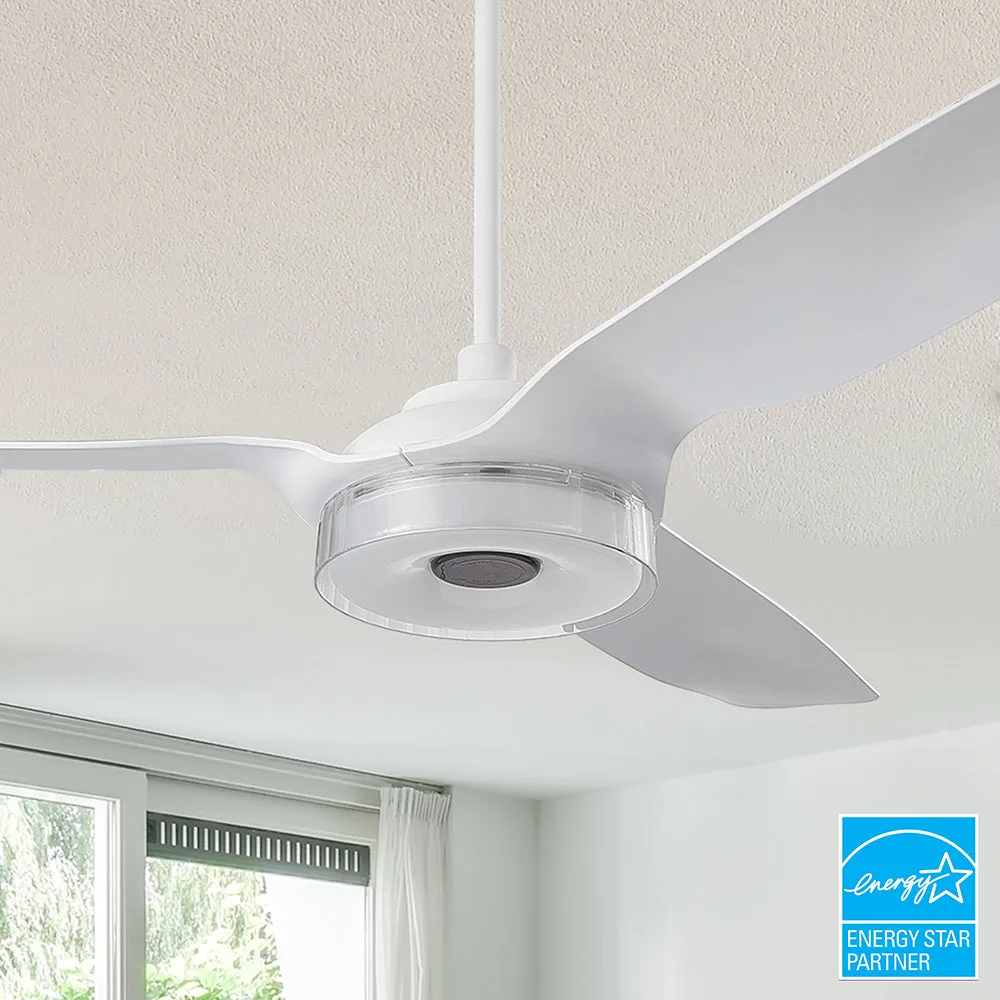
- Icebreaker 60 inch Smart Ceiling Fan with LED Light and Remote- Set of 2: AIRFLOW YOU FEEL: Delivers 7000CFM high‑velocity airflow without noise. A 7000 CFM rating provides strong air movement, letting you run the fan at lower speeds and reduce wattage while staying comfortable.
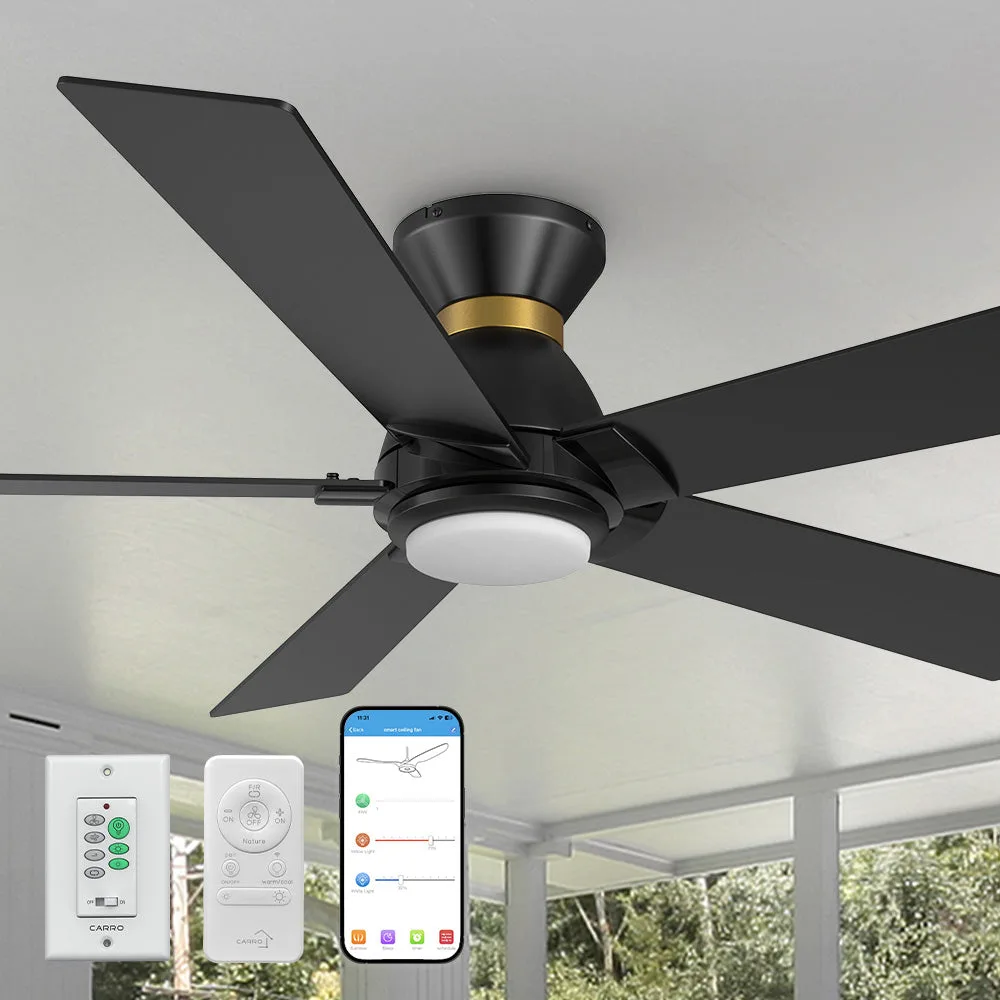
- Aspen Smart Ceiling Fan with LED Light and Remote Outdoor/Indoor 56 inch: INDOOR/OUTDOOR USE: Damp‑rated ceiling fans are perfect for covered patios, screened porches, and similar spaces shielded from direct rain, snow, or moisture. Outdoor suitability expands placement options, but the damp rating also means the fan’s motor is built for efficiency in humid environments, often resulting in lower power draw for the same airflow.
Who Should Choose These Fans
Best For
- Homeowners who want automated climate control and lighting
- Spaces that need strong airflow, such as open‑plan living areas or covered patios
Not Ideal For
- Renters who cannot perform ceiling wiring or mounting
- Ultra‑quiet rooms where any fan noise, even low‑speed, is unacceptable
By focusing on wattage, CFM, and usable smart controls, you can select a ceiling fan that truly lowers energy use while delivering comfort and light. Use the decision rules above to compare models and choose the most efficient option for your home.