Quick Verdict
The claim that smart ceiling fans cannot be used with traditional light switches is false. They will work as long as the wall switch stays on, allowing the fan’s remote and smart functions to stay powered. If the switch cuts power, the remote and app control are disabled.
Many homeowners assume that installing a smart ceiling fan means abandoning their existing wall switches. This misconception often stems from seeing a wall switch turn a fan off and wondering if the fan’s built‑in smart features will still function.
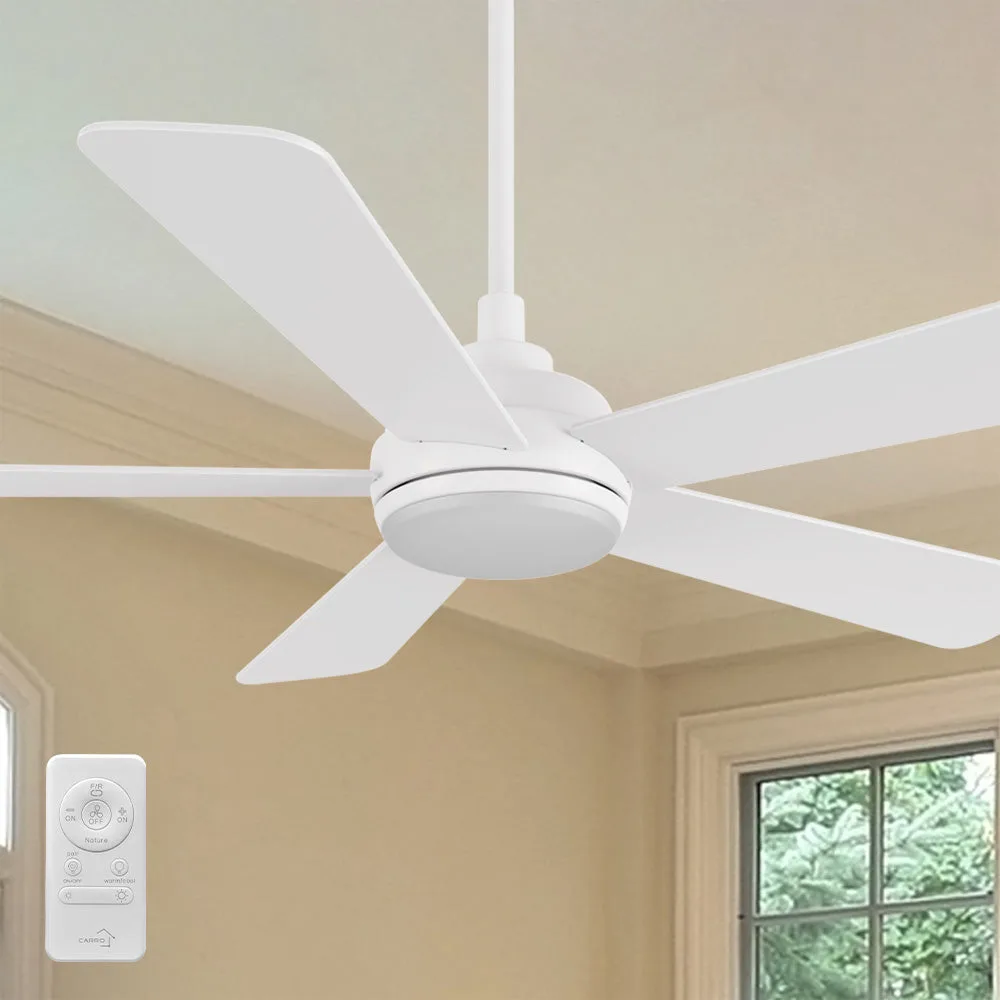
In reality, smart fans like those from CARRO Smart Ceiling Fan and lighting Outlet‑Smafan are designed to coexist with traditional switches, but the switch must remain in the ‘on’ position to keep the fan’s electronics alive. Understanding how the fan’s control system works clears up the confusion.
How Smart Fans Interact With Traditional Switches
Smart ceiling fans are equipped with a built‑in controller that powers the motor, LED light, and remote‑control receiver. When a wall switch is turned off, it cuts power to the entire unit, including the controller, which means the remote, app, or voice‑assistant commands can no longer reach the fan. Leaving the switch on ensures the fan’s internal electronics stay active, allowing you to use both the wall switch for basic on/off and the smart features for speed, lighting, and airflow direction.
Because the fan’s controller handles speed adjustments and light dimming, you can still use the wall switch for a quick power cut if desired. However, doing so will temporarily disable the remote and any connected smart home integrations. For most users, the recommended setup is to keep the wall switch on and rely on the remote or app for day‑to‑day control, which preserves the convenience of smart functionality while still offering a manual override.
- Leave the wall switch in the ‘on’ position to keep remote and app control active.
Verdicts on Smart Fan Switch Compatibility
- Switch Position: Keep the wall switch set to ‘on’ to maintain power to the fan’s controller. Ensures remote, app, and voice control remain functional.
- Remote Functionality: The fan’s remote works only while the unit receives power. Turning the switch off will temporarily disable remote commands.
- Safety Check: If you prefer a hard off, use the fan’s built‑in power button or pause feature before flipping the wall switch. Prevents sudden loss of control and protects motor electronics.
Product Highlights Relevant to Switch Compatibility
- Toplam 52 inch Wood Ceiling Fan with LED Light and Remote Indoor: EASY CONTROL FUNCTION: Adjust speed, dim light, and reverse airflow right from your sofa or bed—no need to climb a ladder to reach the fan body switch. Shows the fan can be operated without a wall switch; turning off a traditional switch would stop this convenient control.
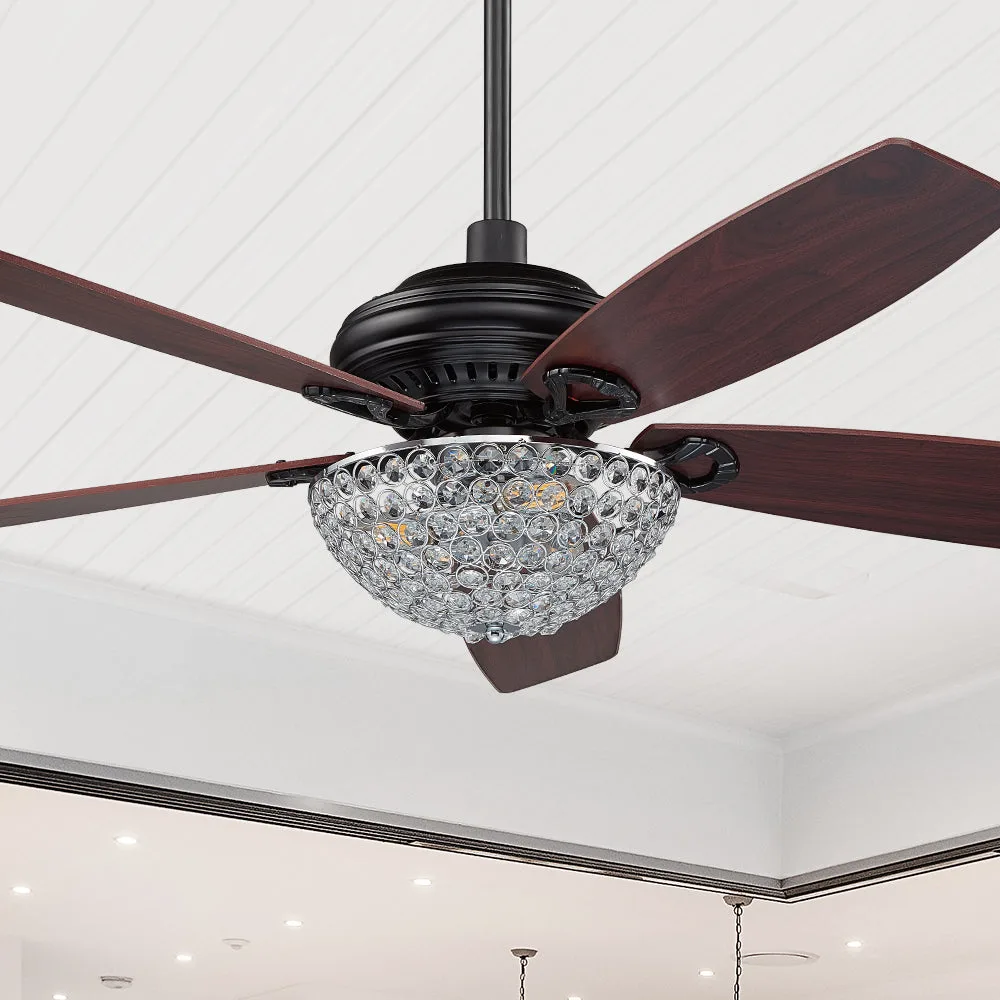
- Henderson Crystal Ceiling Fan with LED light and Modern Design 52 inch: EASY CONTROL FUNCTION: Full function remote to control the modern ceiling fan speed and the light. Remote control depends on continuous power, so a wall switch that cuts power disables the remote and smart features.
Smart ceiling fans are fully compatible with traditional light switches as long as the switch stays on, preserving both manual and smart control options. Understanding this simple wiring nuance lets you enjoy the best of both worlds without sacrificing convenience.