Quick Answer
Buy a keypad if anyone besides you needs regular entry, and add a Wi-Fi bridge only if you want to control the lock when you're away from home. If you need both, a bundle usually costs less than adding each piece later. Skip accessories that duplicate a feature your lock already has.
Start With What Your Lock Already Does
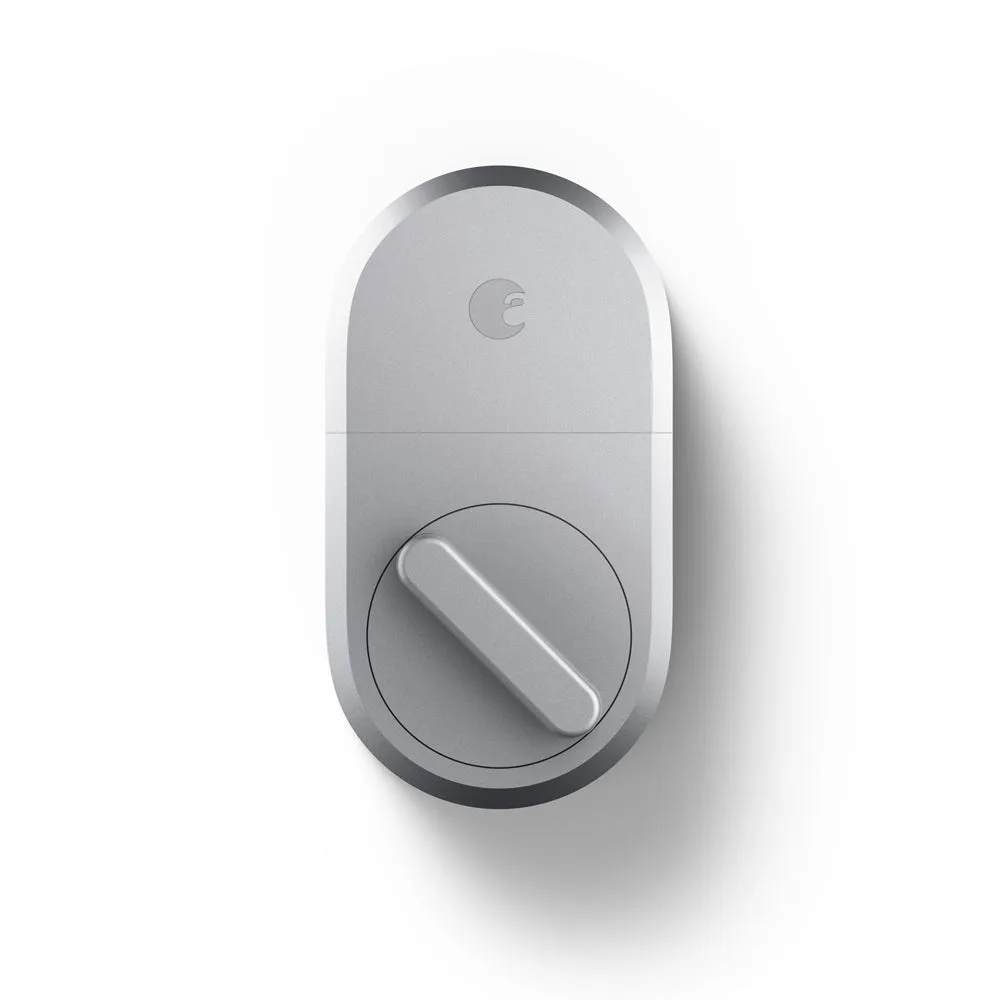
Before adding anything, list the features your lock ships with. Auto-unlock, virtual keys, and app control come from the lock itself, not from add-ons, so buying an accessory to get one of those is wasted money. Accessories exist to solve three specific gaps: entry without a phone, remote access when you're not home, and a backup way in when a battery dies or a guest arrives without the app.
Keypad: The One Accessory Most Households Need
A keypad is the accessory that changes daily life the most. It gives everyone a code instead of a phone, which matters for kids without devices, cleaners, dog walkers, and one-time visitors. It also removes the awkward moment when a guest has to download an app before they can get inside. If your household has more than one regular entrant, a keypad earns its place.
Wi-Fi Bridge: Only Worth It for Remote Control
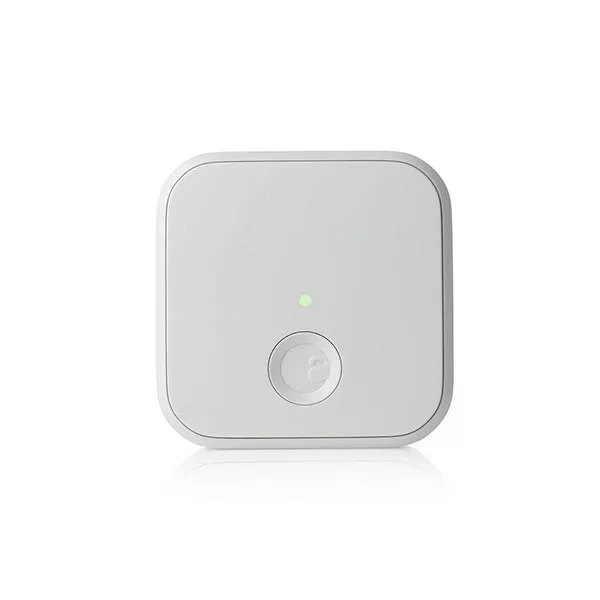
A bridge connects the lock to your home network so you can check status, lock or unlock, and manage codes from somewhere else. If you're always home when people arrive, or you're fine controlling the lock over Bluetooth at the door, you can skip it. If you host guests, manage a rental, or want to confirm the door is locked while you're at work, the bridge is the difference between a smart lock and a remote one.
Mounting Plates and Power Boards: Rarely Needed
Mounting plates and in-home chime power boards solve narrow problems. A mounting plate matters when your door's existing hardware or surface doesn't match the lock's footprint, and a chime power board matters when you want a wired indoor chime to work alongside the lock. Neither is a default purchase. Check your door and your chime setup first, and only buy these if you've confirmed a specific incompatibility.
Bundle vs. Separate: Do the Math Once
Bundles exist because the pieces are designed to work together, and the combined price is usually lower than buying the lock, keypad, and bridge separately. The trade-off is that you may pay for a piece you don't need. Compare the bundle price against the cost of only the items on your list. If you want two or more of the included pieces, the bundle is almost always the better buy.
Decision Rules for Buying Smart Lock Accessories
- More than one person enters regularly: Buy a keypad. Codes beat app invites for kids, cleaners, and short-term guests. Keypad first, everything else second.
- You need to manage the door when you're away: Add a Wi-Fi bridge. Without it, remote control and remote code management aren't available. No remote need means no bridge.
- You want both keypad and remote access: Compare the bundle price against buying the two pieces separately before you check out. Two or more included pieces usually tips the math toward the bundle.
- You're considering a mounting plate or chime power board: Confirm a specific fit or wiring problem first. These solve narrow issues, not general ones. If you can't name the problem, you don't need the part.
Bundles That Cover the Common Cases
- August Smarter Hosting Bundle - Standard: Includes an August Smart Lock, August Connect Wi-Fi Bridge, and a free August Smart Keypad. Covers keypad entry and remote access in one purchase, which suits hosts who need to grant temporary access.
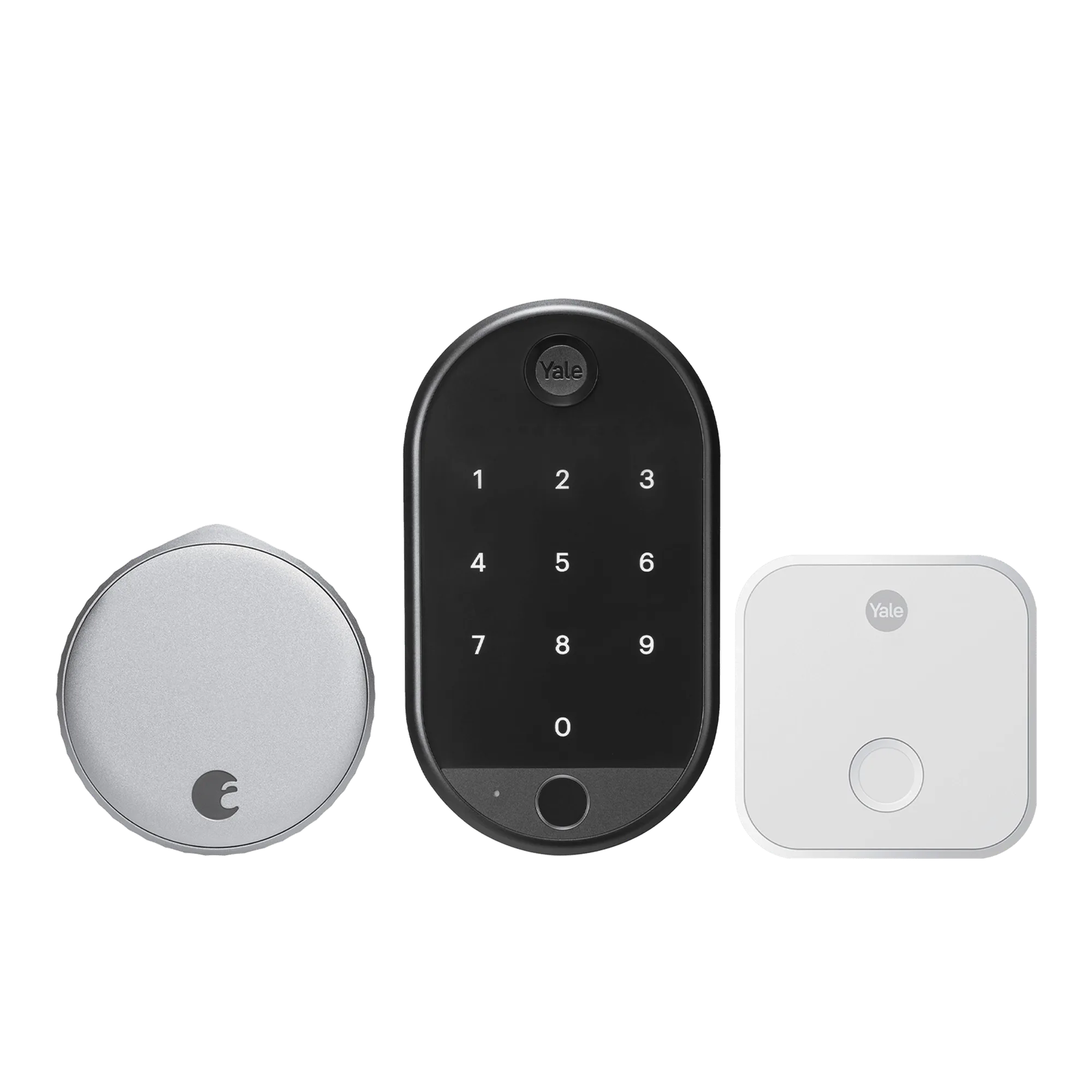
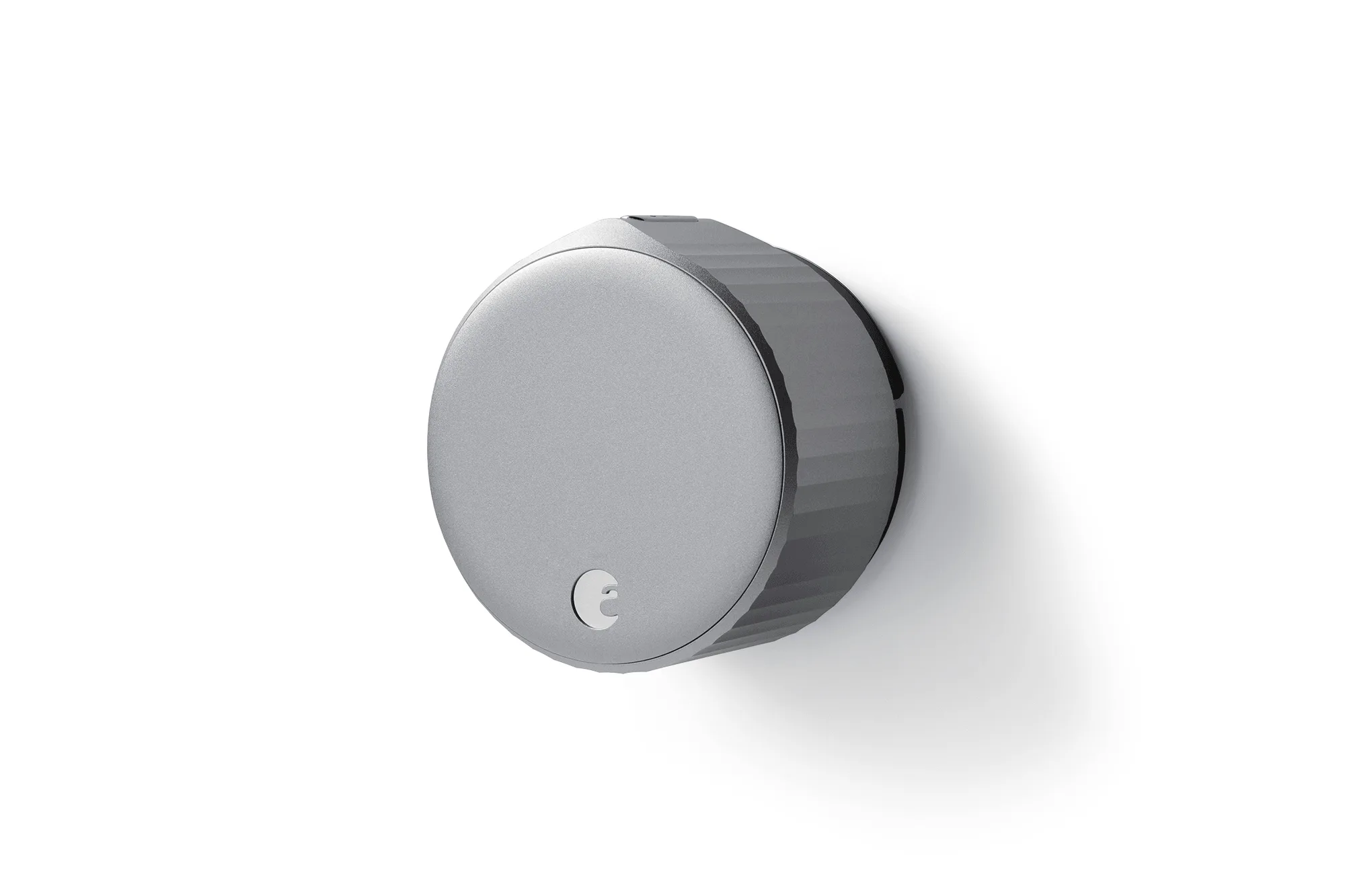
- Yale | August Wi-Fi Smart Lock with Keypad: Combines a Wi-Fi smart lock with a Yale Keypad for code entry, plus virtual keys, auto-lock and unlock, and remote monitoring through the August App. A single purchase that handles everyday keyless entry and remote control without a separate bridge.
- August Wi-Fi Smart Lock + Connect with Keypad Touch: Bundles the August Wi-Fi Smart Lock with a Yale Keypad Touch and an additional Connect Wi-Fi bridge for extended battery life. The extra bridge is the reason to pick this over a standard bundle if battery life is your main concern.
- Yale Approach™ Lock with Wi-Fi + Keypad Touch: Includes a Yale Approach Lock, Connect Wi-Fi Bridge, and Yale Keypad Touch with fingerprint access, and works with Alexa, Samsung SmartThings, and the Google Assistant. Choose this if you want fingerprint entry or you're building around an existing smart home ecosystem.
Who Should Buy Which
Best for
- Households where several people need regular keyless entry
- Hosts and rental owners who grant temporary access and manage codes remotely
- Buyers who want keypad and remote control in one purchase
Not for
- Single-person households that only ever use a phone to unlock
- Buyers who already own a compatible keypad or bridge
- Anyone hoping an accessory will add a feature the lock itself doesn't support