Quick Answer
To set up your Sofucor 52" modern ceiling fan with light, start by securely mounting the fan, then pair the remote by restoring power and pressing the pairing button within 30 seconds. If the remote doesn't respond, check the battery and repeat the sync process.
Before You Begin: Tools and Safety
Make sure the power is off at the circuit breaker before handling any wiring. You'll need a screwdriver, wire connectors, and a ladder. The fan is heavy—get help lifting it into place.
The Sofucor 52" model uses a DC motor, which is quieter and more energy-efficient than AC motors, but requires the included receiver module to be wired correctly for remote operation.
Understanding the Remote and Receiver
The remote controls fan speed (6 speeds) and the dimmable 18W LED light with three color temperatures. The receiver module must be installed inside the fan canopy before mounting. If you skip this step, the remote won't work.
A common mistake is installing the receiver after the fan is hung—this forces you to take the fan down again. Wire the receiver first, following the labeled wires (line, load, neutral).
Setup and Remote Pairing Steps
- Mount the Fan and Install the Receiver: Turn off power at the breaker. Attach the mounting bracket to the ceiling junction box. Connect the receiver module wires (line, neutral, ground) to the house wires using wire connectors. Then connect the receiver output wires to the fan wires. Tuck the receiver into the canopy and hang the fan. Double-check that the receiver is wired before the fan is fully mounted—it's nearly impossible to add later without disassembly.
- Restore Power and Pair the Remote: Turn the power back on at the breaker. Within 30 seconds, press and hold the 'Pair' button on the remote (usually inside the battery compartment) for 3-5 seconds. The fan light will flash to confirm pairing. Test the fan speeds and light dimming. If the light doesn't flash, turn the power off, wait 10 seconds, and repeat the pairing process. A fresh CR2032 battery often solves first-time pairing issues.
- Troubleshoot Remote Sync Problems: If the remote stops working after a power outage or battery change, repeat the pairing process. If that fails, check that the receiver dip switches (if present) match the remote dip switches. For the Sofucor 52" model, dip switches are usually set at the factory—only adjust if pairing consistently fails. Always try a new battery before adjusting dip switches. Incorrect dip switch settings can cause intermittent or no response.
- Set Your Preferred Light Color and Speed: Use the remote to cycle through the three light color temperatures (warm, neutral, cool). The fan has 6 speed settings. The light memory function saves your last color choice automatically. The light memory works even after a power cut—no need to re-select your color each time.
Product Facts
-
Sofucor 52" Modern Ceiling Fan With Light: The Sofucor 52" Modern Ceiling Fan features a whisper-quiet DC motor and an 18W dimmable LED light with three color options and memory. The DC motor keeps operation silent, and the light memory means your preferred color temperature stays set after turning the light off and on.
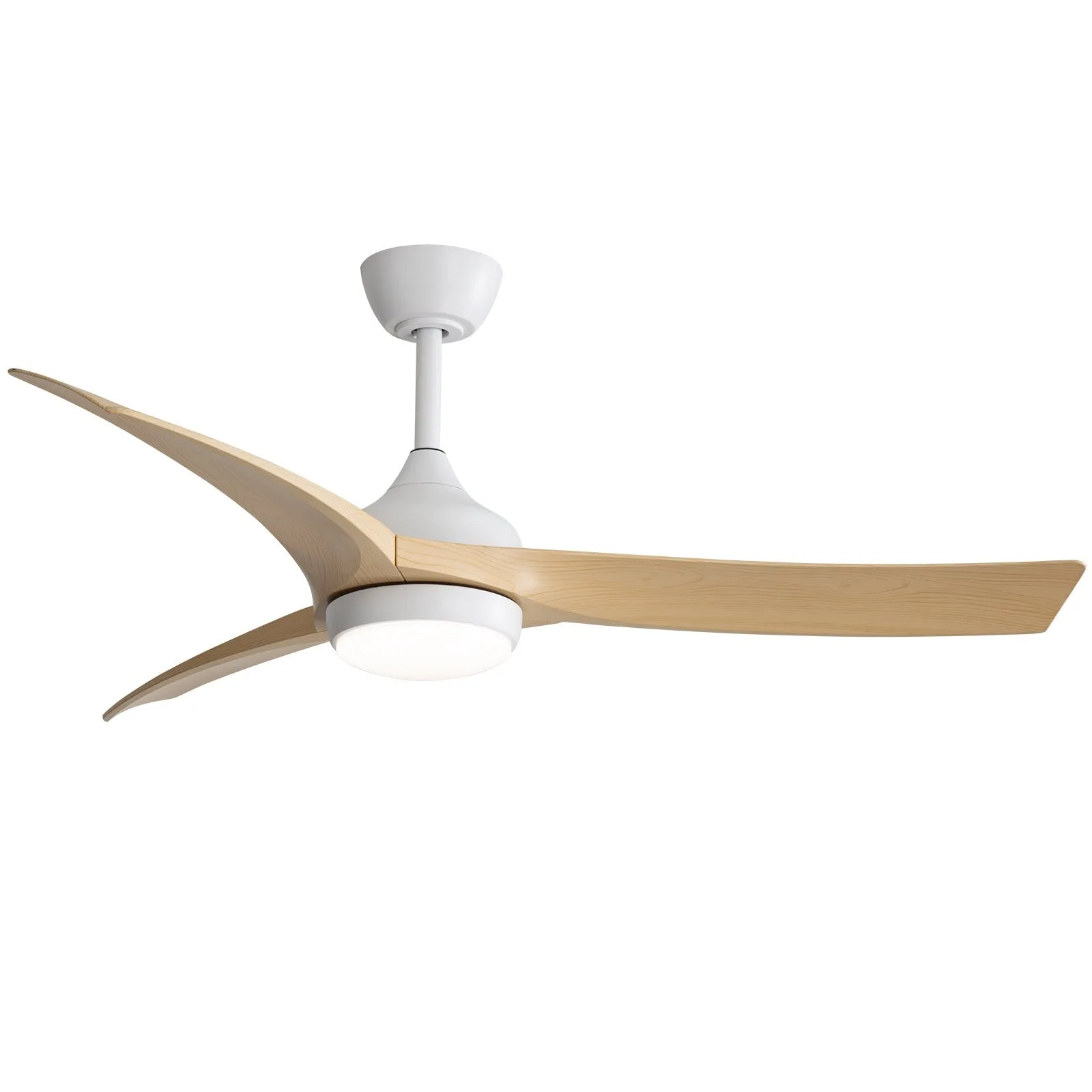
Sofucor 52" Modern Ceiling Fan With Light