Quick Answer
Most Sofucor 52" wood ceiling fan noises come from loose blade screws, unbalanced blades, or mounting issues—tighten and balance the fan first before considering motor problems.
Why Wood Fans Make Noise
Wood blade ceiling fans can develop noises for several reasons. Over time, wood blades can warp or shift slightly, affecting balance. Loose screws are common after seasonal use. Also, the mounting method matters: flush mount fans may transfer vibrations differently than downrod-mounted fans.
When to Stop DIY and Call Support
If you've tightened all screws, balanced the blades, and checked the mounting, but the noise persists, it may be a motor issue. The Sofucor 52" wood ceiling fan includes a lifetime motor warranty and 15-year accessory warranty, so don't risk further damage—contact the U.S. after-sales team for professional help.
Noise Diagnosis and Fix
- Wobbling or shaking noise: Tighten all blade screws and bracket screws. If wobble persists, use a balancing kit to add weights to the blades. Check that the fan is securely mounted to a ceiling joist or support box.
- Clicking or ticking sound: Inspect blade holders for debris or loose screws. Ensure blades are not warped and are evenly spaced. Replace any warped or cracked blades if tightening doesn't fix it.
- Humming or buzzing from motor: Verify the fan is on a solid-state speed control; if not, replace with a fan-rated switch. Also check for loose wiring in the canopy. If humming continues, stop use and contact Sofucor support—motor issues are covered under warranty.
Product Facts
-
52″ Wood Ceiling Fan With Light: The Sofucor 52" wood ceiling fan includes 2 down rods (5" and 10") and a sleek finish with light wood blades. The included down rods let you adjust mounting height, which can help reduce noise caused by close ceiling clearance.
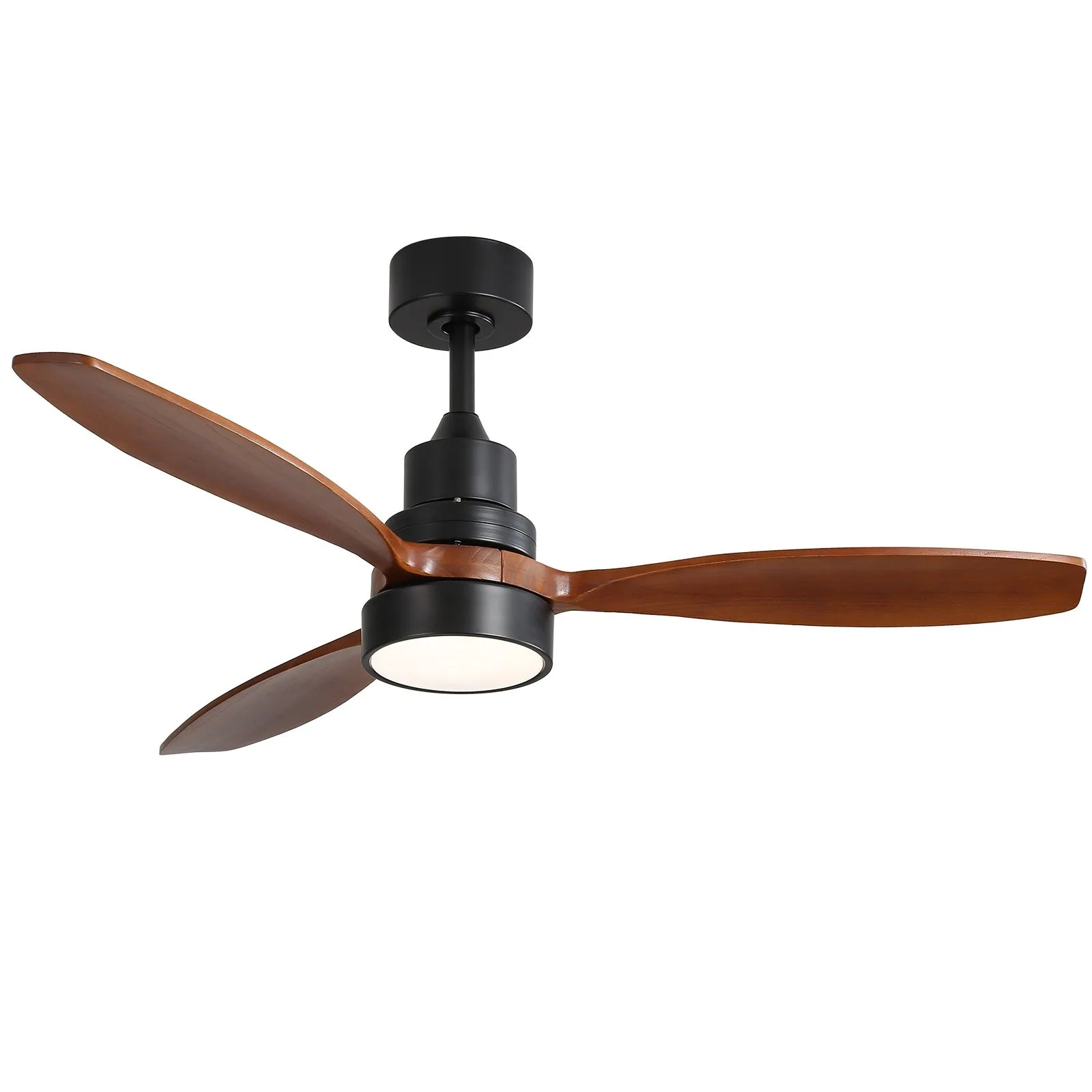
52″ Wood Ceiling Fan With Light