What the Solar Flare FX Filter Does
The Solar Flare FX filter is designed to create in-camera flares that look organic and natural. Its ribbon-like pattern reacts to bright highlights or point light sources in your frame, producing a flare that changes shape and intensity as you rotate the filter.
Unlike a digital flare added in post, the effect is physical and interacts with your lens optics, giving you a unique look straight out of camera. The filter comes in two color versions—Clear and Amber—so you can choose between a neutral flare or one with a warm tint.
How to Mount and Rotate the Filter
- Choose the right size: The Solar Flare FX is available in 67mm, 77mm, and 82mm circular threaded versions, plus a 4x5.65 mattebox version. Match the circular size to your lens filter thread or use a step-up ring if needed.
- Screw the filter onto your lens: Attach the circular filter just like any standard filter. The rotatable frame lets you adjust the orientation of the ribbon-like flare without removing the filter.
- Rotate to change the flare: While looking through the viewfinder or at your live view, slowly rotate the filter. The flare will shift position, stretch, or multiply depending on the angle and the light source in the scene.
Solar Flare FX Filter Specifications
-
Solar Flare FX Filter: Available in 67mm, 77mm, 82mm circular threaded, and 4x5.65 mattebox versions. Ensures compatibility with your lens or mattebox system.
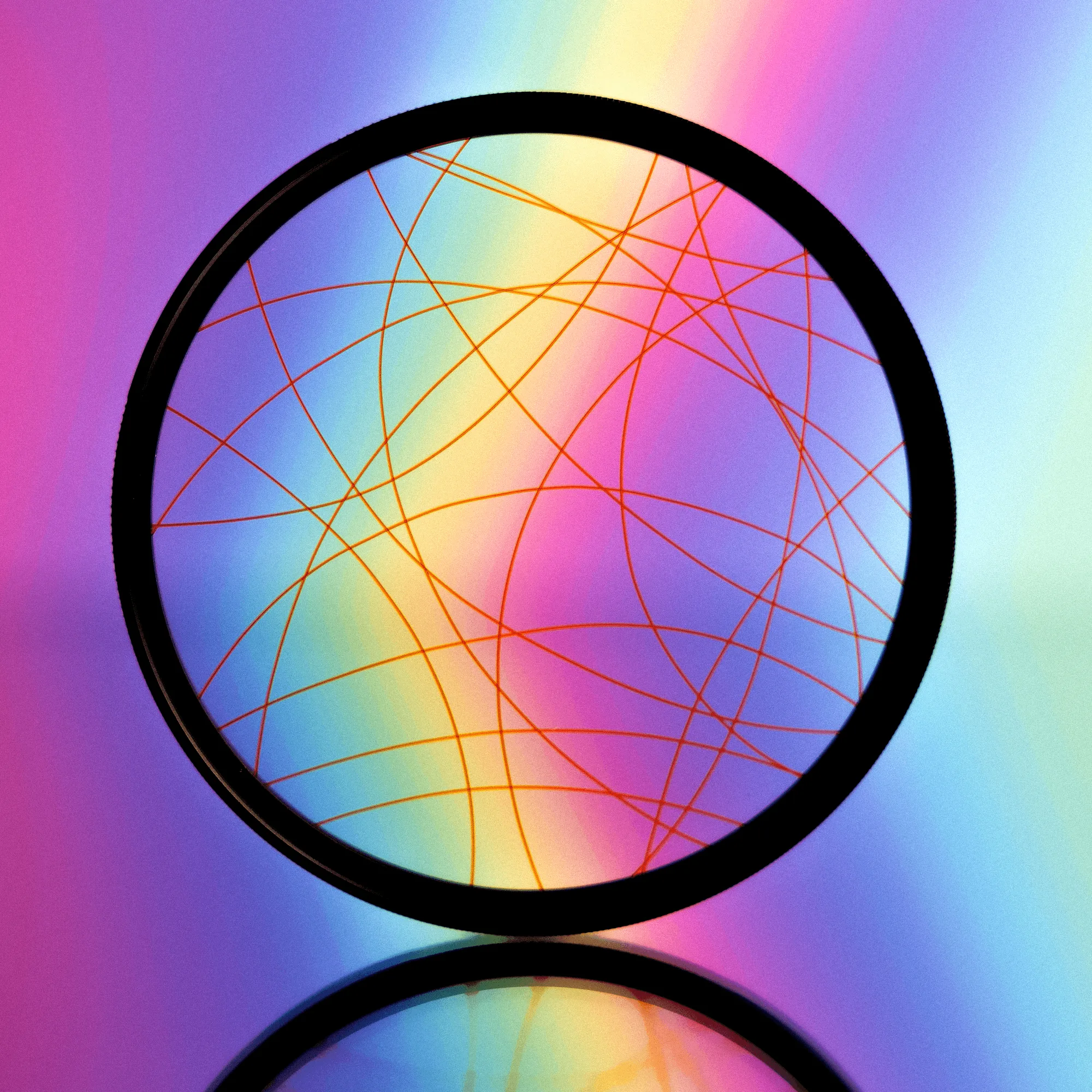
Solar Flare FX Filter
-
Solar Flare FX Filter: Two color versions: Clear and Amber. Clear gives a neutral flare; Amber adds a warm, golden tone to the effect.
-
Solar Flare FX Filter: Circular versions feature a rotatable frame. Lets you fine-tune the flare orientation while the filter stays mounted.
Tips for Getting the Best Flare
The strength and look of the flare depend on your lighting conditions, aperture, and camera settings. Bright point sources like the sun, streetlights, or reflections work best. A wider aperture (like f/1.8 or f/2.8) tends to produce a softer, more diffuse flare, while stopping down can make the ribbon lines sharper.
Experiment with the filter rotation between shots—the flare can change from a subtle streak to a bold, sweeping ribbon. Because results vary with each scene, shoot a few test frames to see what works for your composition.
What the Supplied Information Does Not Cover
The product record does not include specific instructions for cleaning, storage, or long-term care of the filter. It also does not confirm compatibility with specific camera brands or lens models beyond the thread sizes listed. For cleaning, use a standard lens cloth (a Prism Lens FX cloth is included when in stock) and handle the filter as you would any precision optical accessory.