Quick Answer
To capture high-fidelity audio on the Sony C-90HFL normal bias cassette, calibrate your deck's bias and record level for Type I tape, then set peaks to 0 dB on a standard VU meter.
Why the Sony C-90HFL Works Well for General-Purpose Recording
The Sony C-90HFL is a normal bias (Type I) cassette designed for reliable music and voice recording. Its 90-minute length per tape suits long sessions, and the durable see-through shell lets you check tape remaining at a glance. For high-fidelity results, it pairs best with a properly maintained deck.
How to Record High-Fidelity Audio on the Sony C-90HFL
- 1. Clean and Demagnetize the Tape Path: Before inserting the cassette, clean the playback/record heads, pinch roller, and capstan with isopropyl alcohol and a lint-free swab. Demagnetize the heads with a hand-held degausser. A dirty or magnetized path causes high-frequency loss and noise. Skip this step and you may hear dull, noisy recordings even on a fresh tape.
- 2. Set Bias and EQ for Type I (Normal) Tape: On your cassette deck, switch the bias and equalization to the Normal (Type I) position. Many decks have a dedicated setting for 120 µs EQ. The Sony C-90HFL is a normal bias tape, so using the wrong setting will distort or dull the sound. If your deck has a manual bias fine-tune control, adjust it while recording a test tone until the playback sounds natural.
- 3. Set the Recording Level to Avoid Distortion: Start with the deck's record level control at about 75% of maximum. For a high-fidelity recording, aim for peaks that hit 0 dB on a standard VU meter, not into the red. Normal bias tape has lower headroom than chrome or metal formulations. Pushing the level above +3 dB causes audible distortion on Type I tape.
- 4. Record a Short Test and Play It Back: Record 30 seconds of the source material at the intended level. Rewind and playback through your system. Listen for hiss, distortion, or muffled highs. Adjust the bias or level if needed, then re-test. Always test before committing to a full side; tape is cheap, but time is not.
- 5. Store the Cassette Properly After Recording: After recording, rewind the tape evenly, place it in its protective case, and store it upright in a cool, dry place away from magnets and direct sunlight. The Sony C-90HFL's durable shell protects the tape, but environmental stability preserves the recording. Never store cassettes near speakers or power transformers; stray magnetic fields can erase or degrade the signal over time.
Product Facts
-
Sony C-90HFL High Fidelity Normal Bias 90 Minute Audio Cassette 5-Pack: Pack of 5 durable see-through shell normal bias Type 1 cassettes, 90 minutes per tape. The see-through shell lets you visually check tape remaining, and the 90-minute length works for long recordings without flipping.
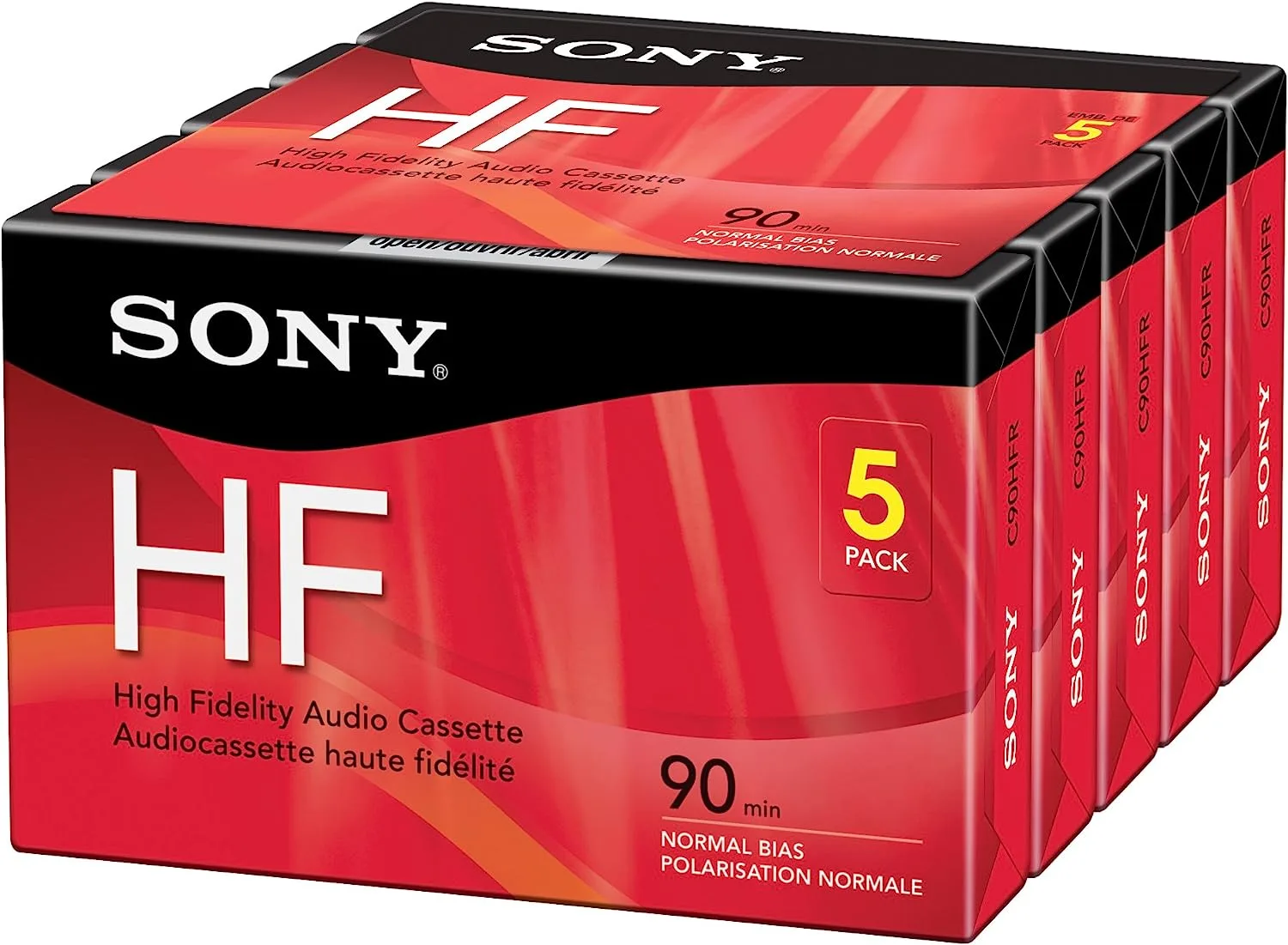
Sony C-90HFL High Fidelity Normal Bias 90 Minute Audio Cassette 5-Pack