Quick Start
Pick the Spooky Kitties Bundle, decide which pages need a Halloween vibe, and apply the stickers in layers. Stick to one color palette per week for a cohesive look.
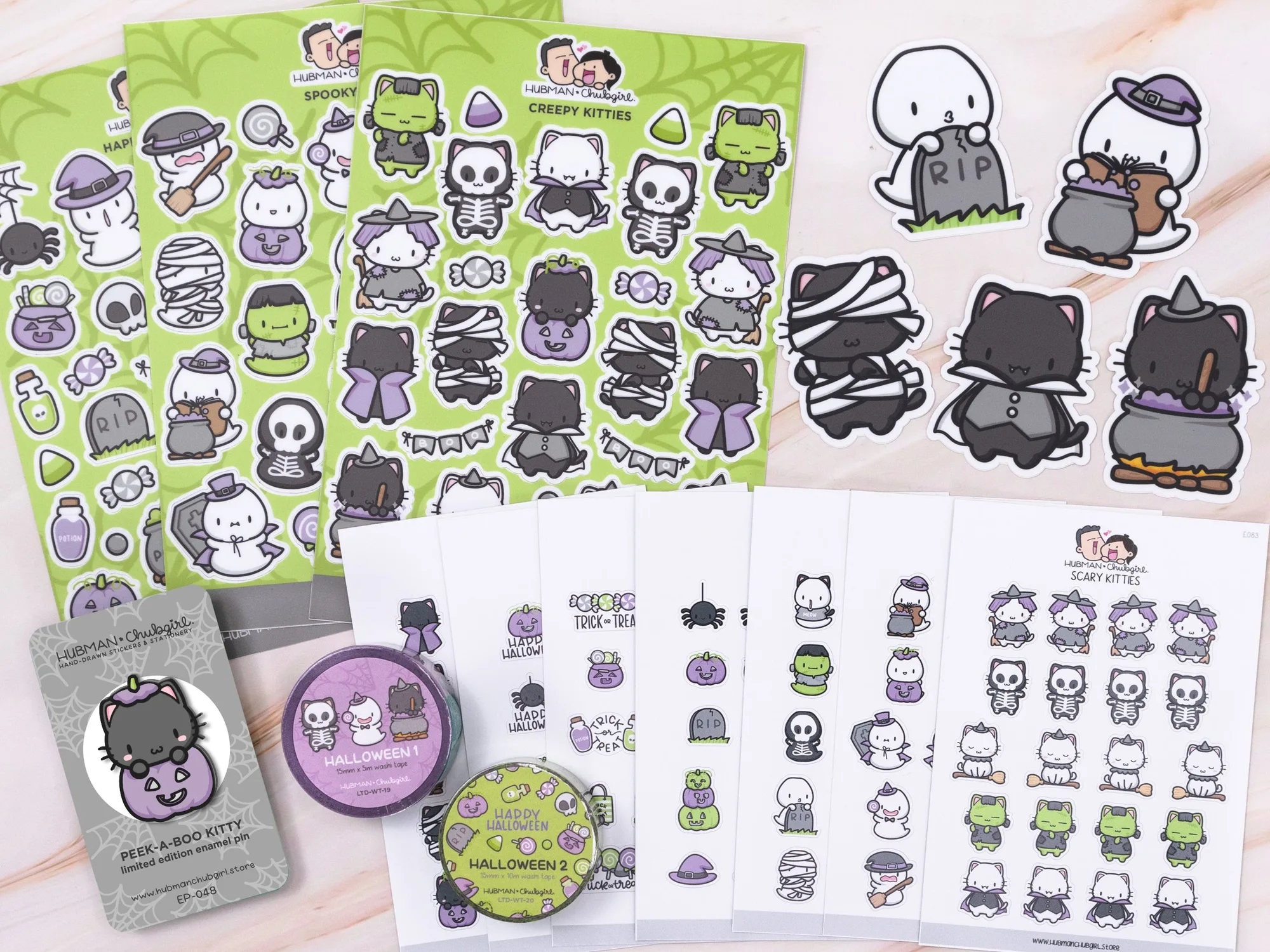
Spooky Kitties Bundle
Seasonal planner themes keep your schedule fresh and motivate you to stay organized. The Spooky Kitties Bundle offers cute, Halloween‑ready graphics that are easy to mix with existing supplies.
This guide walks you through selecting stickers, planning layouts, and adding finishing touches so your planner feels both festive and functional.
Design Your Halloween Spread
Start by mapping out the weeks that include Halloween‑related events. Use a light pencil sketch on a blank planner page to outline where each sticker will go. This prevents overcrowding and lets you see how the Spooky Kitties designs interact with your daily entries. A common mistake is placing too many stickers on a single day, which can obscure important notes.
Next, choose a focal sticker from the bundle—like the black cat or pumpkin—to anchor the theme. Surround it with smaller icons such as bats or candy. Keep a consistent margin between stickers; a 2‑mm gap looks tidy and makes the page easier to read. Double‑check that no sticker covers a date box or important task.
- Use a ruler to align stickers horizontally for a clean line.
- Test one sticker on a spare page first to ensure it peels off cleanly.
Step‑by‑Step Guide
- Select Your Spooky Stickers: Open the Spooky Kitties Bundle and lay out all stickers. Choose a main graphic and a few supporting icons that match the week’s events. Avoid using more than three different sticker styles per page to keep the layout clear.
- Arrange Layout on Planner Pages: Place the main sticker first, then add supporting icons around it, leaving space for dates and notes. Lightly press each sticker to ensure adhesion. Check that no sticker covers a date box; reposition if needed before pressing firmly.
- Add Final Touches: Write any seasonal captions or to‑do items around the stickers. If a sticker leaves residue, use a clean eraser or a dab of rubbing alcohol. Make sure the final look feels balanced; step back and view the page from a distance.
Sticker Quality Highlights
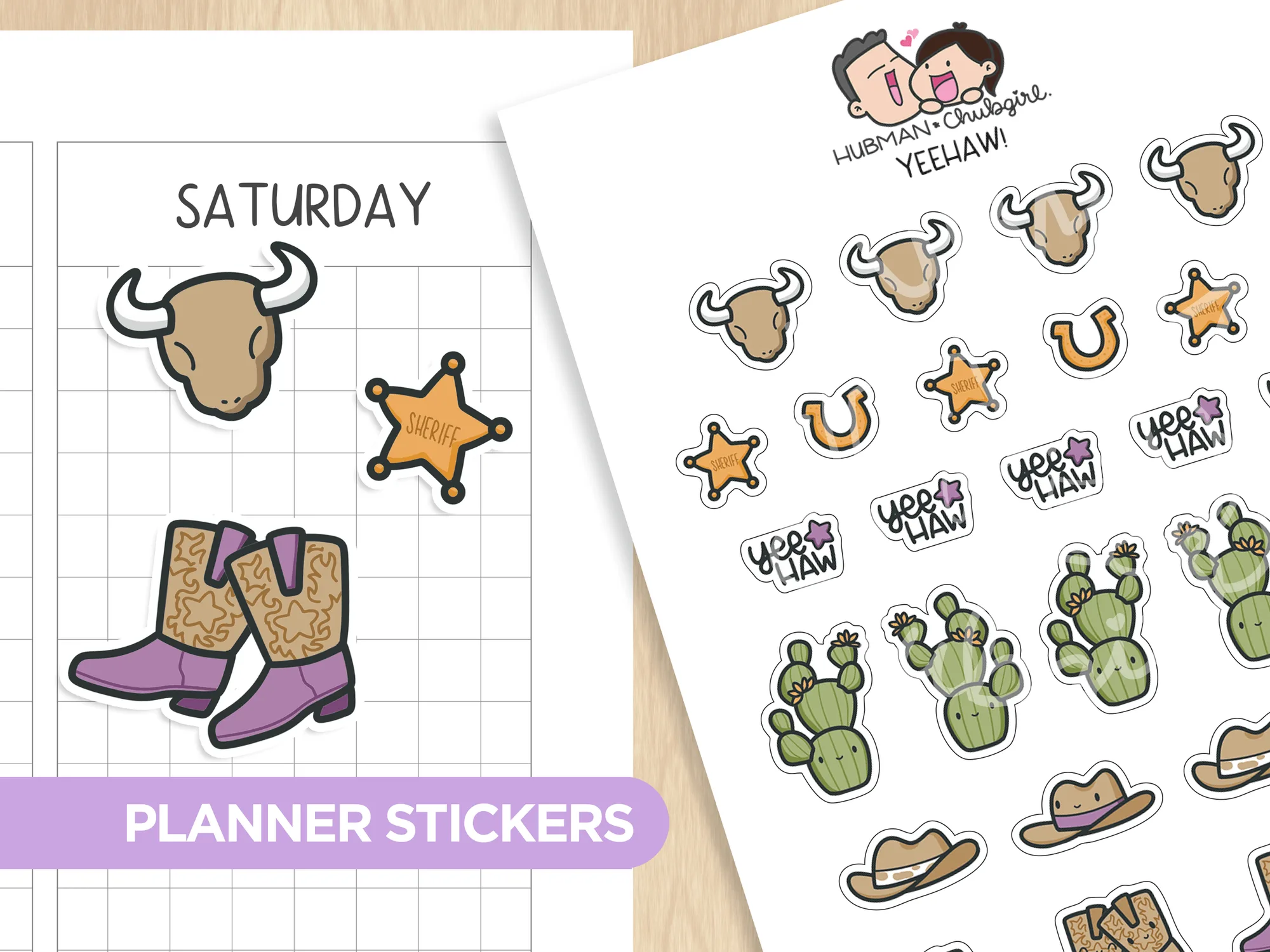
- Yeehaw! Planner Stickers: All sticker designs are drawn by Chubgirl! Sheet size: 3.5” x 5” 28 individual stickers. High quality vinyl, waterproof. Can be peeled and re-positioned. Waterproof vinyl means the stickers stay intact through splashes, and repositionability lets you adjust placement without damage.
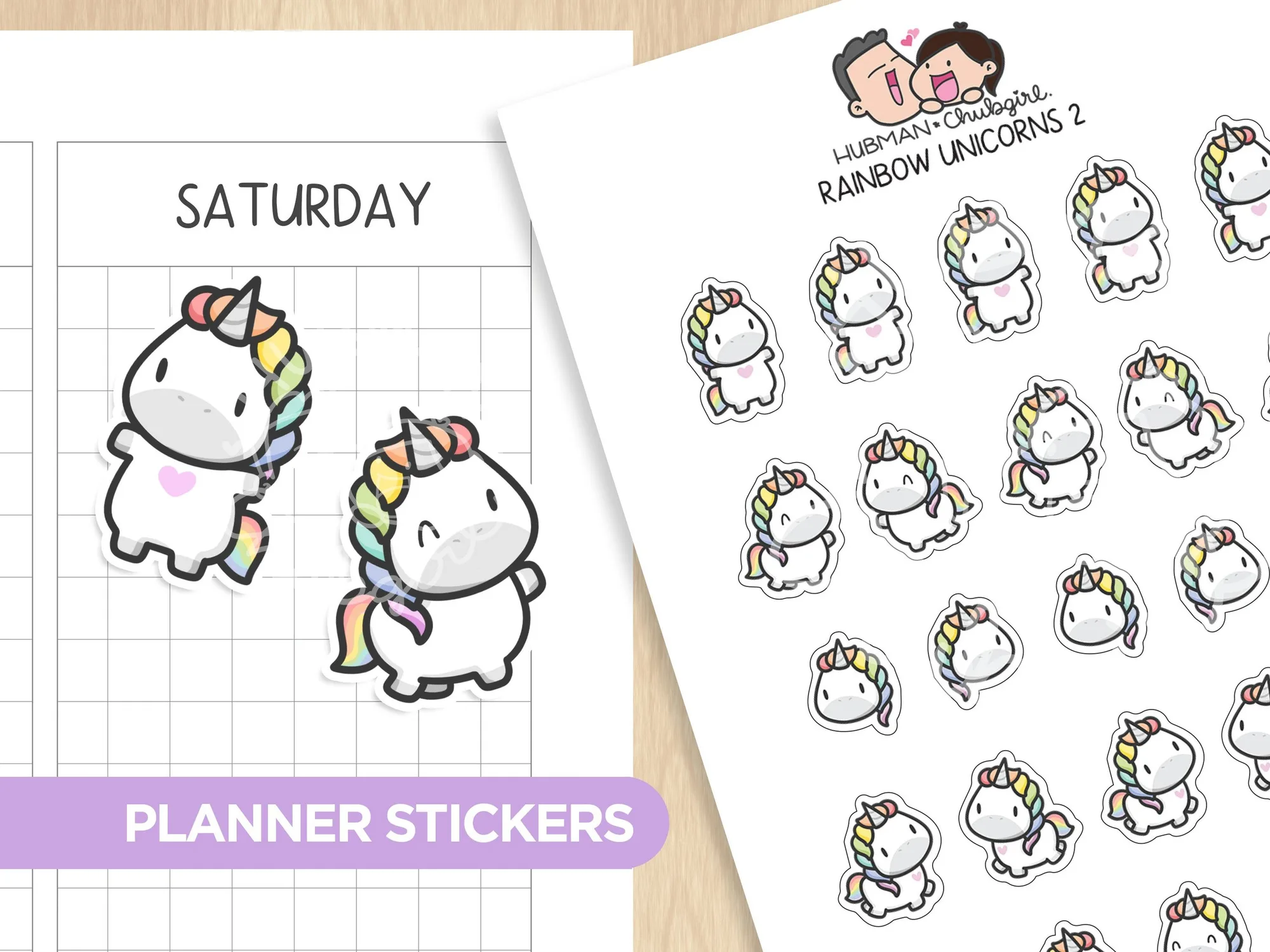
- Unicorns 2 Planner Stickers: All sticker designs are drawn by Chubgirl! Sheet size: 3.5” x 5” 25 individual stickers. High quality vinyl, waterproof. Can be peeled and re-positioned. The same durable material ensures the spooky stickers blend well with other Chubgirl collections for a unified look.
With these simple steps, the Spooky Kitties Bundle transforms ordinary planner pages into a festive Halloween spread, keeping your schedule organized and full of seasonal spirit.