Quick Answer
Choose a square needle file for sharpening saws, enlarging holes, and working in tight 90° corners. Choose a flat file for broad, flat surfaces and general smoothing.
Why Shape Matters in Needle Files
The cross-section shape of a needle file determines which surfaces it can reach and how it transfers force. A square file's four flat faces meet at sharp 90° edges, making it ideal for precise angular work and confined spaces. A flat file's wide, flat faces are better for covering larger areas quickly.
Your choice also affects control. The square profile lets you apply even pressure along a single edge, while the flat profile gives you more surface contact for uniform material removal.
Square File: Sharpening and Precision
The Excel Blades Square Needle File features a 90° edge specifically designed for sharpening saws and other fine tasks. Its square shape also helps enlarge holes or smooth curved surfaces where a flat file cannot fit. If your work involves sharpening blades, precise corner work, or creating square notches, this shape is the better match.
Because the square profile is narrower than most flat files, it removes material more slowly on broad areas. That is a trade-off when you need to smooth a large flat surface quickly.
Flat File: Broad Surfaces and General Smoothing
A flat file is the go-to for flattening, deburring, and smoothing large flat areas. Its wide face covers more material per stroke, making it faster for general shaping. It also works well on outside curves and flat edges.
However, a flat file cannot reach into tight corners or sharpen saw teeth the way a square file can. If your task requires angular precision, the flat file will struggle.
Square vs Flat: Trade-Offs and Decision Rules
- Sharpening saws or working in 90° corners: Choose a square needle file. Its sharp edges reach into teeth and corners that a flat file cannot access. Keep the square file at the correct angle to maintain the saw's cutting geometry.
- Smoothing broad, flat surfaces: Choose a flat file. Its wide face removes material faster and produces a more even finish over large areas. Use light, even strokes to avoid creating low spots.
- Enlarging holes or smoothing curved surfaces: A square file can do both, but a round or half-round file may be more comfortable if the curve is tight. Test on scrap material to confirm the shape matches your curve.
Square Needle File at a Glance
-
Square Needle File: The Excel Blades Square Needle File features a 90° edge for sharpening saws and other fine tasks, and its square shape helps enlarge holes or smooth curved surfaces. This makes it the precise choice for saw sharpening, corner work, and enlarging holes where a flat file cannot fit.
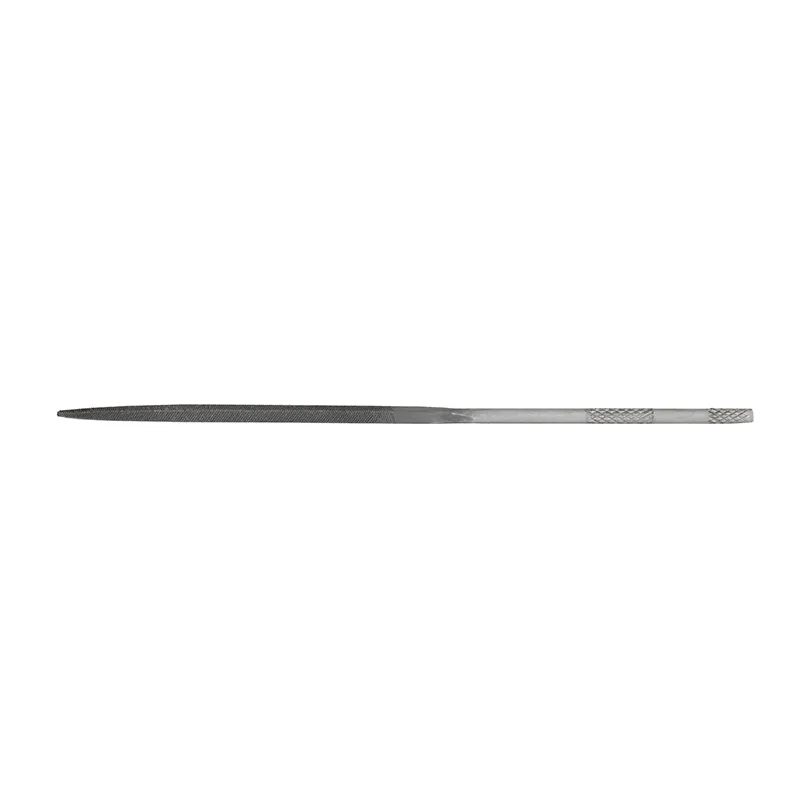
Square Needle File
Which File Fits Your Work?
Best for
- Sharpening saw blades and fine edges
- Working in tight corners or creating square notches
Not for
- Rapid material removal on large flat surfaces
- Smoothing gentle outside curves where a flat file is more efficient