Quick answer
A 9th Gen Civic Stage 2 shift kit install takes about two to three hours on jack stands with basic hand tools. Work in order: disconnect the battery, remove the airbox and battery tray, pull the center console, swap the shifter base bushings, replace the linkage bushings, then reinstall everything and torque fasteners to the values in your service manual. Drive gently for the first few miles and recheck the cable clips.
9th Gen Civic Stage 2 shift kit
If you own a 2012–2015 Civic Si or a 9th Gen Civic with a manual transmission, the vague, rubbery shifter is probably the first thing you noticed on a test drive. A Stage 2 shift kit addresses that with stiffer bushings and a revised centering spring, but the install is what makes or breaks the result. This walkthrough covers the order of operations, the tools you need, and the checkpoints that separate a clean install from a rattling one.
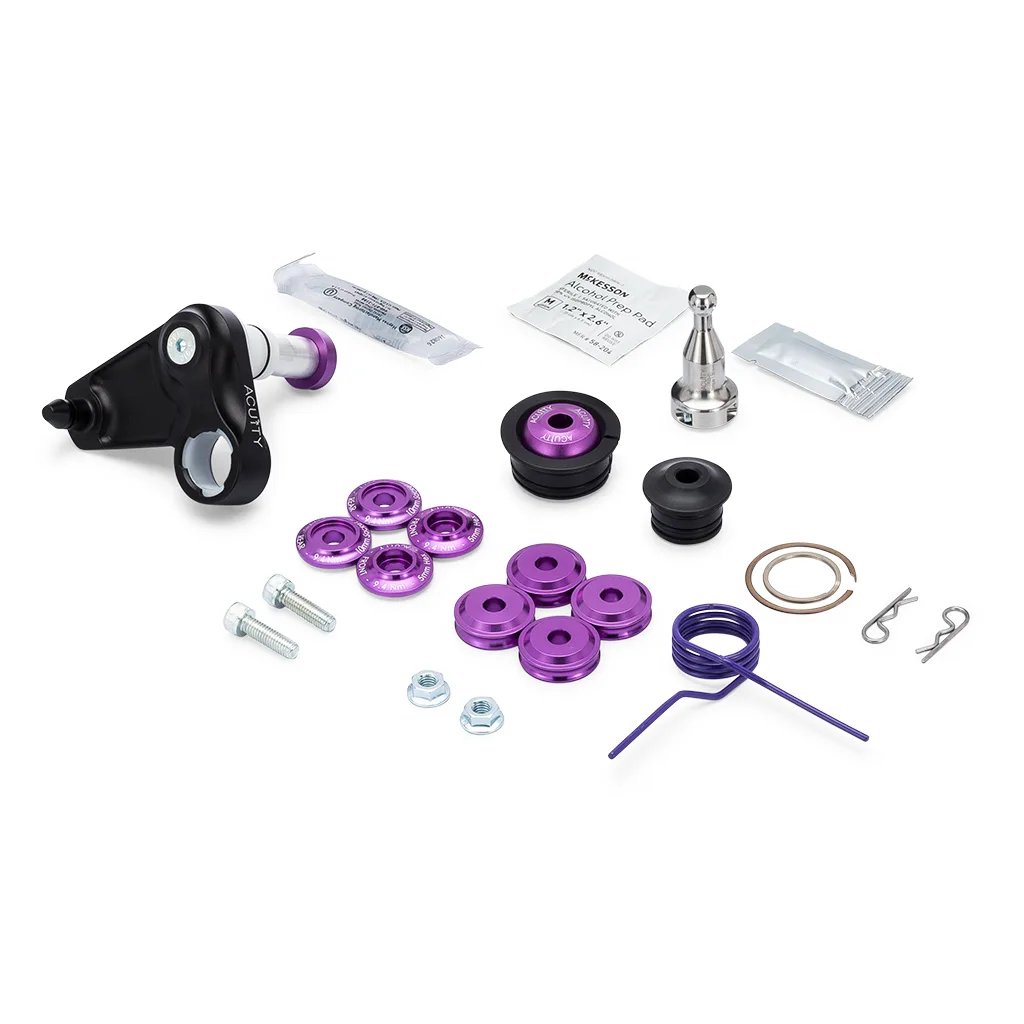
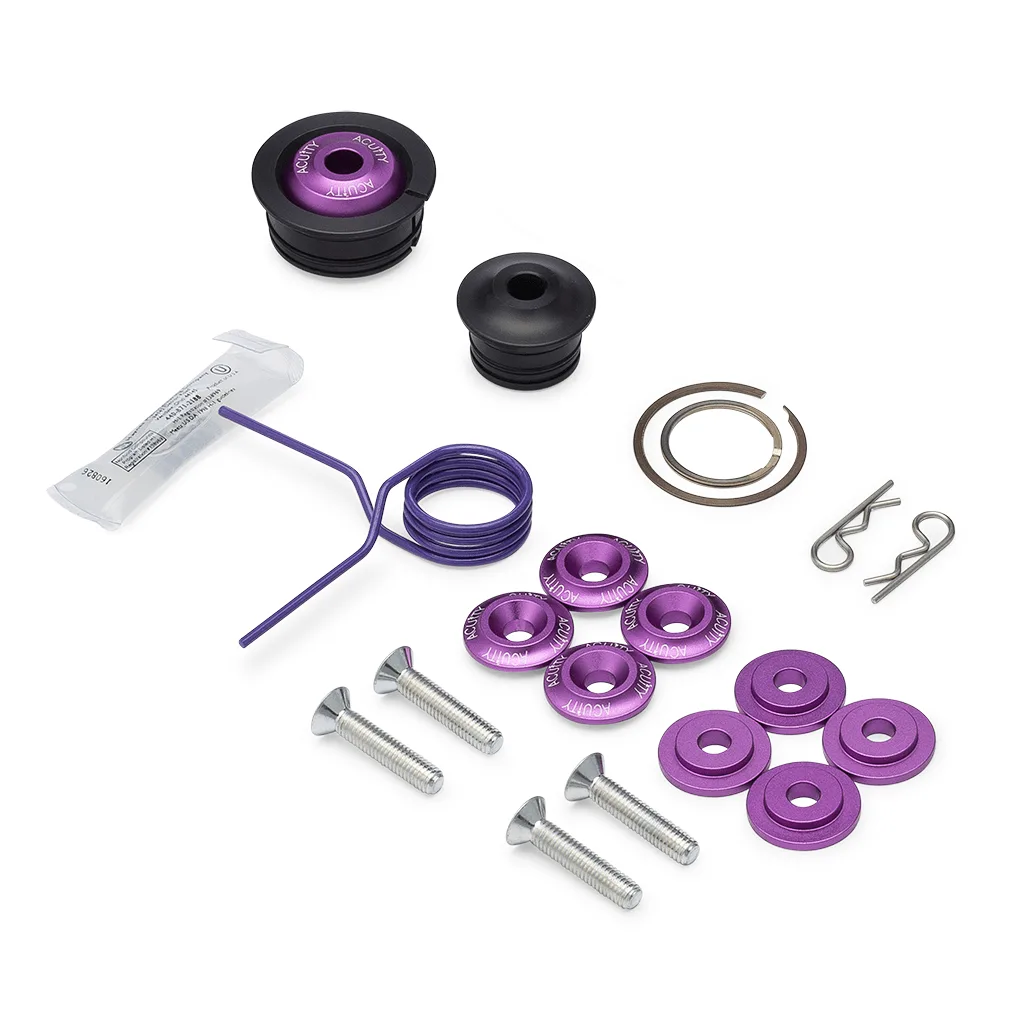
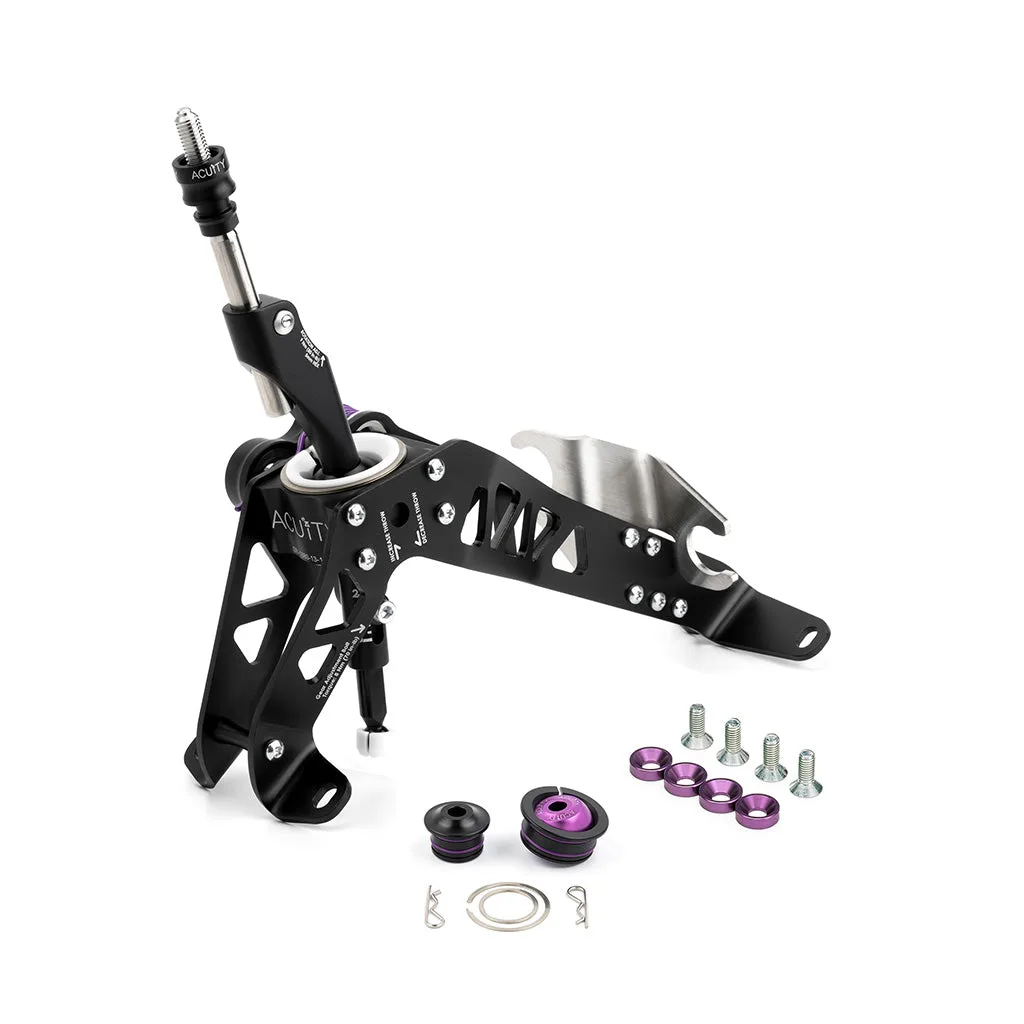
I'm writing this from the perspective of someone who has done this job in a driveway, not a lift-equipped shop. The steps below assume you have basic hand tools, a torque wrench, and a few hours. If you're comparing kits before you buy, the ACUITY 10th Gen Civic Stage 2 Shift Kit (for the FK8) shows the same philosophy in a different chassis: it bundles the Shifter Rocker Upgrade (1922), Shifter Centering Spring Upgrade (1918), Shifter Base Bushings (1914), and Shift Linkage Bushing Upgrade (1881). The 9th Gen kit follows that same logic, so the process below mirrors what you'll see in the box.

10th Gen Civic Stage 2 Shift Kit (for the FK8)
What a Stage 2 kit changes and why it matters
A Stage 2 kit is not just a short shifter. It replaces the compliant rubber parts that let the shifter move around under load. The 10th Gen Civic Stage 2 kit description notes that after installation you should notice a substantial change in shifting feel, with narrower gates. That's the goal: less wasted motion between your hand and the transmission, so each gear engages with a more defined stop.
The tradeoff is more noise and vibration transmitted into the cabin. Stiffer bushings do not absorb as much, so you'll hear more of the transmission. For most enthusiasts that's an acceptable trade for a precise shift. If you want a quieter cabin, a Stage 1 kit is the better starting point, but it won't give you the same gate definition.
- Checkpoint: confirm your kit includes base bushings, linkage bushings, and a centering spring before you start.
- Tip: photograph the cable routing before you disconnect anything.
Tools and prep before you touch the car
Gather a 10mm and 12mm socket set, a 3/8-inch ratchet, extensions, a trim removal tool, a torque wrench that reads in inch-pounds, and a flashlight. You'll also want a small pick or flathead for releasing cable clips. A magnetic tray keeps the console screws from disappearing into the carpet.
Disconnect the negative battery terminal first. This is not optional; you'll be working near the shifter cables and the airbag wiring under the console. Let the car sit for a few minutes after disconnecting. If your car has a factory alarm, expect it to chirp when you reconnect later.
- Common mistake: skipping the battery disconnect and then bumping the ignition switch while the console is apart.
- Checkpoint: lay out the new parts in the order you'll install them.
Step 1: Remove the airbox and battery tray
On most 9th Gen Civics, the shifter linkage is easiest to reach from the engine bay side after removing the airbox and battery tray. Undo the airbox lid, remove the filter, and unbolt the lower housing. Then remove the battery hold-down and lift the battery out. The tray usually has three or four bolts; keep them with the tray so you don't lose the thread pitch.
With the tray out, you'll see the shift cables entering the transmission bracket. Don't disconnect them yet. Just note the routing and how the clips are oriented. This is the view you'll be working from when you install the linkage bushings later.
- Common mistake: forcing the airbox out without releasing the intake snorkel clip, which cracks the plastic.
- Checkpoint: verify you can see both cable ends and the bracket bolts.
Step 2: Pull the center console and shifter boot
Inside the car, remove the shift knob by unthreading it counterclockwise. Then use a trim tool to lift the shift boot surround. On the 9th Gen, the console is held by a few screws under the armrest and cup holder trim, plus clips along the sides. Work slowly and pull straight up on the clips rather than prying sideways.
Once the console is loose, disconnect any accessory sockets and the parking brake switch connector if equipped. Set the console aside on a blanket. You now have access to the shifter base and the two cables that connect to it.
- Common mistake: yanking the console before unplugging the 12V socket, which tears the wiring.
- Checkpoint: the shifter base bolts should be visible and accessible.
Step 3: Install the shifter base bushings
Unbolt the shifter base from the floor. There are typically four bolts. Support the shifter assembly as you remove the last bolt so it doesn't hang by the cables. With the base free, remove the factory rubber bushings and replace them with the stiffer base bushings from your kit. The 10th Gen Civic Stage 2 kit includes Shifter Base Bushings (1914) for the same purpose: reducing compliance between the shifter and the chassis.
Reinstall the base with the new bushings and hand-thread the bolts first. Then torque them in a crisscross pattern. If your service manual lists a value, use it. If not, snug them firmly; these are not head bolts, and over-tightening can crack the base.
- Common mistake: overtightening base bolts and stripping the floor pan threads.
- Checkpoint: the shifter should feel solid with no vertical play before you reconnect the cables.
Step 4: Replace the shift linkage bushings
Back in the engine bay, disconnect the cable ends from the transmission bracket. Note which cable goes to which lever; they are not interchangeable. Remove the factory rubber linkage bushings and press in the new ones. A little silicone grease helps them slide in without tearing. The 10th Gen Accord Stage 2 Shift Kit includes a Shift Linkage Bushing Upgrade (1881) and a Short Throw Adapter (1923), which shows how these parts work together to reduce slop.
Reconnect the cables and make sure the clips snap fully. This is the most common source of a rattle after install. Tug gently on each cable to confirm it's seated.
- Common mistake: mixing up the two cables and ending up with reversed gate positions.
- Checkpoint: both cable clips should click audibly and not move when tugged.
Step 5: Reassemble and set the centering spring
Reinstall the battery tray, battery, and airbox. Reconnect the negative terminal. Inside the car, reinstall the shifter boot and console, then thread the shift knob back on. If your kit includes a centering spring upgrade, this is the time to verify it's seated correctly. The 10th Gen Civic Stage 1 Shift Kit includes an upgraded centering spring to provide stiffer, snappier shifting, and Stage 2 kits build on that idea.
Before you drive, run the shifter through all gears with the engine off. It should center predictably between third and fourth. If it doesn't, the spring or cable routing is off. Fix it now rather than after a test drive.
- Common mistake: forgetting to reconnect the battery ground and then chasing a no-start condition.
- Checkpoint: the shifter should return to center on its own from second and fourth gear.
Step 6: Torque specs and first drive
Torque specs vary by fastener and chassis, so use your factory service manual for exact values. As a general rule, shifter base bolts are in the 15–20 lb-ft range and battery tray bolts are similar. Do not guess on suspension or brake fasteners; this job doesn't touch those, but it's worth saying. If you don't have a manual, search for your specific 9th Gen Civic year and model.
For the first drive, go easy for the first few miles. Shift through all gears at low speed and listen for rattles. Then do a few deliberate 2-3 and 4-5 shifts to feel the gate spacing. The 10th Gen Accord Stage 2 kit notes you should expect a substantial change in shifting feel; the same applies here. If something feels vague, recheck the cable clips before you blame the kit.
- Common mistake: skipping the torque wrench and guessing on base bolts.
- Checkpoint: after 50 miles, recheck the shifter base bolts and cable clips.
Install order at a glance
- Disconnect battery and remove airbox: Negative terminal first, then airbox and battery tray to access the linkage. Checkpoint: you can see both shift cables and the bracket.
- Pull the center console: Unthread the knob, lift the boot, unclip the console, and disconnect accessory wiring. Checkpoint: shifter base bolts are accessible.
- Install base bushings: Unbolt the shifter base, swap the rubber bushings for stiffer ones, and reinstall. Checkpoint: no vertical play in the shifter.
- Replace linkage bushings: Disconnect cables at the transmission, press in new bushings, and reconnect. Checkpoint: both cable clips click and hold when tugged.
- Reassemble and check centering: Reinstall battery, airbox, console, and knob. Verify the shifter centers between third and fourth. Checkpoint: shifter returns to center on its own.
- Torque and test drive: Use factory service manual values for base and tray bolts. Drive gently and listen for rattles. Checkpoint: recheck bolts and clips after 50 miles.
Kits that use the same install logic
- 10th Gen Civic Stage 2 Shift Kit (for the FK8): Includes Shifter Rocker Upgrade (1922), Shifter Centering Spring Upgrade (1918), Shifter Base Bushings (1914), and Shift Linkage Bushing Upgrade (1881). Shows the same bushing-and-spring approach you'll use on a 9th Gen, so the install steps transfer directly.
- 10th Gen Accord Stage 2 Shift Kit: Includes Shifter Rocker Upgrade (1932), Short Throw Adapter (1923), Shifter Centering Spring Upgrade (1918), Shifter Base Bushings (1930), and Shift Linkage Bushing Upgrade (1881). Demonstrates how a short throw adapter and linkage bushings combine, which helps you understand what each part does during your install.
- 10th Gen Civic Stage 1 Shift Kit: Couples compliance-reducing shifter base bushings with spherical shifter cable bushings and an upgraded centering spring to provide stiffer, snappier shifting. Useful baseline if you're deciding whether Stage 2 is worth the extra work; Stage 1 covers the core bushings but not the rocker or linkage upgrades.
A Stage 2 shift kit install on a 9th Gen Civic is a satisfying weekend job if you work in order and don't rush the cable clips. The payoff is a shifter that feels connected rather than vague. If you're still comparing kits, start with the Stage 1 options and move up only if you want the extra gate definition. Either way, torque matters, and a test drive with the windows down will tell you more than any spec sheet.