When building or upgrading a standing desk, the base—also called the desk frame—is the unsung hero. It supports your work surface, determines stability, and dictates how smoothly you can transition between sitting and standing. A well-chosen standing desk base can transform your daily comfort and productivity, while a poor one can lead to wobble, noise, or early failure.
Whether you are assembling a custom setup or buying a complete desk like the Omnidesk Essential, understanding the key components of a desk base helps you invest wisely. This guide walks you through the critical factors: frame type, motor system, weight capacity, adjustability, and build quality. By the end, you will know exactly what to look for when shopping for a standing desk base.
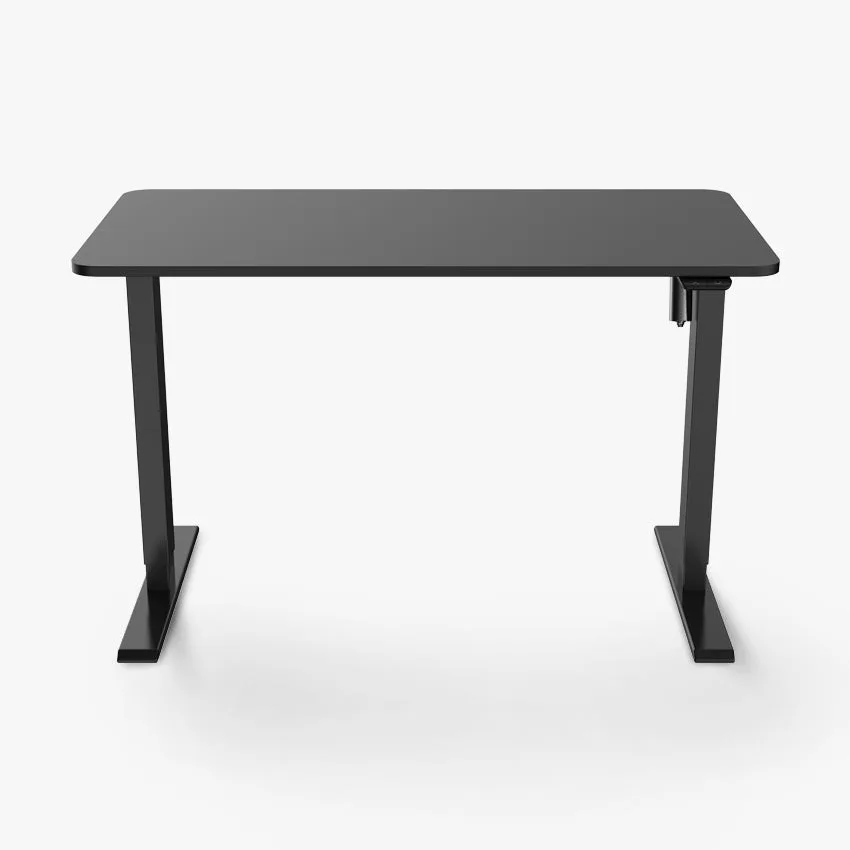
Omnidesk Essential
Frame Types: Single vs. Dual vs. Three-Stage
The frame of a standing desk base is typically classified by the number of leg stages. A single-stage frame has one telescoping section per leg, offering the simplest design but limited height range—usually suitable for shorter users or fixed-height applications. Dual-stage frames add an inner section, extending the range to around 25 to 50 inches, which accommodates most average-height individuals.
Three-stage frames provide the widest height range, often from under 24 inches to over 50 inches, making them ideal for taller users or those who want extra low sitting positions. The trade-off is slightly more complexity and cost. For most home offices, a dual-stage frame strikes the best balance between range, stability, and price. If you are very tall or short, a three-stage frame is worth the investment.
- Single-stage: limited range, budget-friendly, best for short desks
- Dual-stage: good range for average heights, most common in mid-range desks
- Three-stage: maximum range, best for tall users or extreme adjustability
Motor Systems: Single vs. Dual Motors
The motor is the heart of an adjustable desk base. Single-motor systems use one motor to drive both legs via a connecting rod, making them simpler and less expensive. They work well for lighter loads (up to about 120 lbs) and are quieter, but they lift more slowly and can struggle with heavier setups. Dual-motor systems have a motor in each leg, offering faster, smoother lifting and higher weight capacities—often 200 lbs or more.
For most users, a dual-motor base is the better long-term choice. It handles multiple monitors, a heavy laptop, and accessories like the Logitech MX Keys S without strain. Dual motors also reduce wobble because each leg moves independently. If you plan to use your desk for years, the extra cost is justified by reliability and performance.
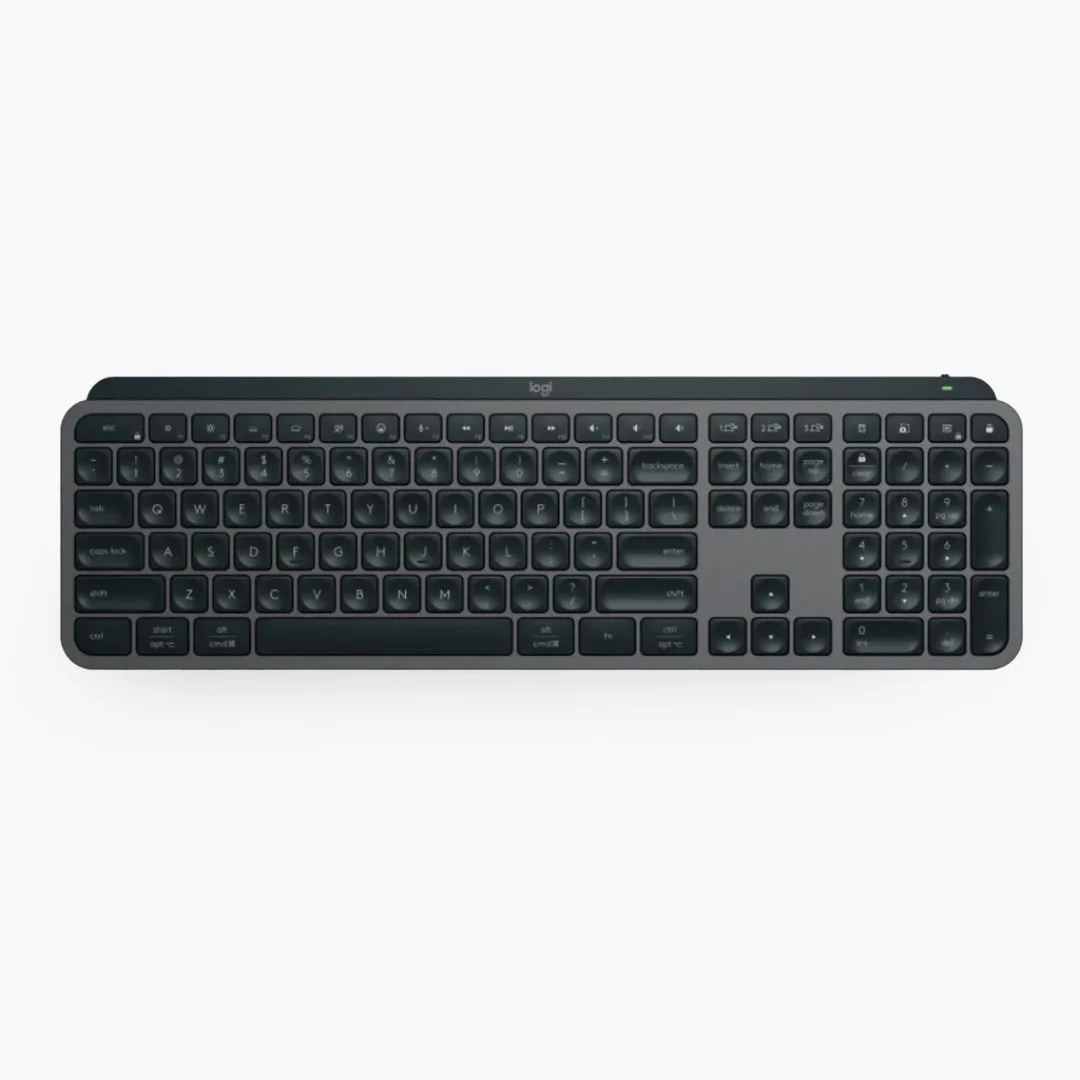
Logitech MX Keys S
- Single motor: good for light loads, budget-friendly, slower lift speed
- Dual motor: faster, handles heavy loads, better stability, recommended for most users
Weight Capacity and Stability
Weight capacity is a direct measure of what your desk base can support. Entry-level bases may hold 100-150 lbs, while premium models can lift 250 lbs or more. To estimate your needs, add up the weight of your desk top, monitors, computer, and any peripherals. A typical dual-monitor setup with a laptop and accessories often totals 80-120 lbs, so a base with at least 200 lbs capacity gives you a comfortable margin.
Stability is equally crucial. A heavy base with a wide footprint reduces wobble at standing height. Look for desks with crossbars or reinforced feet. The Omnidesk Essential, for example, uses a robust dual-motor frame with a wide stance for rock-solid stability. Also consider the base's foot design—larger feet distribute weight better and prevent tipping.
- Calculate total weight of all desk items before choosing a base
- Look for bases with at least 200 lbs capacity for typical home offices
- Wide feet and crossbars improve stability at maximum height
Height Range and Adjustability
A desk base's height range determines whether you can use it comfortably while sitting and standing. The ideal range should accommodate your sitting elbow height (usually 24-28 inches) and standing elbow height (usually 38-42 inches). For most people, a range of 25 to 50 inches is sufficient. Taller users (over 6 feet) may need a base that goes to 50 inches or higher.
Adjustability also includes how fine the increments are. Some bases offer continuous adjustment via a digital controller, while others have preset buttons. The Ascent Desk Controller is a popular upgrade that allows you to save multiple height presets, making transitions effortless. A good controller should also have a memory function and a clear display.
- Measure your sitting and standing elbow heights to determine needed range
- Look for bases with at least 25-50 inch range for most users
- Preset memory controllers save time and encourage regular posture changes
Build Quality and Materials
The materials used in the desk base affect durability, noise, and appearance. Steel frames are the standard—look for cold-rolled steel for strength and resistance to bending. Thicker gauge steel (e.g., 14-gauge) is more robust than thinner (16-gauge). The legs should have a powder-coated finish to resist scratches and rust.
Also examine the joints and welds. High-quality bases have clean, precise welds and reinforced connection points. The lifting columns should be made of steel or aluminum with minimal plastic parts. A well-built base will operate quietly and last for years. Pairing a quality base with a solid desktop and accessories like the Audioengine HD4 Speakers creates a premium workspace that feels professional.
- Cold-rolled steel frames offer best strength-to-weight ratio
- Thicker gauge steel (14-gauge) is more durable than 16-gauge
- Powder-coated finish protects against wear and corrosion
Cable Management and Accessories
A clean desk setup relies on good cable management. Many standing desk bases include cable trays or channels that route wires from the desktop down the legs. The Omnidesk Cable Spine is a dedicated cable management system that integrates neatly with the base, keeping cords hidden and organized. This is especially important when the desk moves up and down, as loose cables can get tangled or strained.
Consider also the base's compatibility with accessories like monitor arms, power grommets, and under-desk mounts. A base with a sturdy crossbar or open frame makes it easy to attach these items. If you plan to add smart lighting, the Nanoleaf Essentials Smart LED Colour & White Ambiance Light Strip Starter Kit (2m) can be routed along the frame for ambient backlighting without interfering with movement.
- Integrated cable trays prevent tangling during height adjustments
- Open frame designs allow easy attachment of monitor arms and mounts
- Plan cable routes before assembling the desk for a clean finish
Choosing the right standing desk base is about balancing your needs for height range, weight capacity, stability, and build quality. A well-chosen base will serve you for years, making daily transitions between sitting and standing smooth and enjoyable. To explore a premium option that combines a robust dual-motor frame with excellent stability, consider the Omnidesk Essential—it is a complete solution that takes the guesswork out of your ergonomic setup.