For years, the traditional sitting desk was the undisputed king of the office. But as research mounts about the dangers of prolonged sitting, more people are turning to standing desks. The question is no longer just about comfort—it’s about health. In this article, we’ll break down the standing desk vs sitting desk debate, looking at the science, the ergonomics, and the real-world impact on your body and work performance.
Whether you’re a remote worker, a gamer, or a busy professional, your desk setup directly affects your energy, focus, and long-term well-being. We’ll explore the pros and cons of each option, and help you decide if a sit stand desk is the right upgrade for your home or office. Along the way, we’ll highlight some smart accessories that can make your transition smoother.
The Health Risks of Sitting All Day
Sitting for extended periods has been linked to a host of health problems, including back pain, poor circulation, and even increased risk of heart disease. When you sit for hours without moving, your hip flexors tighten, your spine compresses, and your metabolism slows down. This is often called 'sitting disease,' and it affects millions of office workers worldwide.
Even if you exercise regularly, long stretches of sitting can counteract those benefits. The key is to introduce movement and variation into your workday. That’s where a standing desk comes in. By alternating between sitting and standing, you can reduce pressure on your lower back, improve blood flow, and keep your muscles engaged.
- Tip: Set a timer to stand for 15–30 minutes every hour to break up long sitting periods.
Benefits of Standing Desks: More Than Just Standing Up
Standing desks offer more than just a change of posture. Studies show that using a sit stand desk can increase energy levels, reduce afternoon fatigue, and even boost productivity. When you stand, your core muscles engage, your posture naturally improves, and you tend to move more—shifting weight, stretching, or pacing while thinking.
For creative work, standing can also help you stay alert and focused. Many users report feeling more dynamic and less sluggish when they have the option to stand. Plus, standing desks are often height-adjustable, meaning you can fine-tune the desk to your exact ergonomic needs. To keep your standing setup comfortable, consider adding a premium desk mat like the Omnidesk x Tobyato Titus Premium Desk Mat to reduce pressure on your feet and joints.
- Tip: Wear supportive shoes or use an anti-fatigue mat when standing for longer periods.
Sitting Desks: Familiar but Flawed
Sitting desks are the default for a reason: they’re simple, inexpensive, and work well for tasks that require fine motor control, like writing or detailed design work. However, they lack the flexibility to adjust to your body’s changing needs. A fixed-height desk forces you into a single posture, which can lead to strain over time.
If you do use a sitting desk, it’s crucial to invest in proper ergonomic accessories. A well-designed chair, a monitor arm, and a keyboard tray can make a big difference. But even with the best chair, sitting for more than 4–5 hours a day without breaks increases your risk of musculoskeletal issues. That’s why many ergonomic experts recommend a hybrid approach.
- Tip: If you must sit, keep your feet flat on the floor, knees at 90 degrees, and screen at eye level.
Ergonomic Comparison: What the Science Says
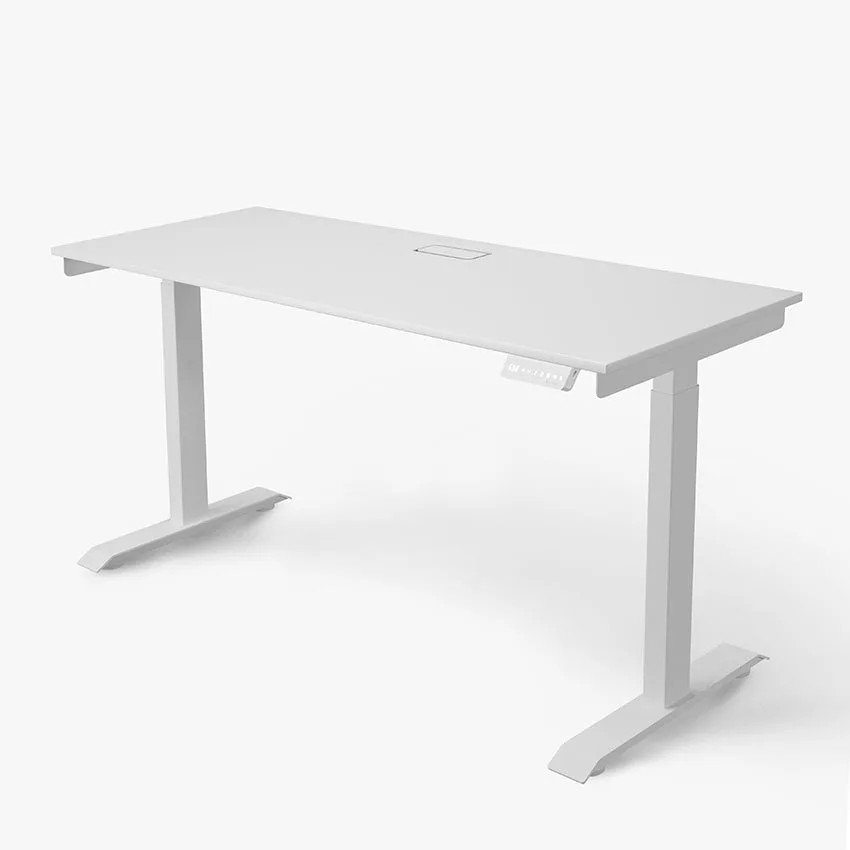
When comparing standing vs sitting, the research is clear: neither extreme is ideal. The healthiest option is to alternate between positions throughout the day. A sit stand desk allows you to do exactly that—switch from sitting to standing with a simple adjustment. This reduces the cumulative load on your spine and keeps your muscles active.
Ergonomically, a standing desk should be set so that your elbows are at a 90-degree angle when typing, and your monitor is at eye level. For sitting, the same rules apply. To enhance your workflow, you might pair your desk with tools like the Logitech MX Keys S for a comfortable, low-profile typing experience, or the Aftershock ODEN75 Wireless Mechanical Keyboard for a tactile, responsive feel that works well in both positions.
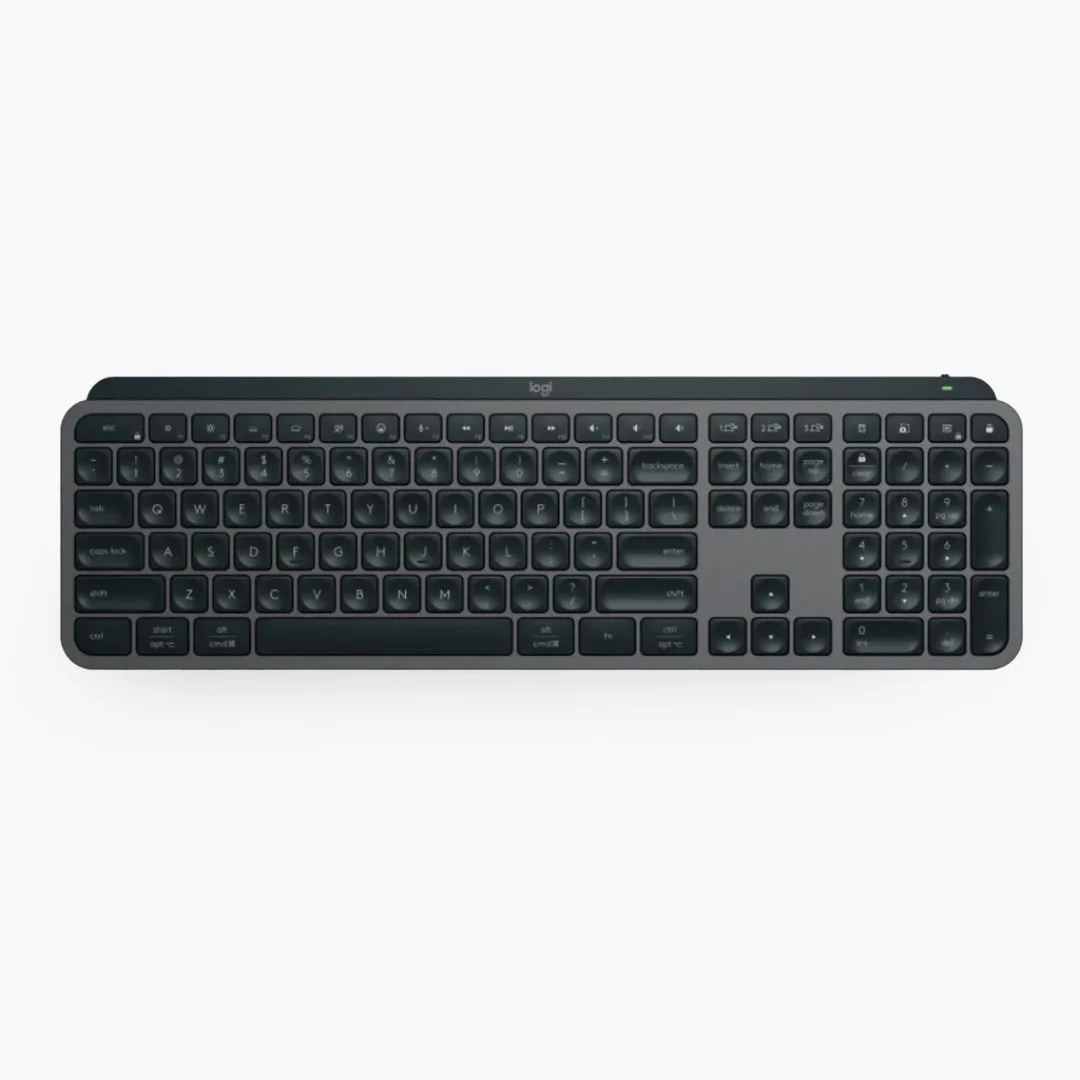
Logitech MX Keys S
- Tip: Use a monitor arm to easily adjust screen height when switching between sitting and standing.
How to Choose the Right Setup for You
Your choice between a standing desk and a sitting desk depends on your daily habits, health needs, and workspace. If you suffer from chronic back pain or feel sluggish in the afternoon, a sit stand desk is likely a worthwhile investment. If you have a fixed-height desk and a good chair, you can still improve your health by taking regular movement breaks.
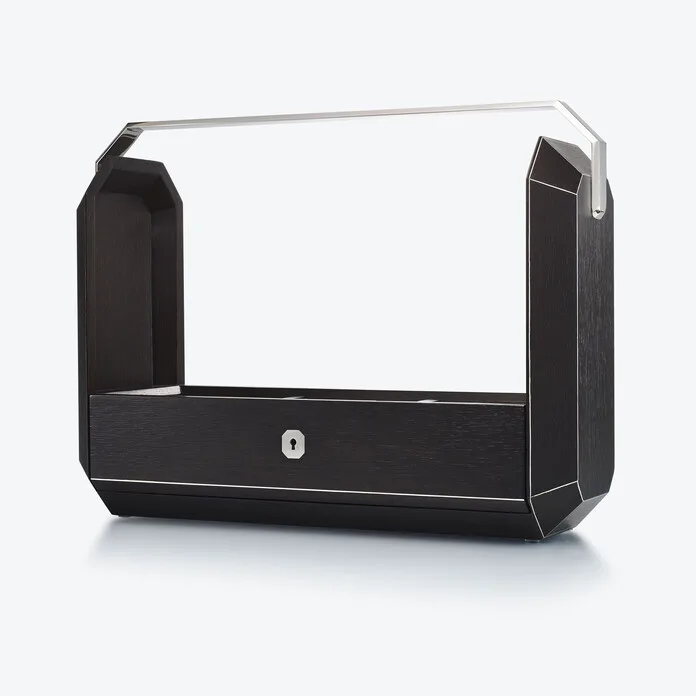
Consider your budget and space as well. Standing desks come in a range of prices, from manual crank models to electric height-adjustable ones. Whichever you choose, don’t forget the extras that make the experience better: a desk organizer like the Hestia Mini Desktop Organiser keeps your essentials tidy, while a beverage holder like the Refresh Beverage Holder prevents spills when you’re standing. These small additions can make a big difference in your daily comfort.
- Tip: Measure your desk height and monitor distance before buying to ensure proper ergonomics.
The standing desk vs sitting desk debate doesn’t have a one-size-fits-all answer. The best solution is a flexible setup that lets you move between positions throughout the day. By combining a quality sit stand desk with thoughtful accessories, you can protect your health, stay productive, and work comfortably for years to come. Ready to upgrade your workspace? Explore the Omnidesk Ichi Collection to find a desk that fits your style and needs.