Quick answer
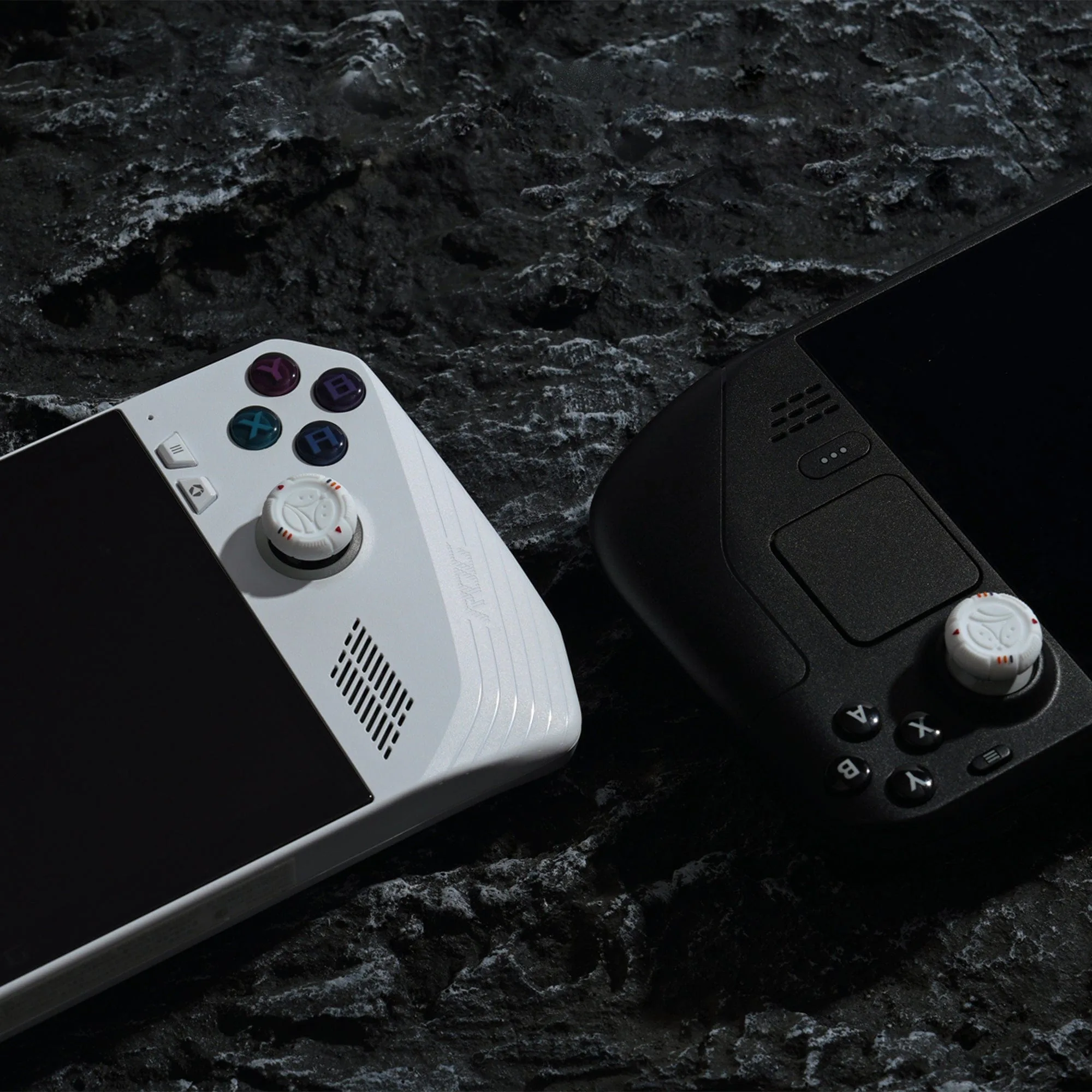
Pack your Steam Deck or Switch OLED in a hard-shell or structured case, add thumb grip caps for control and joystick protection, and keep cables and small accessories in a separate pouch. The most common mistake is overstuffing one bag so the console presses against hard items. Use a layered setup: console in its own case, accessories in a secondary pouch, and nothing loose in the same compartment.
Choose the right case for your console
A travel case is the foundation of any handheld console travel kit. For Steam Deck, look for a case with a molded interior or dense foam that holds the console without letting it slide. For Switch OLED, a slim hard-shell case works well because the console is smaller and the screen is more vulnerable to pressure. If you carry both, use two separate cases rather than one large bag. This prevents the heavier Steam Deck from crushing the Switch.
Check the zipper and handle before every trip. A worn zipper can open mid-transit, and a loose handle makes the case harder to grab quickly. If your case has a mesh pocket, use it for thin items like microfiber cloths or a spare thumb grip cap, not for bulky chargers that press on the screen.
Protect the screen and joysticks before packing
The screen and joysticks take the most abuse during travel. Apply a tempered glass screen protector if you haven't already, and make sure it's seated with no lifting edges. For joysticks, thumb grip caps add a soft silicone layer that can absorb light bumps and improve grip during play. They also keep the original joystick surface clean, which matters if you play in dusty environments like airports or trains.
One checkpoint: after putting on thumb grips, press each joystick through its full range of motion. If a cap rubs against the case opening or feels loose, reseat it or remove it before travel. A cap that pops off inside the case is easy to lose.
Pack cables, chargers, and small accessories separately
Cables and chargers are the usual culprits behind scratched screens and bent ports. Use a small pouch or the accessory compartment of your bag to keep them away from the console. Coil cables loosely rather than wrapping them tightly around the charger; tight wrapping can damage the cable's internal wires over time.
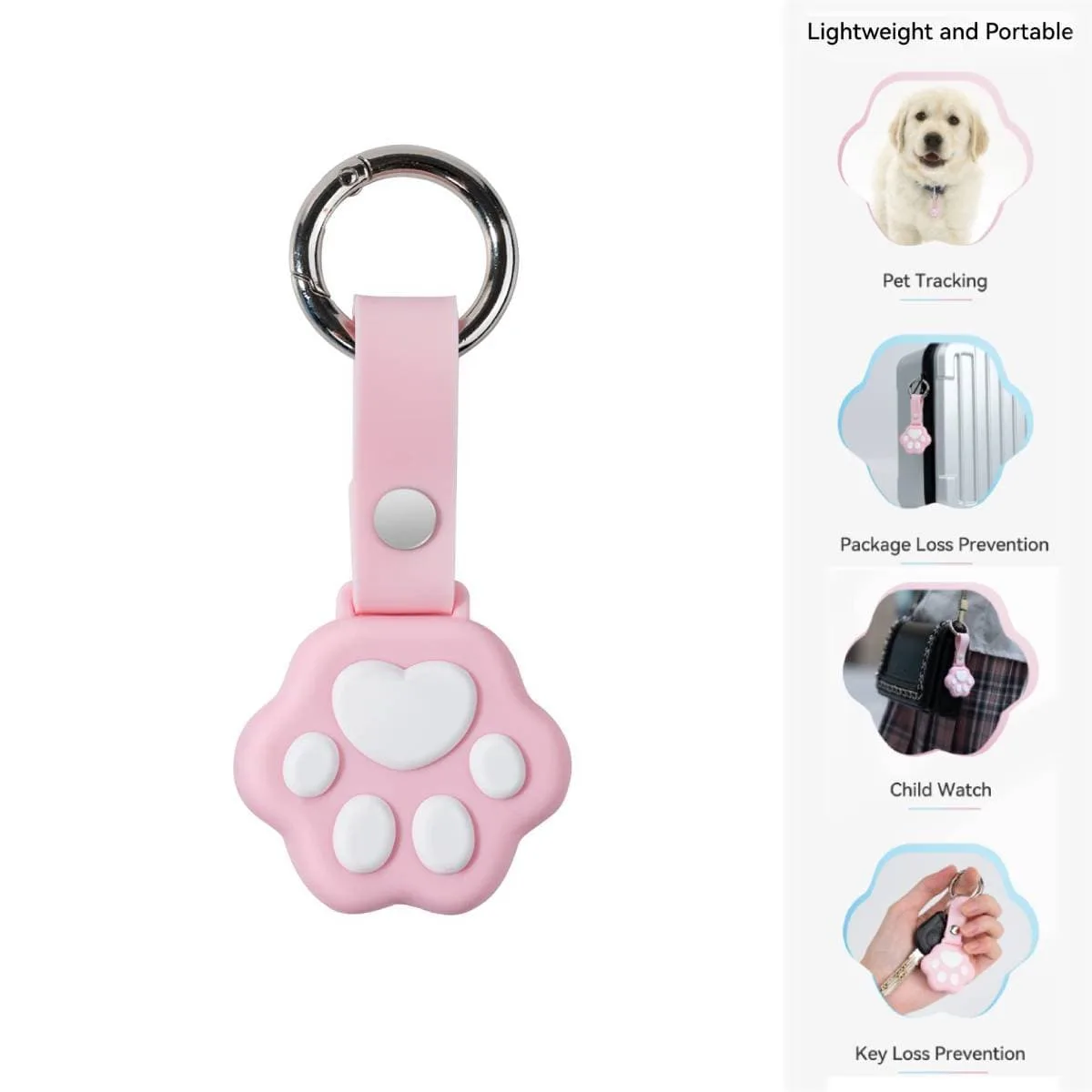
For AirTag users, a keyring-style holder like the GeekShare Cat Paw Protective Case keeps the tracker attached to your carry bag or case handle. That way, if the bag is misplaced, you can locate it without opening every compartment. It's a small addition that solves a real travel anxiety.
Use a carry bag checklist to avoid forgetting essentials
A checklist prevents the frantic search for a missing cable at the airport. Keep it short and repeatable: console in case, charger, USB-C cable, thumb grips already installed, screen cloth, and any game cards or SD cards in a dedicated slot. If you carry a power bank, confirm it's charged and within airline capacity limits before you leave.
Run through the checklist the night before, not at the gate. This gives you time to swap a weak cable or find a missing thumb grip cap without stress.
Travel packing steps
- 1. Prep the console: Install thumb grip caps and a screen protector. Test joystick movement to ensure caps stay on. Checkpoint: if a cap feels loose, reseat it or leave it off.
- 2. Place console in its case: Set the console into a molded or foam-lined case. Do not force it if the case feels tight. Common mistake: using a case that's too small and bending the joysticks.
- 3. Pack accessories separately: Put charger, cables, and small items in a separate pouch or compartment. Coil cables loosely. Checkpoint: nothing loose should touch the console screen.
- 4. Secure the case in your bag: Place the console case upright or flat in your bag. Use a strap or clothing to stop it sliding. Common mistake: letting the case tumble against hard items like water bottles.
- 5. Run a final checklist: Confirm console, charger, cable, thumb grips, and any tracker are packed. Zip all compartments. Next step: keep the checklist in your bag for the return trip.
Gear that helps
- GeekShare Starry Sky Thumb Grip Caps: Soft silicone thumb grip caps with frog and axolotl designs, easy 3-step installation, and enhanced grip for joysticks. Adds a protective, grippy layer to Steam Deck joysticks during travel and makes long play sessions more comfortable.
- GeekShare Cat Paw Protective Case: Cat paw design AirTag case with a metal keyring, precise fit, and lightweight build. Attaches to a carry bag or case handle so you can track your travel kit if it goes missing.