Quick Answer
Setting up a Stellar PowerPlant 3 involves unboxing safely, choosing a ventilated location, connecting your audio components, and powering on in the correct sequence to avoid tripping breakers or damaging gear.
Why Use a Power Regenerator Instead of a Conditioner
Passive power conditioners filter noise but can compress dynamics, especially during bass peaks. The Stellar PowerPlant 3 actively regenerates a pure sine wave, delivering consistent voltage and current on demand. This means your amplifier gets the power it needs for authoritative bass and a wider soundstage, without the current-limiting effects of a typical conditioner.
Placing the Unit for Best Performance
The PowerPlant 3 weighs about 35 pounds and generates some heat during operation. Place it on a sturdy, level surface with at least 4 inches of clearance above and behind for airflow. Avoid stacking other components on top or enclosing it in a tight cabinet. A dedicated shelf or the floor next to your rack works well.
Setup Steps
- 1. Unbox and Inspect: Remove the PowerPlant 3 from its packaging and check for any shipping damage. Keep the box and foam for future moves. Verify you have the power cord, user manual, and any ordered color options. Do not plug in yet—let the unit acclimate to room temperature for an hour if it was stored in a cold environment.
- 2. Choose Your Connection Spot: Plug the PowerPlant 3 directly into a dedicated wall outlet—avoid extension cords or power strips. If possible, use a 15- or 20-amp circuit that does not share with high-current appliances like refrigerators or air conditioners. A shared circuit with a motor or compressor can introduce noise that the regenerator must work harder to correct.
- 3. Connect Your Source Components First: Attach your source components (streamer, DAC, preamp) to the PowerPlant 3’s high-current outlets. Leave amplifiers for last. This prevents a loud pop or surge when powering on. Common mistake: plugging a power amp into the regenerator before sources, which can cause a momentary voltage drop and trigger protection circuits.
- 4. Connect Your Amplifier: Plug your power amplifier into one of the remaining high-current outlets. The PowerPlant 3 is rated for up to 1200 VA, so ensure your amp’s draw does not exceed this limit (check the amp’s back panel or manual). If your amp draws more than 10 amps continuous, consider using a separate dedicated circuit for it and only connecting preamps and sources to the regenerator.
- 5. Power On the Regenerator First: Turn on the PowerPlant 3 using its front panel switch. Wait for the display to show a steady voltage reading and the output indicator to turn green. This takes about 10 seconds. Do not turn on connected components until the regenerator shows a stable output—rushing can cause a surge that the unit’s protection may interpret as a fault.
- 6. Power On Your Components Sequentially: Turn on your source components one at a time, starting with the streamer or DAC, then preamp, and finally the amplifier. This avoids a large inrush current that could trip the regenerator’s breaker. If the PowerPlant 3 trips when you turn on the amp, the amp’s inrush current may be too high—try a soft-start module or use a separate outlet for the amp.
- 7. Confirm Voltage and Waveform: Check the front display to verify the output voltage is within 115-125 VAC (or 220-240 VAC for 230V models) and the waveform indicator shows a clean sine wave. The unit should run silently with no hum. A flickering or unstable display may indicate a poor wall outlet connection or a faulty power cord—try a different outlet before assuming the unit is defective.
Product at a Glance
-
Stellar PowerPlant 3: The Stellar P3 PowerPlant provides greatly improved performance and safety from just plugging into the wall socket, along with far better dynamics, more authoritative bass, and a much bigger, more open soundstage than any passive power conditioner on the market. This means you can expect a noticeable upgrade in clarity and punch simply by swapping your passive power strip for the regenerator, without changing any other gear.
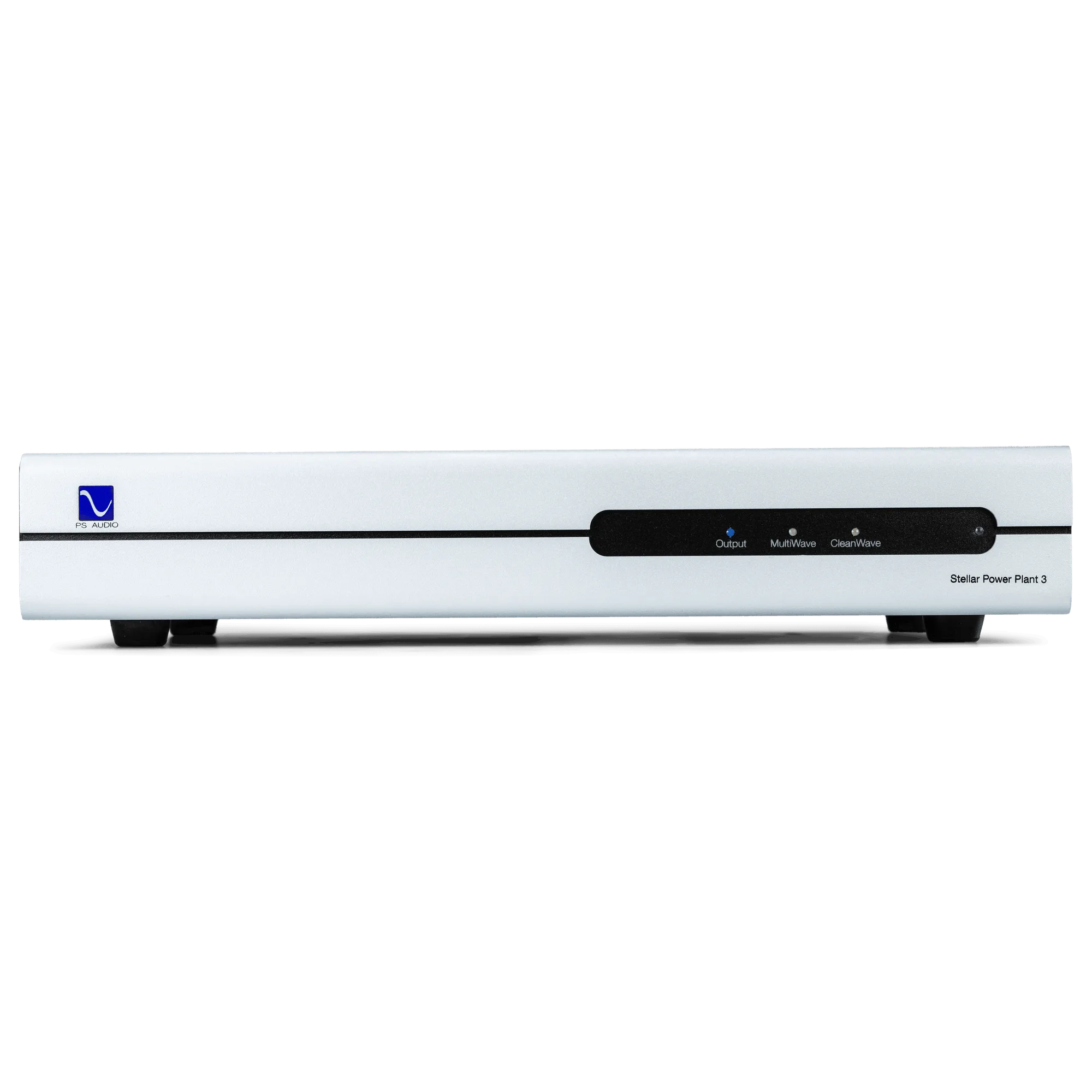
Stellar PowerPlant 3