Quick Answer
Place the Stellar Strata MK2 on a stable surface, connect your speakers and sources, then power on and select the correct input. Follow the steps below for a clean, trouble-free setup.
Why Setup Order Matters
The order in which you connect components affects both safety and sound quality. Connecting speakers before powering on prevents accidental output shorts, and setting the correct input avoids confusion later. Taking a few extra minutes during initial setup saves you from troubleshooting later.
Placement and Ventilation
The Stellar Strata MK2 combines a preamplifier, DAC, phono stage, and 150-watt power amplifier in one chassis. That means it generates heat during operation. Give it at least a few inches of clearance on all sides and avoid enclosing it in a tight cabinet. Good airflow keeps the internal components stable and extends the life of the unit.
Step-by-Step Setup
- Unpack and Place: Place the Stellar Strata MK2 on a stable, level surface with adequate ventilation. Keep the remote and power cord accessible. Ensure all connections are off before proceeding. Check that the unit is not near a heat source or in direct sunlight.
- Connect Speakers: Connect your speakers to the speaker terminals using appropriate gauge wire. Ensure correct polarity (positive to positive, negative to negative) and tighten terminals securely. Avoid bare wire strands touching the chassis. Double-check that no stray strands are shorting the terminals.
- Connect Source Components: Plug your sources into the appropriate inputs: use the analog inputs for a CD player or tuner, the phono input for a turntable, and the digital inputs (USB, coaxial, or optical) for a computer, streamer, or TV. Make sure each source is connected to the correct input to avoid confusion later. Label your inputs or note them down for quick reference.
- Power On and Select Input: Turn on the Stellar Strata MK2 using the front panel switch or remote. Select the input that corresponds to your connected source. Start with the volume low, then gradually increase to a comfortable listening level. If you hear hum or noise, check that all cables are fully seated and that the ground wire from your turntable is connected.
- Configure System Settings: If your sources have variable output levels, set them to a fixed or consistent level. Use the Stellar Strata MK2's volume control as the master. For digital sources, ensure the output is set to the native resolution supported by the DAC. Keep the source output at a consistent level to avoid sudden volume jumps.
Product Spotlight
-
Stellar Strata MK2: The Stellar Strata MK2 integrates a zero-loss analog preamplifier, a full-featured DAC, a phono stage, and a 150-watt-per-channel power amplifier. This all-in-one design means you can connect a turntable, digital sources, and speakers without needing separate components, simplifying your setup and saving space.
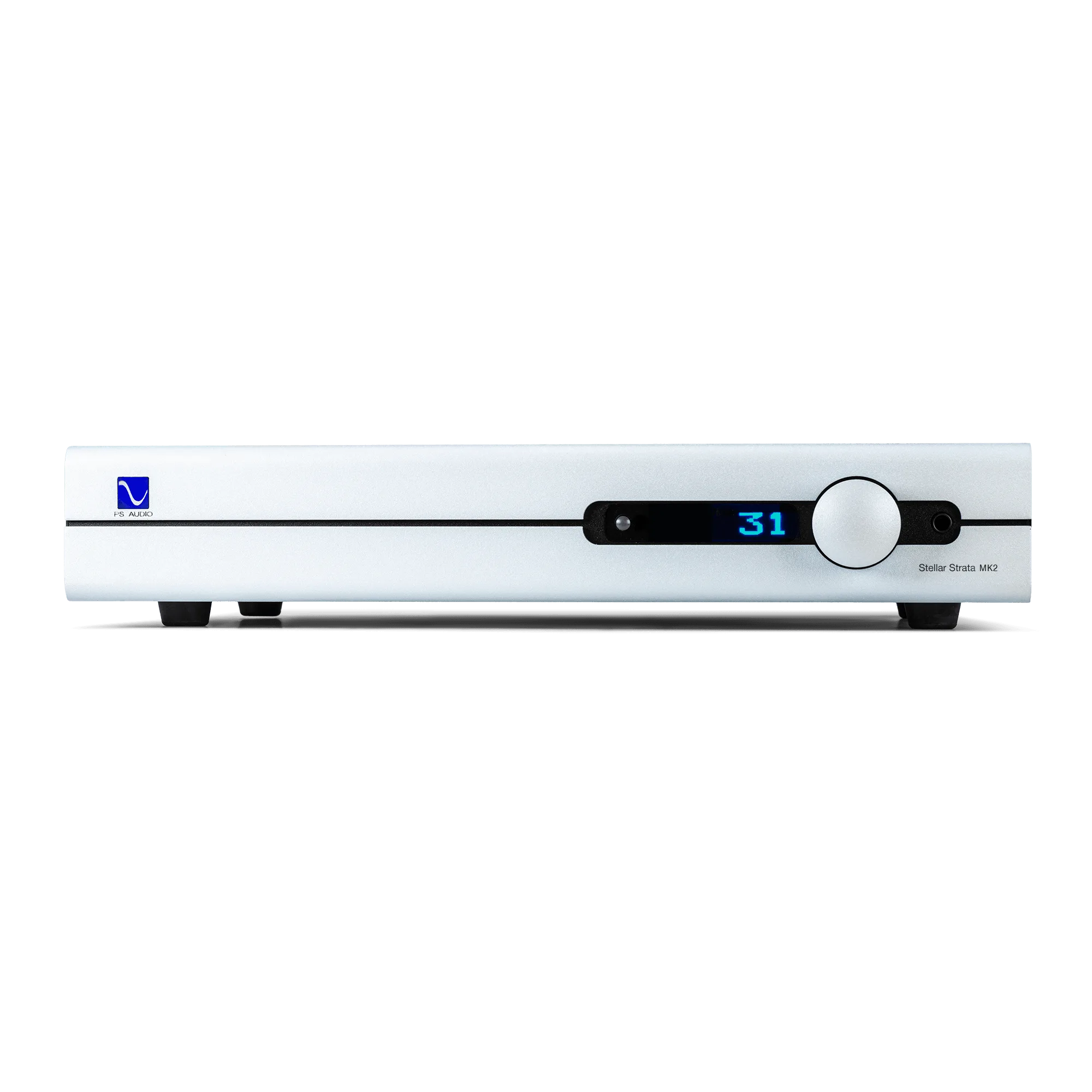
Stellar Strata MK2