Quick answer
Use the Aperion TC65 ceiling speakers as dedicated Dolby Atmos height channels by placing them directly above or slightly forward of the main listening position, wiring them to the appropriate amplifier channels, and calibrating the system for seamless overhead effects.
Why the TC65 works for Atmos height channels
The TC65's 2-way coaxial design delivers clear, directional sound that matches the precision needed for overhead effects. Its 6.5-inch driver provides enough output to blend with floor-standing speakers without sounding thin, while the swivel tweeter helps aim the sound toward the listening area.
Placement trade-offs
For best results, mount the TC65 directly above the listening position for side heights, or slightly forward for front heights. Avoid placing them too far behind, as this can cause the sound to arrive late and break the illusion of overhead objects moving naturally.
Step-by-step setup guide
- Choose the correct height channel positions: For a 5.1.2 setup, place the TC65 speakers directly above the listening position on the ceiling. For 5.1.4 or 7.1.4, add a pair slightly forward for front heights and a pair slightly behind for rear heights. Common mistake: placing them too close to the walls, which can cause reflections that muddy the overhead effect. Mark the center of each speaker location before cutting the ceiling hole.
- Run speaker wire and connect to the amplifier: Use in-wall rated speaker wire (14 or 16 AWG) from the amplifier's height channel outputs to each TC65 location. Strip the wire ends, connect to the speaker terminals, and secure the dogleg clamps. Common mistake: reversing polarity on one speaker, which cancels bass and reduces the sense of height. Double-check polarity at both ends before closing the ceiling.
- Set the amplifier to the correct crossover: In your AV receiver's speaker setup menu, assign the TC65 channels as 'Small' or 'Height' and set the crossover to 80 Hz (or 100 Hz if your subwoofer handles lower frequencies well). Common mistake: setting the crossover too low, forcing the 6.5-inch drivers to reproduce bass they can't handle, causing distortion. Run the receiver's auto-calibration (like Audyssey or Dirac) after setting the crossover manually.
- Aim the swivel tweeter toward the listening position: Before securing the grille, rotate the tweeter so it points toward the center of the main seating area. This improves high-frequency clarity and makes overhead sounds feel more precise. Common mistake: leaving the tweeter pointing straight down, which narrows the sweet spot. Sit in the main listening spot and have a helper confirm the tweeter is aimed at your ears.
- Test with a Dolby Atmos demo track: Play a known Atmos demo (e.g., rain, helicopter, or object panning) and listen for seamless movement between the floor speakers and the TC65 height channels. If the overhead sounds seem disconnected or too quiet, adjust the height channel trim level in the receiver. Common mistake: assuming the system is calibrated correctly without listening to a dedicated test track. If you hear a gap or jump, increase the height channel level by 1-2 dB and re-test.
Product facts
-
TC65 2-Way 6.5" Ceiling / Height / Surround Speakers | Pair: The Aperion TC65 Surround Speakers feature a 2-Way design that combines exceptional sound quality, making them perfect for home theaters. The 2-way coaxial design means the tweeter and woofer work from a single point, delivering precise imaging that's critical for height channels to create convincing overhead effects.
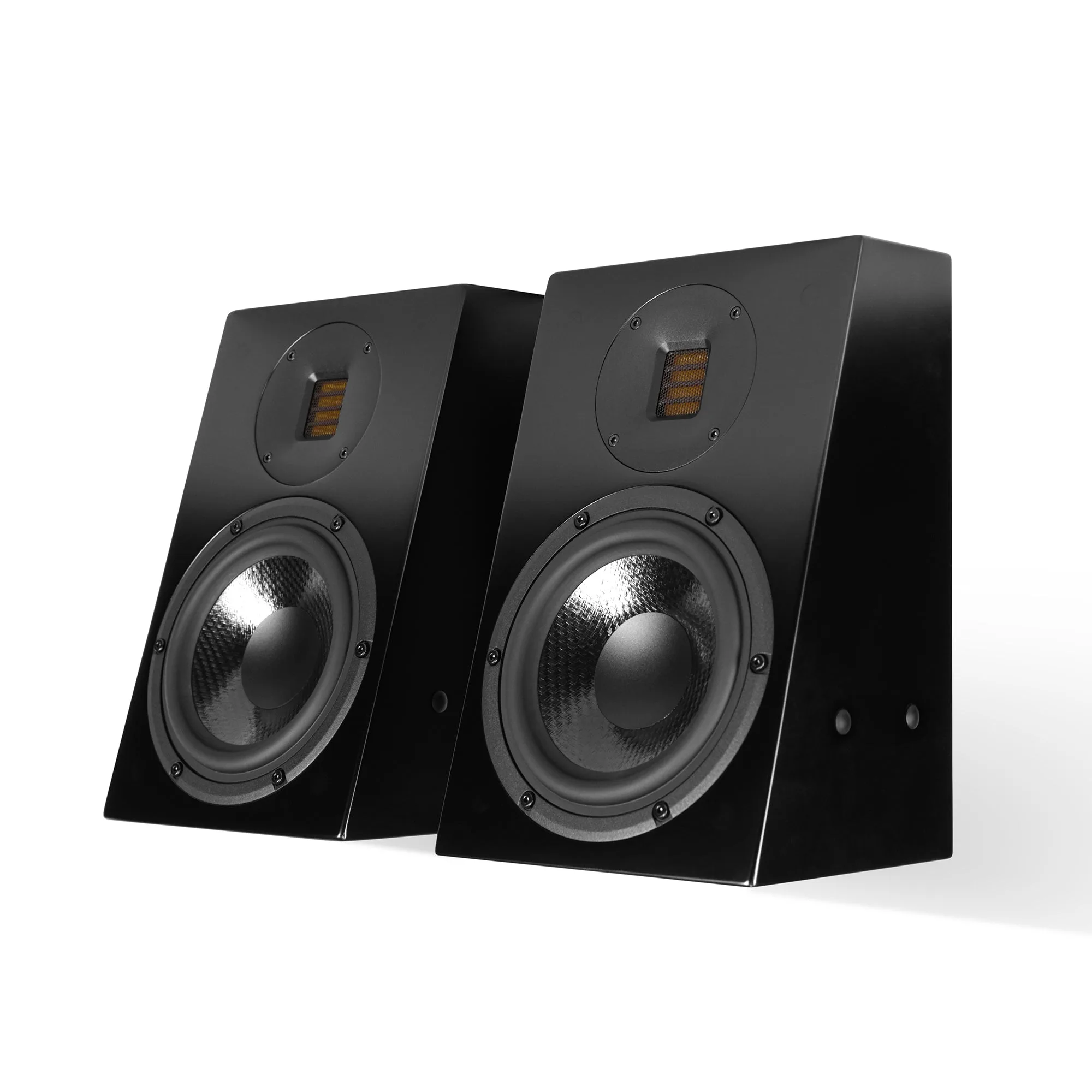
TC65 2-Way 6.5" Ceiling / Height / Surround Speakers | Pair