In the world of tactical gear, organization is not just about tidiness—it's about efficiency, speed, and readiness. Your annex admin pouch is a critical component of your loadout, designed to keep essential items like maps, batteries, and multi-tools within arm's reach. But without a thoughtful setup, this pouch can become a black hole of chaos, slowing you down when every second counts.
This guide will walk you through the process of maximizing your annex admin pouch, from understanding its layout to implementing a system that works for your specific needs. Whether you're a seasoned operator or a weekend warrior, these tips will help you transform your tech pouch into a streamlined, high-performance asset.
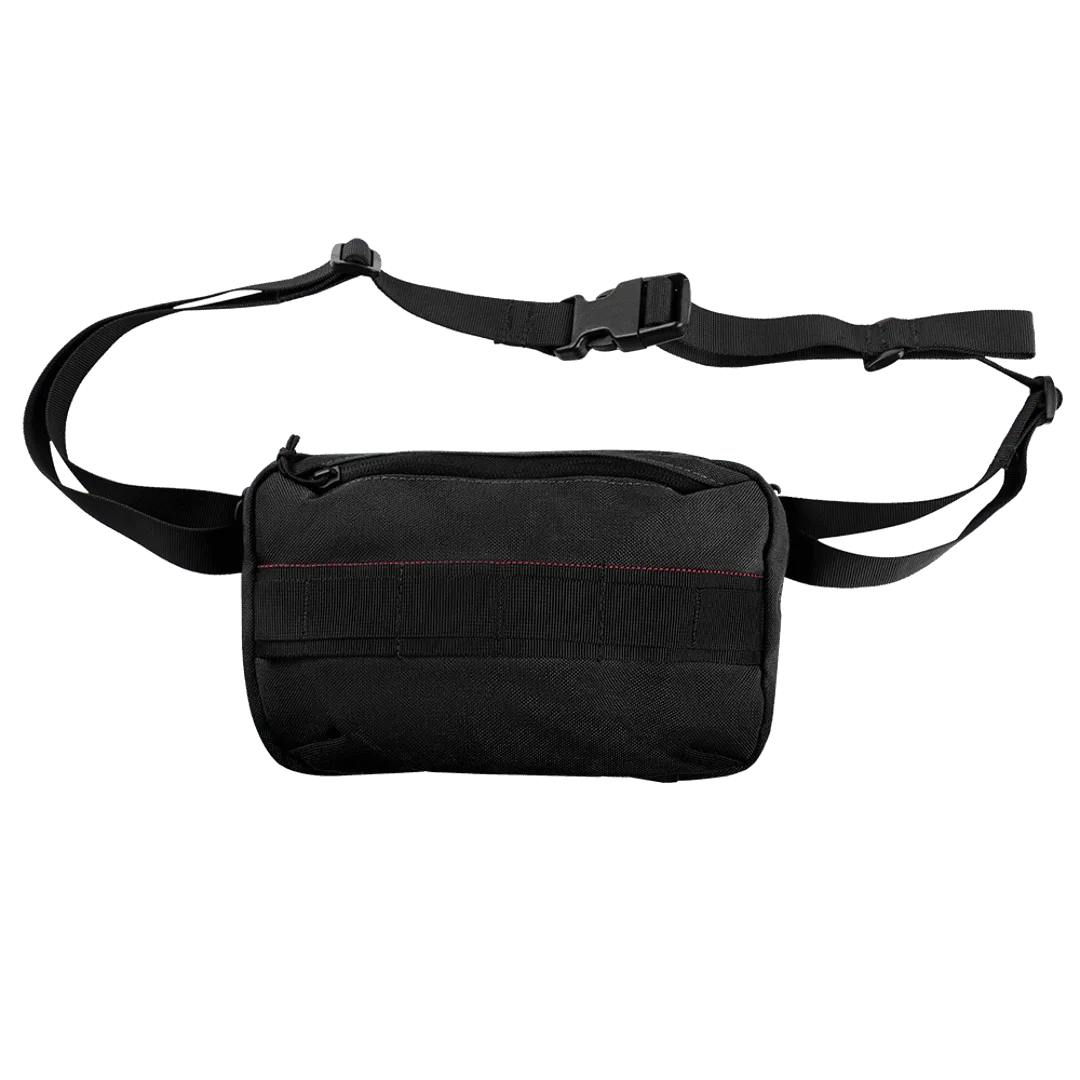
tech pouch
Understanding Your Annex Admin Pouch
Before you start organizing, it's essential to understand the structure of your annex admin pouch. Most admin pouches feature a combination of elastic loops, zippered pockets, and open compartments, each designed for specific types of gear. The annex design typically attaches to the front or side of a plate carrier or chest rig, providing quick access without obstructing movement.
Take a moment to map out your pouch's internal layout. Identify which sections are best suited for flat items like notepads or maps, and which are better for bulky items like a GPS unit or a compact camera. This initial assessment will guide your packing strategy and prevent you from forcing items into spaces where they don't belong.
- Elastic loops are ideal for pens, markers, and small tools.
- Zippered pockets are perfect for securing small valuables like USB drives or batteries.
- Open compartments work well for frequently accessed items like a notepad or phone.
Prioritize Quick Access Items
The primary purpose of an admin pouch is to provide rapid access to critical items. When organizing, think about what you need to grab in a hurry. Items like a tactical flashlight, a multi-tool, or a backup map should be placed in the most accessible areas, such as the top section or the front pockets.
Consider using a modular approach by integrating compatible pouches or panels. For example, you can attach a small drop leg panel or a mag pouch to the exterior of your admin pouch to expand its capabilities. This allows you to customize your setup based on the mission, keeping your most-used tools within easy reach.
- Place frequently used items in the top or front sections.
- Use modular attachments like the LCS Drop Leg Panel to add extra storage.
- Keep your admin pouch from overstuffing to ensure easy access.
Categorize and Group Your Gear
Grouping similar items together is a simple yet effective way to maintain order. For instance, keep all writing instruments in one elastic loop, all cables and chargers in a dedicated zippered pocket, and all medical supplies in a separate compartment. This not only makes finding items easier but also helps you quickly identify if something is missing.
When categorizing, think about the frequency of use. Items you use daily, like a pen or a small notebook, should be in the most accessible spots. Emergency items, like a backup battery or a survival tool, can be stored deeper but should still be clearly marked or color-coded for quick identification.
- Use small pouches or bags to group tiny items like batteries or SD cards.
- Label sections with tape or colored markers for quick identification.
- Regularly review and update your categorization based on changing needs.
Utilize Modular Attachments
One of the biggest advantages of modern tactical gear is its modularity. Your annex admin pouch can be enhanced by attaching compatible accessories. For example, the VAS Zipper Strips allow you to add extra storage or secure loose items. Similarly, you can attach a Single M4/M16 Open-Top Mag Pouch to the exterior for quick access to a spare magazine.
When using modular attachments, consider the balance and weight distribution. Overloading one side can cause discomfort or hinder movement. Distribute the weight evenly and ensure that attachments do not interfere with the pouch's primary function.
- Attach a 3-Fold Mag Recovery Pouch to the side for easy magazine stowage.
- Use VAS Zipper Strips to secure cables or small tools.
- Avoid overloading attachments to maintain maneuverability.
Maintain and Reassess Regularly
Organization is not a one-time task; it requires regular maintenance. Set a routine to empty your admin pouch, clean it, and reassess its contents. This helps you remove unnecessary items, replace worn-out gear, and adjust your layout based on changing missions or seasons.
When cleaning, pay attention to zippers, Velcro, and seams. A well-maintained pouch not only lasts longer but also functions better. If you notice any wear and tear, consider replacing the pouch or its components to ensure reliability in the field.
- Empty and inspect your pouch monthly.
- Clean zippers and Velcro with a soft brush to remove debris.
- Replace any damaged elastic or stitching promptly.
Maximizing your annex admin pouch is all about thoughtful organization and regular maintenance. By understanding your pouch's layout, prioritizing quick access, categorizing gear, and utilizing modular attachments, you can ensure that your essential tools are always within reach. Remember, the goal is to create a system that works for you, so don't be afraid to experiment and adjust as needed. With these tips, your admin pouch will become a reliable asset in any situation.