Quick answer
Mount your TECKNET hexagon panels on a flat, smooth surface within reach of a power outlet, connect them firmly with the included connectors, then pair the remote and app to control colors, modes, and music sync.
Why placement and connection quality matter
Where you place your hexagon panels affects both the visual impact and the reliability of the setup. A flat, clean wall ensures the adhesive or mounting hardware holds securely, while avoiding heat sources and direct sunlight prolongs the panels' lifespan. Sturdy connectors are crucial: loose links can cause flickering or partial panel failure, so press each connector firmly until it clicks. Also, plan your layout before sticking anything down—experiment with shapes on the floor or use the app's preview mode to avoid unnecessary peeling and re-sticking.
When to use remote vs. app control
The TECKNET hexagon panels offer three control methods: remote, wired controller, and smart app. The remote is handy for quick on/off, color changes, and brightness adjustments without reaching for your phone. The app unlocks advanced features like 16 million colors, 200+ modes, timers, and music sync. Use the remote for everyday convenience and the app for customized scenes and scheduling. Note that the app requires a 2.4GHz Wi-Fi connection and initial pairing; if you prefer not to use a phone, the remote and wired controller provide full basic control.
Step-by-step setup guide
- Plan your layout: Decide on a design and test it on the floor or use the app's layout preview. Measure the space to ensure panels fit without overlapping outlets or edges. Checkpoint: Confirm all panels are within reach of the power source and connectors.
- Prepare the mounting surface: Clean the wall with a dry cloth to remove dust and grease. Let it dry completely. For temporary setups, use removable adhesive putty; for permanent, use the included mounting tape or screws. Checkpoint: Surface must be flat and dry for adhesive to bond properly.
- Connect the panels: Lay panels face down and connect them using the supplied connectors. Press each connector firmly until it clicks. Avoid bending or forcing connectors. Checkpoint: Tug gently on each connection to ensure it's secure.
- Mount the panels: Starting from the center or bottom, press each panel firmly onto the wall for 10 seconds. Use a level to keep alignment if needed. Checkpoint: Avoid pressing on the light diffuser; apply pressure to the edges.
- Power on and pair the remote: Plug the power adapter into the nearest outlet and turn on the panels. Press and hold the remote's power button for 3 seconds to pair (refer to manual for exact pairing). Checkpoint: The remote should control the lights within a few seconds.
- Set up the app: Download the TECKNET app, create an account, and add the hexagon panels. Follow in-app instructions to connect to your 2.4GHz Wi-Fi network. Checkpoint: Ensure your phone is connected to the same 2.4GHz network during pairing.
- Test music sync: Open the app, select a music sync mode, and play a song. Adjust sensitivity if needed. The panels should pulse with the beat. Checkpoint: If sync is off, check that the microphone on the controller is unobstructed.
Product facts
-
TECKNET Hexagon Light Panel - 8 Pack Smart APP RGB Hexagon LED Lights Wall Lights with Remote Control & Music Sync for Halloween Decor, Gaming Decor: Dedicated app unlocks 16M colors & 200+ modes. You get extensive customization for gaming decor or holiday scenes, but you'll need the app to access the full range.
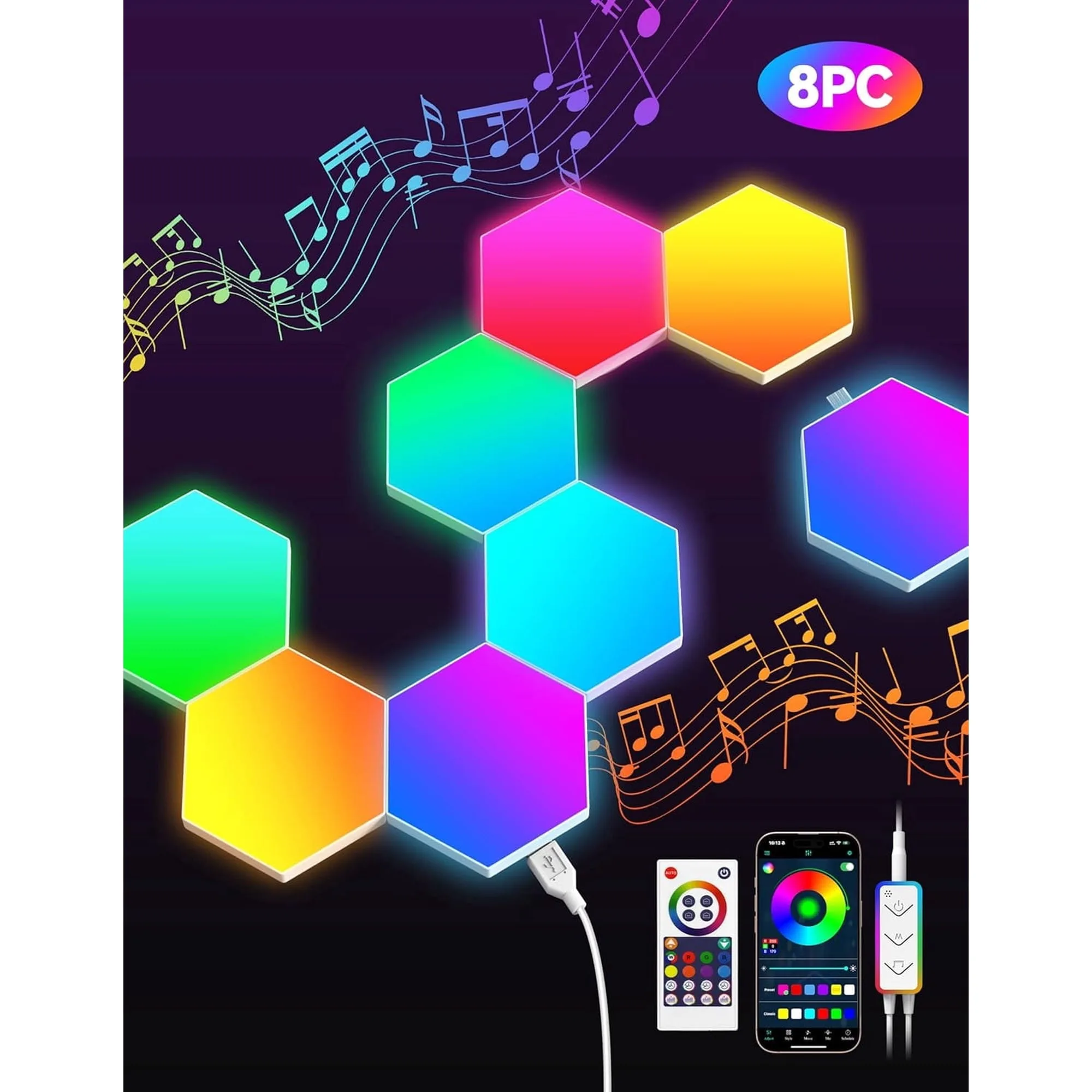
TECKNET Hexagon Light Panel - 8 Pack Smart APP RGB Hexagon LED Lights Wall Lights with Remote Control & Music Sync for Halloween Decor, Gaming Decor
-
TECKNET Hexagon Light Panel - 8 Pack Smart APP RGB Hexagon LED Lights Wall Lights with Remote Control & Music Sync for Halloween Decor, Gaming Decor: Remote + wired + app = 3 ways to control. You can choose the most convenient method for daily use or advanced features without being locked into one controller.
-
TECKNET Hexagon Light Panel - 8 Pack Smart APP RGB Hexagon LED Lights Wall Lights with Remote Control & Music Sync for Halloween Decor, Gaming Decor: Sturdier connectors keep panels securely linked. Firm connections reduce the risk of flickering or disconnections, ensuring a stable light display.